TV Remote: for Five Stick TV vVARY
Metaverse Labs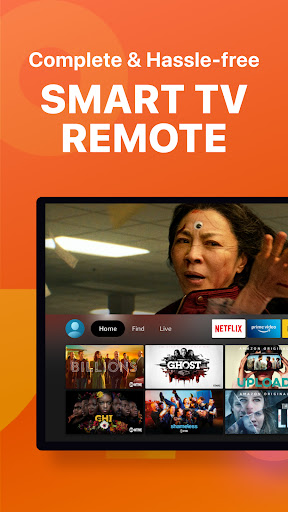


About this app
Developer Description
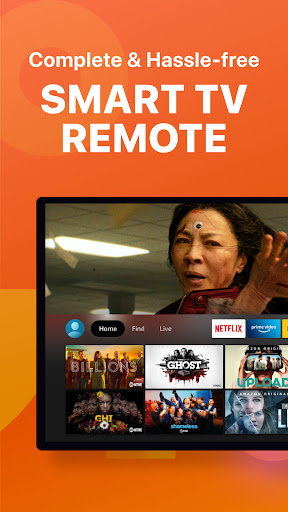
Complete Fivestick Remote. Easy Setup & Connection. Remote Control for Stick TV
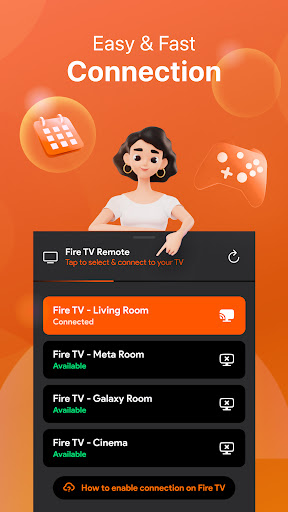
Please connect both Android device and Five TV or FiveStick to the same WIFI network. Select your TV in the app and tap ""Allow"" on your TV to connect.
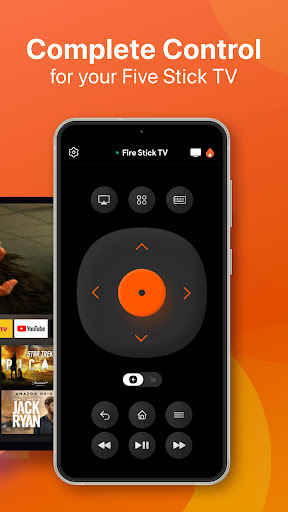
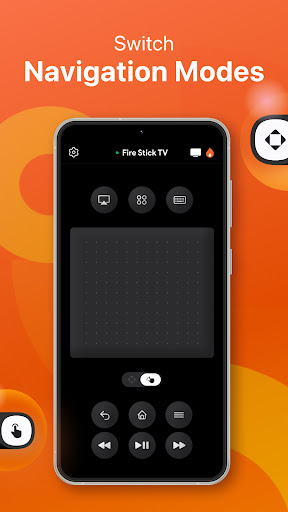
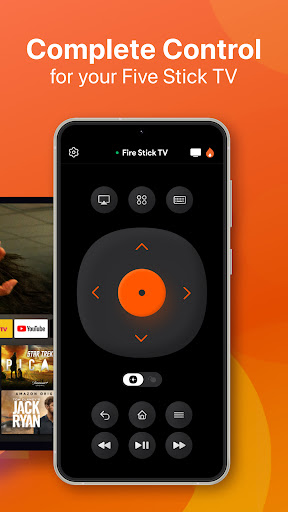
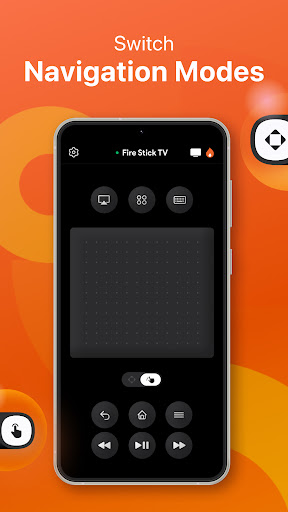
Fully control your TV on mobile device. This FiveStick Remote app also helps you use swipe-based gestures on your devices for easier navigation.
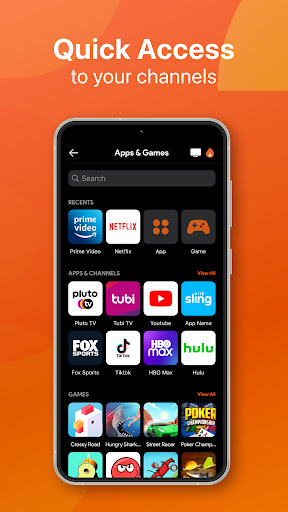
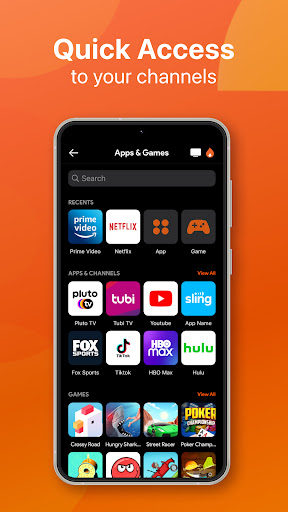
Enjoy quick access to your favorite TV channels and apps such as Youtube, Netflix, TikTok, Pluto TV and others on ""Apps & Games"" tab.
Features:
1/ Fully functional remote control Five TV on mobile device.
2/ Access to your favorite app, channels and games
3/ Keyboard feature to simplify text input and search on TV
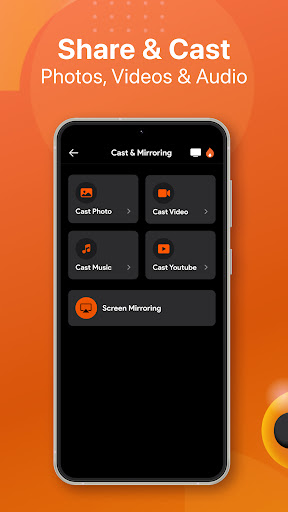
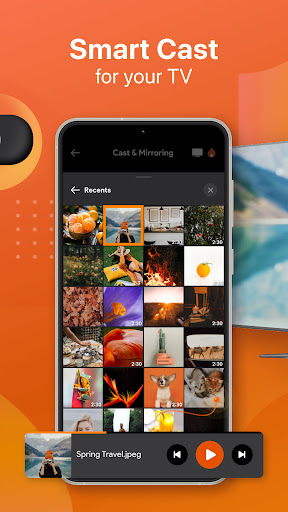
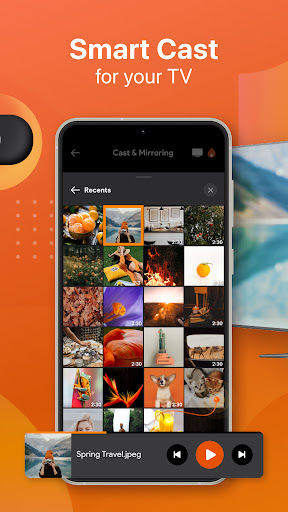
4/ Cast app directly from TV to your mobile
How to connect to FiveStick or Five TV:
- You must enable ADB debugging on your Five device before connecting
- Ensure Five TV connect to your home's wifi network
- Turn on your Android phone and connected to the same network as the Five TV.
- Tap to connect device on the app
(Please note that this application can only connect if you are the same Wifi network as your TV device)
Terms of Use: https://metaverselabs.ai/terms-of-use/
Privacy Policy: https://metaverselabs.ai/privacy-policy/
DISCLAIMER:
This application is not an affiliated entity of Amazon.com Inc. and this application is not an official product of Amazon.com Inc. or its affiliates.
In-app purchases
$2.99 - $29.99 per item
Version Information
- Version
- -
- Downloads
- 10K+
- Updated on
- -
- Released
- Apr 18, 2023
- Requires
- Android Varies with device
Statistics
Google Play Rating History
Rating Distribution
Downloads Over Time
TV Remote: for Five Stick TV has been downloaded times. Over the past 30 days, it averaged downloads per day.
Shaded area shows 30-day prediction based on historical trends
Historical data collection started recently. More data points will be available over time.
TV Remote: for Five Stick TV users say on Google Play
 Danelle Hollon
Very easy to use
 Kristy Drouin
THIS ISN'T AMAZONS APP FOR THE FIRE STICK. THIS IS AN APP MADE FROM A COMPANY BASED IN HONG KONG, USE AT YOUR OWN RISK.
ApkTrusted Ratings & Reviews
More from Metaverse Labs
See more apps
Game Emulator: Console Gaming
Free
Go Fly Drone Camera Controller
Free

Smart Remote for LG ThinQ TV
Free

IPTV Player - Smart Live TV
Free

Universal TV Remote Controller
Free
Mobile Printer: Print & Scan
Free

TV Cast for Chromecast
Free

OBD2: Torque Car Scanner FixD
Free
Smart Print for Mobile Printer
Free

Fitness Band - Fitness Tracker
Free
Smart Light Smart Home Control
Free

Grammar Check by AI Writing
Free
Hue Light App Remote Control
Free

NFC Tools: Card Reader & Write
Free

AI Book Summaries & Ideas
Free
Game Emulator: Retro Gaming
Free
Similar Apps

Universal Remote for Smart TV
Free

Video Downloader & HD Player
Paid

ZenAlarm: Smart Wake Up
Paid

Fothong Pass - Pass Manager
Free

Video Recorder
Paid

INTEGRA CONTROL
Free

Radio Trinidad & Tobago
Free

Mega TV Remote Control & Cast
Paid

Video Downloader Stream Saver
Paid

TERE: Let's Travel Together
Free

Yatse: Kodi remote and cast
Free

HQ Video Player & Casting
Paid
Scan this QR code to download

Forwarding you to the page at Google Play market in seconds...
Open Google Play market now