
SMS Backup & Restore v2.3.5.2
Firehawk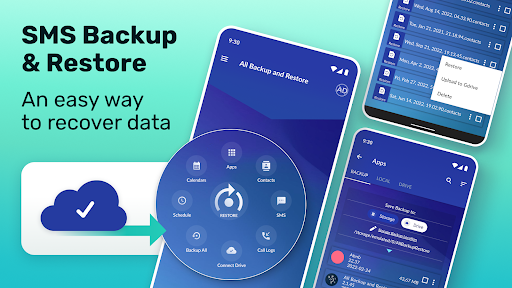







About this app
Developer Description
The fastest secure data backup and restore tool on Android!
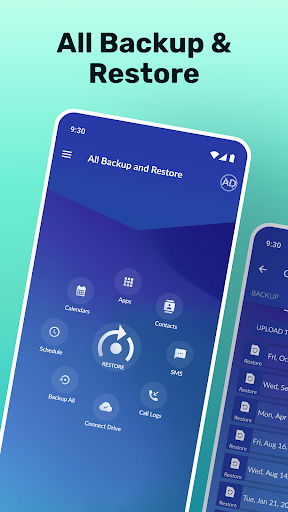
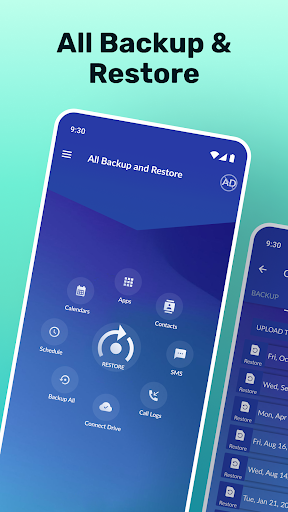
You found the solution, one app to Backup and Restore SMS, Contact backup, Call Logs & More!
You can backup and restore:
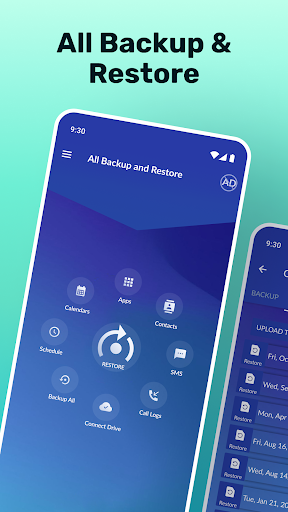
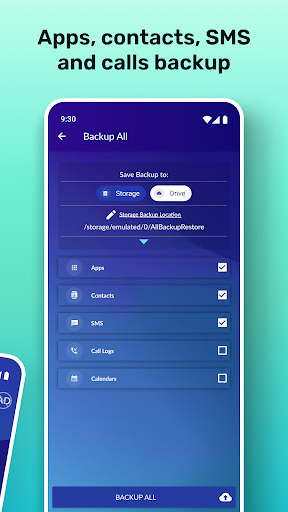
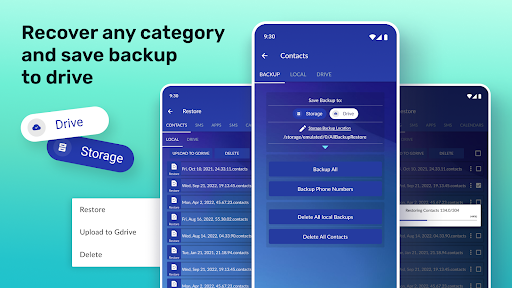
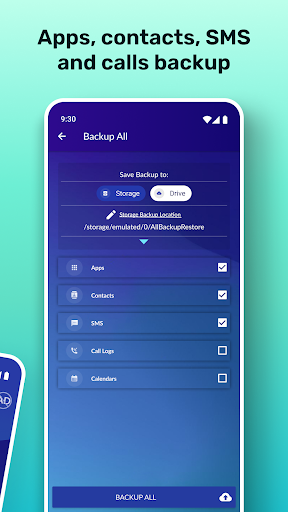
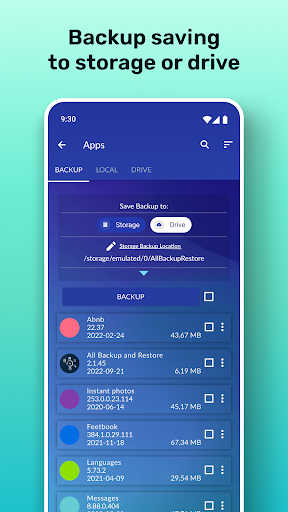
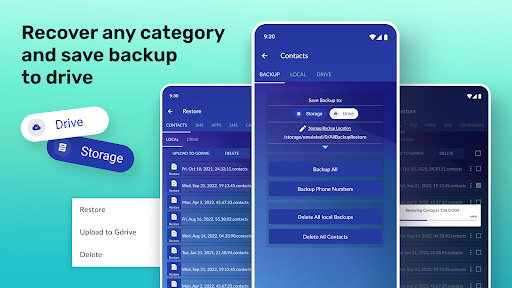
Text messages, Apps, Contacts, SMS, Call Logs, and Calendars to your Storage and Drive.
🔥The fast data backup and restore tool for Android - phone rescue! 🔥
⚡Phone Rescue - Contact backup and message recovery⚡
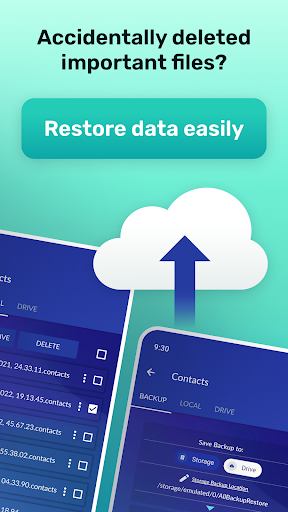
If you intend to do a factory reset on the phone, please make sure to back up your data on Storage and Drive. If not, please copy the entire backup folder ("AllBackupRestore" by default) to your phone's storage.
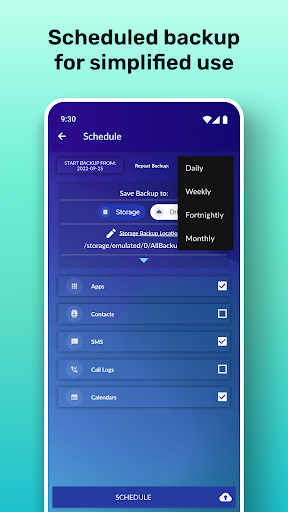
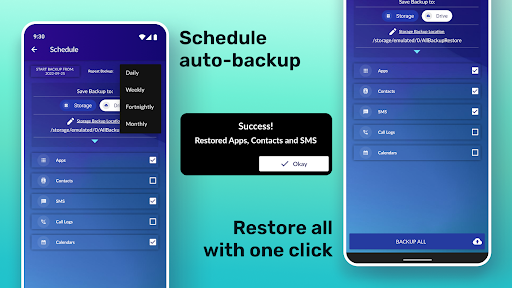
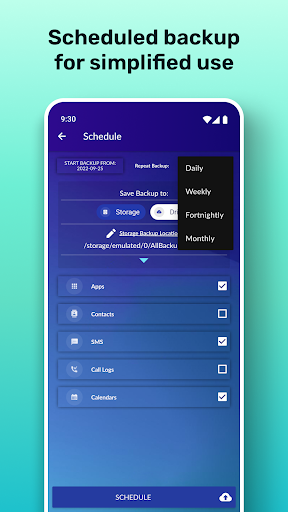
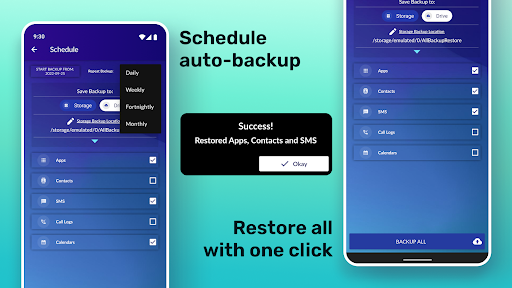
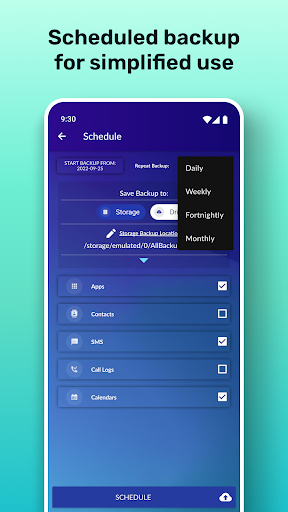
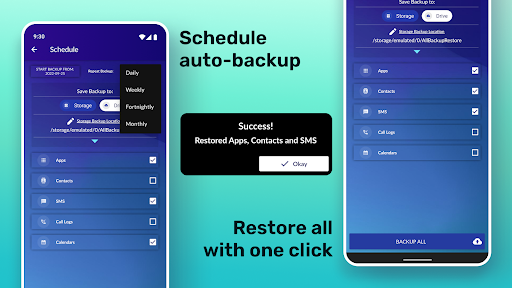
⚡Automatic Back Up⚡
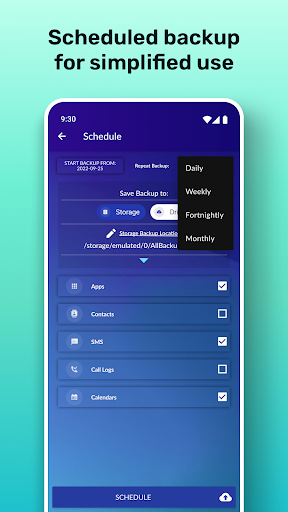
If you schedule automatic backups and you use some apps such as Task Killer or Memory Clear, please make sure you add SMS Backup & Restore into Safelist on your phone. Otherwise, the recover deleted text messages app can not run in the background, and automatic contact backup and restore text messages will not work.
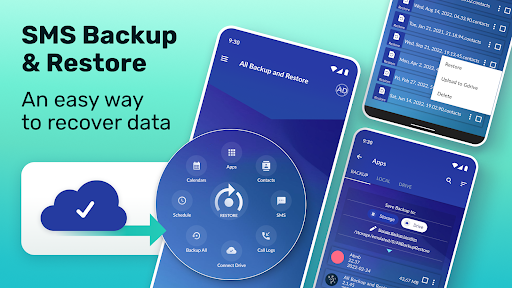
⚡SMS backup and restore - Recover deleted text messages⚡
When you finish with the SMS backup and restore process, if the messages are not displayed in your default SMS app, please try to reboot your device. Unique Recover deleted text messages backup and restore tool! Your restore text messages app.
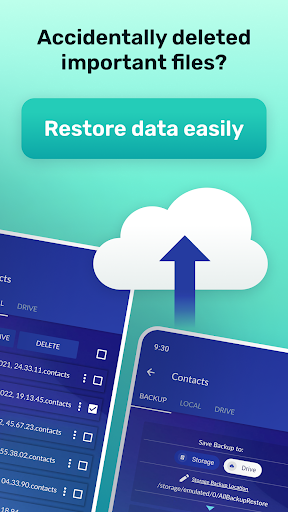
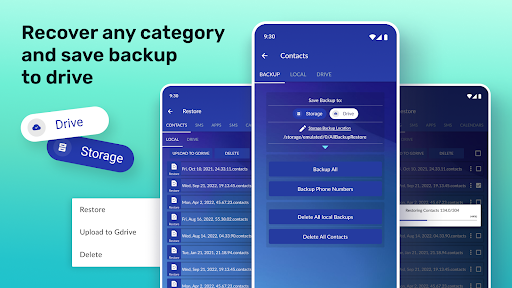
With your phone rescue - text message recovery app, you can restore your backup onto the same or a new Android device.
The migrate feature allows you to move any supported content directly from one device to another over WiFi.
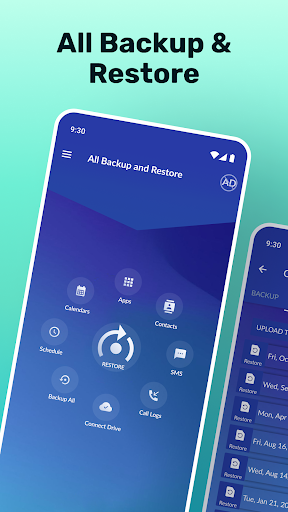
Phone rescue - message recovery easy backup features:
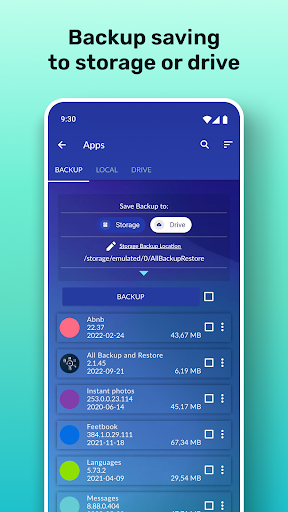
👉 Backup Apps to Storage or Drive - easily install apps from Storage or Drive,
👉 Fast and Easy my Contacts Backup - Restore Contacts,
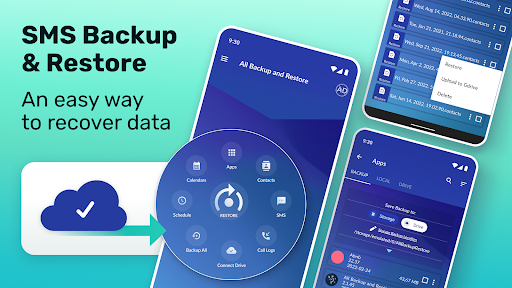
👉 Fast and Easy SMS Backup and Restore -
Recover deleted text messages,
👉 Fast and Easy Backup of Call logs - Restore Call logs,
👉 Fast and Easy Backup of Calendar- Restore Calendar,
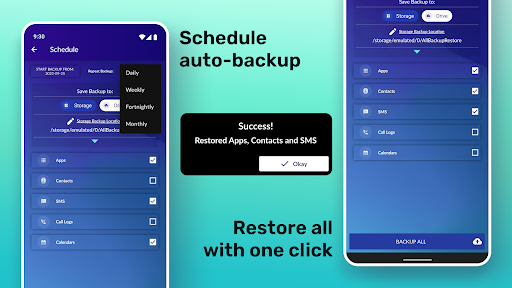
👉 Schedule automatic backups,
👉 Select a backup destination,
👉 Backup app - backup and restore automatic backup!
The SMS backup & restore app is called by many names, and these are some of them: phone rescue tool, Text message recovery, Restore text messages tool, my contact backup, easy backup tool, message recovery app, and many others.
You will never lose your data again!
What's New
In-app purchases
$0.99 - $99.99 per item
Version Information
- Version
- 2.3.5.2
- Downloads
- 1M+
- Updated on
- Feb 20, 2025
- Released
- Feb 19, 2022
- Requires
- Android 5.0
Statistics
Google Play Rating History
Rating Distribution
Downloads Over Time
SMS Backup & Restore has been downloaded times. Over the past 30 days, it averaged downloads per day.
Shaded area shows 30-day prediction based on historical trends
Historical data collection started recently. More data points will be available over time.
SMS Backup & Restore users say on Google Play
 Jason Leonard (Jason)
it did exactly what I needed, which was to import my GOOGLE MESSAGES from an old phone to the new phone! it worked exactly as needed. I caution you, though! it's $15/WEEK if you don't cancel the subscription. frankly, it would be less dirty feeling if they simply made it $15 for a single transfer. I know they are taking advantage of unknowing subjects who can't figure out how to cancel. in any event: it worked exactly as described and I didn't pay a penny.
 Rayyan Nagori
nice
 Samara Sheikh
it's actually working...but the only thing to worry for me is that it's not recovering the RCS chats.I got back my deleted chats but some of them are skipped .
 Mateus
Was hoping for an easy option to migrate my sms from a previous phone to a new one. This app could be good for backup, but to restore in a new phone became annoying as the sms were only saved locally. Also mandatory subscription with a 3 days free. In the end I just downloaded another app and cancelled the sub.
 Wes Young
Horrible app. When I attempted to restore my messages, many of the received messages were duplicated 3-4 times and all sent messages were missing. Also, there's absolutely no reason to charge a subscription because there is no form of online backup; the file is saved locally and must be manually located and transferred if you want to restore messages on a new device. Also, it seems that the devs changed the app icon to imitate an app that actually works.
ApkTrusted Ratings & Reviews
More from Firehawk
See more apps
AmongLock Among Us Lock Screen
Free

Ask AI ChatBot: Assistant Chat
Free

Dollicon: Doll Avatar Maker
Free

Learn To Draw Step By Step
Free

Calendar
Free

Photo Lab - AI Photo Editor
Free

GIF Live Wallpaper
Free

Photo Editor - Collage Maker
Free

Animal Color by Number Book
Free

GPS Altimeter - Altitude App
Free
OCR Image to Text Converter
Free
Battery Charge Sound Alert
Free

Blur Video and Photo Editor
Free

HD Broken Screen Wallpaper
Free

Bubble Level : Spirit Level
Free

Floor Plan Creator Home Design
Free
Similar Apps

Pulse SMS (Phone/Tablet/Web)
Free

Chomp SMS
Free

Smart Messages
Free

Textra SMS
Free

Messages Lite - Text Messages
Free
WhatisRemoved+
Free

Mutsapper - Chat App Transfer
Free

Pushbullet: SMS on PC and more
Free

All Recovery: Photo Video
Free

UltData: Photo & Data Recovery
Free

Smart Switch - File Transfer
Paid

MobiSaver: Data&Photo Recovery
Free

Dr.Fone: Photo & Data Recovery
Free

Verizon Call Filter
Free

Enpass Password Manager
Free

Bexly - AI Budget & Expense
Paid
Scan this QR code to download

Forwarding you to the page at Google Play market in seconds...
Open Google Play market now