
Gallery Pro - Photos & Videos vVARY
GEO SOFTECH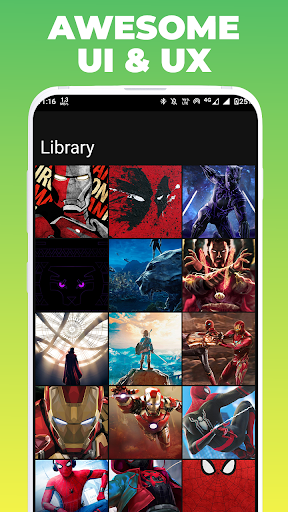







About this app
Developer Description
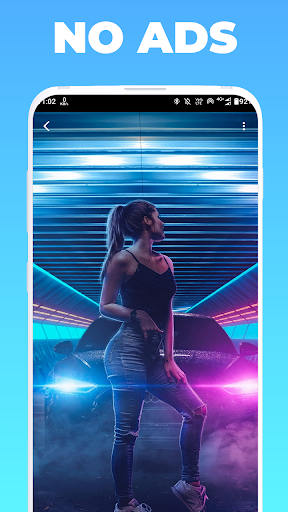
Gallery Pro - Manage All Photos & Videos With Editor - No Ads & Privacy Friendly
Privacy Friendly App :
This app doesn't collect any user data or connect to anything on the user's device (contacts etc). It doesn't even need an internet connection. It is a wholly contained app using only the files contained within it.
Gallery Pro supports many types of files, from JPEGs to PNGs, GIFs and more. Photo & video files are supported within the app. Share photos without worry - any file you need, you can create. Photo sharing is as easy with Simple Gallery as it is with your phone gallery.
App Features
Multimedia Slider
-Photos and Videos
-Video autopay
-Volume on-off video
-Button play video
-Delete media
-Share media
-Add-remove from favorites
-Edit media
-Details
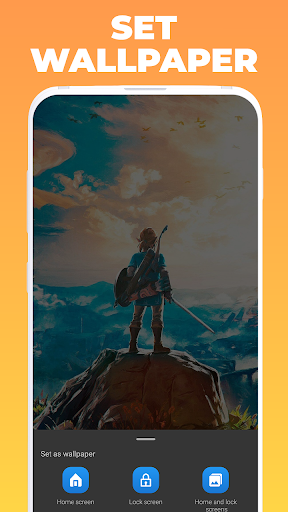
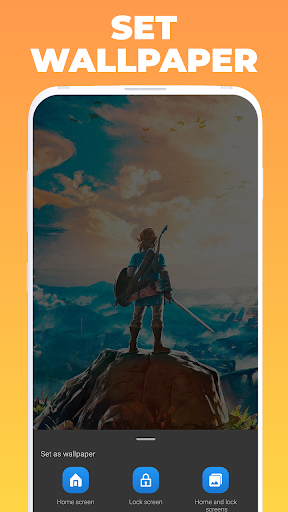
-Set as wallpaper (photos only) | Home screen, Lock screen, Home and Lock screens | Crop image before set as wallpaper
-Video player: pause-play, volume on-off and seekbar
Details media
-Thumbnail
-Name
-Folder
-Media type
-Date
-Resolution
-Size
-Duration (Video only)
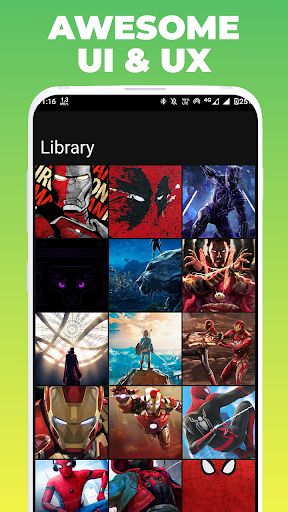
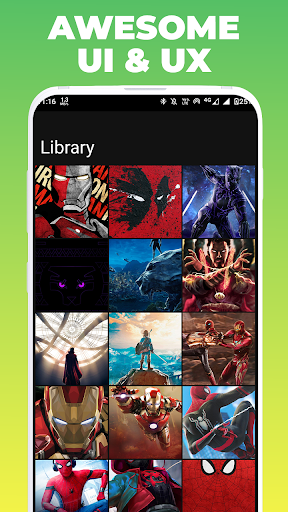
Library
-Photos and Videos in the same list
-Pinch to zoom in/out - spans from 2 to 8 columns (super easy to modify)
-With 2 & 3 columns, the user will see the duration of a video
-From 2 to 6 columns, the user will see icon play from a video
Albums
-Grid for each album with 4 items (photos/videos)
-Photos and Videos in the same grid
-Pinch to zoom in/out - spans from 1 to 3 columns (super easy to modify)
-Album name
-Number of multimedia
-On album click: open folder with all his multimedia
For You
-Video on top
-Random memories organized by year
-Photos and Videos in the same list
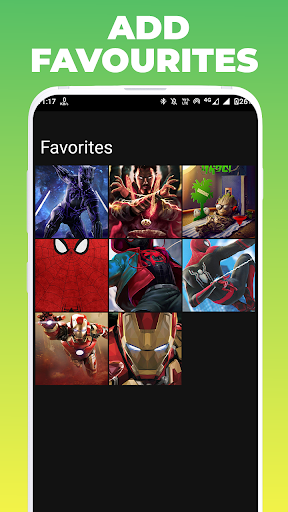
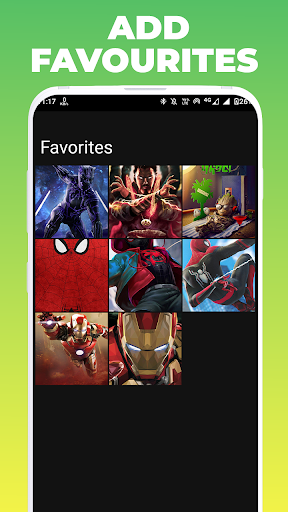
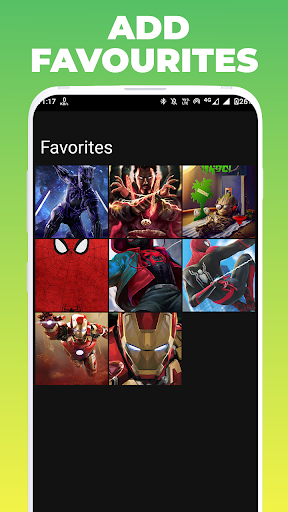
Favorites
-Photos and Videos in the same list
-Add/Remove photo or video from favorites
-Pinch to zoom in/out - spans from 2 to 6 columns
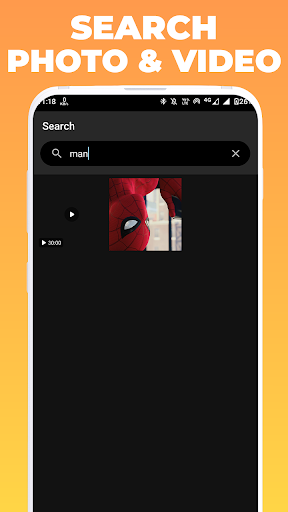
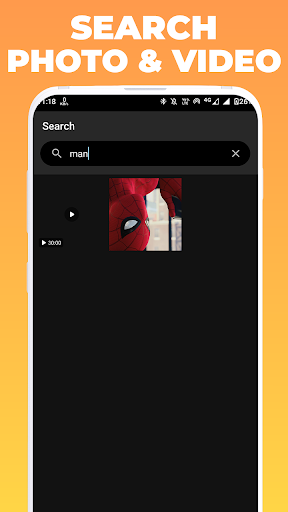
Search
-Hint with number of photos and videos
-Photos and Videos in the same list
-Search by name, day-month-year, month-year or year
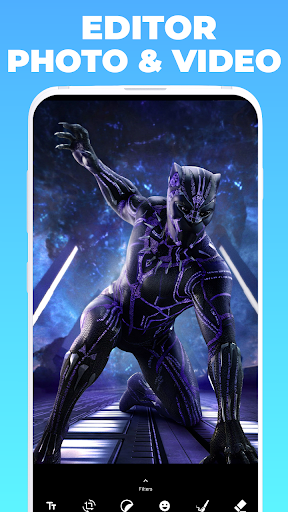
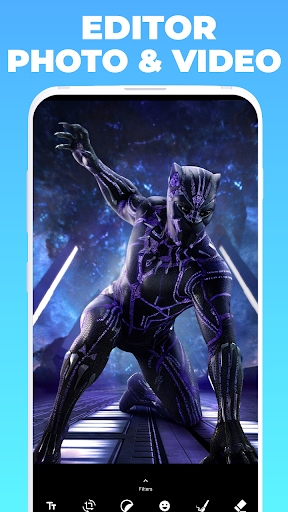
Photo Editor
-Eraser
-Redo
-Undo
-Save
Photo Editor - TEXT
-Add text with different colors
-Scale gesture
-Delete
Photo Editor - CROP
-Crop by aspect ratio
-Crop by gesture
-Rotate and rotate by gesture
-Flip and flip by gesture
-Scale and scale by gesture
Photo Editor - STIKERS
-Scale gesture
-Super easy to add new stickers
-Delete
Photo Editor - EMOJIS
-Scale gesture
-Delete
Photo Editor - PAINT
-Enable-Disable
-Brush preview
-Change brush size
-Change brush color
-Change brush opacity
Photo Editor - FILTERS
-None
-Brightness with slider
-Contrast with slider
-Saturation with slider
-Hue with slider
-White balance with slider
-Gamma with slider
-Blur with slider
-Gray scale
-Colors
-False color with slider
-Vignette with slider
-Invert
-Pixel with slider
-Sepia with slider
-Sketch
-Toon with slider
-Swirl with slider
-Luminance with slider
-Crosshatch with slider
-Sobe
-Halftone with slider
-Kuwahara with slider
Video Editor
-Redo
-Undo
-Reset edit
-Save edit
-Play-Pause
-Seekbar
-Volume on-off
Video Editor - TEXT
-Add text with position:
-Top-Left
-Top-Center
-Top-Right
-Center
-Bottom-Left
-Bottom-Center
-Bottom-Right
Video Editor - CROP
-Crop with aspect ratio:
-16:9
-9:16
-1:1
-2:3
-4:5
Video Editor - TRIM
-Timeline with thumbnails
-Select start and end position
-Start and end video position
-Final video duration
Video Editor - AUDIO
-Remove audio
Video Editor - ROTATE
-Rotate video
Video Editor - REVERSE
-Reverse video & audio
Video Editor - MOTION
-Fast motion
-Slow motion
-Stop motion
Video Editor - FLIP
-Horizontal
-Vertical
Version Information
- Version
- -
- Downloads
- 1K+
- Updated on
- -
- Released
- Jun 19, 2022
- Requires
- Android Varies with device
Statistics
Google Play Rating History
Rating Distribution
Downloads Over Time
Gallery Pro - Photos & Videos has been downloaded times. Over the past 30 days, it averaged downloads per day.
Shaded area shows 30-day prediction based on historical trends
Historical data collection started recently. More data points will be available over time.
Gallery Pro - Photos & Videos users say on Google Play
 Jatin Gupta
The save space feature is great. I love the organization. Its so easy to find pictures
 Atul Kumar
Very Fast and easy to use
 Vanessa Zakeva
add a "sort by" setting. why is the gallery not able to play videos or images in full screen mode?????? the portrait mode video and image is set forever?????? make the app run webp images and add settings then this gallery would be perfect.
 Manish Gupta
Object Remover option not working
ApkTrusted Ratings & Reviews
More from GEO SOFTECH
See more apps
Language Translator Pro
Paid

Photo Editor & Collage Maker
Paid

GEO Pro Music Player
Paid

Infinite Video Player -Full HD
Paid

Pro Qr & Barcode Scan & Maker
Paid
Word Puzzle Cross : Word Games
Paid

GEO Music Player - Mp3 Player
Paid

PDF Editor Tools & PDF Reader
Paid
Always On Display Pro - Amoled
Paid

Turbo Cloud VPN Pro - Premium
Paid

DJ Music Mixer & Beat Maker
Paid

Ultimate Math Master Pro
Paid
Sign PDF Document Easy & Fast
Paid
Math Crossword - Number Puzzle
Paid

Internet Speed Meter Pro
Paid

GFX Tool: Launcher & Optimizer
Paid
Similar Apps


Scan this QR code to download

Forwarding you to the page at Google Play market in seconds...
Open Google Play market now