Double Exposure - Photo Editor vVARY
PhotoAppzStudio2018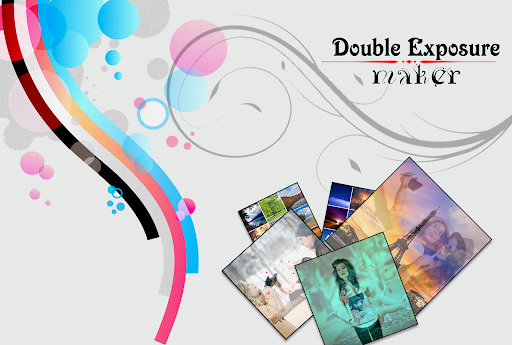
About this app
Developer Description
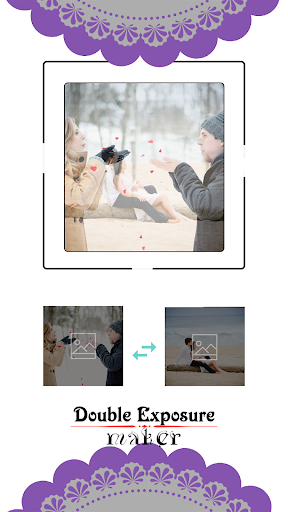
Double exposure editor is photo editing app to blend two photos.
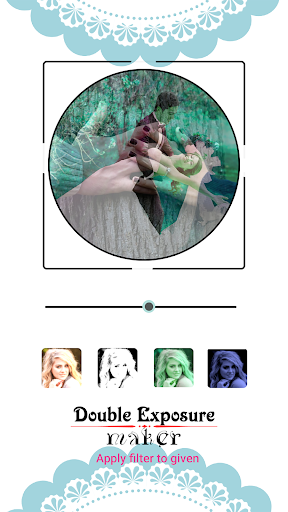
Double Exposure is an unique photo app that blends two images together to create a double exposure effect!
Double exposure editor is best app to blend two photos and make beautiful dual exposure effect photo. Be an professional photographer by edit photos with this app by blending, masking and layering.
Combine your photos to create pretty and beautiful double exposure. This app is a simple but powerful app that allows you to blend two photos into a single one.
Features of Double Exposure - Blend Photo Editor
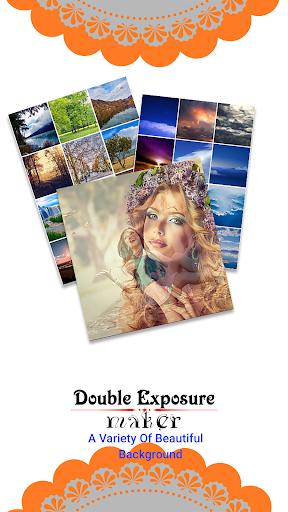
★ Provide 30 default background picture for photo blender.
★ A very easy to use app.
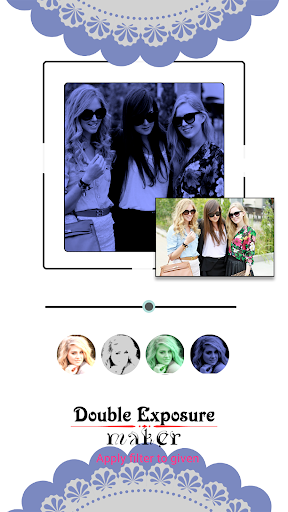
★ Merge two photos together in just a few steps.
★ Choose both pics from the phone gallery.
★ Change the different blender effect.
★ Create square size photo with bland effect.
★ Adjust the transparency and photo overlaying, move, make it perfect.
★ Save your creation on SD card.
Thanks for download..
Version Information
- Version
- -
- Downloads
- 100K+
- Updated on
- -
- Released
- Jan 31, 2018
- Requires
- Android Varies with device
Statistics
Google Play Rating History
Rating Distribution
Downloads Over Time
Double Exposure - Photo Editor has been downloaded times. Over the past 30 days, it averaged downloads per day.
Shaded area shows 30-day prediction based on historical trends
Historical data collection started recently. More data points will be available over time.
Double Exposure - Photo Editor users say on Google Play
 Mbz 6
Mbz 6
Double exposure blend photo editor is very amazing app. This app is very intresting. This app have many fantastic features. You can easily make new style photos by editing. You can blend 2 photos to make a new beautiful picture. Love this app. Must try it.
 Rob Ot
Like the classic. Don't get the point of scenery and air.
 A Google user
Nice app
 David Faragher
Disappointing - it gives the flexibility I wanted in most ways except the most important: qualative. When combining my two test images from pictures I've taken using images of around 2+mb each the resulting image was measured in a few hundred kb! Far too small for my purposes. Unless you are looking for a very basic small image, this is impractical. Couldn't find any way to change the setting. Also limited on format shape as others have noted.
A Google user
Hate this app
ApkTrusted Ratings & Reviews
More from PhotoAppzStudio2018
See more apps




Scan this QR code to download

Forwarding you to the page at Google Play market in seconds...
Open Google Play market now