
WB Knight - Classic Watch Face vVARY
WatchBase Aura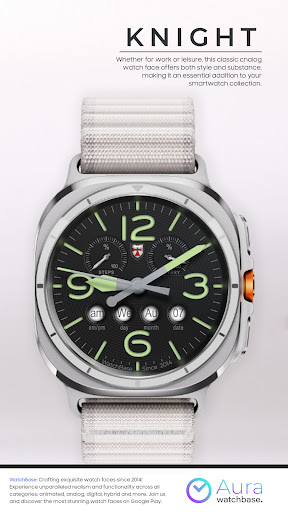

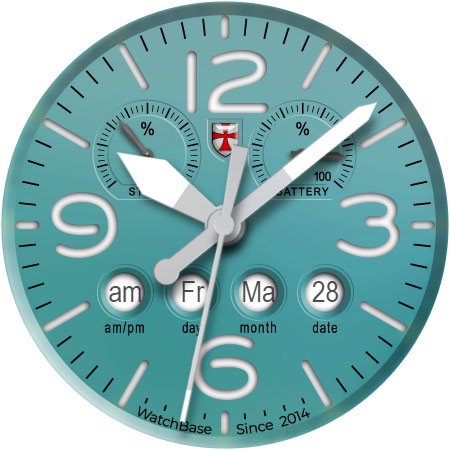
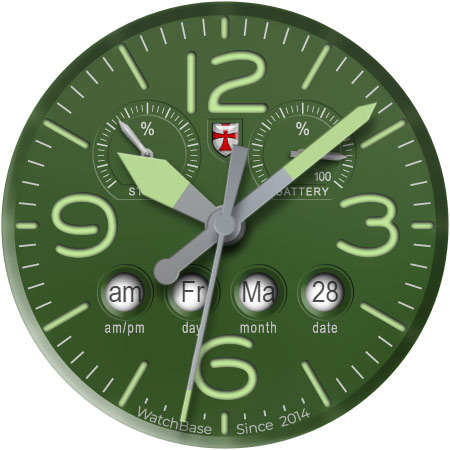
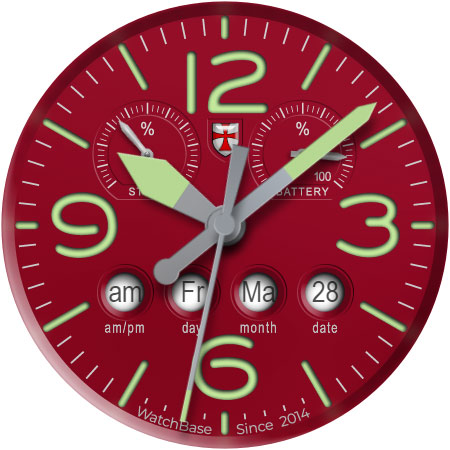
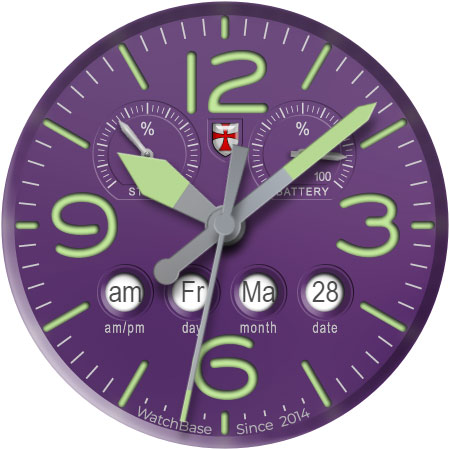
About this app
Developer Description
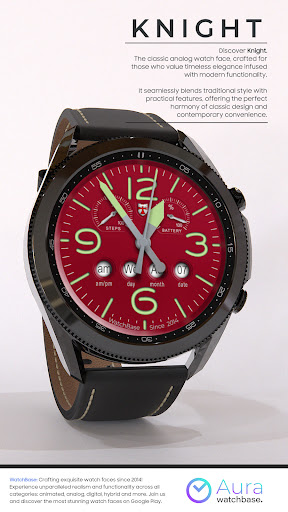
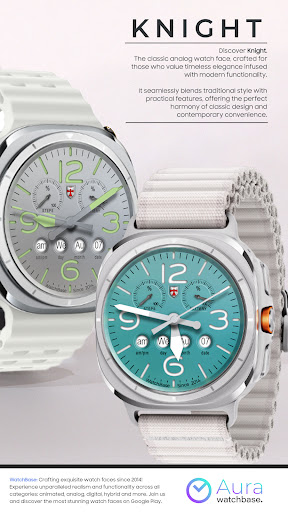
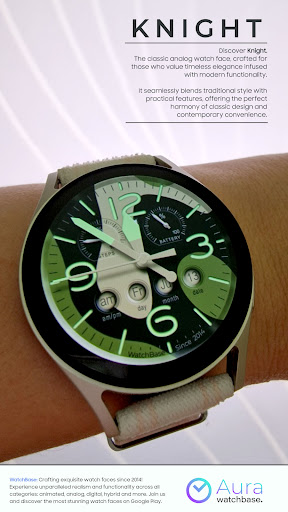
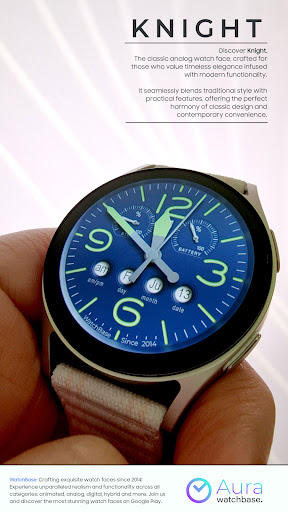
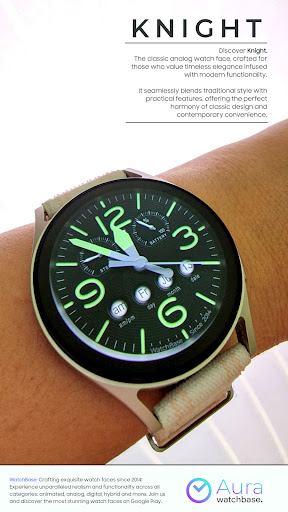
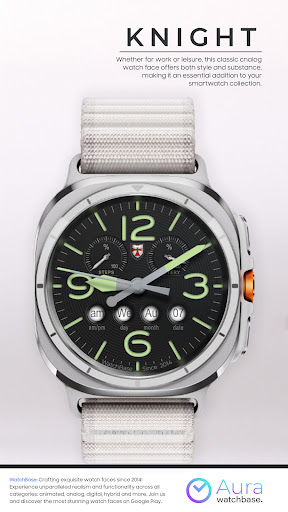
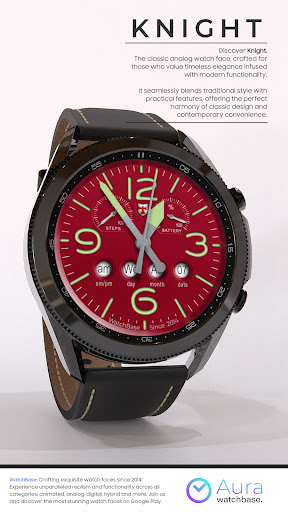
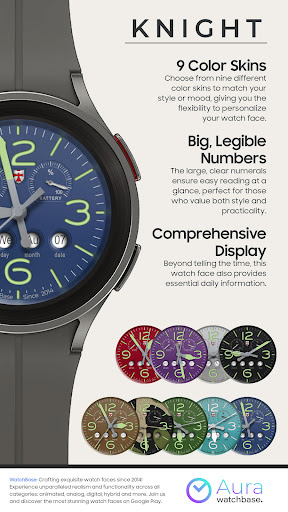
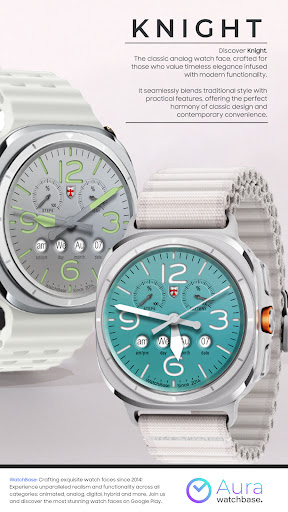
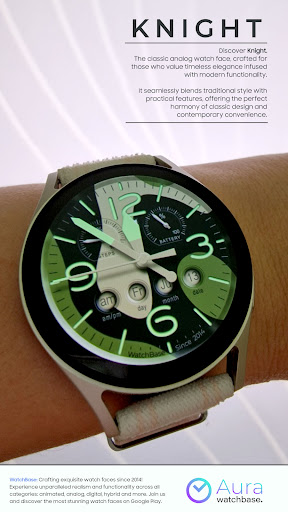
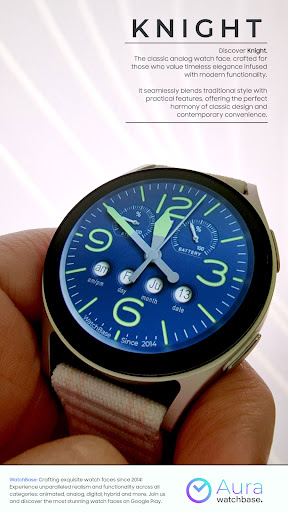
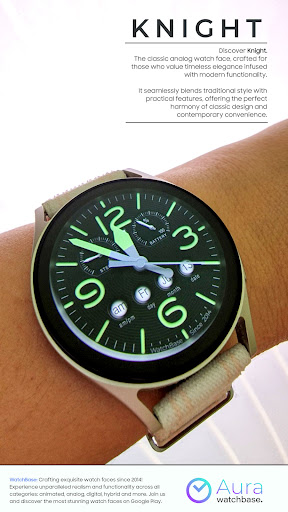
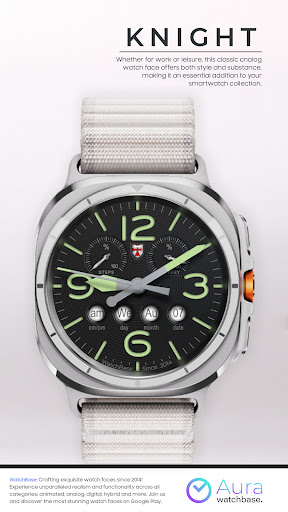
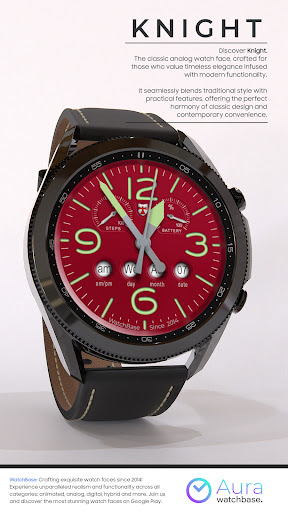
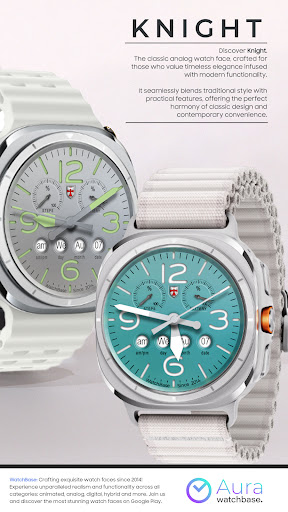
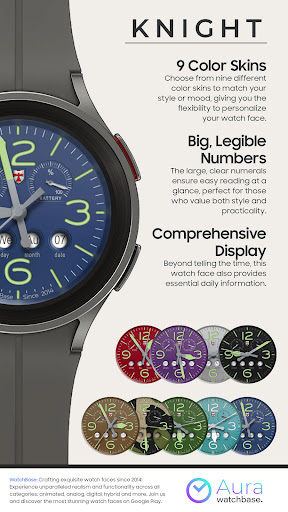
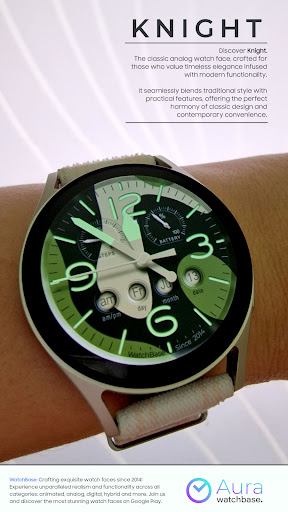
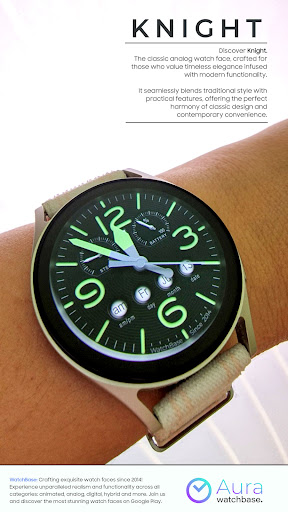
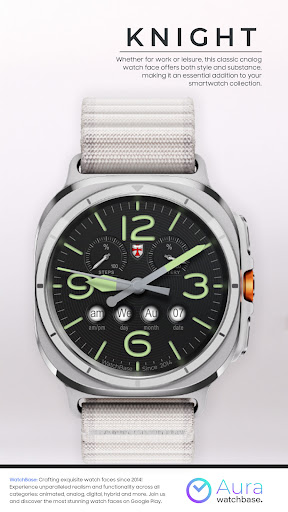
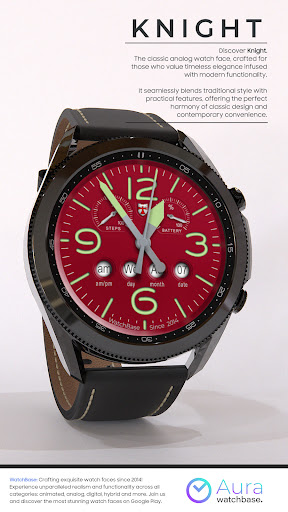
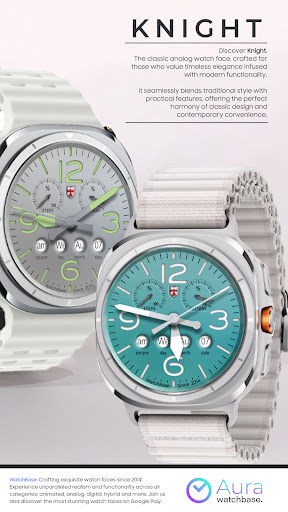
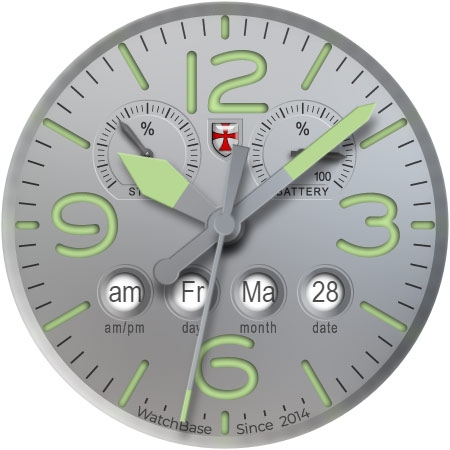
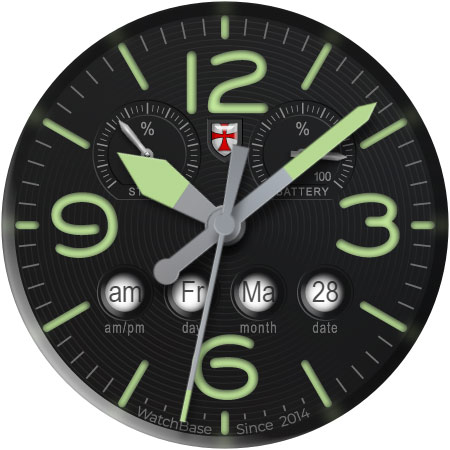
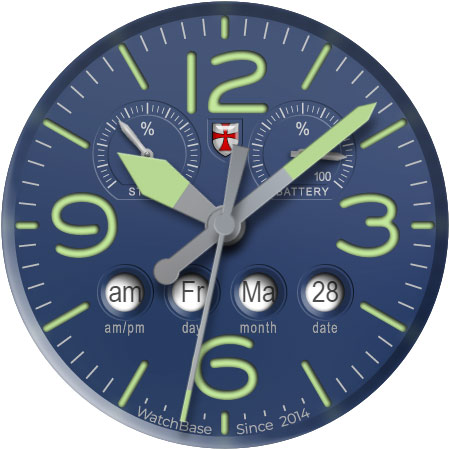
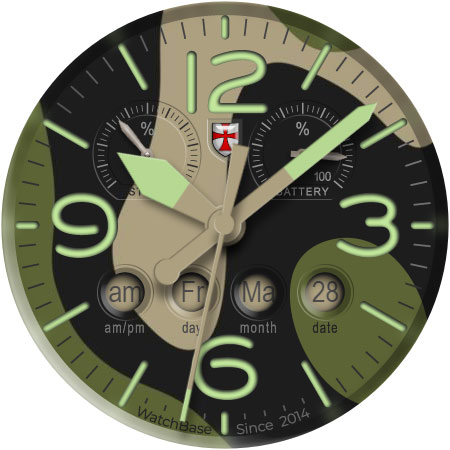
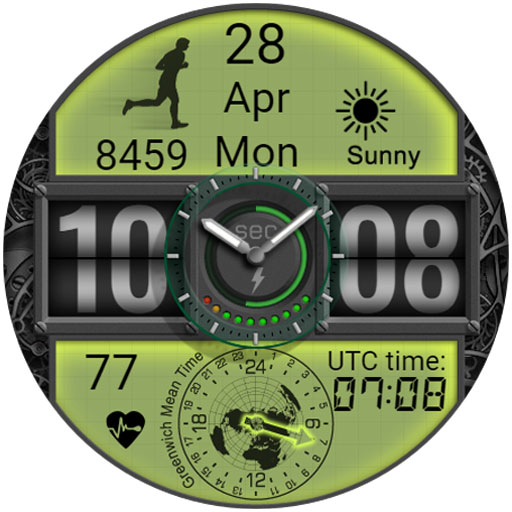
Timeless watch face that blends classic elegance and modern functionality
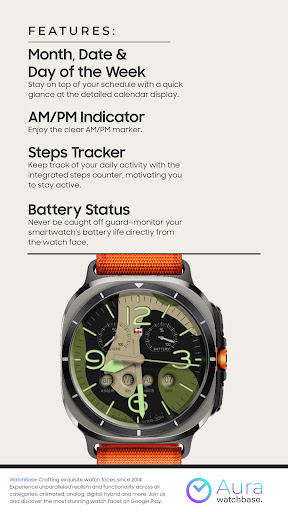
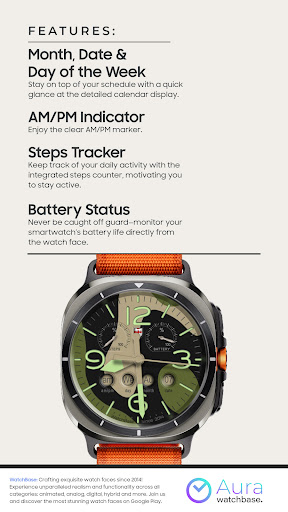
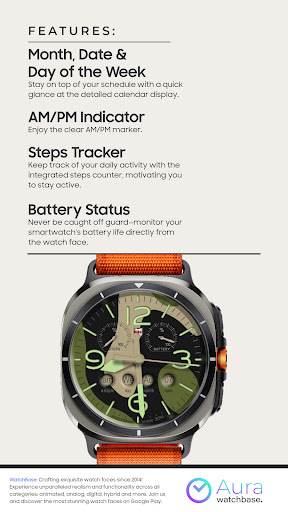
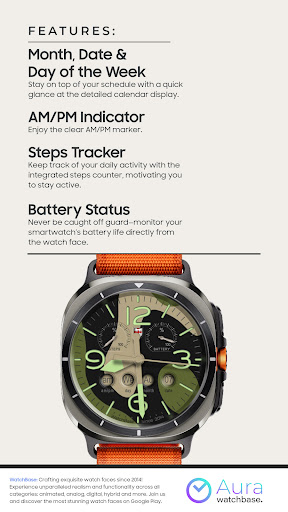
ⓘ Features:
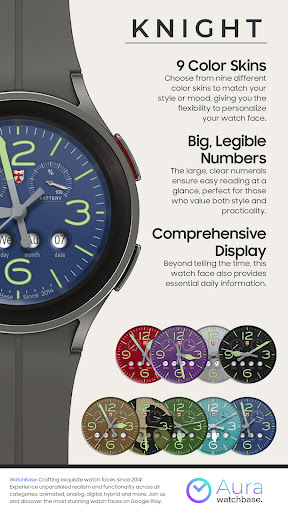
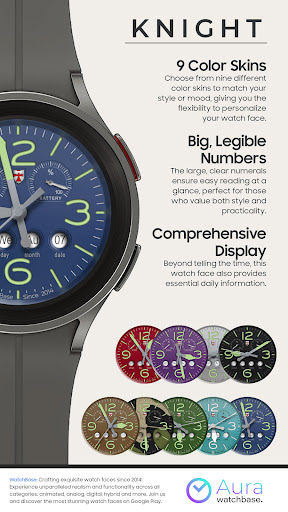
- 9 Skins
- AOD display
- Month, Date & Day of the Week
- AM/PM Analog Indicator
- Steps Tracker
- Battery Indicator
ⓘ How to:
To customise your watch face, touch and hold on the screen, then tap on customise.
ⓘ Installation
How to install: https://watchbase.store/static/ai/
After installation: https://watchbase.store/static/ai/ai.html
If you have any issues installing the watch face, please note that we have no control over the installation process or any other Google Play / Watch processes. The most common issue that people face is after they buy the watch face and install it, they can't see/find it.
In order to apply the watch face after you install it, touch and hold on the main screen (your current watch face) the swipe left to look for it. If you can't see it, tap on the " + " sign at the end (add a watch face) and find our watch face there.
We use a companion app for the phone to make the installation process easier. If you buy our watch face, tap on the install button (on the phone app) you must check your watch.. a screen will appear with the watch face.. tap install again and wait for the installation to finish. If you already bought the watch face and it still asks you to buy it again on the watch, don't worry you will not be charged twice. This is a common synchronisation issue, just wait a little or try to restart your watch.
Another solution for installing the watch face is to try to install it from a browser, logged with your account (google play account that you use on the watch).
JOIN WatchBase.
Facebook group (General watch faces group):
https://www.facebook.com/groups/1170256566402887/
Facebook page:
https://www.facebook.com/WatchBase
Instagram:
https://www.instagram.com/watch.base/
SUBSCRIBE to our YouTube channel:
https://www.youtube.com/c/WATCHBASE?sub_confirmation=1
https://www.youtube.com/c/WATCHBASE
Version Information
- Version
- -
- Downloads
- 1K+
- Updated on
- Oct 27, 2025
- Released
- Mar 9, 2025
- Requires
- Android Varies with device
Statistics
Google Play Rating History
Rating Distribution
Downloads Over Time
WB Knight - Classic Watch Face has been downloaded times. Over the past 30 days, it averaged downloads per day.
Shaded area shows 30-day prediction based on historical trends
Historical data collection started recently. More data points will be available over time.
WB Knight - Classic Watch Face users say on Google Play
 donna welling
excellent! lovely and clear
ApkTrusted Ratings & Reviews
More from WatchBase Aura
See more apps


Scan this QR code to download

Forwarding you to the page at Google Play market in seconds...
Open Google Play market now