
Pixel Studio: Retro Pixel Art v2.0.0
PA Mobile Studio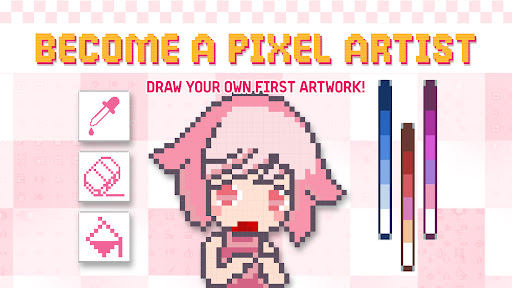


About this app
Developer Description
Create retro pixel art easily! Draw, edit & share with the pixel art community.
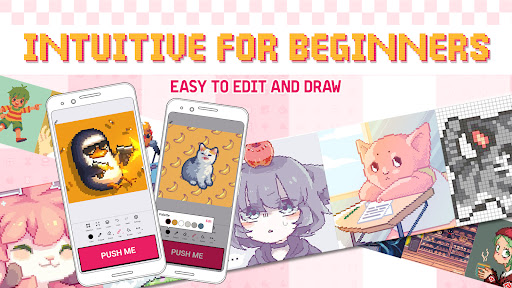
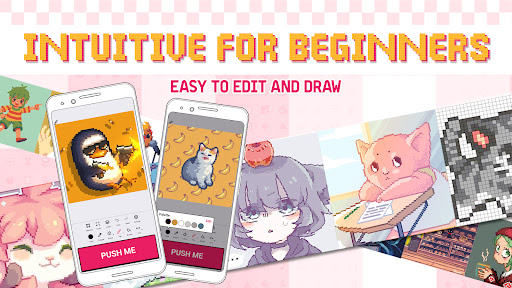
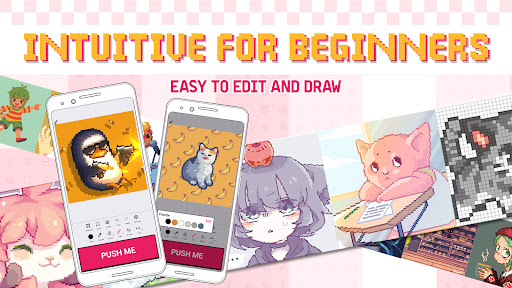
With just one PUSH button, you can instantly pixelate images, draw from scratch, or edit pixel artwork with powerful tools. Join the Pixel Art Community and share your creativity!
✨ Key Features:
🎨 Simple & Fun Pixel Art Drawing
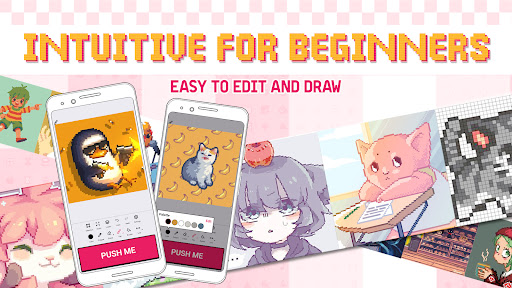
Just press the PUSH button to turn images into pixel art.
Start from scratch or edit existing pixel designs effortlessly.
🖌️ Advanced Drawing Tools
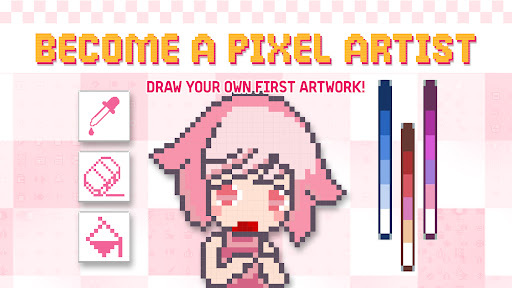
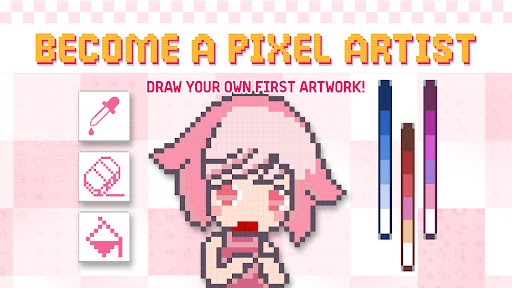
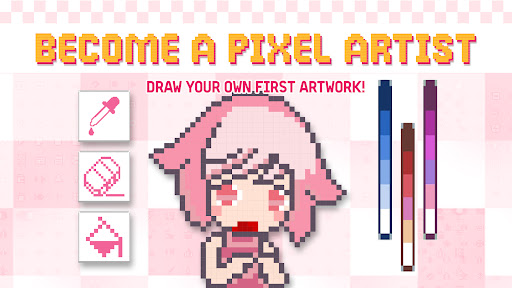
Pencil, Fill, Eraser, and Eyedropper for precision.
Selection tools (Square & Magic Wand) for easy editing.
Cut, Copy, Paste, and Invert Selections for quick adjustments.
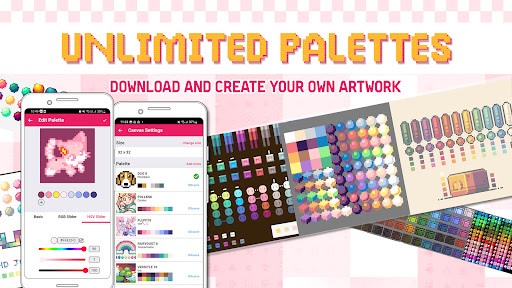
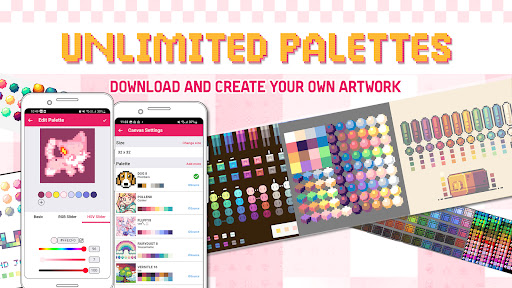
🎨 Custom Color Palettes
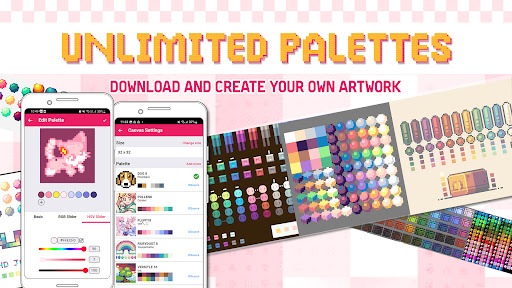
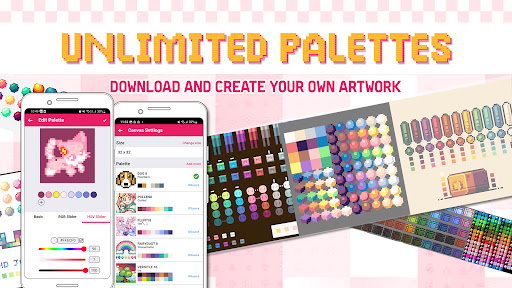
Choose from built-in palettes or create your own.
RGB & HEX color support for perfect shading.
📐 Flexible Canvas Size
Create pixel art with canvas sizes from 16x16 to 512x512 pixels.
Ideal for making icons, avatars, game sprites, or NFT artwork.
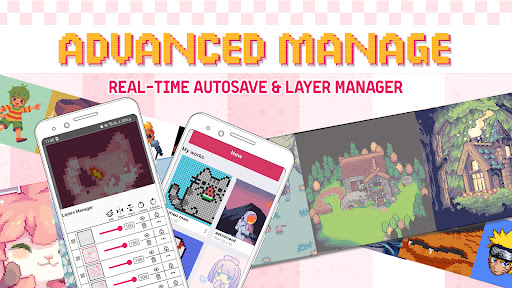
📌 Layer Manager for Advanced Editing
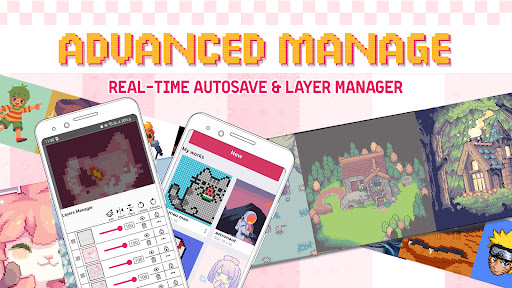
Add, delete, and rearrange layers for more complex artwork.
💾 Auto-Save in Real Time
Never lose your progress—your work is automatically saved!
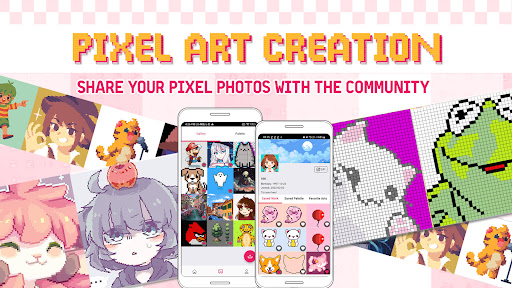
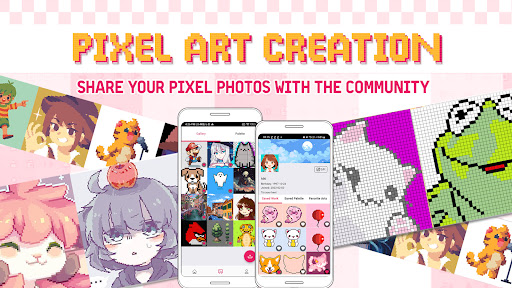
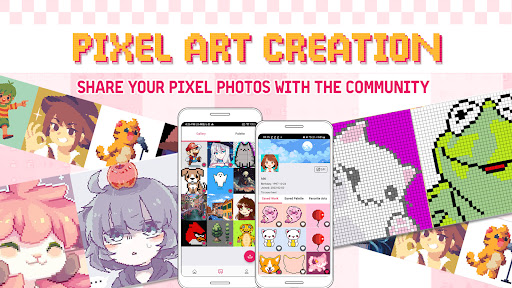
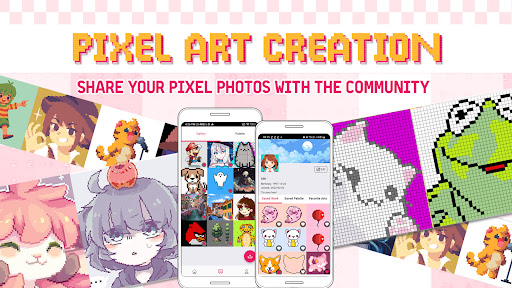
🌍 Share & Connect with the Pixel Art Community
Browse, like, and interact with other pixel artists.
Save artwork directly to your gallery or share on social media, Discord, or game platforms.
🎮 What Can You Create with Pixel Draw?
✅ Pixel avatars & characters
✅ 8-bit & 16-bit game sprites
✅ Minecraft skins & pixel textures
✅ NFT pixel artwork
✅ Pixel-style memes & emojis
✅ Digital pixel paintings
🚀 Want to become a pixel artist? Pixel Draw makes it easier than ever!
🌟 More features coming soon! Stay tuned for updates.
💌 Have feedback or feature requests? Contact us—we’d love to hear from you!
What's New
- New features:
Now you can log in to save your palette, pixel art ideas and favorite artworks!
Customize your artist profile.
New challenges to draw pixel art with step-by-step instructions.
Version Information
- Version
- 2.0.0
- Downloads
- 10K+
- Updated on
- Aug 14, 2025
- Released
- Feb 16, 2023
- Requires
- Android 8.1
Statistics
Google Play Rating History
Rating Distribution
Downloads Over Time
Pixel Studio: Retro Pixel Art has been downloaded times. Over the past 30 days, it averaged downloads per day.
Shaded area shows 30-day prediction based on historical trends
Historical data collection started recently. More data points will be available over time.
Pixel Studio: Retro Pixel Art users say on Google Play
 BBH .S
I'm having fun! simple, clean and ads aren't annoying at all! Please continue updating this app, i can't wait for future updates and to grow along side with this app, since I'm new at pixel art 🥳⭐
 Michael F
It has a nice, user-friendly set-up. Though, I'm not sure how to scroll. I forgot how to scroll. Can I even scroll??? HELP MEE
 Shirase Mizugami (Fenrise Raine Jr)
Its a lack of another guiding grids, I will give 5 stars for a complete features.
 May Lune
The grid goes away as you draw which makes this useless for my needs unfortunately.
 Sora
Sora
It feels impossible to draw anything but scribbles it this. The push to draw feature makes it difficult to do anything with the program.
ApkTrusted Ratings & Reviews
More from PA Mobile Studio
See more apps


Similar Apps

DreamBuild: Sketch to 3D
Paid

AR Drawing – Trace & Sketch
Paid

Tattoo AI Design Generator INK
Paid

Text & Image to Video AI Gen
Paid

Banano Pro İmage Generator
Paid

Stylish Name: Fancy Text Style
Paid

TIKTOK Meme
Paid

AlignCare AI
Paid

ClayLab
Free

Zenith AI - The AI Superpower!
Paid

Negotiation Skills 101
Paid

Pixilart - Make Pixel Art
Free

Funny Ringtones - Ai Sound App
Paid

Self-Care Diary
Paid

3D Photo: Imager
Paid

Homestyler - Home Design Game
Free
Scan this QR code to download

Forwarding you to the page at Google Play market in seconds...
Open Google Play market now