Stickey Intervals vVARY
Attune Music and Math, LLC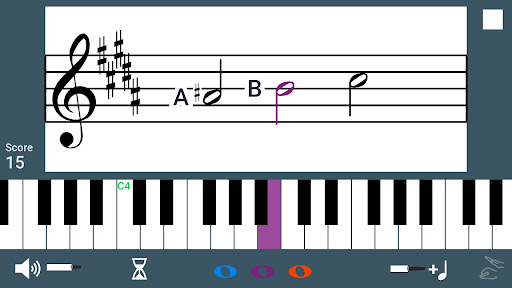
About this app
Developer Description
Intervallic music reading games for piano
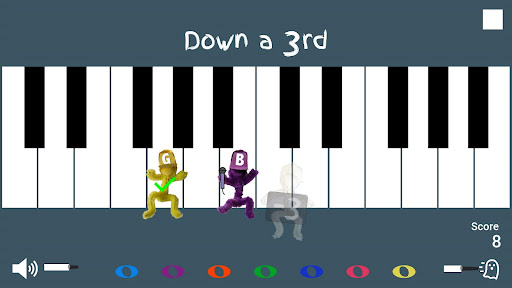
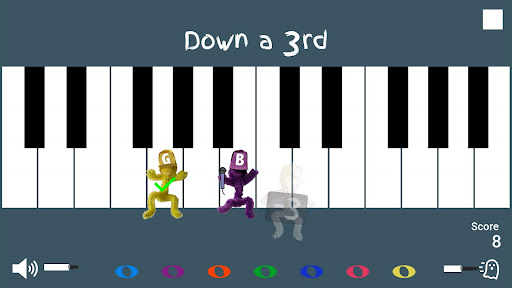
Level 1
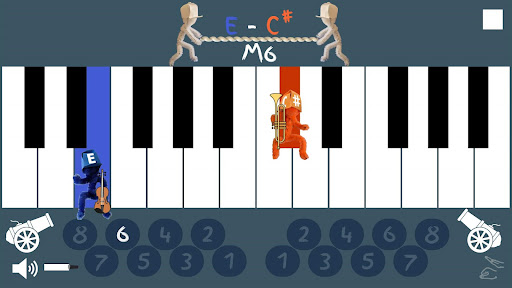
> Make and identify interval degrees on the piano keyboard
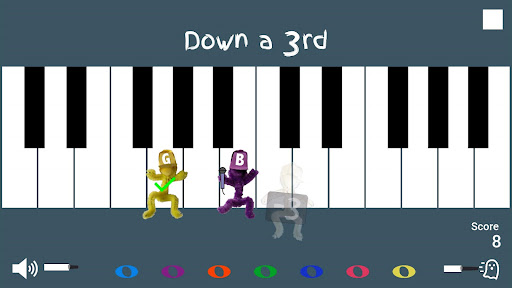
> Single player: Don't let the ghost catch you! Drag the character to the piano key that forms the specified interval.
> 2-Player: Race your opponent to select the interval degree that matches the played piano keys.
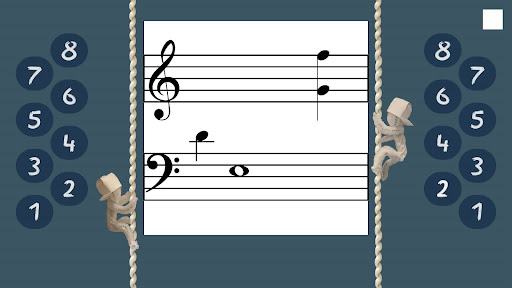
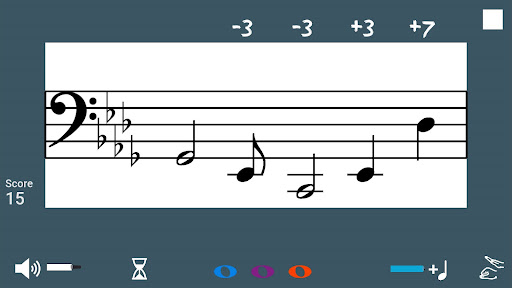
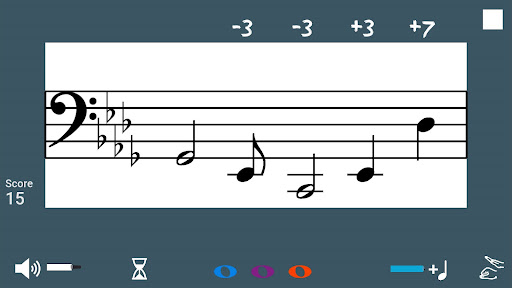
Level 2
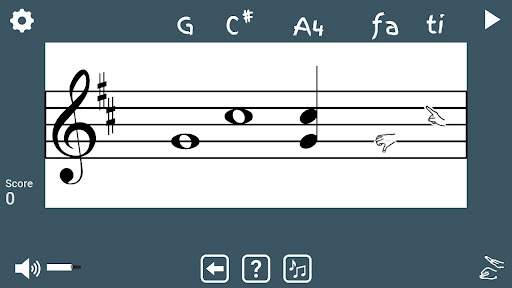
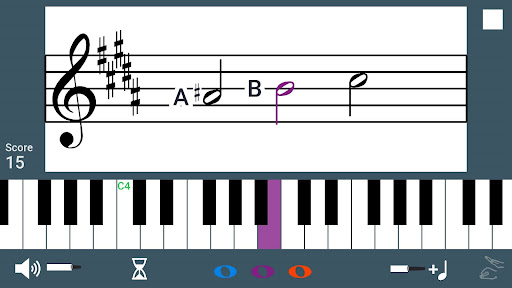
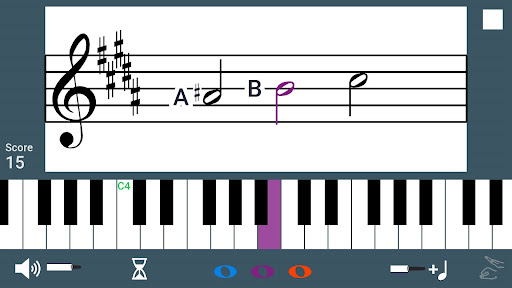
> Make and identify interval degrees on the staff.
> Single player: Drag the notes on the staff to match the interval degrees you hear. See and hear how intervals change by moving notes on the staff.
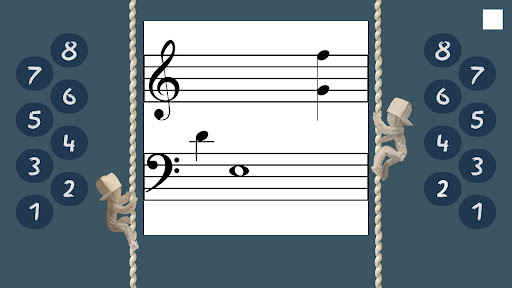
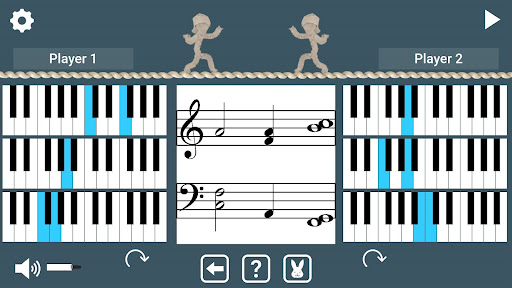
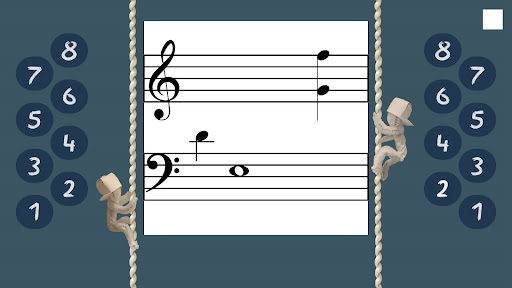
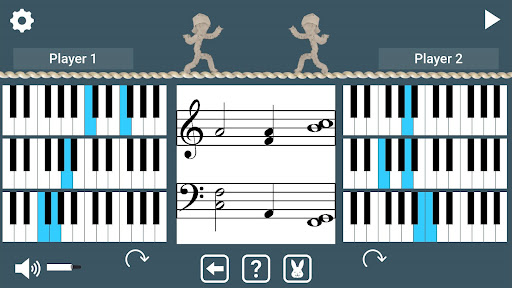
> 2-Player: Race your opponent in a rope-climbing competition. Select the interval degree that matches the interval on the staff to move up the rope.
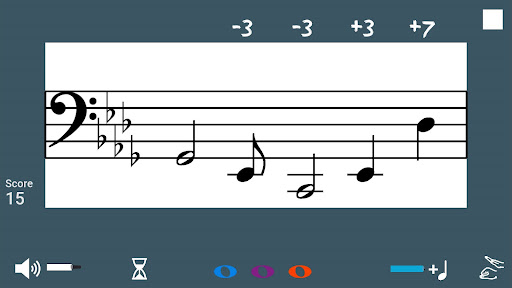
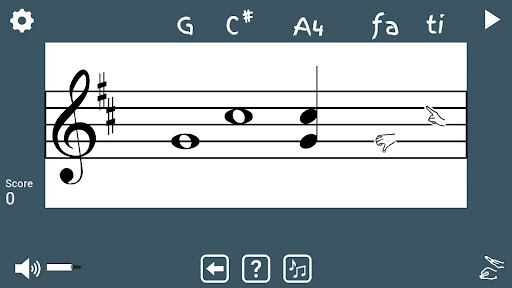
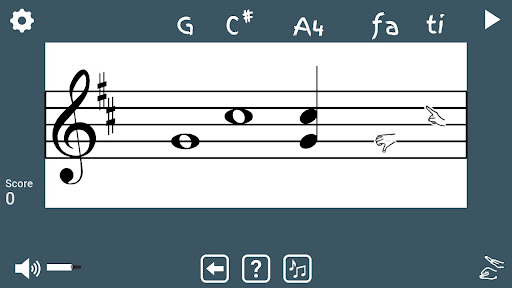
Level 3
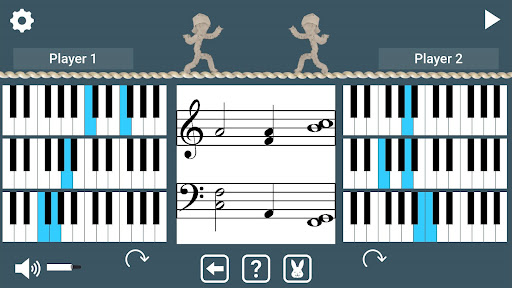
> Match intervals on the staff to the keyboard.
> Single player: Drag the notes on the staff to match the intervals played on the piano keyboard.
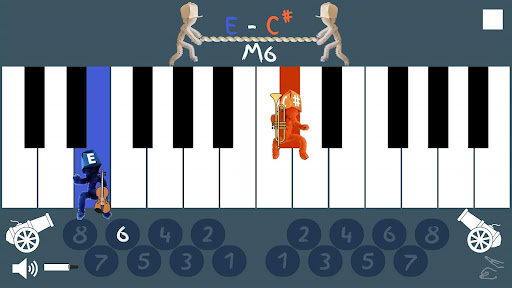
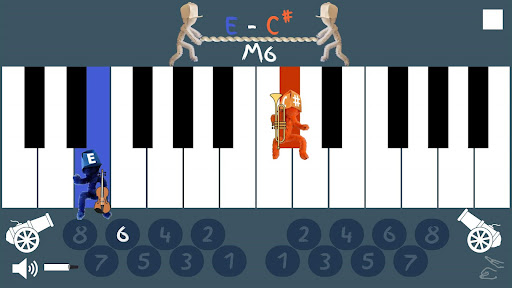
> 2-Player: Re-order the keyboards to make the intervals shown on the keys match the intervals shown on the staff. See which player can stay up on the tightrope longest.
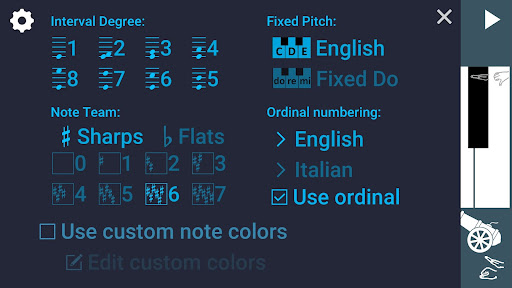
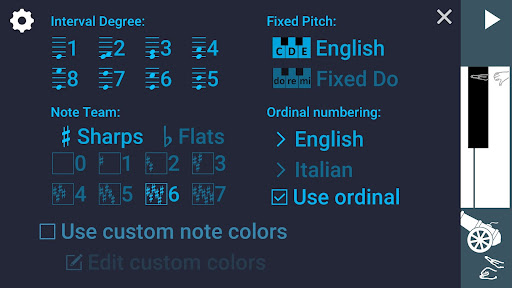
Settings:
> Intervals (from unison to octave)
> Key signature
> English or Fixed Do note naming conventions
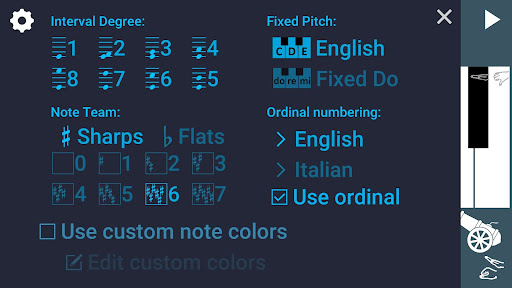
> English or Italian ordinal numbering abbreviations
> Custom color scheme
When not playing the game, interactively explore intervals as follows:
For the single-player Level 1, drag the characters to new piano keys to see the interval type and degree name displayed for those notes. Hear the interval by tapping the interval name label.
For single player Level 2 and Level 3, drag the notes to see the note names and interval type and degree change. Hear the interval by tapping the interval name label.
For 2-player Level 2, touch an interval number to see and hear and example of this interval on the staff.
For 2-player Level 3, touch the keyboard to hear the interval shown.
Version Information
- Version
- -
- Downloads
- 10+
- Updated on
- -
- Released
- Jun 8, 2023
- Requires
- Android Varies with device
Statistics
Google Play Rating History
Rating Distribution
Downloads Over Time
Stickey Intervals has been downloaded times. Over the past 30 days, it averaged downloads per day.
Shaded area shows 30-day prediction based on historical trends
Historical data collection started recently. More data points will be available over time.
Stickey Intervals - Google Play Rankings
Top Rankings
| Rank | Country | Category | List | Change |
|---|---|---|---|---|
| — |
Ranking History in
No ranking data available yet. Rankings are updated daily.
#18 in Top Paid Music in Vietnam



#20 in Top Grossing Music in India

#20 in Top Paid Music in Netherlands

#21 in Top Paid Music in Philippines
Stickey Intervals users say on Google Play
 Bec Stewart
Sticky Intervals has an integrated approach to recognising intervals on the staff, keys, and aurally. By connecting these elements together, students thrive by using their strengths to help them understand new concepts. All ages will enjoy the subtle playfulness, and the app benefits students of a wide range of levels. Teachers will love customizing the options for additional sharps and flats so even late intermediate and early advanced students can develop skills further.
ApkTrusted Ratings & Reviews
More from Attune Music and Math, LLC
See more apps




Scan this QR code to download

Forwarding you to the page at Google Play market in seconds...
Open Google Play market now