
Universal Projector Remote vVARY
DGgroww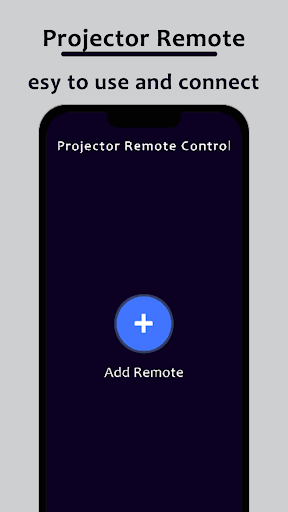


About this app
Developer Description
Transform your phone into a projector remote with our intuitive app for control.
Transform your smartphone into a powerful remote control with the Projector Remote app. Say goodbye to fumbling with multiple remotes and complicated buttons – now, managing your projector is as easy as a tap on your phone.
Using Infrared to connect with the projector, you can operate the projector and check the projector status from your smartphone.
Projector Remote Control contains all the functionality of a normal remote
- Turn on the projector, turn off the projector
- Select the input channel
- Volume up and down
- Adjust the screen size
How to Use Projector Remote Control App:
• Install Projector remote control app.
• After that, search for your Projector.
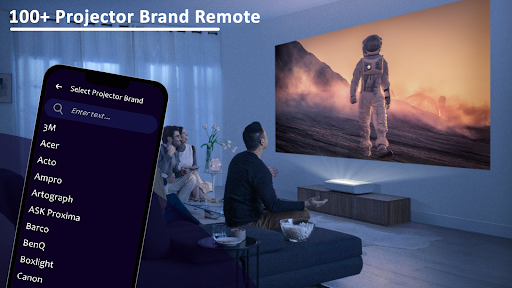
• Select Projector brand from the available list.
• Select remote for your required device.
• Code appears on Projector, put it on your phone
• Tap on pair, your remote is ready to use
Your phone must have an infrared blaster to work with the projector
Version Information
- Version
- -
- Downloads
- 10K+
- Updated on
- -
- Released
- Dec 13, 2023
- Requires
- Android Varies with device
Statistics
Google Play Rating History
Rating Distribution
Downloads Over Time
Universal Projector Remote has been downloaded times. Over the past 30 days, it averaged downloads per day.
Shaded area shows 30-day prediction based on historical trends
Historical data collection started recently. More data points will be available over time.
Universal Projector Remote users say on Google Play
 jay patel
This remote connect with my projector and it actually working.this is great remote application.
 Kevin Arnold
does not have zebronics projector
ApkTrusted Ratings & Reviews
More from DGgroww
See more apps


Scan this QR code to download

Forwarding you to the page at Google Play market in seconds...
Open Google Play market now