
Flower Watch Face v5.0.0
Galaxy Design Watch Face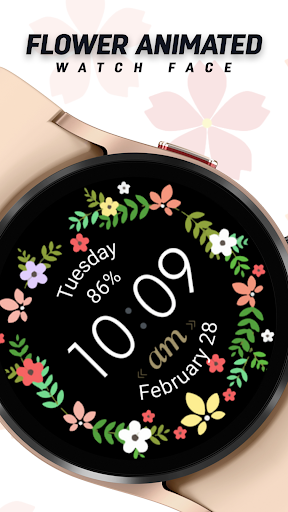







About this app
The Flower Watch Face app solves the problem of bland and uninspiring watch faces for Wear OS users, offering an elegant and clean design that incorporates daily essentials. This app benefits users who value aesthetics and simplicity, particularly those who have purchased a Wear OS device for its customizability. Compared to alternatives in the Personalization category, Flower Watch Face stands out with its high user rating and lack of ads or in-app purchases, making it a top-tier choice. However, its limited download numbers may indicate a relatively niche appeal.
Pros
- With a 4.7/5 user rating, Flower Watch Face demonstrates a high level of quality and user satisfaction, indicating a well-designed and functional app.
- The app's paid model without ads or in-app purchases ensures a clean and uninterrupted user experience, which is a significant advantage over many free alternatives.
- The developer's decision to not require any permissions is a notable pro, as it ensures user data privacy and security, aligning with the app's simple and elegant design philosophy.
- The app's small size and lack of permissions suggest efficient performance and minimal impact on device resources, making it suitable for a wide range of devices.
- The developer's email support, galaxywatchdesign@gmail.com, provides a direct channel for user feedback and issue resolution, indicating a commitment to customer service.
Cons
- The limited number of downloads, despite the high rating, might suggest that the app lacks visibility or marketing, potentially limiting its appeal to a broader audience.
- The app's functionality, while elegant and clean, might be too simple for some users who prefer more complex or customizable watch faces, which could be a drawback for power users.
- There is no information available on the developer's website, which could raise concerns about the developer's transparency and support infrastructure beyond the provided email address.
- The 'Varies with device' Android requirement might lead to compatibility issues with certain devices or Wear OS versions, which could negatively impact the user experience for some.
Best for: The ideal user for the Flower Watch Face app is likely a tech-savvy individual aged 25-45 who values simplicity, elegance, and customization in their Wear OS device, and is willing to pay a small fee for a high-quality, ad-free experience that enhances their daily use of the smartwatch.
Developer Description
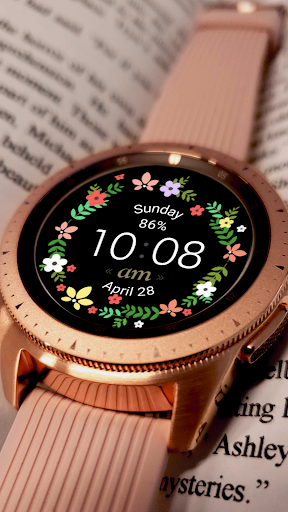
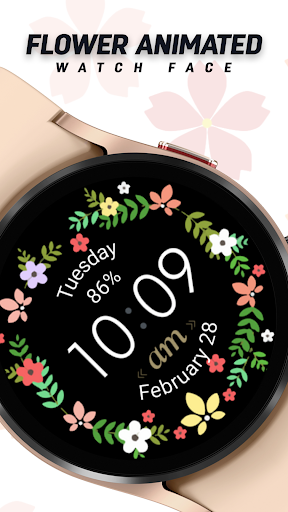
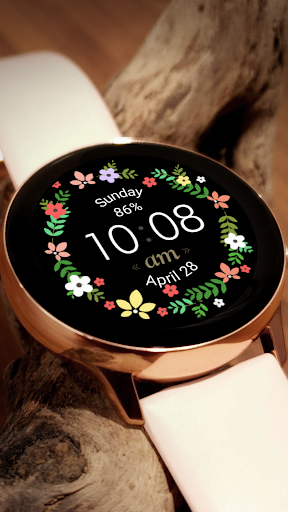
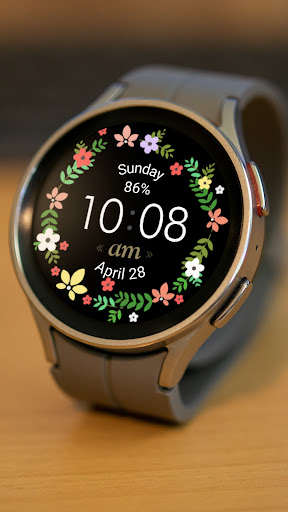
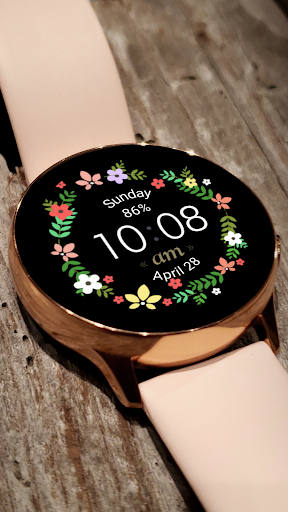
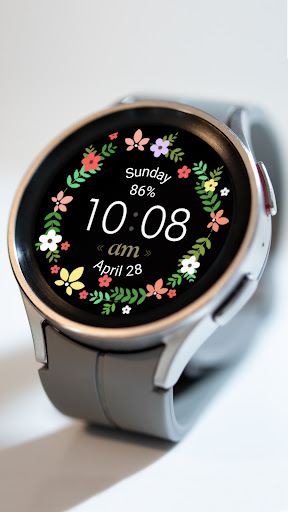
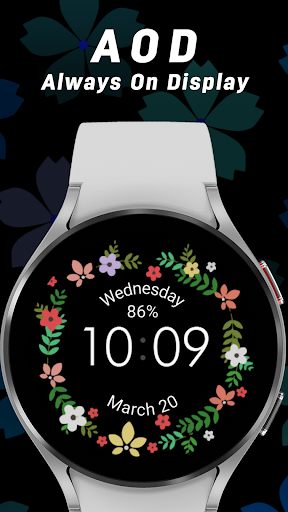
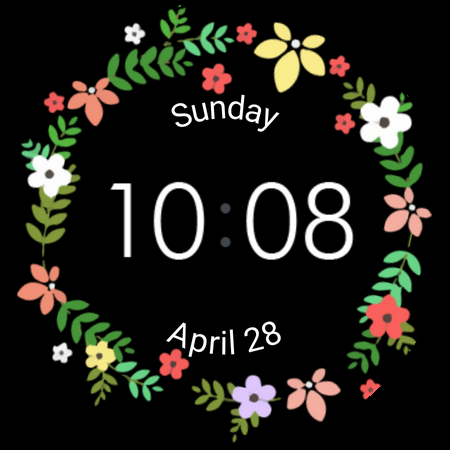
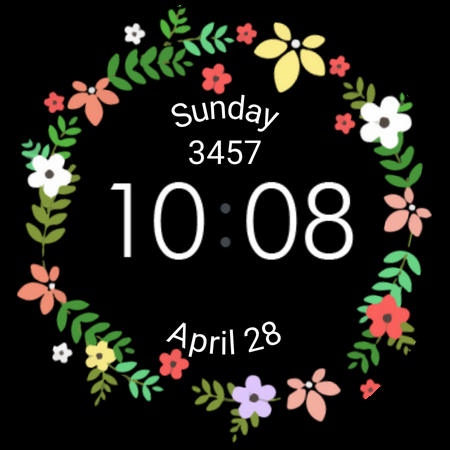
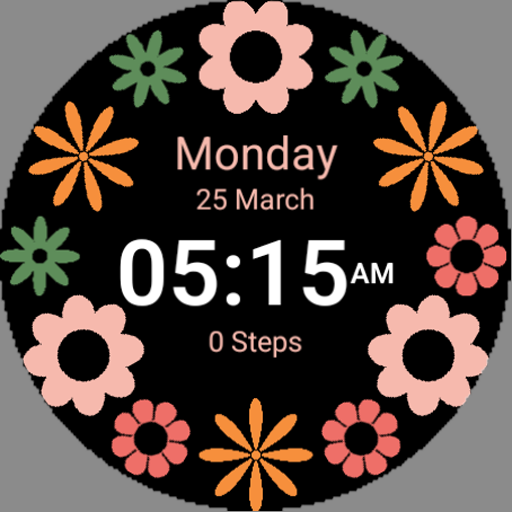
Elegant floral watch face for Wear OS with clean design and daily essentials.
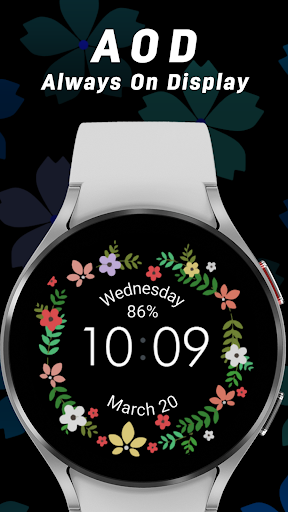
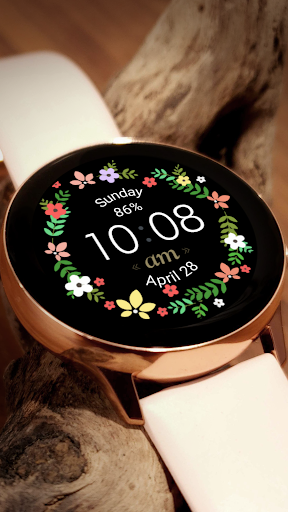
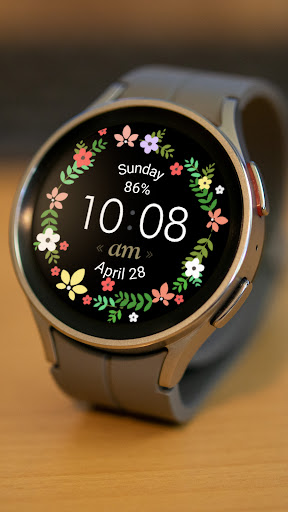
Bring natural beauty to your wrist with Flower, a graceful floral watch face designed for users who adore soft aesthetics and timeless elegance. With its refined wreath design, clean layout, and smooth performance, Flower makes every glance feel calm, charming, and beautifully personal.
PREMIUM FLORAL DESIGN
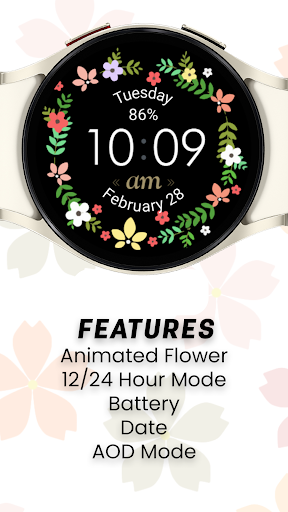
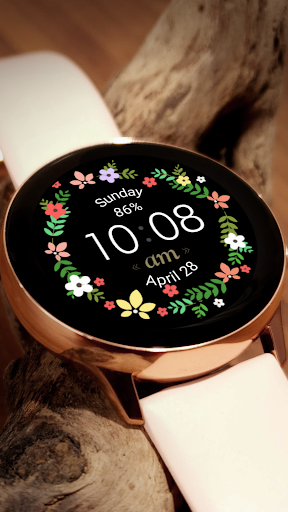
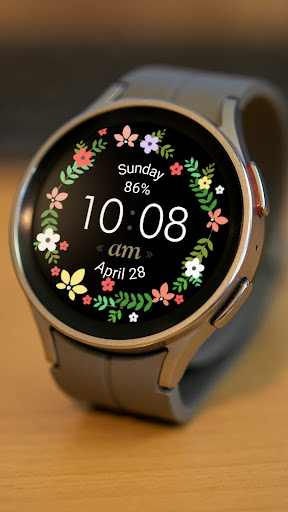
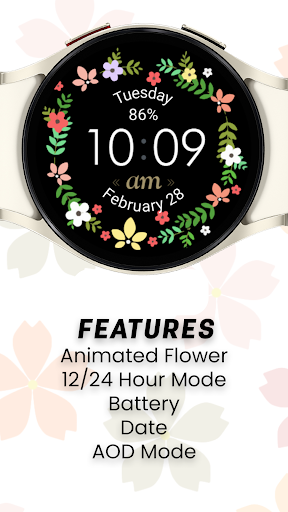
• Delicate floral wreath crafted for elegance and visual harmony
• Soft, feminine styling that enhances any outfit
• Clear analog-inspired time layout with modern readability
• Designed to shine on AMOLED Wear OS displays
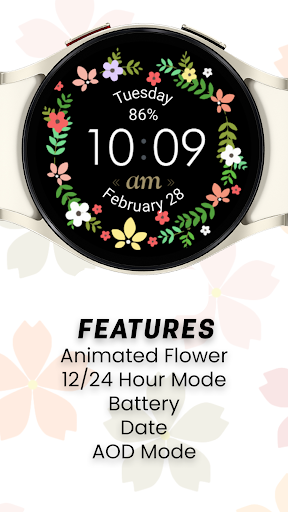
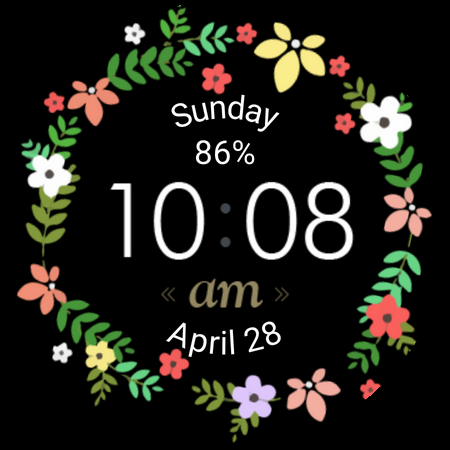
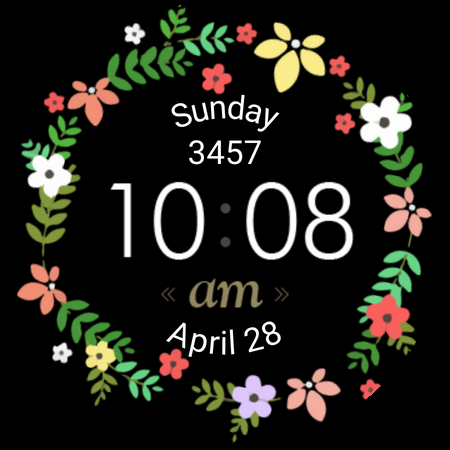
ESSENTIAL INFO AT A GLANCE
• Time display with clean centered design
• Day & date information
• Battery level indicator
• Balanced layout for quick readability
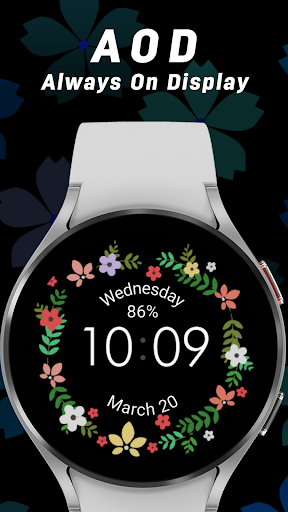
ALWAYS-ON DISPLAY (AOD) READY
• Beautiful dimmed-mode floral design
• Low-power layout for extended battery life
• Always readable while staying decorative
BUILT FOR SMOOTH PERFORMANCE
• Lightweight and battery-friendly
• Optimized for Wear OS 5+
• Perfect for everyday use, work, events, and casual wear
PERFECT FOR:
• Floral & feminine style lovers
• Users who prefer elegant, decorative watch faces
• Anyone wanting a clean, beautiful daily design
COMPATIBILITY
• Samsung Galaxy Watch Series
• Google Pixel Watch Series
• All Wear OS 5.0+ devices
• ❌ Not compatible with Tizen OS
HOW TO USE
1. Install Flower from Google Play.
2. Ensure your watch is running Wear OS 5 or newer.
3. On your watch, touch and hold the current face, then scroll and select Flower by Galaxy Design.
NOTE
• Allow required permissions to ensure proper functionality.
ABOUT GALAXY DESIGN
Galaxy Design creates premium Wear OS watch faces that blend artistry, clarity, and performance. Discover more by searching "Galaxy Design Watch Face" on Google Play.
Elevate your style with elegance — activate Flower today.
Privacy
Given that the Flower Watch Face app requires no permissions, the risk of data collection or privacy breaches appears to be minimal. However, users should still be cautious when installing any app, ensuring they download from trusted sources like the Play Store. It's also advisable to monitor the app's performance and watch for any future updates that might introduce new permissions or data collection practices.
Tips
To get the most out of the Flower Watch Face app, users should first ensure their Wear OS device is compatible and up to date. Upon installation, exploring the app's settings can help customize the watch face to better suit individual preferences. Additionally, users can optimize performance by closing unnecessary apps and ensuring their device has sufficient storage space.
Version Information
- Version
- 5.0.0
- Downloads
- 1K+
- Updated on
- Oct 21, 2025
- Released
- Oct 3, 2021
- Requires
- Android Varies with device
Statistics
Google Play Rating History
Rating Distribution
Downloads Over Time
Flower Watch Face has been downloaded times. Over the past 30 days, it averaged downloads per day.
Shaded area shows 30-day prediction based on historical trends
Historical data collection started recently. More data points will be available over time.
Flower Watch Face users say on Google Play
 Annette R
Love it! Very feminine 🙂
 Tammie Dorn
Notepad app I liked it
 Linda Duke
Won't load on to watch
ApkTrusted Ratings & Reviews
More from Galaxy Design Watch Face
See more apps
Radial Watch Face
Paid
Minimal Watch Face
Free

Active Watch Face
Paid

Galaxy Watch Face
Paid
![Flower Watch Face [Animated] icon](https://play-lh.googleusercontent.com/eYFrF_HeB9NFxx71kFs_rIU_NWLsgyWj1CDga_mpzUIQ1dDaW-obfsmlhZF98-F3uJwG)
Flower Watch Face [Animated]
Paid

Road Watch Face
Paid

Chrono Watch Face
Paid

Aquamarine Watch Face
Paid
TV Watch Face
Paid

Galaxy Watch Face 3
Paid

Diamond Watch Face
Paid

Enduro Watch Face
Paid

Fit Watch Face
Paid

Flux Watch Face
Paid
Fusion Watch Face
Paid

Galaxy Watch Face 3D
Free
Similar Apps
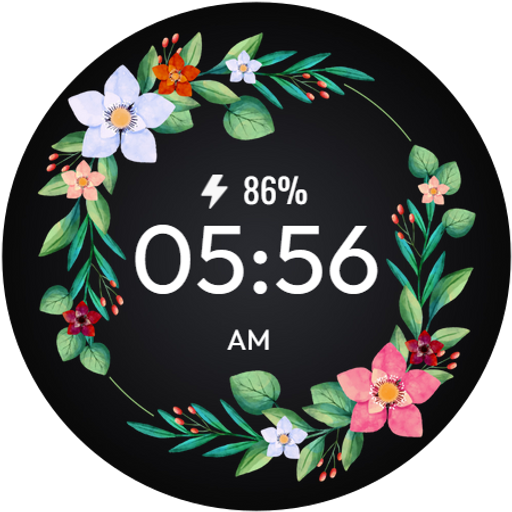
Floral WatchFace - FLOR-05
Free
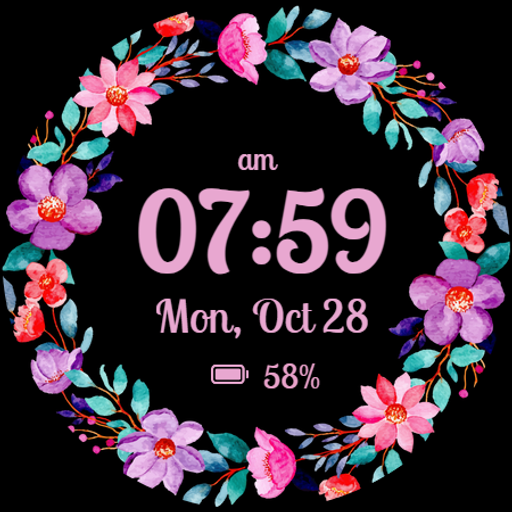
Rose Gold Elegance Watch Face
Free
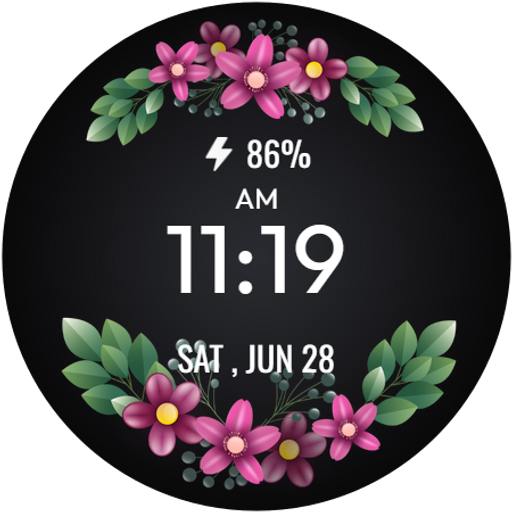
Floral WatchFace - FLOR-01
Free
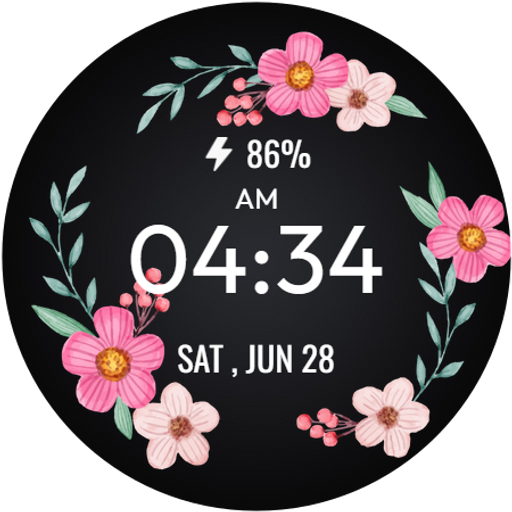
Floral WatchFace - FLOR-03
Free
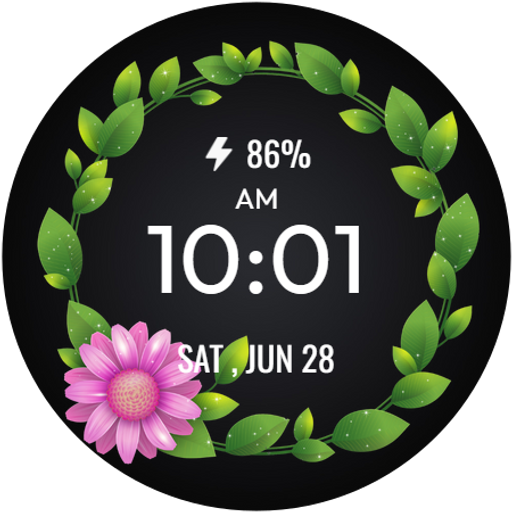
Floral WatchFace - FLOR-02
Free
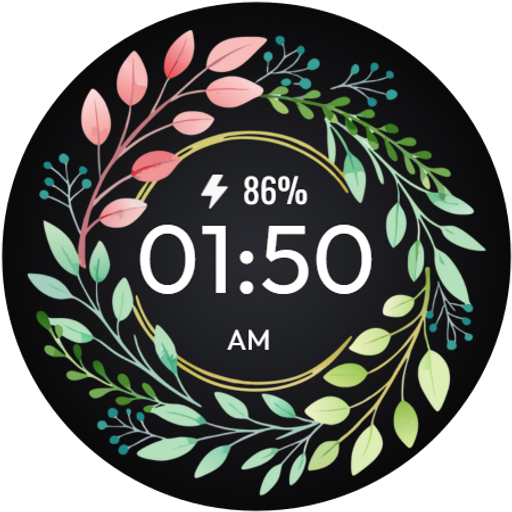
Floral WatchFace - FLOR-04
Free

Fancy Girl Wear OS Watch Face
Paid

Ast107 - Animated Watch Face
Free

Realistic Floral SpringTime
Free
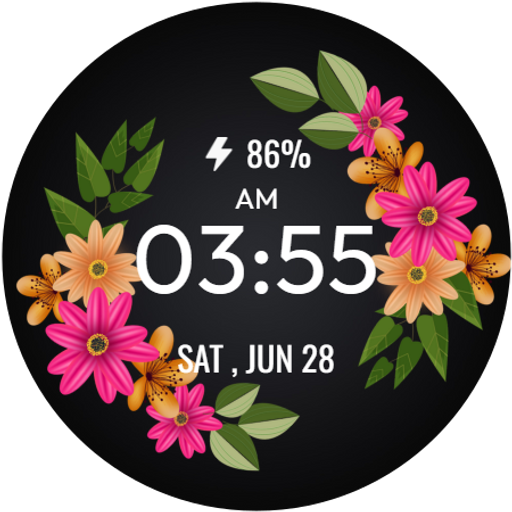
SpringTime WatchFace
Free
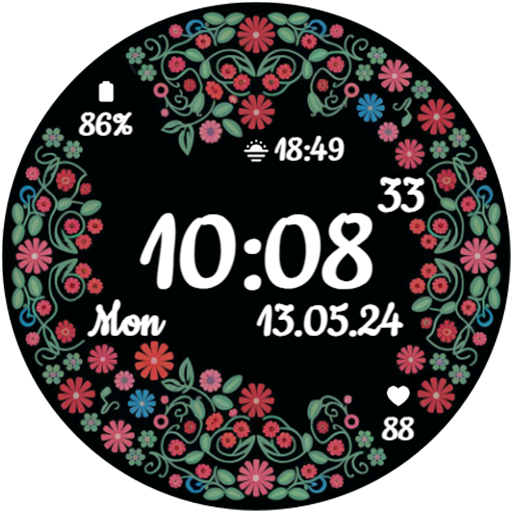
GRBL Spring Flowers Watch Face
Paid

Realistic SpringTime Flowers
Free
Säsonger - Watch Face
Paid

GRBL Flower Blossom
Paid

GRBL FloraTime Flower Flowers
Paid

Flowers MOD Season
Paid
Scan this QR code to download

Forwarding you to the page at Google Play market in seconds...
Open Google Play market now