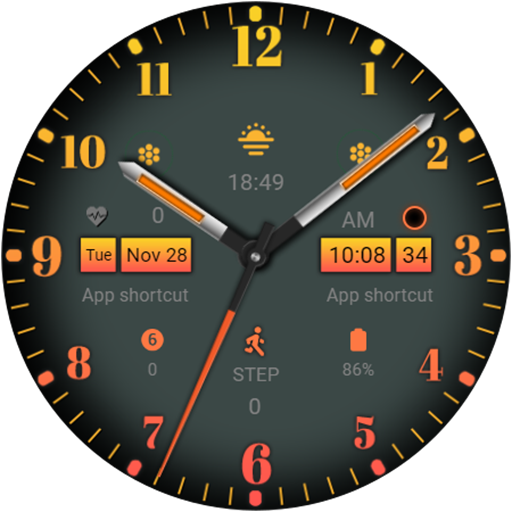
Three dials Orange vVARY
Design Poetry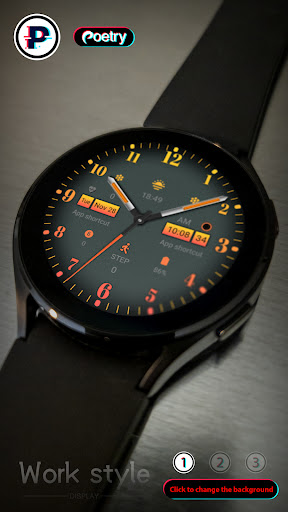
About this app
Developer Description
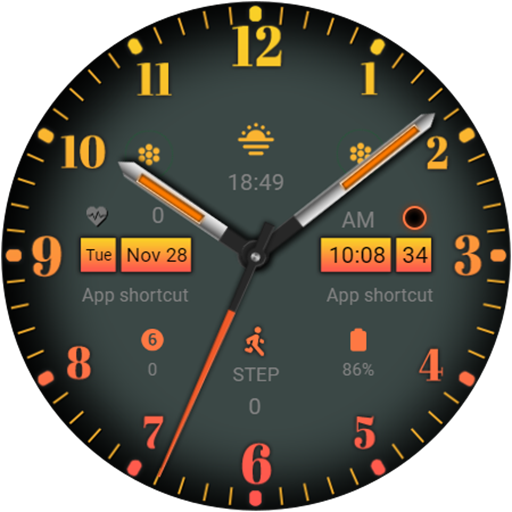
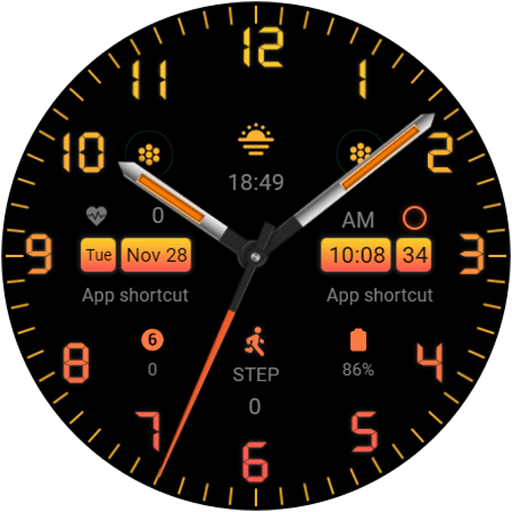
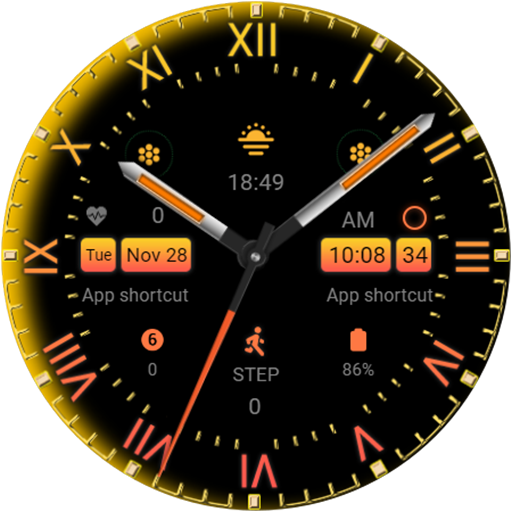
A diverse and stylish watch face!
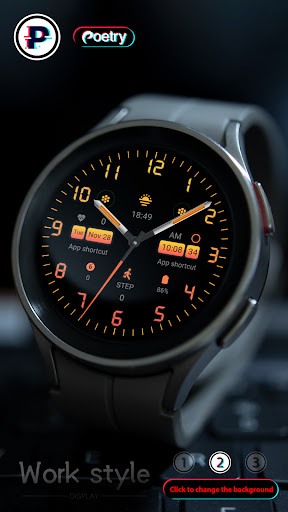
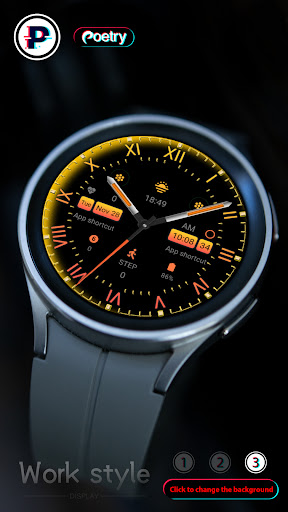
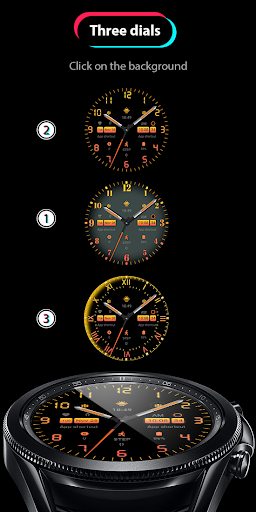
Click on the background to change the three dials!
Only available on Wear OS 3+ (API 30+) devices
4 Customize app shortcuts to get your favorite data like weather, barometer, distance walked, calories and more.
Features:
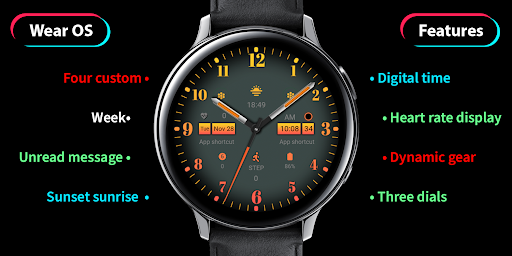
- Three dials
- Sunset
- power
- heart rate
- 4 preset application shortcuts
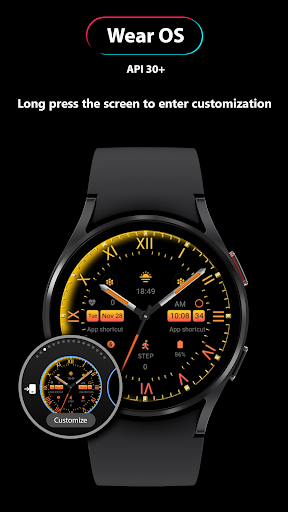
Enter customization:
1 - Long press on the screen
2 - Click Edit
Custom tips:
You can customize any software supported by the watch, such as weather, battery, time, step count, air pressure, etc.
Note that this function needs to be set by the user and we have no control over it!
Installation options:
1. Keep the watch connected to your phone.
2. Install into your phone. Once installed, immediately press and hold the display to check the list of watch faces in your watch, then swipe to the end and click Add Watch Face. There you can see your newly installed watch face and activate it.
3. After the installation is complete, you can also check the following:
A: For Samsung watches, check the Galaxy Wearable app on your phone (install it if you haven't already). Under Watch Faces > Downloaded, you can see your newly installed watch face and apply it to your connected watch.
B. For other smart watch brands, for other Wear OS devices, please check the watch app installed in your smart watch brand phone and find the newly installed watch face in the watch face gallery or list.
4. Also visit the link below which shows many options on how to install a Wear OS watch face in your watch.
https://developer.samsung.com/sdp/blog/en-us/2022/11/15/install-watch-faces-for-galaxy-watch5-and-one-ui-watch-45
Version Information
- Version
- -
- Downloads
- 10K+
- Updated on
- Nov 28, 2023
- Released
- Nov 28, 2023
- Requires
- Android Varies with device
Statistics
Google Play Rating History
Rating Distribution
Downloads Over Time
Three dials Orange has been downloaded times. Over the past 30 days, it averaged downloads per day.
Shaded area shows 30-day prediction based on historical trends
Historical data collection started recently. More data points will be available over time.
Three dials Orange users say on Google Play
 Susan Beedle
a nice watch face with plenty of complications and apps to mage it you're own. changing the dials is so simple just by touching the middle. I love the roman numerals and the classic dial. you can add a digital time via the complications. the vendor has taken a lot of time in designing this wonderful face.
 Robert Murray (Rab)
excellent deals
 Deborah Morgan-Eaglin
it will not connect to my watch. I have restarted watch and made sure the mobile connection is on, but it will not be installed after numerous tries.
ApkTrusted Ratings & Reviews
More from Design Poetry
See more apps

Similar Apps
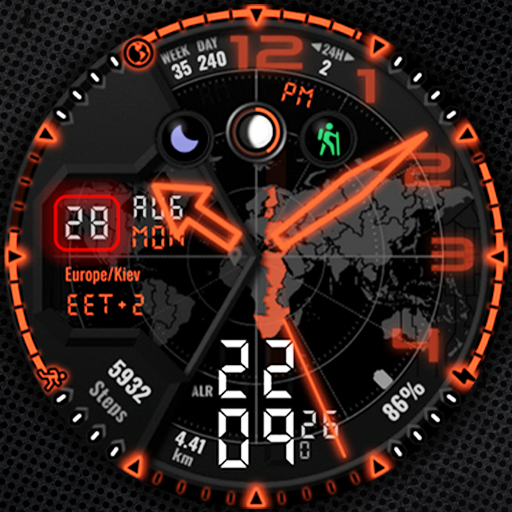
Voron SATELLITE Watch Face
Paid
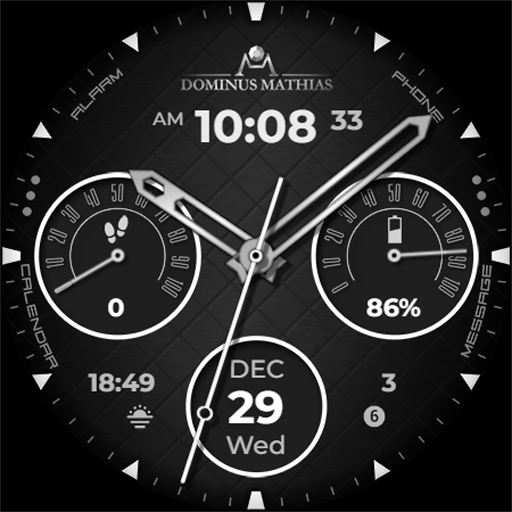
DM010 Analog Watch Face
Paid
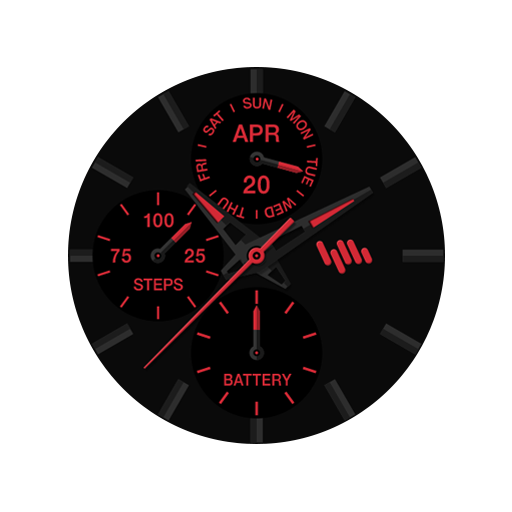
SamWatch Analog Kuk
Paid

ATR Watchface
Free

Grill Metal Watch Face CWF013
Free

IWF Heimish watch face
Paid

DM112 Vibrant Tech Face
Paid
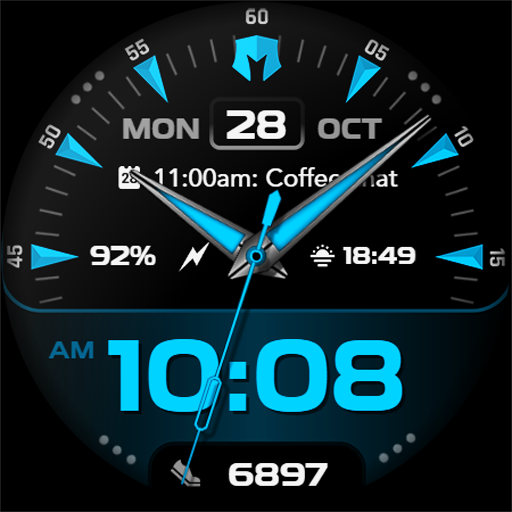
DM114 Classic Trendy Face
Paid

Watch Face WF103
Paid
Neon Watchface AKM Wear OS
Free
W6 Dark Style Wear OS 5+
Free

Key065 Analog Watch Face
Free

PJCD 01
Free

Elegant - Analog I watch face
Paid

ISAAC WATCH HJ026
Paid

BGR WATCHFACE
Free
Scan this QR code to download

Forwarding you to the page at Google Play market in seconds...
Open Google Play market now