Nautical Almanac vVARY
Navigational Algorithms


About this app
Developer Description
The Nautical Almanac in your smartphone or tablet
Nautical almanac:
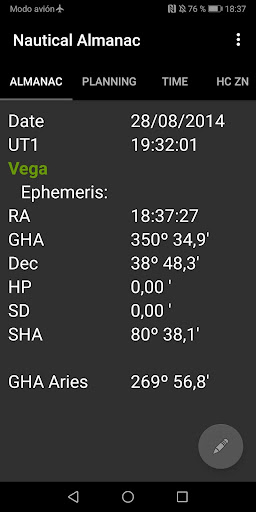
- Equatorial geocentric coordinates: RA/GHA, Declination for Sun, Moon, and navigational stars and planets .
- SD, HP
- SHA
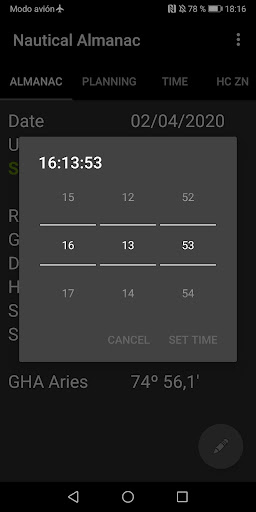
- GHA Aries
Visible sky:
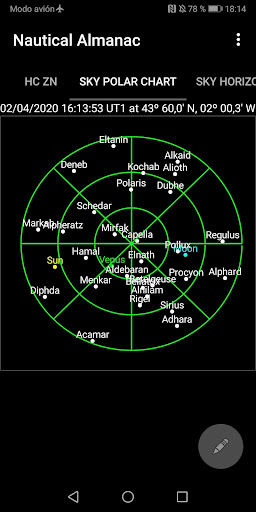
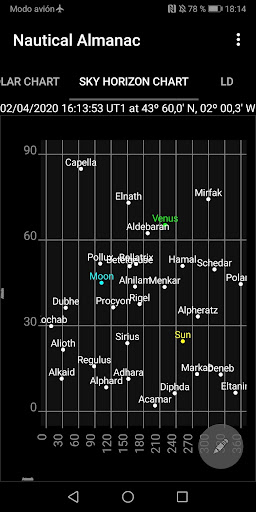
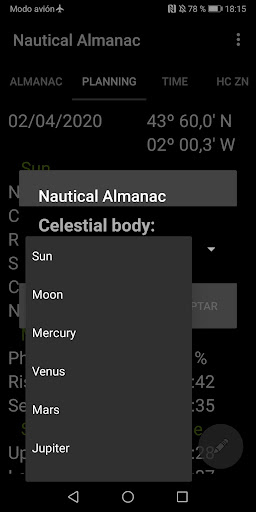
- Identification of stars and planets - it plots the visible sky from a position at a certain moment.
- Polar and horizon chart.
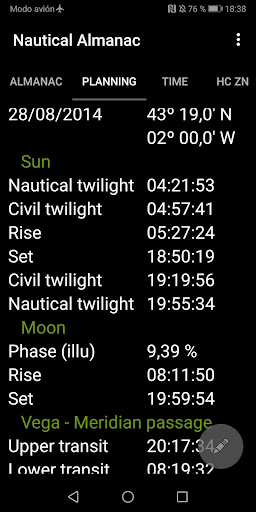
Planning observation:
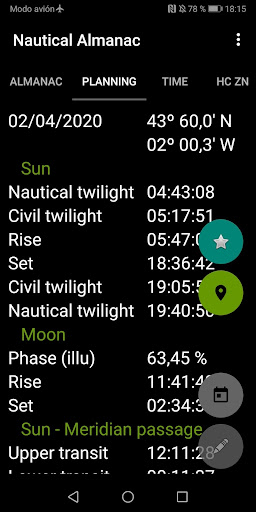
- Twilight
- Rise/set for Sun and Moon
- Meridian passage
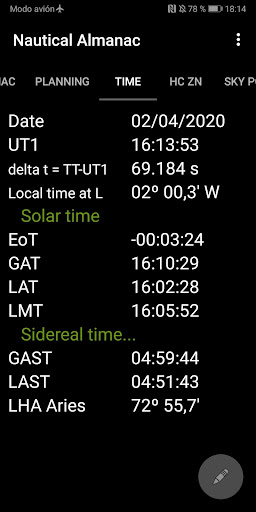
Solar time:
- GAT, LAT, LMT
- Equation of time
Sidereal time (Aries):
- LHA, GAST, LAST
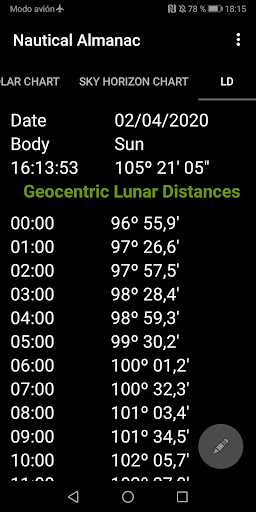
Lunar distances
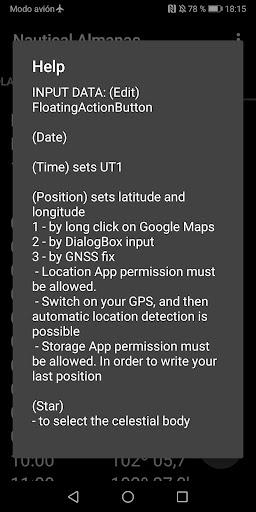
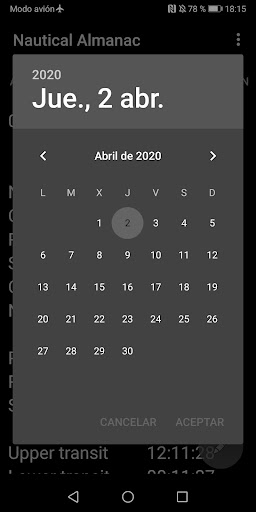
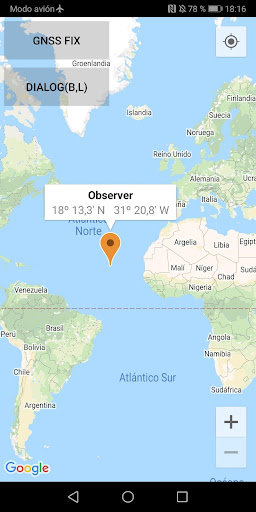
- Three methods of location: by input dialog box, using Google Maps, direct location (provider: GNSS, Network), to initialize your position.
For GPS or network location - "Location" App permission must be allowed. Switch on you GPS, and then automatic location detection is possible
- Your last position is automatically saved.
- Storage permission needed for Google Maps cache and for save your position.
Manual and examples at the developer's website.
Version Information
- Version
- -
- Downloads
- 1K+
- Updated on
- -
- Released
- Jul 16, 2014
- Requires
- Android Varies with device
Statistics
Google Play Rating History
Rating Distribution
Downloads Over Time
Nautical Almanac has been downloaded times. Over the past 30 days, it averaged downloads per day.
Shaded area shows 30-day prediction based on historical trends
Historical data collection started recently. More data points will be available over time.
Nautical Almanac users say on Google Play
 A Google user
Fantastic app. Every component works. Only annoyance is the time changes to Local instead of UT1 when you enter a new time. But a few clicks and all is OK. Update...Even better now with the April 2020 update. Date and time are UT1. I love it.
A Google user
Great application. Worked on Android 5. Upgrade to Android version 6 and nothing works, always crahes
A Google user
Seems useful but I can't find any way to have it use my phones GPS location - it has to be I put in manually. It's good to be able to override the default, but my phone knows where it is why doesn't an app running on the phone know it? There's a Locate button but it doesn't work on Android 10 (Pixel 4) Also what I really want is sun and moon meridian passage and altitude at MP.
ApkTrusted Ratings & Reviews
More from Navigational Algorithms
See more apps


Similar Apps





Scan this QR code to download

Forwarding you to the page at Google Play market in seconds...
Open Google Play market now