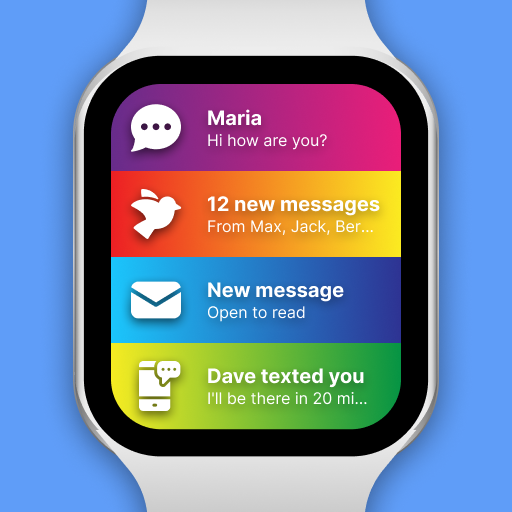
SmartWatch & BT Sync Watch App v422.0
Devolutionapps




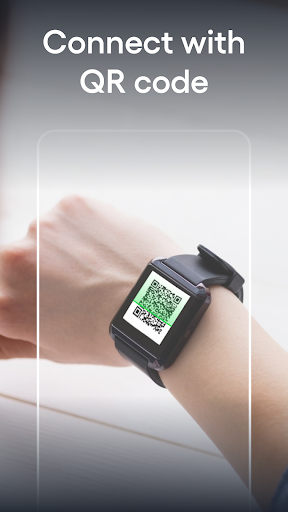

About this app
Developer Description
Sync Smart Watch BT notifier with phone. Smartwatch app for BT notification
With the Smart watch sync app, your gadget will gain even more features and will work 100%:
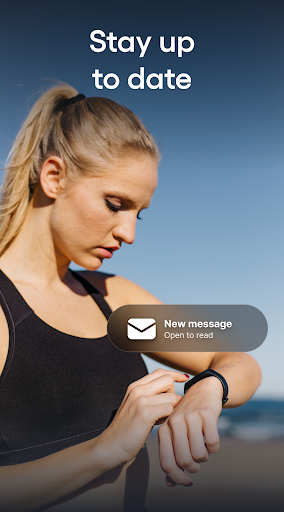
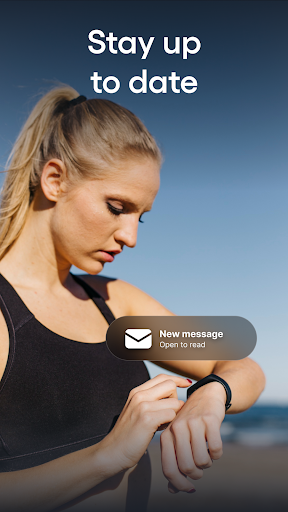
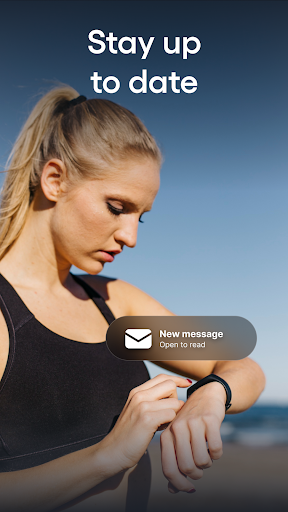
STAY CONNECTED ALWAYS: Read messages, emails and answer calls instantly.
In basic models with our application, you can simply read a message or hang up a call, in advanced models it is possible to answer calls and messages. This feature will certainly come in handy when you are on a run or any kind of activity and it is inconvenient to take a smartphone.
APP SUPPORTED BY POPULAR BRANDS: The app is supported on most popular brand smartwatches and also Chinese swatches - Samsung, Garmin, Xiaomi, Grape, Fundo, Kurio and many others!
CHANGE THE STYLE OF YOUR WATCH of your choice at any time: the app allows you to use dozens of colors that you can customize yourself!
USE MORE FEATURES: add significant events, write notes to be more sure that information will not be lost or reminders of the main thing, pay by the clock and much more.
Installation and sync guide:
(For an extended step-by-step guide with sketched illustrations, visit: qwegnumor.com/Smartwatchsync)
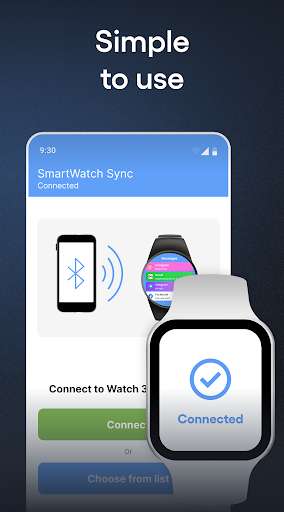
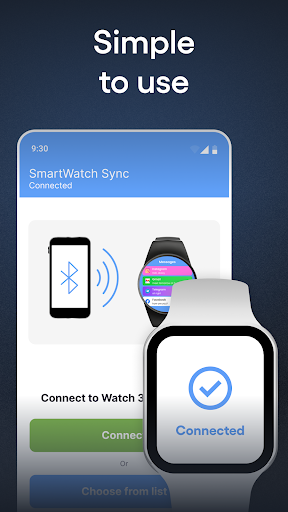
1. Install the Smart watch sync & Bt notifier (Wear OS) from online market on Android smartphone and SmartWatch device.
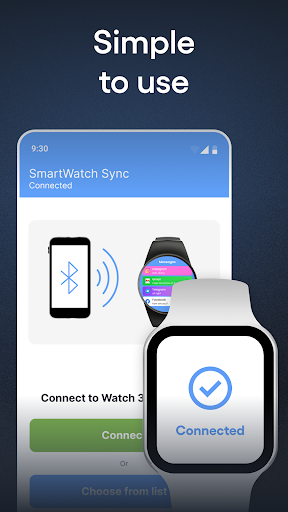
2. Open Bt notifier sync on your smartwatch. Select "Turn on Bluetooth". Next, make Swatch discoverable by clicking the “Discoverable button”.
3. Open the Smart Sync Notifier app on your mobile. Click Enable Permissions to let the Notifier app access BT messages. You can see the phone notifier setting screen where you need to turn on the toggle switch for the Sync app. Then, press the "Back" button to return to the bt notifier application.
4. Select "Enable bt" after "Connect device".
5. Find the name of the smartwatch in the Bt list and connect.
6. Press "Pair / OK" on both devices and, if necessary, confirm the pair of devices (press "OK" / "Allow").
Done! Smartphone and android / wear watch are now paired!
What are the advantages of buying the PRO version?
1. No intrusive ads on your phone or watch!
2. Ability to adjust the on / off messages for selected contacts, instant messengers, programs in a pair
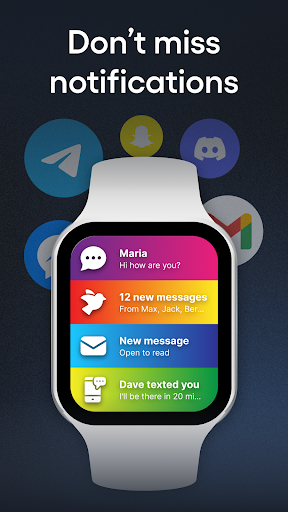
3. Bright themes for bt notifications. Select from a variety of colorful notification themes for each contact / sender / program and enjoy the uniqueness of the watch during daily activities!
Possible problems with Bluetooth sync and their solutions:
Place the devices you are trying to sync as close to each other as possible. Due to the long distance between devices, pairing errors are most common
Disconnect and reconnect devices. A quick connection reset can sometimes fix the error.
Check your device for connectivity with other Android devices. Some smartwatches are trying to connect to the last phone/earphone they were previously paired with. Here you may need to change the settings manually.
Check the battery level on both paired devices. Some smart devices have built-in power management that disables BT if the battery is low. Requires additional charge before use.
The benefits of pair between gadgets will be available through our application.
Smart Watch sync app for android & Bluetooth notifier - sync two devices for a more comfortable existence for a person.
What's New
In-app purchases
$0.99 - $89.99 per item
Version Information
- Version
- 422.0
- Downloads
- 10M+
- Updated on
- Dec 23, 2025
- Released
- May 24, 2016
- Requires
- Android 7.0
Statistics
Google Play Rating History
Rating Distribution
Downloads Over Time
SmartWatch & BT Sync Watch App has been downloaded times. Over the past 30 days, it averaged downloads per day.
Shaded area shows 30-day prediction based on historical trends
Historical data collection started recently. More data points will be available over time.
SmartWatch & BT Sync Watch App - Google Play Rankings
Top Rankings
| Rank | Country | Category | List | Change |
|---|---|---|---|---|
| — |
Ranking History in
No ranking data available yet. Rankings are updated daily.
#81 in Top Grossing Communication in United States


#10 in Top Grossing Communication in Philippines
 Portable WiFi - Mobile Hotspot
SmartWatch & BT Sync Watch App
Portable WiFi - Mobile Hotspot
SmartWatch & BT Sync Watch App
 Truecaller: Spam Call Blocker
#20 in Top Free Communication in Argentina
 Tuenti AR, gigas en tu celu
SmartWatch & BT Sync Watch App
Tuenti AR, gigas en tu celu
SmartWatch & BT Sync Watch App
 CallerID: Spam Call Identifier
#22 in Top Grossing Communication in Argentina
 Hushed: US Second Phone Number
SmartWatch & BT Sync Watch App
Hushed: US Second Phone Number
SmartWatch & BT Sync Watch App
 Clone App - Multiple Account
SmartWatch & BT Sync Watch App users say on Google Play
 Mj meraj
Smart Watch Sync is a useful tool for connecting your smartwatch to your smartphone and keeping all your fitness and notification data in one place. The app makes the pairing process simple, even for beginners, and usually connects within seconds. One of the best things about Smart Watch Sync is how smoothly it transfers data. You can check your steps, heart rate, sleep tracking, and other health stats without any delay.
 Fidel Esquivel
very good
 Mujib Rama
Min is not donlod I don't know
 Hamid Ademola
is a very good watch
 Legends Turbo
I can't even use the app. each time I try to click the continue for free option, the payment subscription always appears
ApkTrusted Ratings & Reviews
More from Devolutionapps
See more apps

Similar Apps
Amazfit GTR 4 GTS 4 WatchFaces
Free

FitCloudPro
Free

RDFit
Free

Da Fit
Free

Smart Watch - Clock Wallpaper
Free

ME-QR: QR Code Generator
Free

HryFine
Free

QR Scanner: Barcode Scanner
Free

QR Code & Barcode Scanner Plus
Free
Wearfit Pro
Free
Super CodeReader
Free
Zepp
Free
Mi Band 5 Watch Faces
Free

QR & Barcode Reader
Free
QR Code Scanner - Barcode Scan
Free
Mi Fitness (Xiaomi Wear)
Free
Scan this QR code to download

Forwarding you to the page at Google Play market in seconds...
Open Google Play market now