POTUS in Order vVARY
Siegal Works, LLC







About this app
Developer Description
AP US History Review
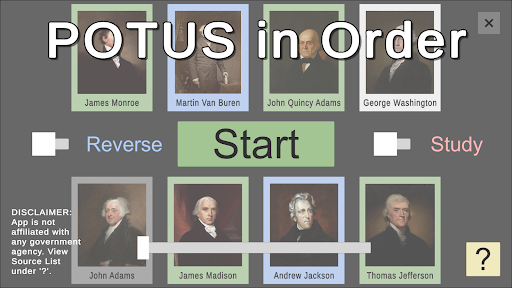
POTUS in Order is an educational app designed to help students visualize and learn the presidents in sequence. Get to know the political party, years in office, terms served, and sequence number for each POTUS.
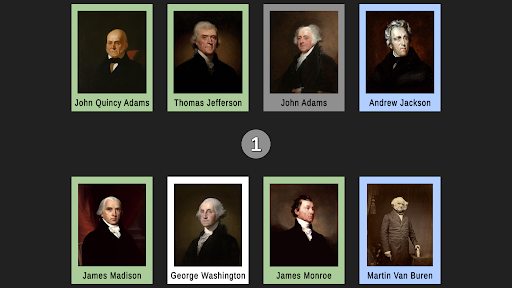
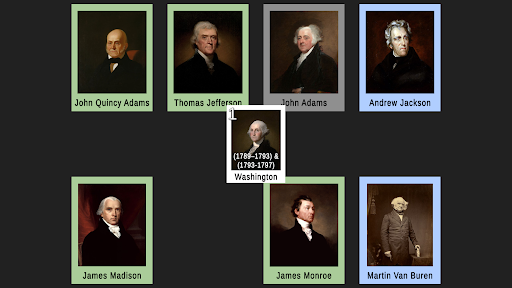
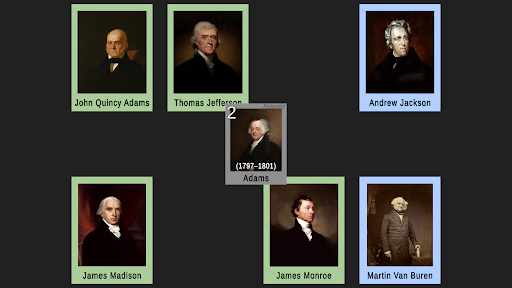
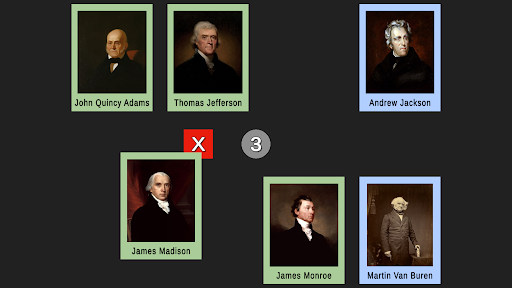
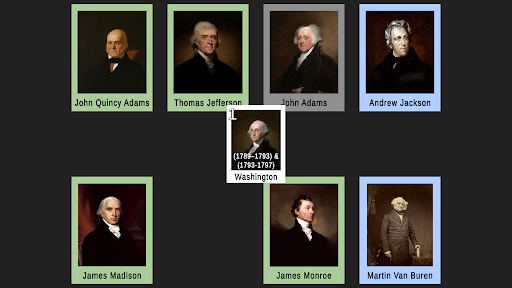
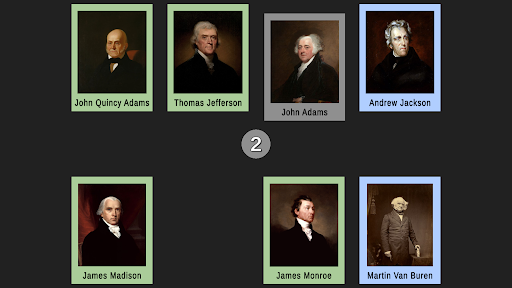
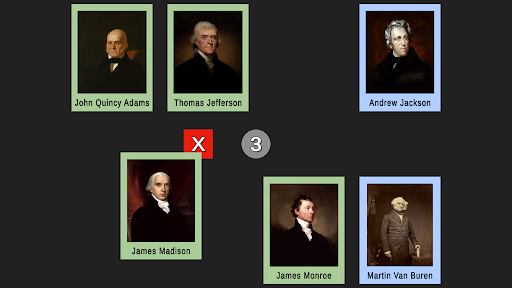
A page of cards for each of the first 8 presidents will be shown in random positions on your screen. Each card is color-coded to represent the political party and only their portrait and full name are shown. Drag the POTUS whose sequence number in the order of presidents matches the badge number in the center of the screen. For example, if the badge shows 1, drag George Washington’s card to it because George Washington is the 1st president. Complete all the presidents on the page to advance to the next set.
Study Mode
Don’t worry if you don’t know them yet or can’t get through all the presidents before 3 wrong attempts. You can switch Study mode on. The presidents will be lined up in order with facts (including their political party, years in office, terms served, and sequence number) showing. Adjust the slider to start on any page.
Premium
Additional Study mode features are only available with POTUS in Order Premium. View Vice President, First Lady, date of birth, age at inauguration, other political offices held, and much, much more! There is even space for you to add your own custom notes.
Context-sensitive buttons and links also allow you to view lists of POTUSes that share a common trait. For example, suppose you are viewing Theodore Roosevelt. When you tap the “42” link, you will list all the POTUSes that were inaugurated in their 40s. Or tap the “Governor” link to view all POTUSes who served as Governor. Press the "Republican" button to list all the Republican POTUSes. Access premium features in Study mode, by tapping a POTUS. If you have not yet purchased the premium features, view a sample by tapping George Washington, otherwise you will be asked if you want to purchase POTUS in Order Premium.
Disclaimer
This app is not affiliated with any government agency. All sources are listed within the app.
In-app purchases
$1.99 per item
Version Information
- Version
- -
- Downloads
- 1+
- Updated on
- -
- Released
- Jul 9, 2021
- Requires
- Android Varies with device
Statistics
Google Play Rating History
Rating Distribution
Downloads Over Time
POTUS in Order has been downloaded times. Over the past 30 days, it averaged downloads per day.
Shaded area shows 30-day prediction based on historical trends
Historical data collection started recently. More data points will be available over time.
ApkTrusted Ratings & Reviews
More from Siegal Works, LLC
See more apps

Scan this QR code to download

Forwarding you to the page at Google Play market in seconds...
Open Google Play market now