
Essentials: Digital Watch Face vVARY
Active Design Watch Face


About this app
Developer Description
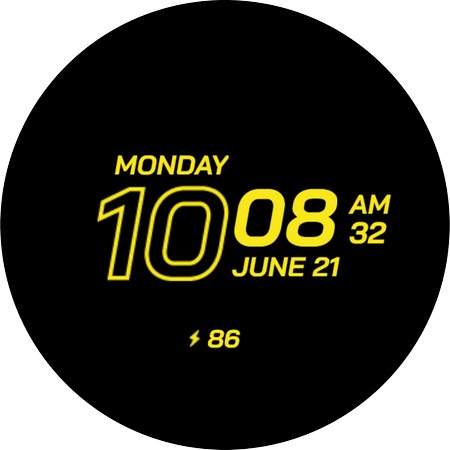
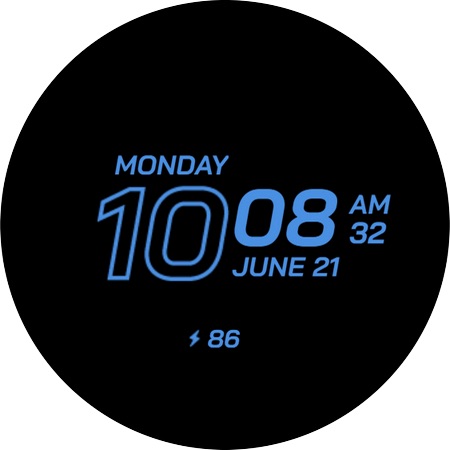
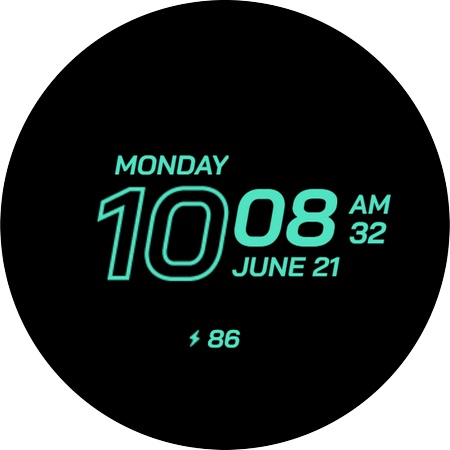
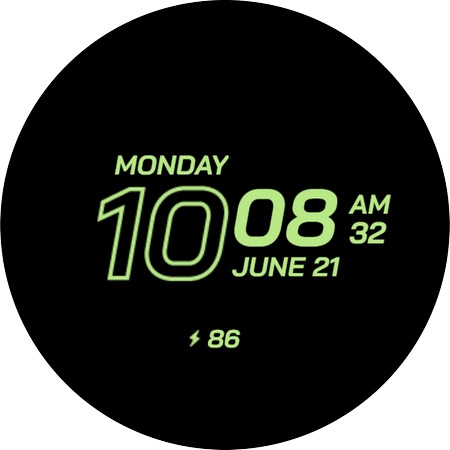
Clean digital watch face combining simplicity, style, and functionality.
Essentials – Digital Watch Face for Wear OS by Active Design
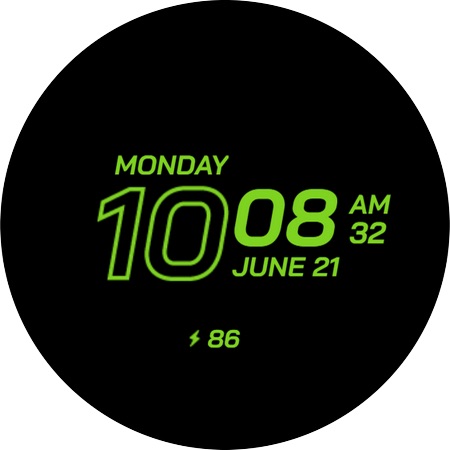
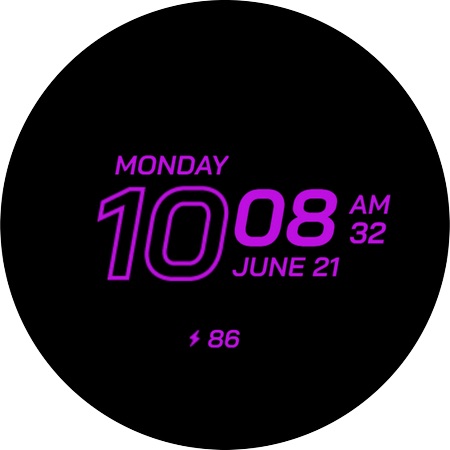
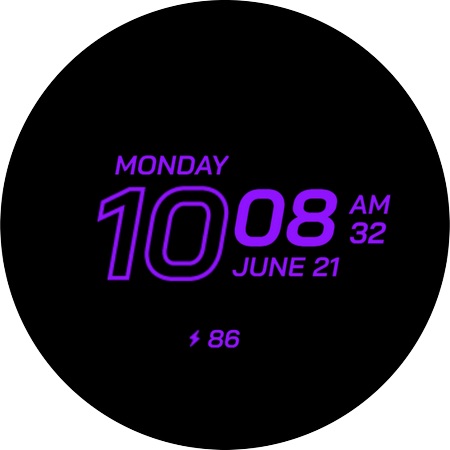
Stay focused on what matters with Essentials, a clean and minimal digital watch face crafted for clarity and everyday reliability. Designed for Wear OS smartwatches, Essentials delivers a timeless layout that keeps your most important information front and center—no clutter, no distractions.
CLEAN & MINIMAL DIGITAL DESIGN
• Crisp digital time with perfect readability
• Balanced layout that works for any style or occasion
• Optimized for Galaxy Watch, Pixel Watch, and all Wear OS devices
ALL THE BASICS — EXACTLY WHERE YOU NEED THEM
• 12h / 24h time format (system-based)
• Day & date display for everyday organization
• Battery level indicator
• Simple, distraction-free interface
ALWAYS-ON DISPLAY (AOD) OPTIMIZED
• Power-efficient AOD mode
• Clean and clear time/date visibility
• Designed for round AMOLED screens
BUILT FOR DAILY USE
• Lightweight, smooth, and battery-friendly
• Perfect for work, school, casual use, and everything in between
• A timeless design that fits any smartwatch setup
HOW TO USE
1. Install Essentials from Google Play.
2. Make sure your smartwatch is running Wear OS 5 or later.
3. On your watch, touch and hold your current watch face, then scroll to select Essentials by Active Design.
ABOUT ACTIVE DESIGN
Active Design creates premium Wear OS watch faces focused on simplicity, clarity, and modern aesthetics. Discover more by searching "Active Design Watch Face" on Google Play.
Activate Essentials today and enjoy simplicity perfected.
Version Information
- Version
- -
- Downloads
- 50K+
- Updated on
- Oct 19, 2025
- Released
- Jun 4, 2023
- Requires
- Android Varies with device
Statistics
Google Play Rating History
Rating Distribution
Downloads Over Time
Essentials: Digital Watch Face has been downloaded times. Over the past 30 days, it averaged downloads per day.
Shaded area shows 30-day prediction based on historical trends
Historical data collection started recently. More data points will be available over time.
Essentials: Digital Watch Face users say on Google Play
 Allen Lee
Great free watch face with a sleek easy to read design. Willing to pay for this design with a few complications options.
 Miliano
If this has 3 customisable complications along the top and bottom, and able to swap the day text for something else, like reminders for example, it would be an absolutely fantastic watch face.
ApkTrusted Ratings & Reviews
More from Active Design Watch Face
See more apps
Vega Hybrid Watch Face
Paid

Apex Analog Watch Face
Paid

Exo: Hybrid Watch Face
Paid

Essentials Watch Face
Free

Aquastellar: Diver Watch Face
Paid

Perpetual: Hybrid Watch Face
Paid
Essentials: Analog Watch Face
Free

Destiny Watch Face
Paid
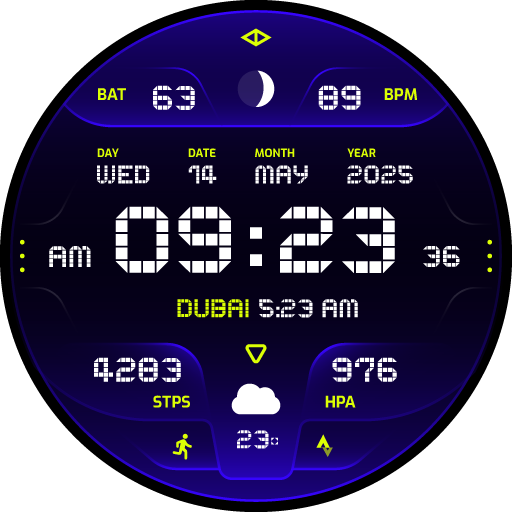
Celestrix: Digital Watch Face
Paid

Destiny 2: Digital Watch Face
Paid

Discovery: Digital Watch Face
Paid

Elysium: Digital Watch Face
Paid

Equinox: Digital Watch Face
Paid
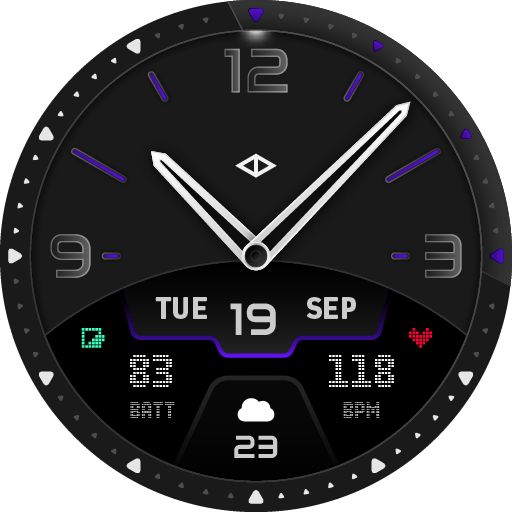
Apex 2 Analog Watch Face
Paid

Exo 2: Analog Watch Face
Paid

Forte: Hybrid Watch Face
Paid
Similar Apps

EXD074: Essential Watch Face
Paid

Embassy 3: Minimal Watch Face
Free

EXD071: Sport Stripe Face
Paid

Digital X3
Paid
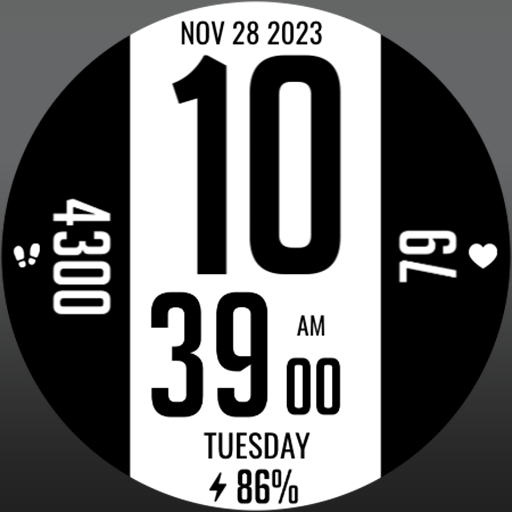
MJ116 The Big One
Paid

CELEST5544 Minimalist Watch
Paid

Big 10 watch face
Paid

Black Pro Watch Face
Free

Black Jet Watch Face
Paid

SamWatch SIGN Beta 2
Paid
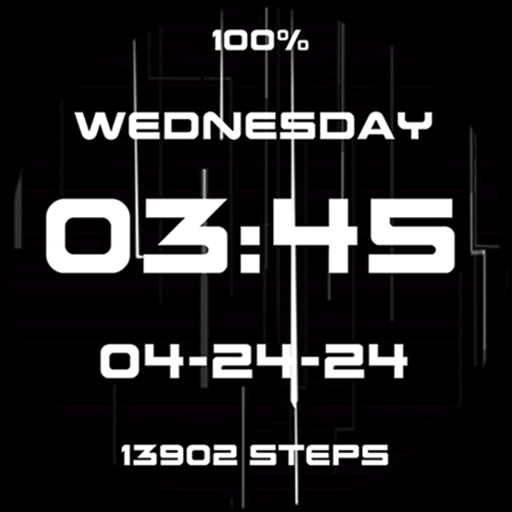
Gamer Neon LED Lights Cool
Free

Black One Watch Face
Paid
EXD077: Combat Watch Face
Paid

EXD083: Digital Watch Face
Paid

MJ113 Double
Paid

Big numbers 2
Paid
Scan this QR code to download

Forwarding you to the page at Google Play market in seconds...
Open Google Play market now