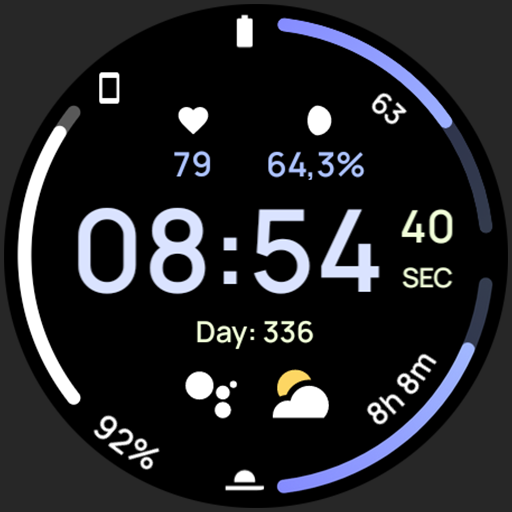
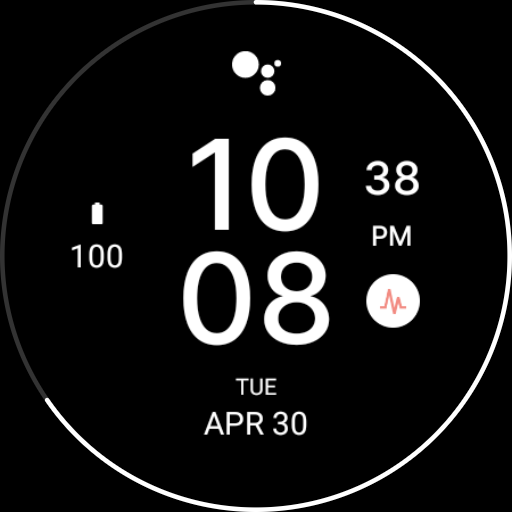
AD Gemini - Watch Face icon

AD Gemini - Watch Face vVARY

AD Gemini - Watch Face screenshot 0 AD Gemini - Watch Face screenshot 1 AD Gemini - Watch Face screenshot 2 AD Gemini - Watch Face screenshot 3 AD Gemini - Watch Face screenshot 4 AD Gemini - Watch Face screenshot 5 AD Gemini - Watch Face screenshot 6 AD Gemini - Watch Face screenshot 7 AD Gemini - Watch Face screenshot 8 AD Gemini - Watch Face screenshot 9 AD Gemini - Watch Face screenshot 10 AD Gemini - Watch Face screenshot 11 AD Gemini - Watch Face screenshot 12 AD Gemini - Watch Face screenshot 13 AD Gemini - Watch Face screenshot 14 AD Gemini - Watch Face screenshot 15 AD Gemini - Watch Face screenshot 16 AD Gemini - Watch Face screenshot 17 AD Gemini - Watch Face screenshot 18 AD Gemini - Watch Face screenshot 19 AD Gemini - Watch Face screenshot 20 AD Gemini - Watch Face screenshot 21 AD Gemini - Watch Face screenshot 22 AD Gemini - Watch Face screenshot 23 AD Gemini - Watch Face screenshot 24 AD Gemini - Watch Face screenshot 25

About this app

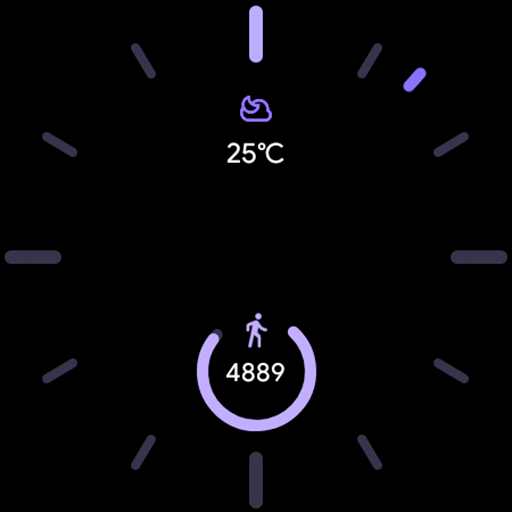
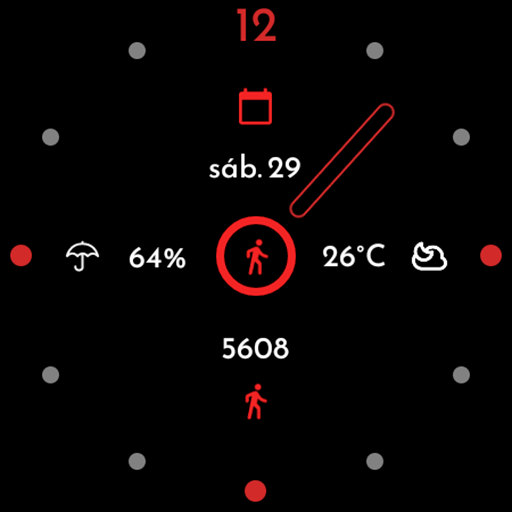
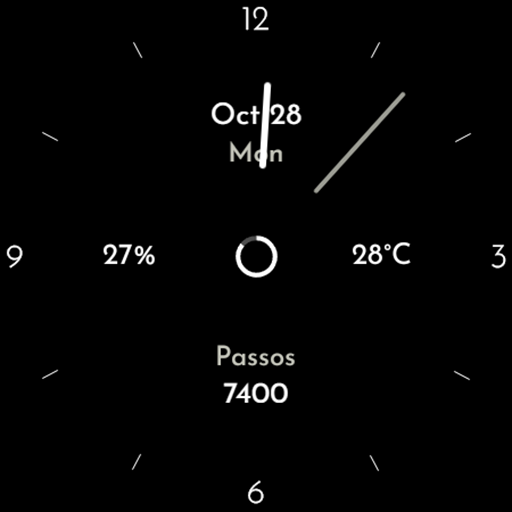
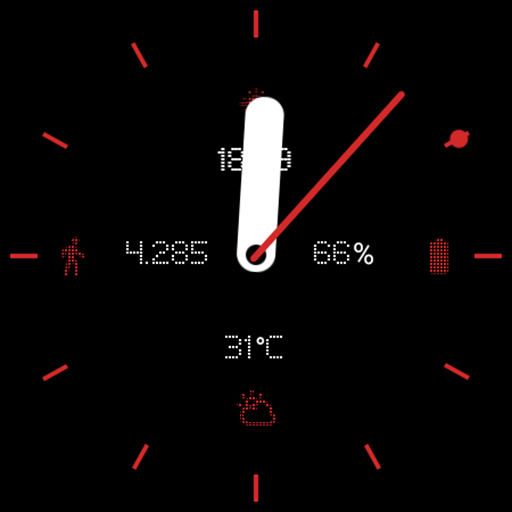
The AD Gemini - Watch Face app solves the problem of limited customization options for smartwatch users, offering a design focused on progress bars with a lot of customizations, which benefits users seeking a personalized and unique watch face experience. Compared to alternatives in the Personalization category, AD Gemini stands out with its focus on progress bars, but its lack of user rating data and limited downloads may raise concerns about its reliability. The app's paid model without ads or in-app purchases is a significant advantage, ensuring an uninterrupted user experience. However, its limited user base and lack of transparency about updates may fall short of user expectations.

Pros

  • The app's paid model without ads or in-app purchases ensures a clean and uninterrupted user experience, allowing users to enjoy their customized watch face without distractions.
  • The developer's focus on design and customization provides a unique and personalized experience for users, setting it apart from other watch face apps.
  • The lack of permissions requested by the app is a significant advantage, as it ensures user data privacy and security, which is a major concern for many users.
  • The app's offline capability, implied by the lack of required permissions, allows users to access and customize their watch face even without an internet connection.
  • The developer's presence on social media, such as Instagram, provides a channel for users to provide feedback and engage with the developer, potentially leading to future updates and improvements.

Cons

  • The limited user rating data and downloads may raise concerns about the app's reliability and popularity, making it difficult for potential users to gauge its quality and performance.
  • The lack of transparency about updates and the developer's plans for future improvements may lead to uncertainty about the app's long-term support and maintenance.
  • The app's limited compatibility with various devices, as indicated by the 'Varies with device' Android requirement, may result in inconsistent performance or compatibility issues for some users.
  • The developer's email address, although provided, may not be a reliable or responsive channel for user support, potentially leaving users without assistance in case of issues.

Best for: The ideal user for the AD Gemini - Watch Face app is a tech-savvy individual, likely between the ages of 25 and 45, who values customization and personalization, owns a smartwatch, and is willing to pay for a unique and ad-free experience, with a medium to high level of technical skill to navigate the app's features and customization options.

Developer Description

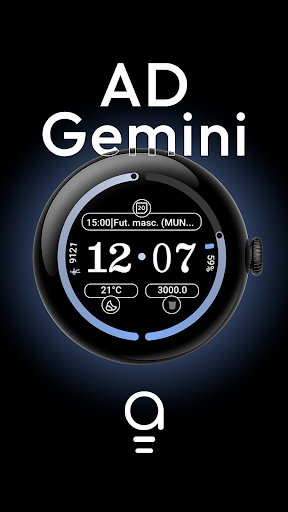
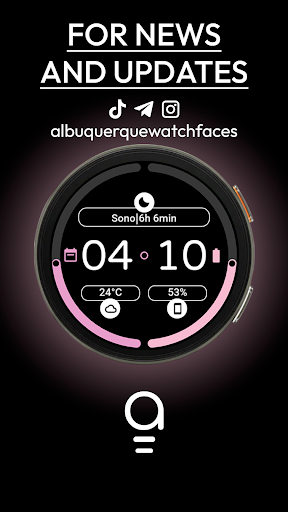
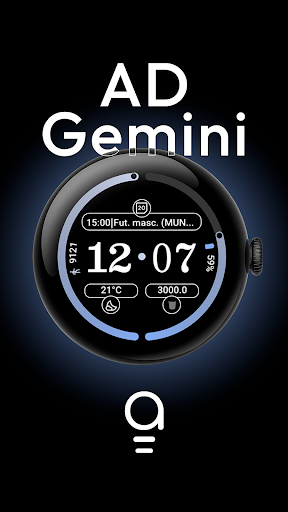
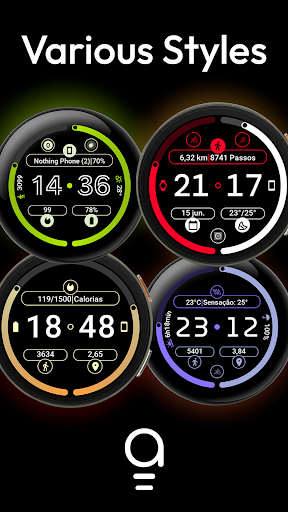
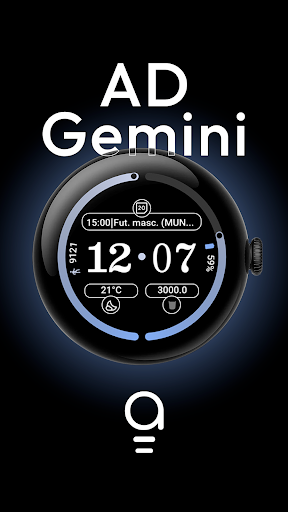
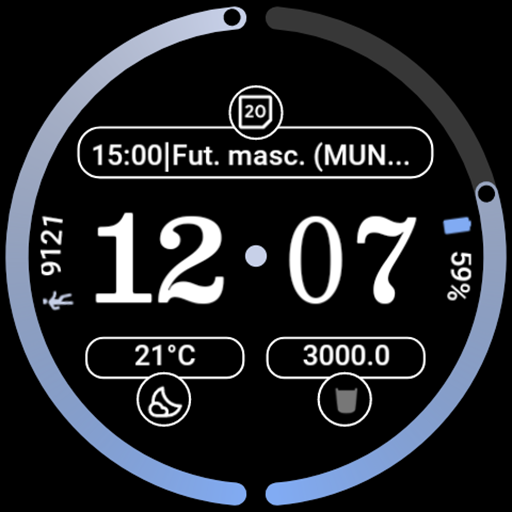
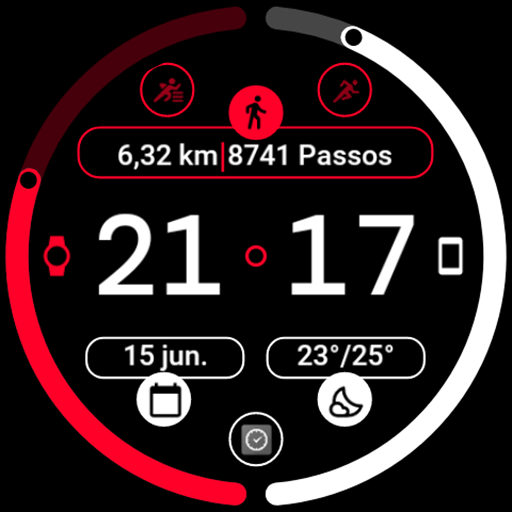
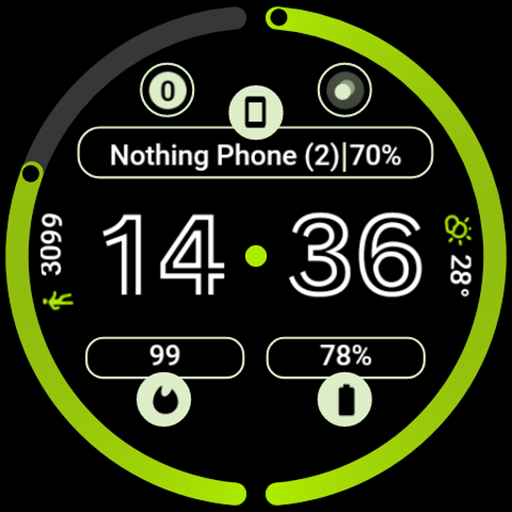
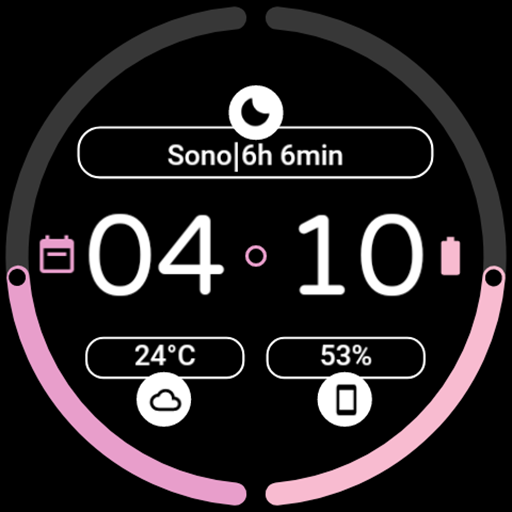
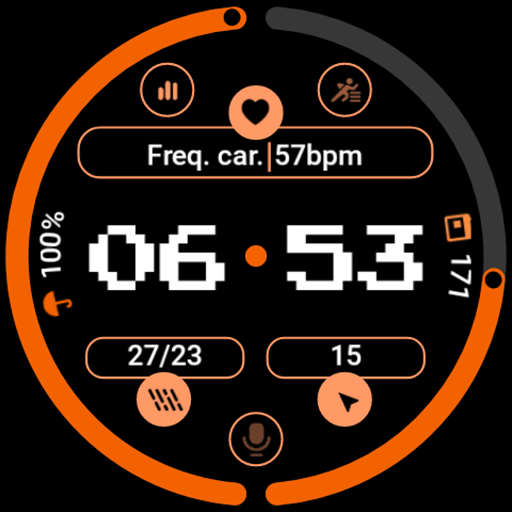
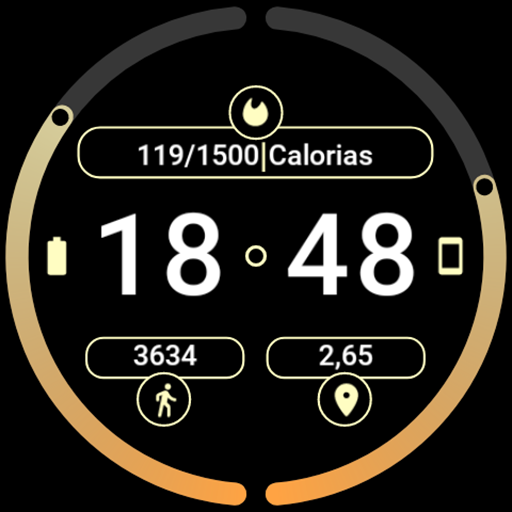
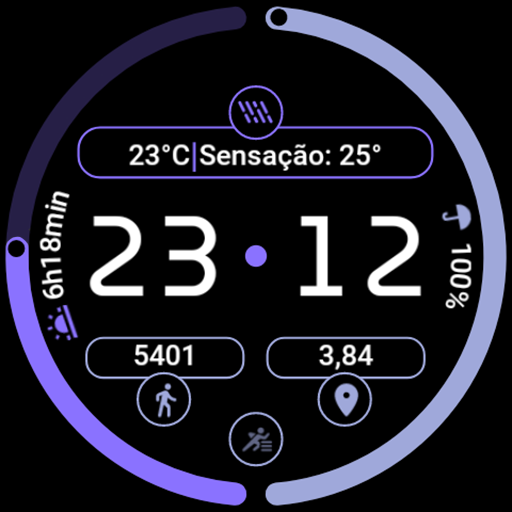
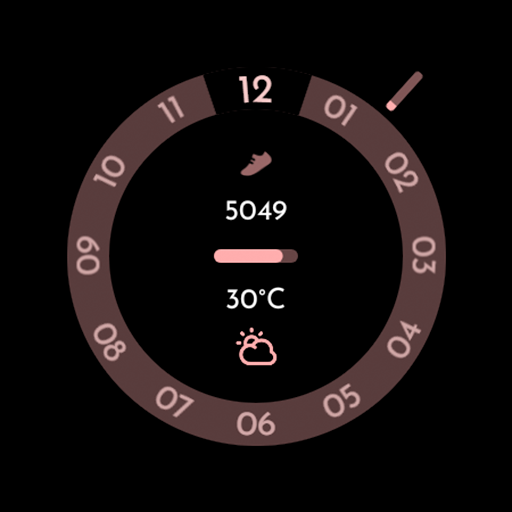
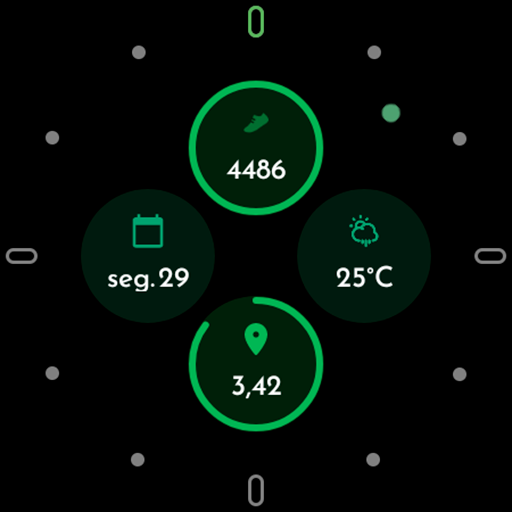
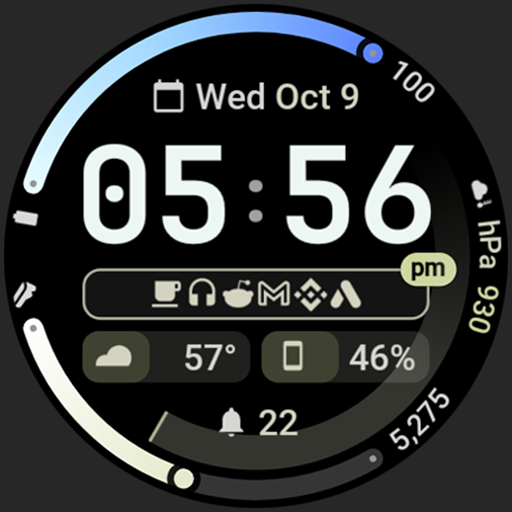
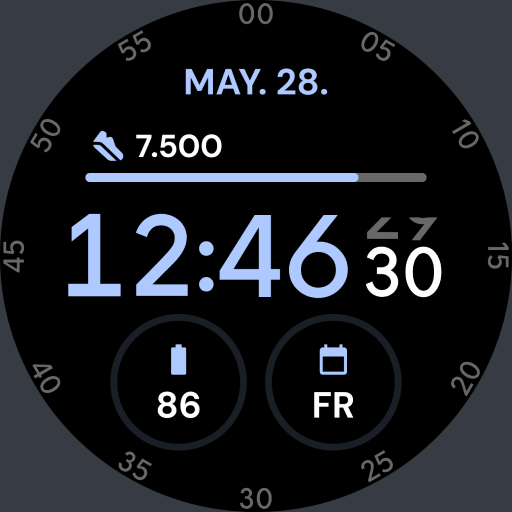
Watch face with a lot of customizations with a design focused on progress bars

App compatible with Wear OS 4+ devices only

Made with Watch Face Format

To be the first to know about exclusive coupons and our launches, join our Telegram channel

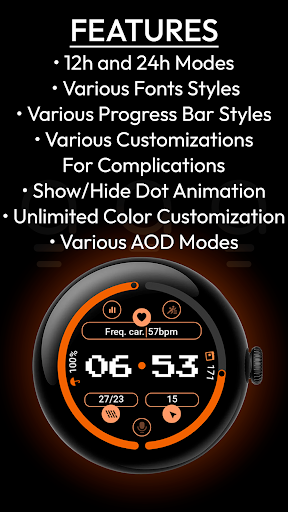
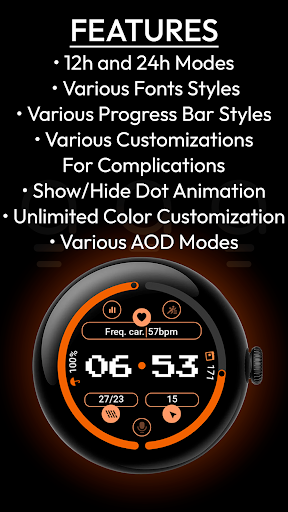
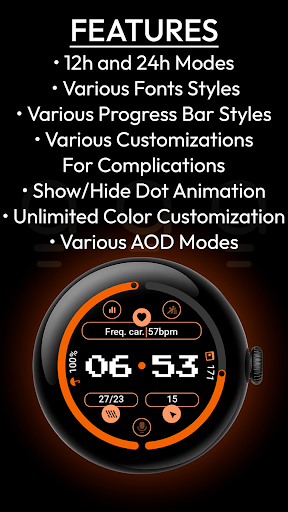
Features:

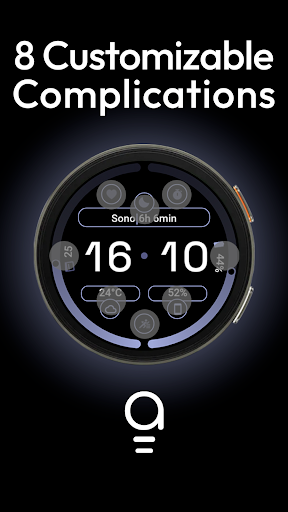
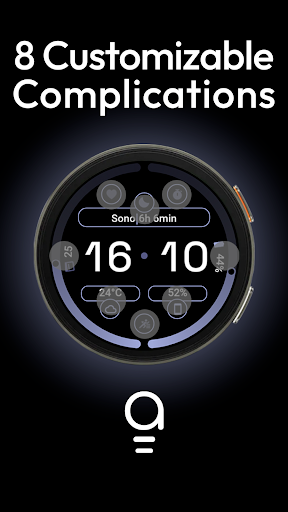
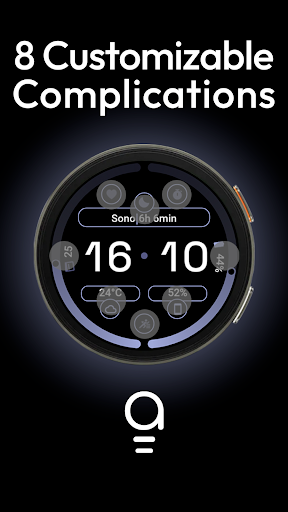
- Up to 8 customizable complications;
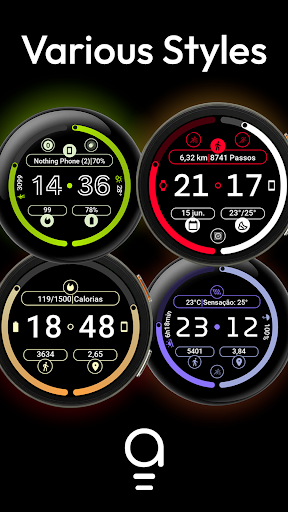
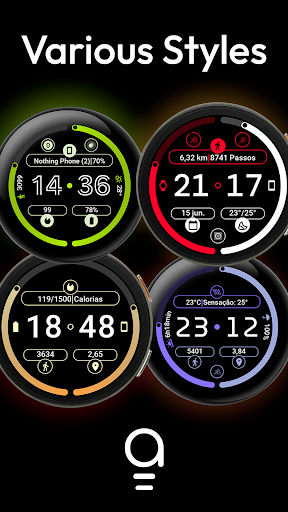
- Various fonts styles;
- Various progress bar styles;
- Various customizations for complications;
- Show/hide dot animation;
- 12h and 24h modes;
- Unlimited color customization;
- Various AOD modes.

Complication for the weather:
Simple Weather
Complication for the weather:
Weather Complications: Wear OS
Complication for the health info:
Health Plugin for Wear OS
Complication for phone battery:
Phone Battery Complication
Complication for diverse information:
Complications Suite - Wear OS

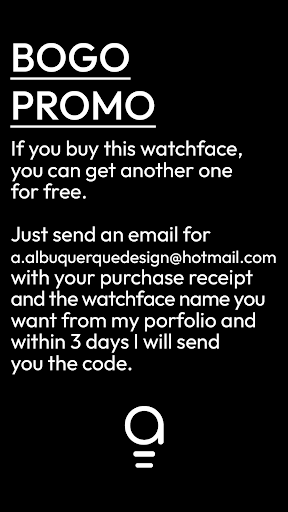
BUY ONE, GET ONE PROMO
If you buy this watchface, you get other one for free, send me an email at a.albuquerquedesign@hotmail.com with your purchase receipt and the name of the watchface you want from my portfolio, within 3 days I will send a free promo code of the watchface that you want.

Privacy

Given the app's lack of permissions, it is unlikely to collect any sensitive user data, and its paid model without ads reduces the risk of data collection for advertising purposes. However, users should still be cautious when installing any new app and monitor their device's performance and data usage. To ensure privacy and security, users should only install apps from trusted sources, such as the Google Play Store, and keep their device's operating system and apps up to date.

Tips

To get the most out of the AD Gemini - Watch Face app, users should explore the various customization options to personalize their watch face according to their preferences. Additionally, users can optimize the app's performance by ensuring their device's software is up to date and closing unnecessary apps to conserve battery life. By following these tips, users can enjoy a unique and personalized watch face experience with minimal interruptions.

What's New

Release of the AD Gemini Watch Face

Version Information

Version
-
Downloads
10+
Updated on
Jun 20, 2025
Released
Jun 20, 2025
Requires
Android Varies with device

Statistics

Google Play Rating History

Current
Average
Range

Rating Distribution

Total Ratings:

Downloads Over Time

AD Gemini - Watch Face has been downloaded times.

Total Downloads
Last 30 Days
Avg Daily Est.

Shaded area shows 30-day prediction based on historical trends

Historical data collection started recently. More data points will be available over time.

ApkTrusted Ratings & Reviews

0.0
0 ratings
5
0
4
0
3
0
2
0
1
0
✓ Thank you! Your review has been submitted and will be published after admin approval.
Be the first to write a review...

More from Albuquerque Design
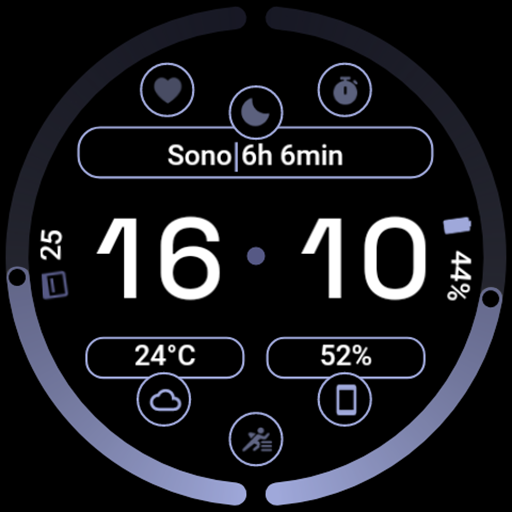
See more apps

Similar Apps

Explore Tags

Browse all tags