Color Flow Watch Face vVARY
Time Design LLC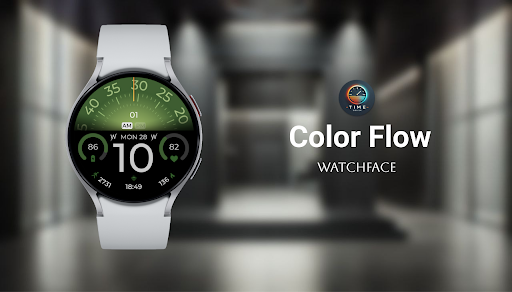

About this app
Developer Description
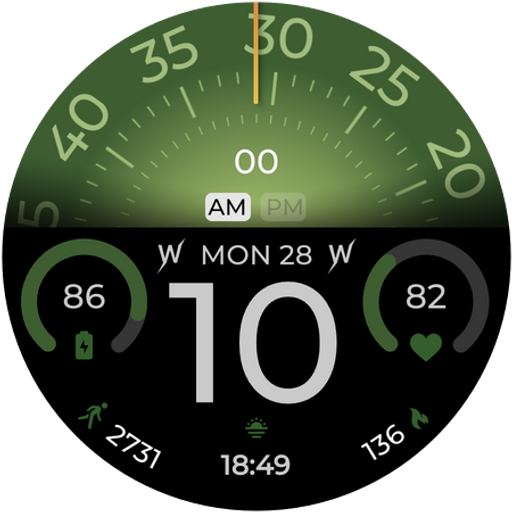
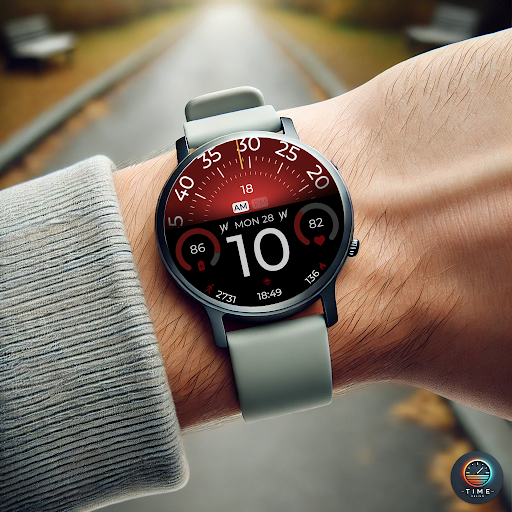
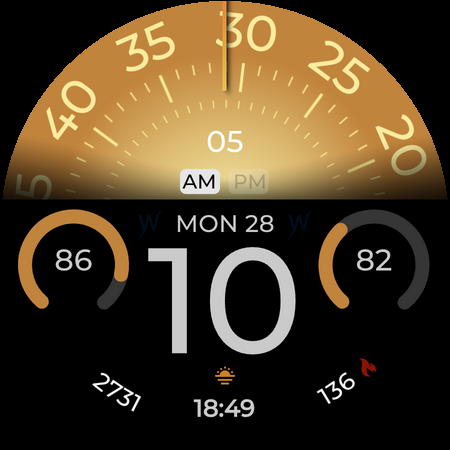
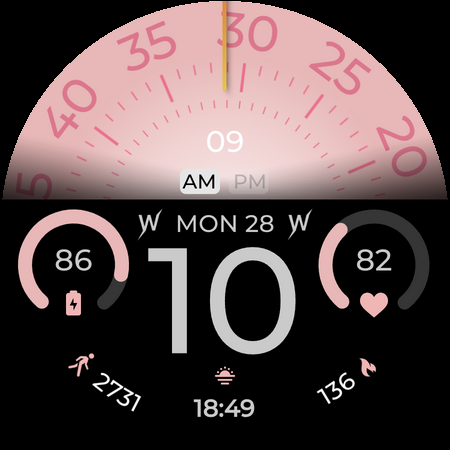
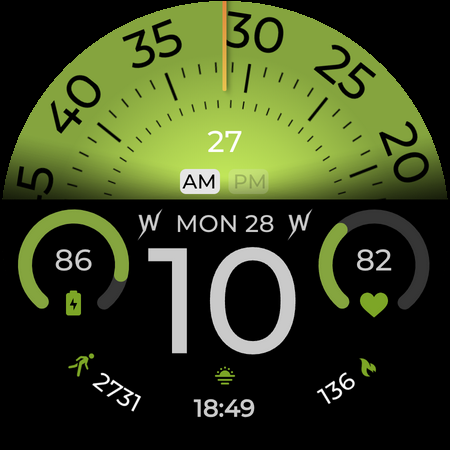
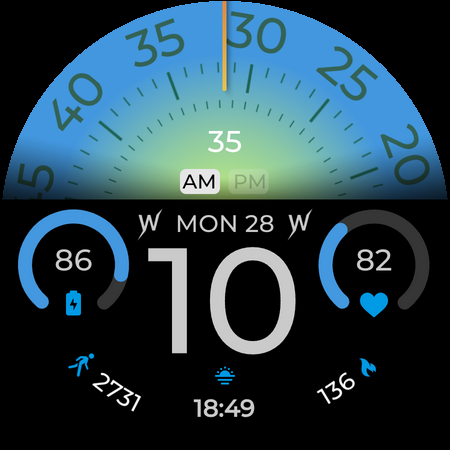
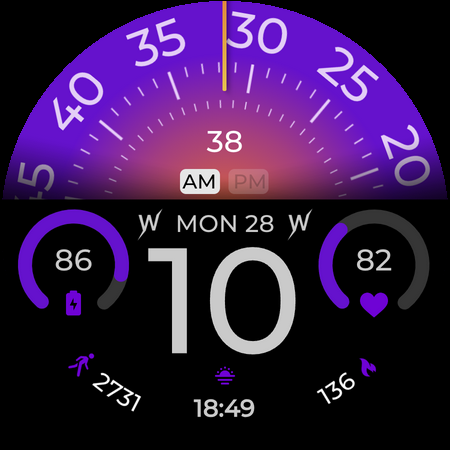
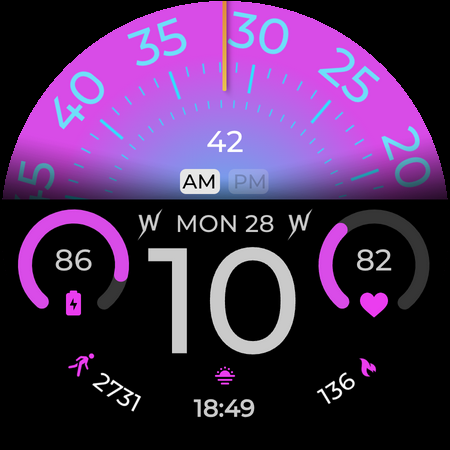
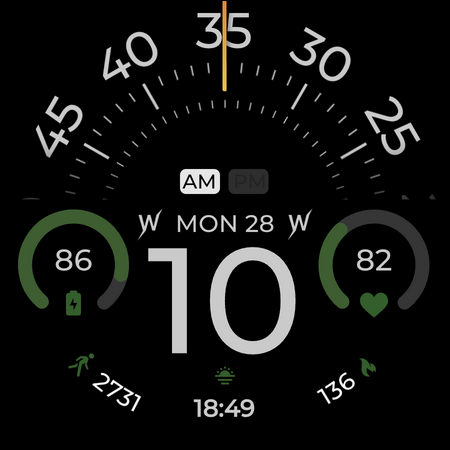
Color Flow: hybrid watch face for Galaxy Watch & Wear OS
⌚ Color Flow blends function and visual rhythm with a layout that gives every stat a home. Framed by a bold semicircle dial and clean typography.
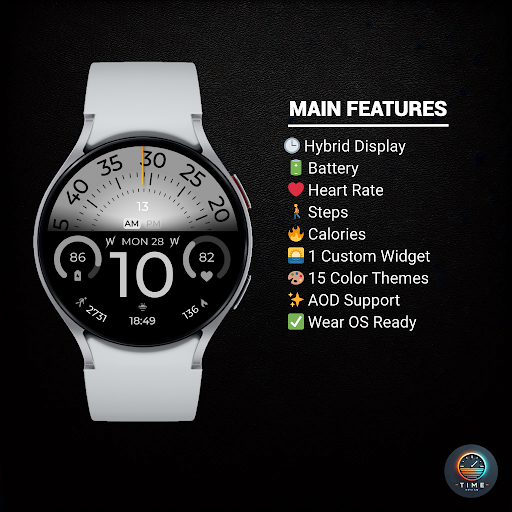
✨ KEY FEATURES:
• ⏱ Hybrid Display
• 🔋 Battery Level %
• ❤️ Heart Rate
• 🚶 Step Counter
• 🔥 Calories Burned
• 🔧 Custom Widgets
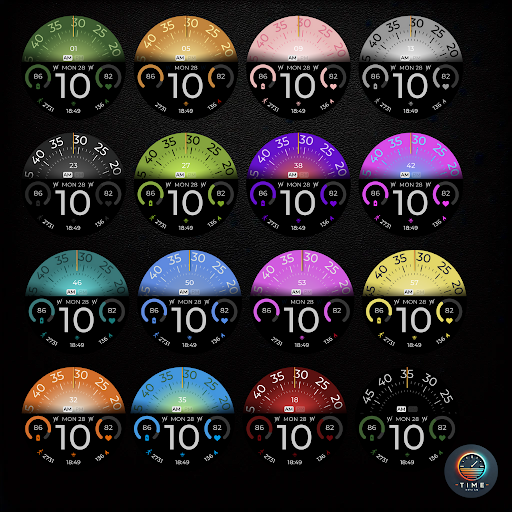
• 🎨 Color Themes
• 🌙 AOD Support
• ✅ Wear OS Optimized
🎯 PERFECT FOR:
• Fitness enthusiasts
• Fans of modern design
⚠️ Note: The watch face may take up to 15 minutes to appear. Search in Play Store on your watch if needed.
Version Information
- Version
- -
- Downloads
- 1K+
- Updated on
- -
- Released
- Jul 11, 2025
- Requires
- Android Varies with device
Statistics
Google Play Rating History
Rating Distribution
Downloads Over Time
Color Flow Watch Face has been downloaded times. Over the past 30 days, it averaged downloads per day.
Shaded area shows 30-day prediction based on historical trends
Historical data collection started recently. More data points will be available over time.
ApkTrusted Ratings & Reviews
More from Time Design LLC
See more apps
Active Flow Watch Face
Free

Candy Time Watch Face
Free

Aurora Ice Watch Face
Paid

Balance Wheel Watch Face
Paid

Aqua Nebula Watch Face
Paid

Aqua Pulse Watch Face
Paid

Atmospheric Watch Face
Paid

Aurora Horizon Watch Face
Paid

Aero Core Watch Face
Paid

Animal Kingdom Watch Face
Paid
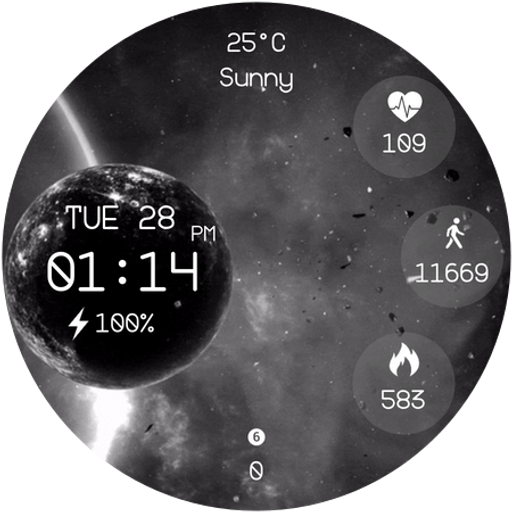
Black Void Watch Face
Paid

Blue Eclipse Watch Face
Paid

Bold Time Watch Face
Paid

Bound by Love Watch Face
Paid

Bright Orbit Watch Face
Paid

Advanced Time Watch Face
Paid
Scan this QR code to download

Forwarding you to the page at Google Play market in seconds...
Open Google Play market now