Binary Watch Face vVARY
amoledwatchfaces™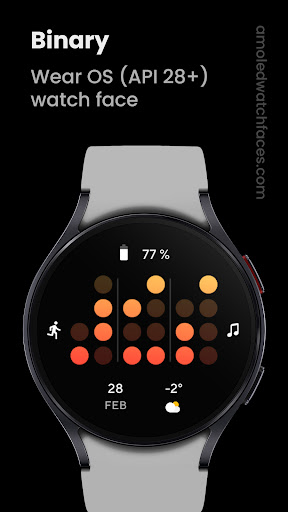

About this app
Developer Description
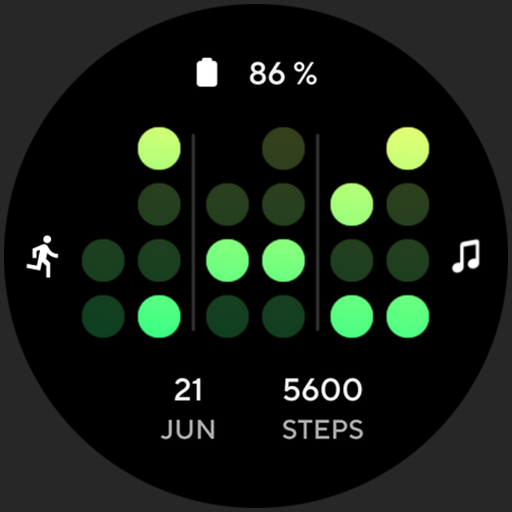
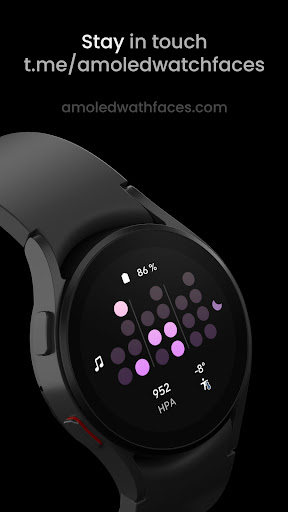
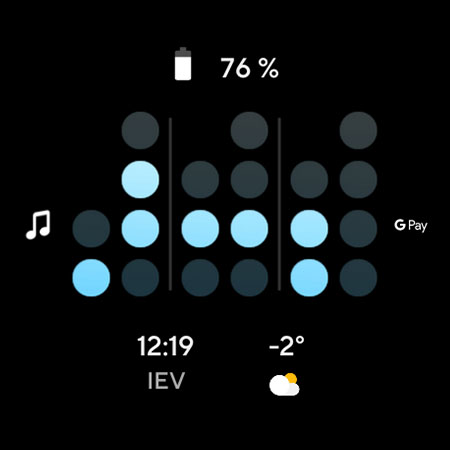
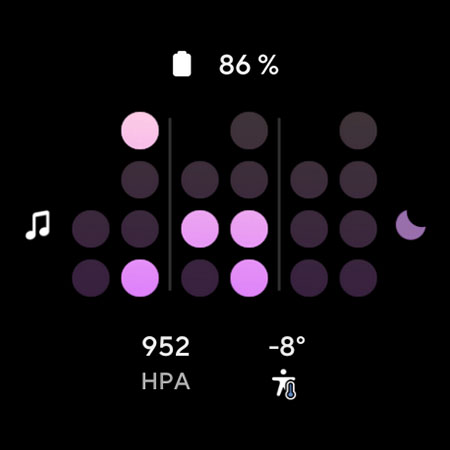
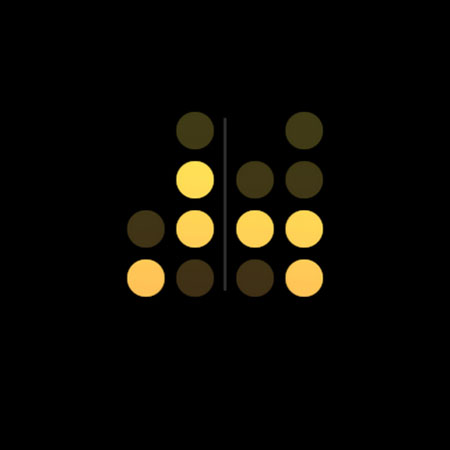
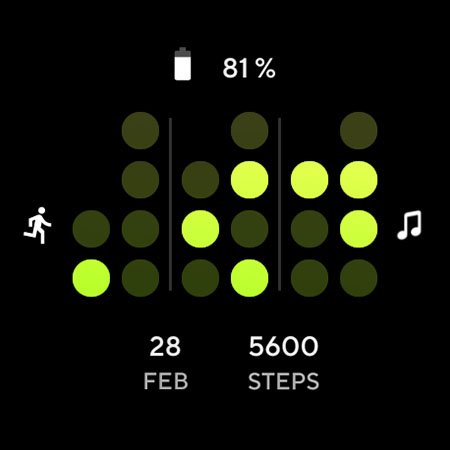
Binary Watch face. Time interpreted in binary format. For geeks & techy people.
Not Suitable for Rectangular Watches
Powered by Watch Face Format
Learn how to read Binary Clock:
https://en.wikipedia.org/wiki/Binary_clock
amoledwatchfaces.com
BUY ONE GET ONE OFFER!
amoledwatchfaces.com/bogo
CUSTOM COMPLICATION APPS
amoledwatchfaces.com/apps
FEATURES
• time interpreted in binary system
• geeks watch face
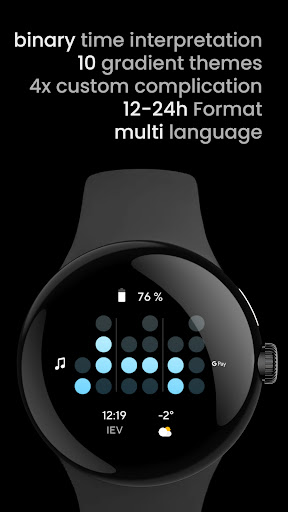
• 12/24H support
• true black background
• high resolution
• PNGQuant optimized layers > battery friendly
• 5x custom complication
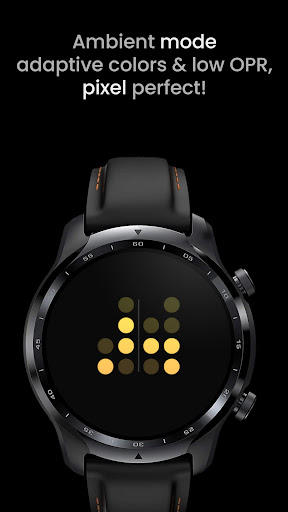
• ambient mode with low OPR & adaptive color
• multilanguage
• tap to reveal digital clock (API 33+)
USER CONFIGURATIONS
• Dots color (10+)
• Ambient Mode (Dimmed, Time Only)
• Seconds (Toggle)
• Complications / app shortcuts
Installation and troubleshooting guide
amoledwatchfaces.com/guide
Please send any issues reports or help requests to our support address
support@amoledwatchfaces.com
Join our Telegram group for live support and discussion
t.me/amoledwatchfaces
Newsletter
amoledwatchfaces.com/contact#newsletter
amoledwatchfaces™ - Awf
What's New
• added tap-to-reveal digital clock
• added Watch7 dots color
• added ambient mode configuration (dimmed, time only)
• enhanced custom complication layouts
v1.2.1
• minified watchface.xml
v1.2.0
• rebuilt in Android Studio using Watch Face Format
• moved white color setting to themes
• BooleanConfiguration used for seconds
• watch face format optimizations
...
NOTE: Please consider full watch face reinstall in case you're having issues with custom complications after recent update.
Version Information
- Version
- -
- Downloads
- 10K+
- Updated on
- Dec 3, 2025
- Released
- Mar 29, 2022
- Requires
- Android Varies with device
Statistics
Google Play Rating History
Rating Distribution
Downloads Over Time
Binary Watch Face has been downloaded times. Over the past 30 days, it averaged downloads per day.
Shaded area shows 30-day prediction based on historical trends
Historical data collection started recently. More data points will be available over time.
Binary Watch Face users say on Google Play
 Brian
Brian
What time is it? Excellent question!...give me a minute or two to figure that out. This is based on a binary clock, not binary as you may or may not traditionally know it. It's definitely not something useful for checking the time at a glance, but you can't beat the novelty of it all. Definitely a breath of fresh.
 Chad
Chad
I really like the minimal feel, and the quick challenge to 'calculate' the time with each glance. But I wish the seconds could be turned off more a more seamless transition from the always on state to the active state, and hiding the AM/PM in the always in state since this is not visible on the active state.
 Miguel A Moreta
I missed the instructions page. How do I tell the time?
 John L. Stanley
Very disappointing. Looks like just what I want. But when I tried to load it on my watch, Google Play says that it's incompatible with my watch. How can it be that hard to make a watch face compatible with an older Asus watch that just shows dots?
 Ben Robart
Claims to support 24 hour formats but only has 12 hour.
ApkTrusted Ratings & Reviews
More from amoledwatchfaces™
See more apps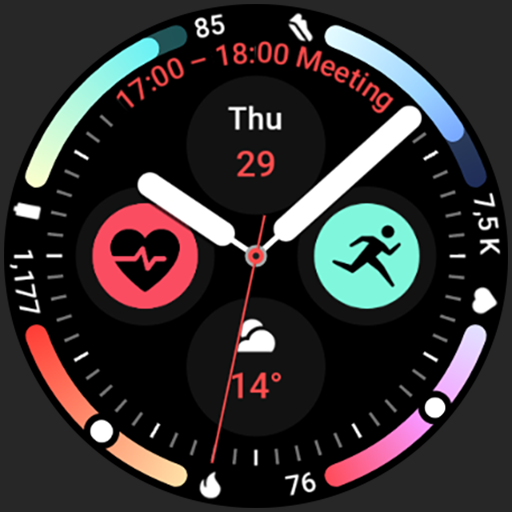
Arcs N6 Watch Face
Paid

Angular Watch Face
Paid
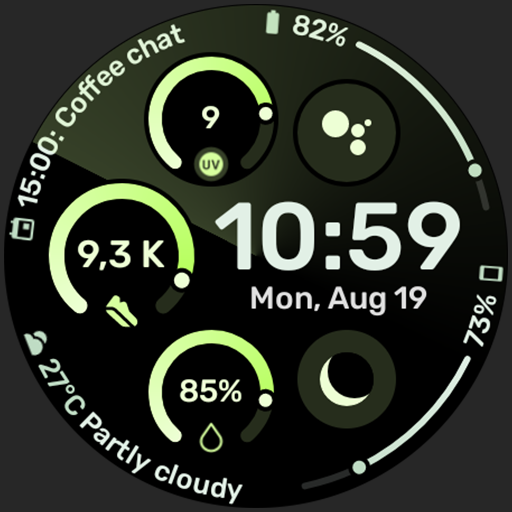
Adventurer Watch Face
Paid

Apex SE Watch Face
Paid
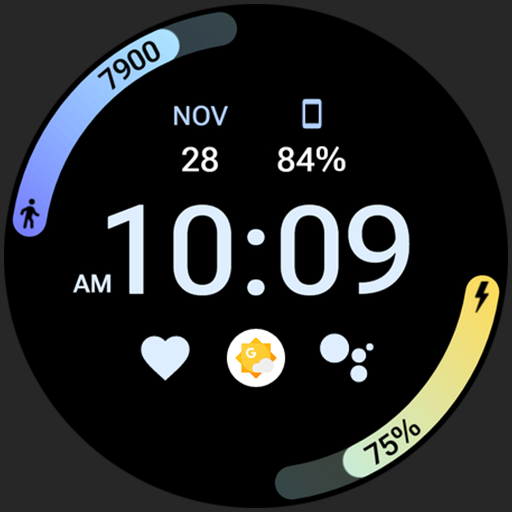
Athlete 2 Lite: Watch face
Free

Athlete 1 Watch face
Paid

Athlete 2: Watch face
Free
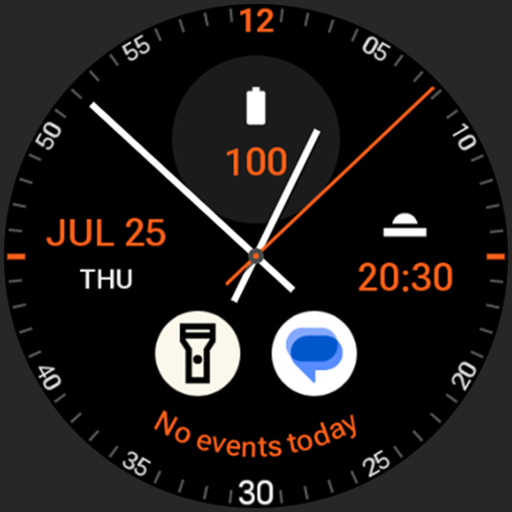
Analog xT: Watch face
Free
Active 2: Watch face
Paid

Analog PRO: Watch face
Paid

Adaptive Watch Face
Paid
Analog M3 Watch Face
Paid
Analog M4 Watch Face
Paid

Apex 2.0 Watch Face
Free

Arcs D5 Watch Face
Free

Alpine Watch Face
Free
Similar Apps
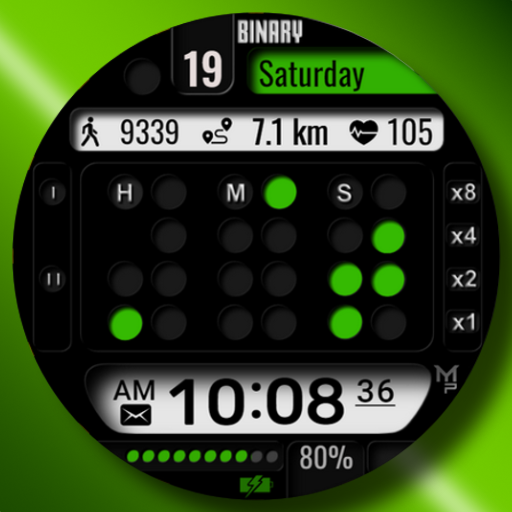
BINARY
Paid
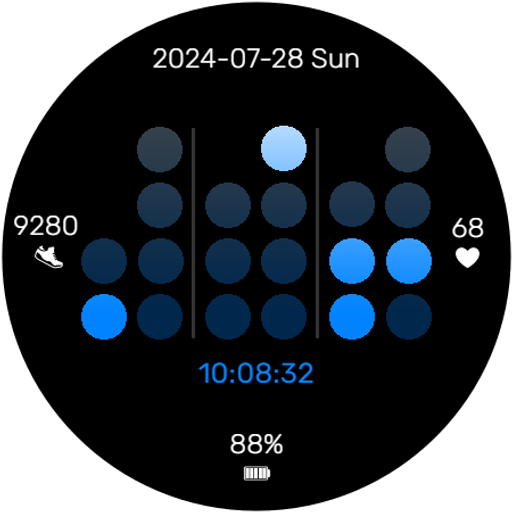
Binary Clock Watch Face
Paid

OT | Digital Minimalist 4
Free

Minimal Grid Digital Watchface
Free
JAZZ Watch Face
Free

SamWatch Simple Delta S F 2022
Paid

KZY088
Free

MONO Watch Face
Free

Modulux - WearOS Watchface
Paid
SamWatch Simple Run 3
Paid

CC Clean 15 Watch Face
Paid

Digital Tree simple watch face
Paid

Master Minute Watch Face
Free
MAHO002 Wear OS Watch Face
Free

Sporty Energetic Watch Face
Paid
Active Green Fit Watch Face
Paid
Scan this QR code to download

Forwarding you to the page at Google Play market in seconds...
Open Google Play market now