
Compact Watch Face vVARY
amoledwatchfaces™
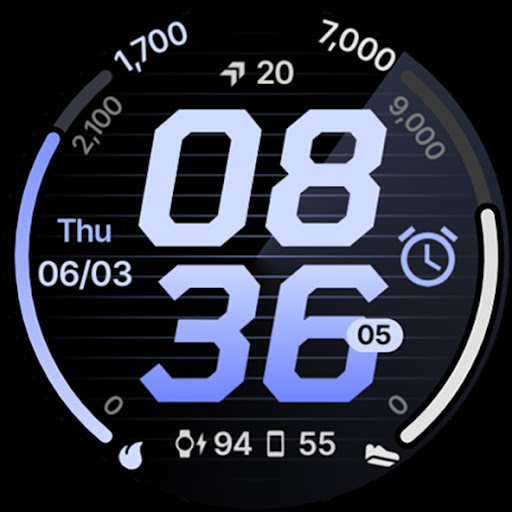
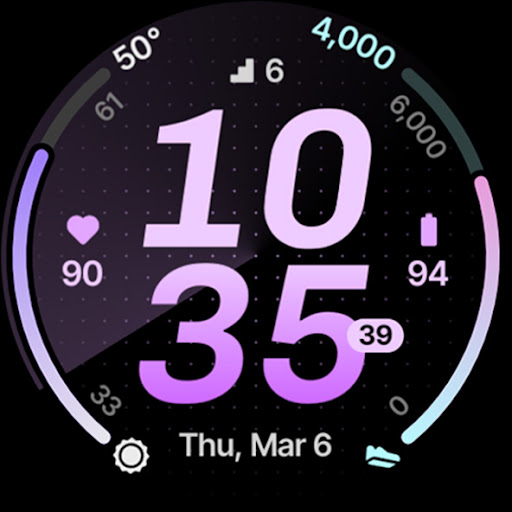
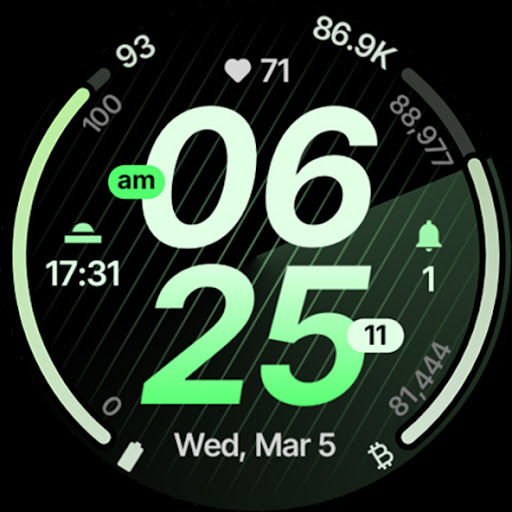
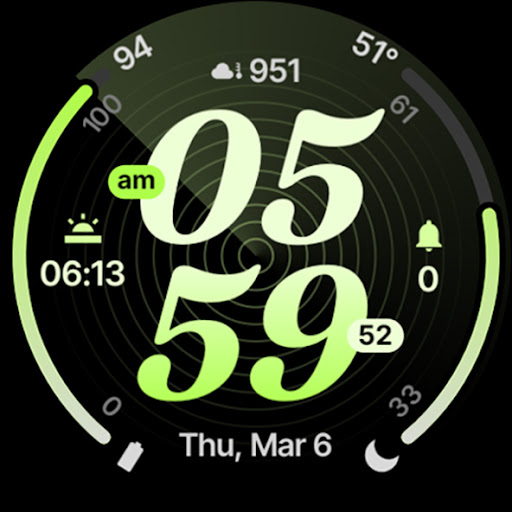
About this app
Developer Description
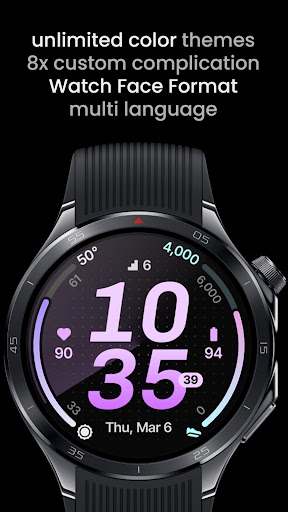
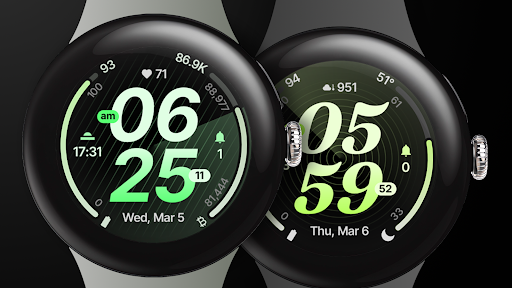
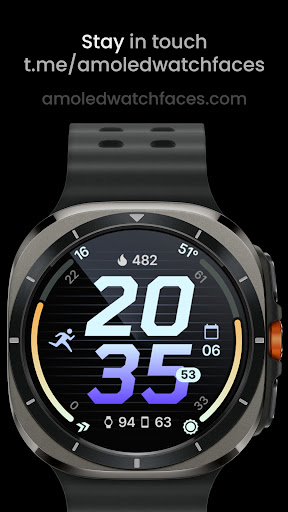
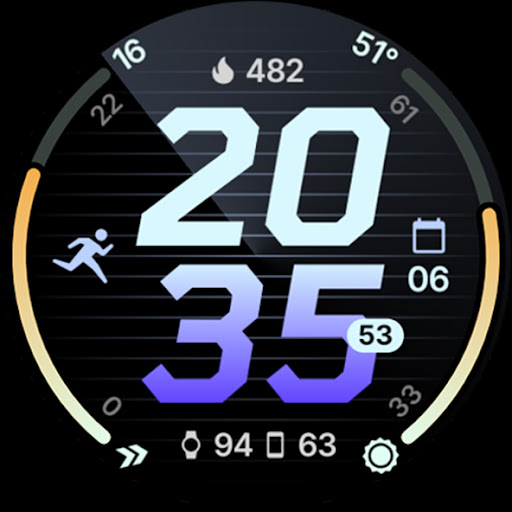
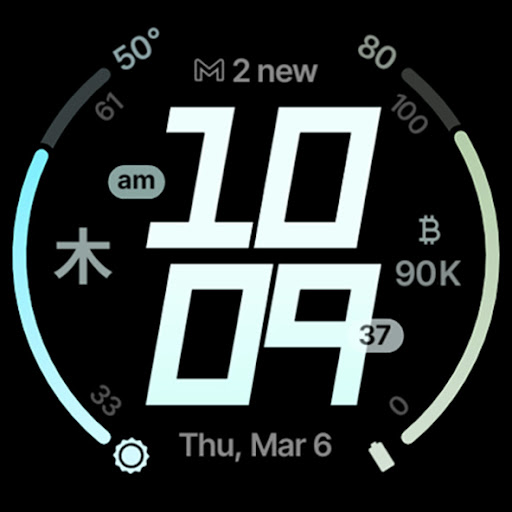
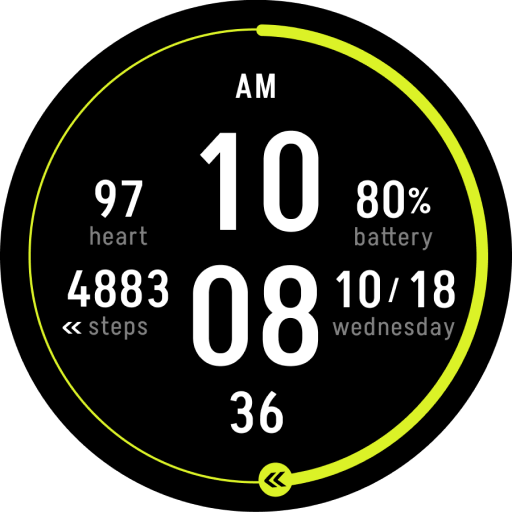
Sleek, modern watch face with 8 custom complications, optional fonts and themes.
Powered by Watch Face Format
amoledwatchfaces.com
BUY ONE GET ONE OFFER!
amoledwatchfaces.com/bogo
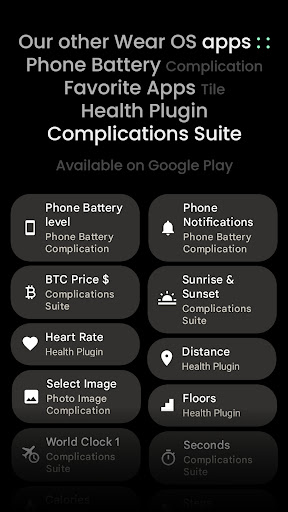
CUSTOM COMPLICATION APPS
amoledwatchfaces.com/apps
FEATURES
• Watch Face Format 1 / 2
• 8 custom complication slots
• compact, modern design
• stock-like watch face experience
• supported complication types - SHORT_TEXT, LONG_TEXT, RANGED_VALUE, MONOCHROMATIC_ICON, SMALL_IMAGE
• properly implemented custom complication layouts
• show / hide progress bars min-max values
• choose from five digital clock fonts
• optional seconds indicator
• option to show time with or without leading zero
• flavors feature support (Wear OS 5)
• multilanguage
• material color themes
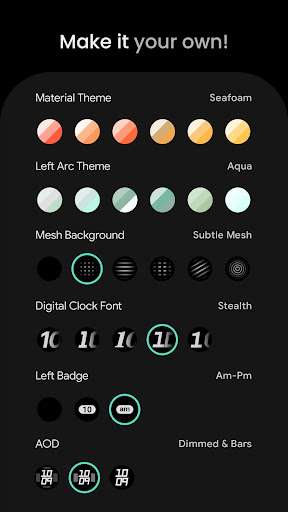
• make it your own, combine themes, backgrounds, fonts, and custom complications
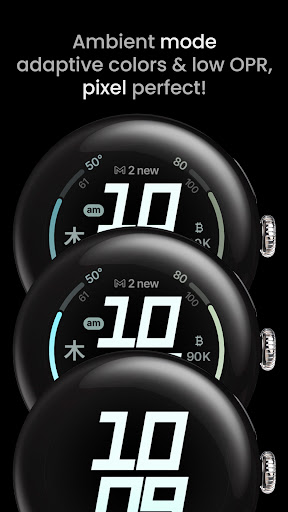
• three AOD styles
• phone notifications support*
• dual phone & watch battery complication layout*
* requires Phone Battery Complication app
https://play.google.com/store/apps/details?id=com.weartools.phonebattcomp
USER CONFIGURATIONS
• Material Theme (60+)
• Left Arc Theme (60+)
• Right Arc Theme (60+)
• Mesh Background (5x)
• Digital Clock Font (5x)
• Left Badge (None, Am-Pm, Unread Notifications)
• Right Badge (None, Seconds, Am-Pm)
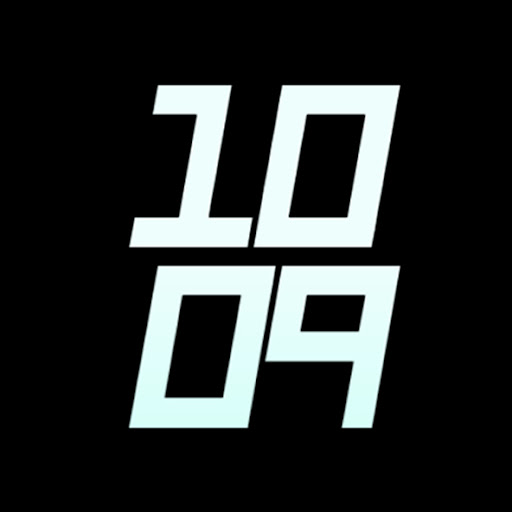
• AOD (Dimmed, Dimmed & Bars, Time Only)
• Custom Complications (8x)
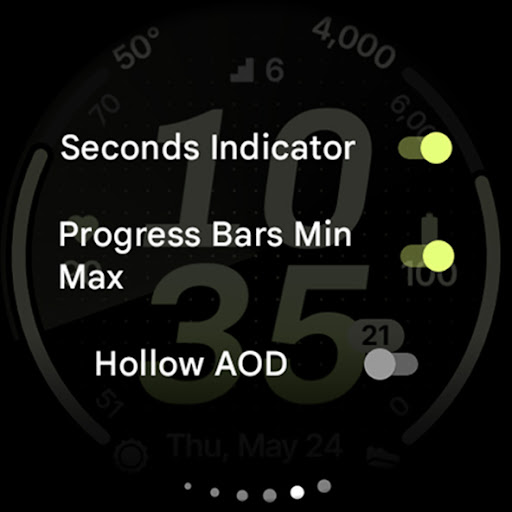
• Seconds Indicator (Toggle)
• Progress Bars Min Max (Toggle)
• Hollow AOD (Toggle)
• Leading Zero (Toggle)
Installation and troubleshooting guide
amoledwatchfaces.com/guide
Please send any issues reports or help requests to our support address
support@amoledwatchfaces.com
Join our Telegram group for live support and discussion
t.me/amoledwatchfaces
Newsletter
amoledwatchfaces.com/contact#newsletter
amoledwatchfaces™ - Awf
What's New
• wff3 support
• watchface.xml improvements
v1.0.6
• added LONG_TEXT support to Arc complication slots
• complication slots fixes
• badge fixes
v1.0.0
• initial release
Version Information
- Version
- -
- Downloads
- 1K+
- Updated on
- Jul 30, 2025
- Released
- Mar 4, 2025
- Requires
- Android Varies with device
Statistics
Google Play Rating History
Rating Distribution
Downloads Over Time
Compact Watch Face has been downloaded times. Over the past 30 days, it averaged downloads per day.
Shaded area shows 30-day prediction based on historical trends
Historical data collection started recently. More data points will be available over time.
Compact Watch Face users say on Google Play
 D H (WrathDh)
Wow, love the default settings on this. Beautiful colors, font options and on/off switches. The switches make it really easy to customize the seconds, notifications and am/pm options. Awesome work!!!
ApkTrusted Ratings & Reviews
More from amoledwatchfaces™
See more apps
Arcs N6 Watch Face
Paid

Angular Watch Face
Paid
Adventurer Watch Face
Paid

Apex SE Watch Face
Paid
Athlete 2 Lite: Watch face
Free

Athlete 1 Watch face
Paid

Athlete 2: Watch face
Free
Analog xT: Watch face
Free
Active 2: Watch face
Paid

Analog PRO: Watch face
Paid

Adaptive Watch Face
Paid
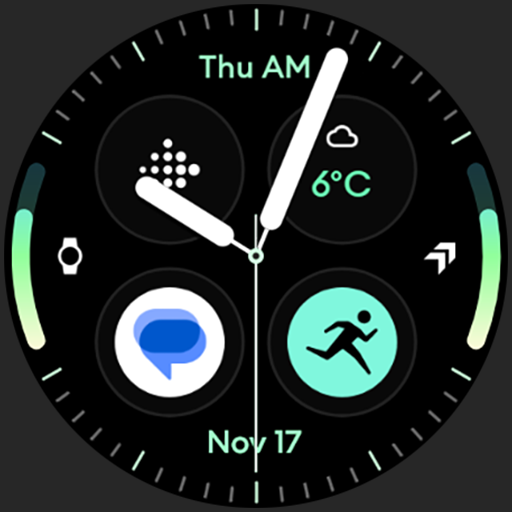
Analog M3 Watch Face
Paid
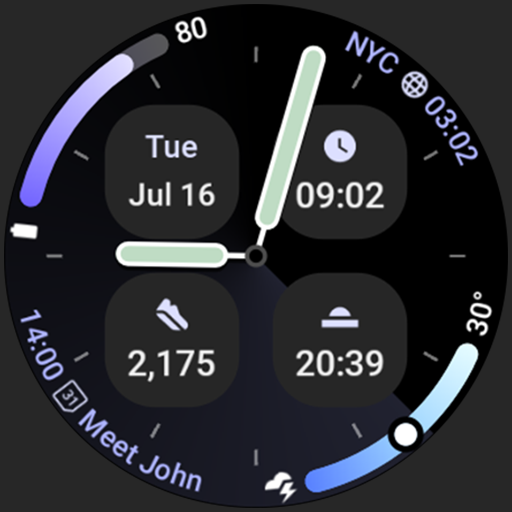
Analog M4 Watch Face
Paid

Apex 2.0 Watch Face
Free

Arcs D5 Watch Face
Free

Alpine Watch Face
Free
Similar Apps
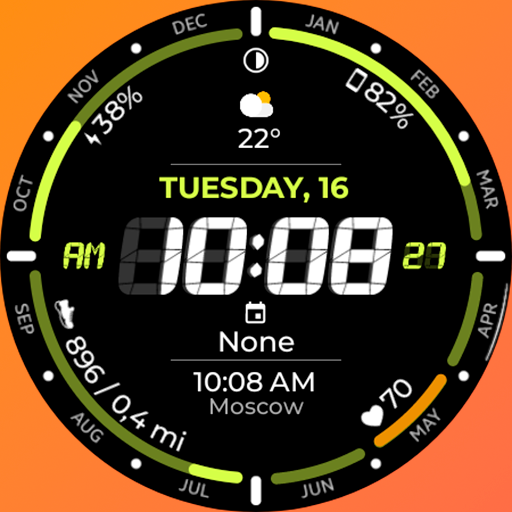
Chester Digital time
Free

Tidy Digital: Watch Face
Free
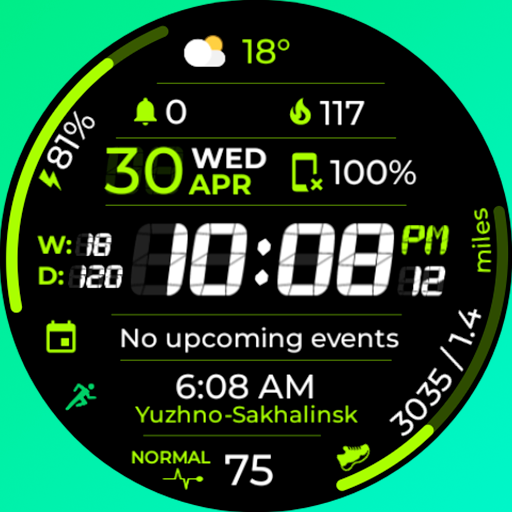
Chester Sport Pro watch face
Paid

MD286 Digital watch face
Paid

PJCD 03
Free

I.nertia creeps
Paid

Chester Neo watch face
Paid
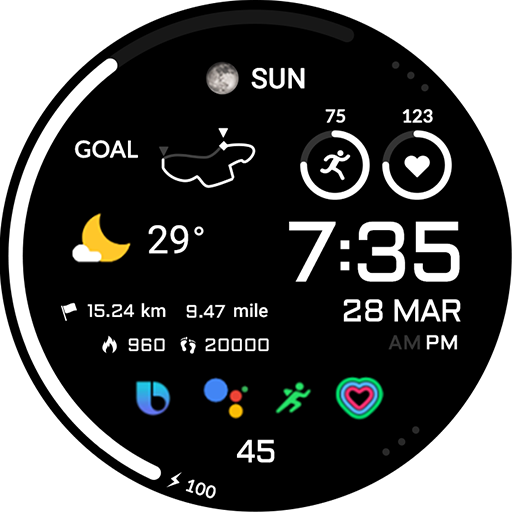
ACRO Hive One Watchface
Free
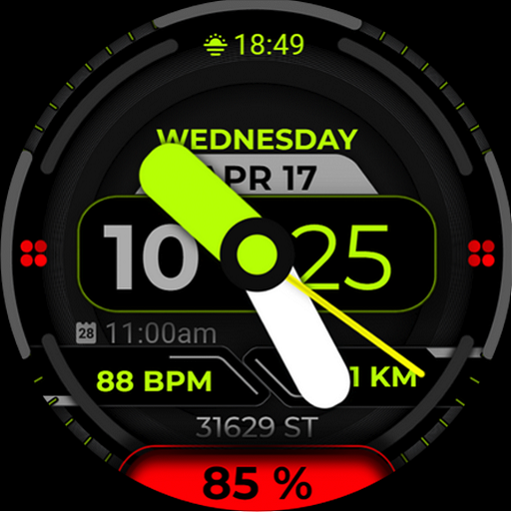
Watch Face A15 - Wear OS Watch
Paid
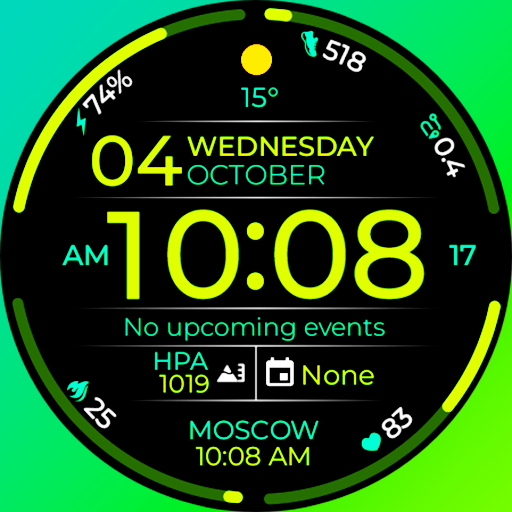
Chester Infinity watch face
Paid

PRADO 05 Digital Watch Face
Free
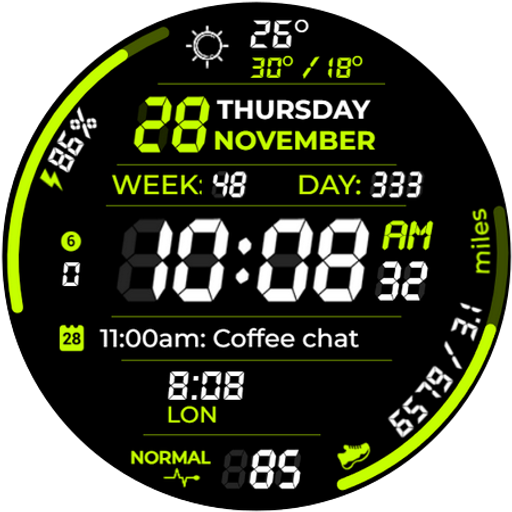
Chester Digital Pro
Free

Time Matrix Watch Face
Paid

Destiny Watch Face
Paid

SamWatch PointColor 35 2024
Paid
CELEST5538 Sport Watch
Free
Scan this QR code to download

Forwarding you to the page at Google Play market in seconds...
Open Google Play market now