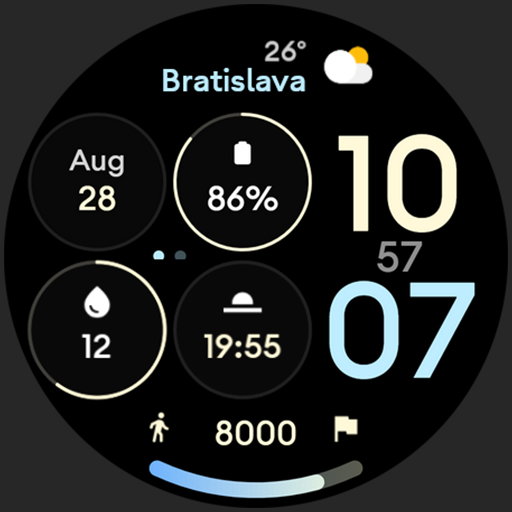
Control Dash: Watch face vVARY
amoledwatchfaces™



About this app
Developer Description
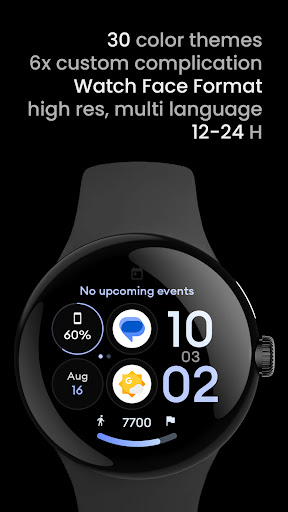
Productivity watch face with 6 custom complications & pure black background.
// Not suitable for rectangular watches
Powered by Watch Face Format
amoledwatchfaces.com
BUY ONE GET ONE OFFER!
amoledwatchfaces.com/bogo
CUSTOM COMPLICATION APPS
amoledwatchfaces.com/apps
FEATURES
• Watch Face Format 1
• dashboard look with 4 main complication slots
• digital seconds + AMPM indicator (dots)
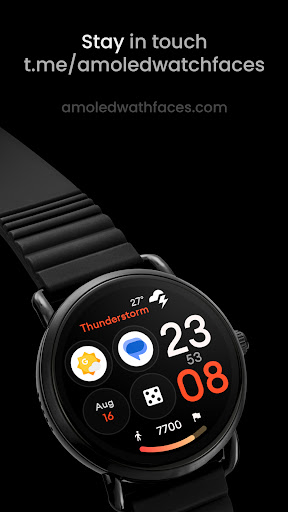
• LONG_TEXT complication suitable for Weather or Next Event complications
• true black background
• high resolution
• steps progress bar
• utilizes WFF (Watch Face Format)
• Wear OS 4 support
• PNGQuant optimized layers > battery friendly
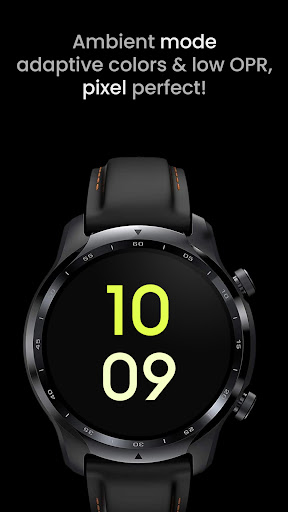
• unique ambient mode with low OPR & adaptive color & two optional layouts
• 1x app shortcut complication
USER CONFIGURATIONS
• Color (30x)
• Steps Bar
• AOD (2x)
• Custom Complications (6x)
Installation and troubleshooting guide
amoledwatchfaces.com/guide
Please send any issues reports or help requests to our support address
support@amoledwatchfaces.com
Join our Telegram group for live support and discussion
t.me/amoledwatchfaces
Newsletter
amoledwatchfaces.com/contact#newsletter
amoledwatchfaces™ - Awf
What's New
• added Am-Pm Indicator toggle
v1.0.8
• huge optimizations (decreased watchface.xml size by 75%)
• bottom slot Arc is now fully customizable (RANGED_VALUE, LONG_TEXT)
• better gradient previews
• correct AOD handling
v1.0.7
• minified watchface.xml
v1.0.6
• rebuilt in Android Studio using Watch Face Format 1
• removed unused resources
• optimizations
Note: Remove watch face from favorites and add it back to ensure watch face runs smoothly after update.
Version Information
- Version
- -
- Downloads
- 1K+
- Updated on
- Dec 3, 2025
- Released
- Aug 16, 2023
- Requires
- Android Varies with device
Statistics
Google Play Rating History
Rating Distribution
Downloads Over Time
Control Dash: Watch face has been downloaded times. Over the past 30 days, it averaged downloads per day.
Shaded area shows 30-day prediction based on historical trends
Historical data collection started recently. More data points will be available over time.
Control Dash: Watch face users say on Google Play
 Brian Bourne
Well-suited for displaying battery rings for watch and phone, easy readability, info-dense, and suits left-wrist wearers so the time peeks out from under a long-sleeve cuff.
ApkTrusted Ratings & Reviews
More from amoledwatchfaces™
See more apps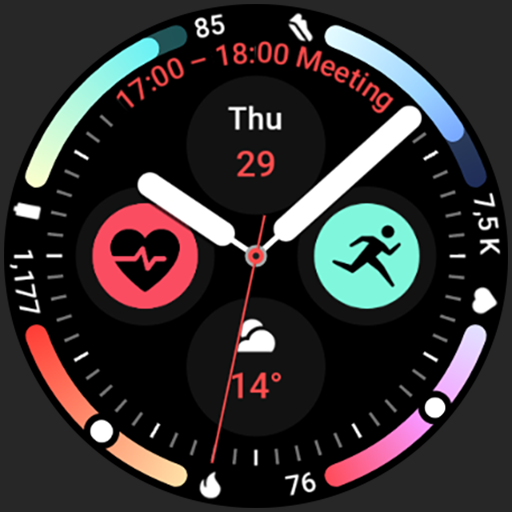
Arcs N6 Watch Face
Paid

Angular Watch Face
Paid
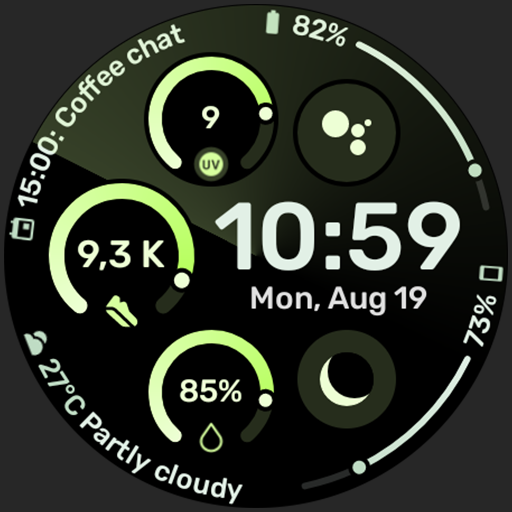
Adventurer Watch Face
Paid

Apex SE Watch Face
Paid
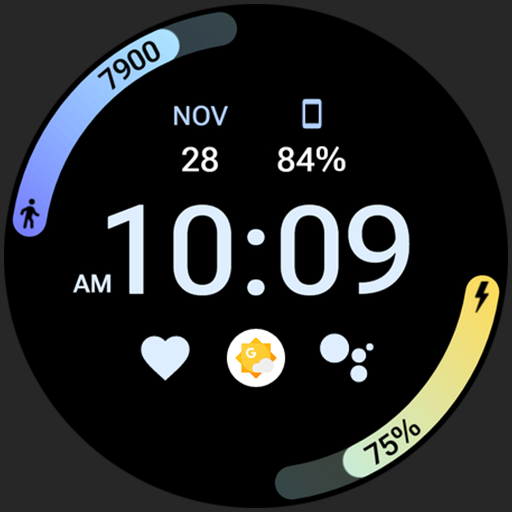
Athlete 2 Lite: Watch face
Free

Athlete 1 Watch face
Paid

Athlete 2: Watch face
Free
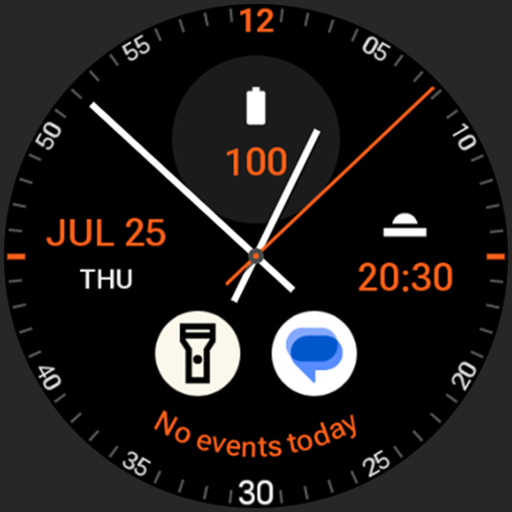
Analog xT: Watch face
Free
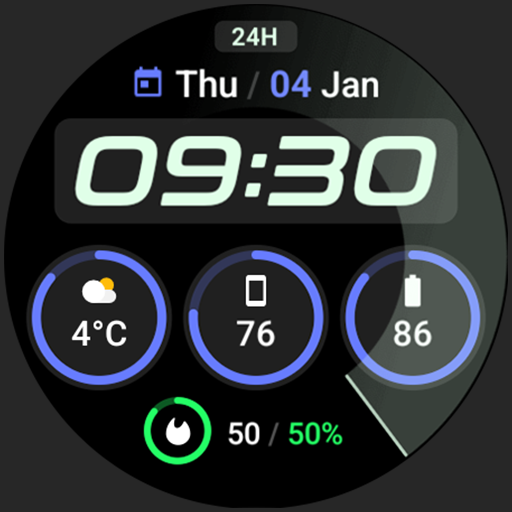
Active 2: Watch face
Paid

Analog PRO: Watch face
Paid

Adaptive Watch Face
Paid
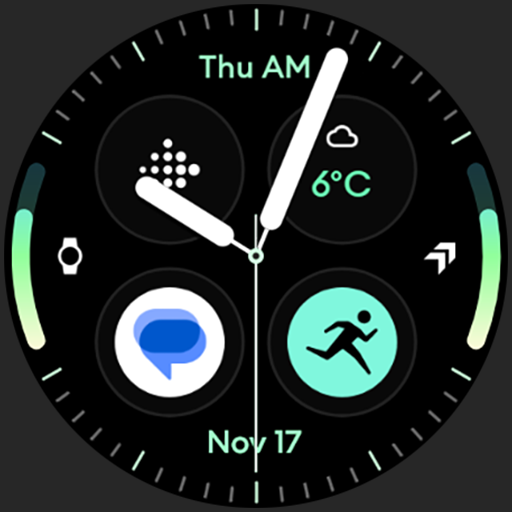
Analog M3 Watch Face
Paid
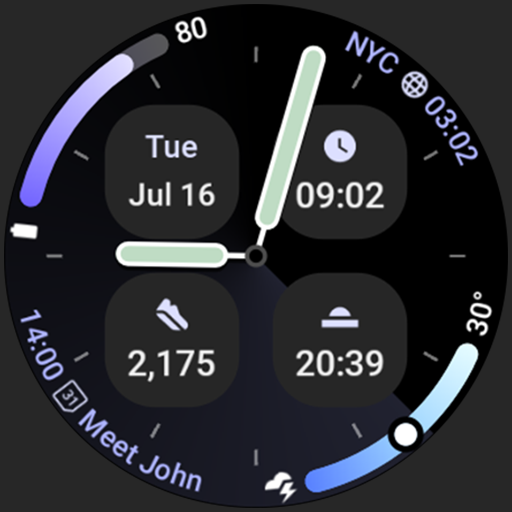
Analog M4 Watch Face
Paid

Apex 2.0 Watch Face
Free

Arcs D5 Watch Face
Free

Alpine Watch Face
Free
Similar Apps

Informative WearOS 5 NTV576
Free
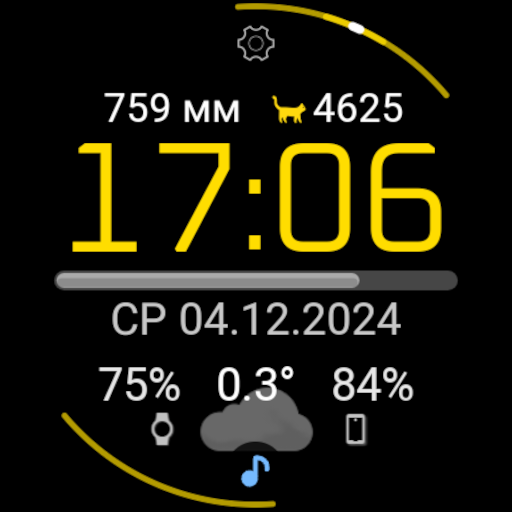
1Smart Classic watchface
Free
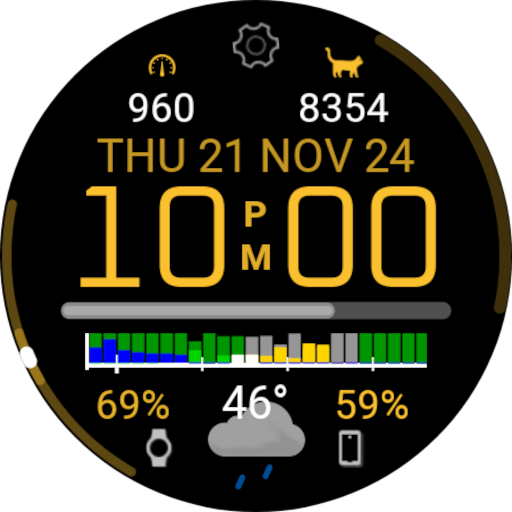
1Smart WFF watchface
Free

SamWatch Simple D Rev W 2024
Paid
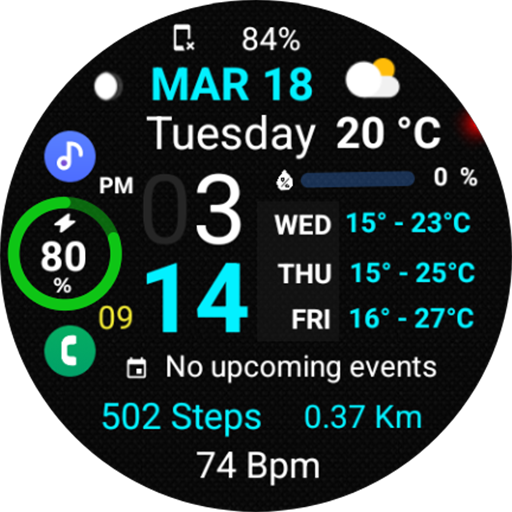
Informative Weather Day NTV578
Free

AIwatch Weather S
Paid

Fitness Android Watch Face
Paid

OT | Digital Watch Face 3
Paid

Night 59 - watch face
Paid

WaterUP Ratio Watchface
Free

HMK WD001 Simple
Paid

SeptaWorks Watch Face
Free

WaterUP Daily Watchface
Free

Modern Vertical: Watch face
Paid

AD GriD - Watch Face
Paid

LUXUS - elegant minimalist
Paid
Scan this QR code to download

Forwarding you to the page at Google Play market in seconds...
Open Google Play market now