
Digital Informer: Watch face vVARY
amoledwatchfaces™






About this app
Developer Description
Material design watch face for Wear OS devices. Battery friendly & customizable.
Powered by Watch Face Format
amoledwatchfaces.com
BUY ONE GET ONE OFFER
amoledwatchfaces.com/bogo
CUSTOM COMPLICATION APPS
amoledwatchfaces.com/apps
FEATURES
Modern Aesthetics
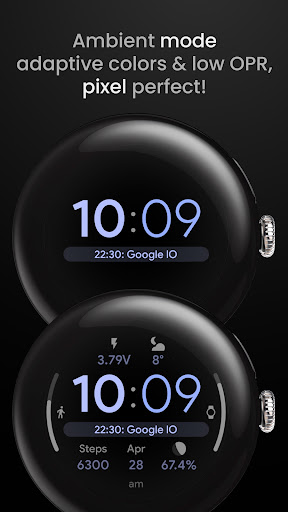
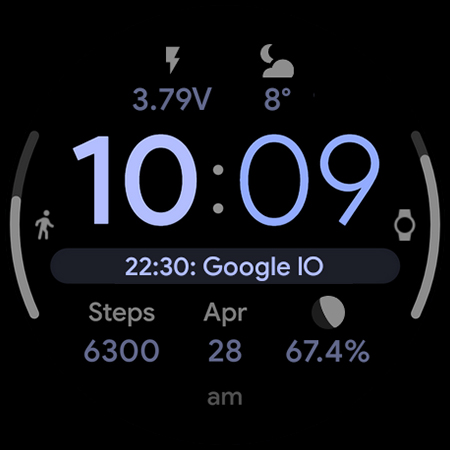
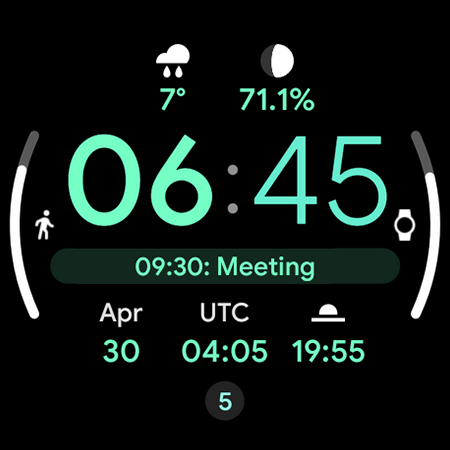
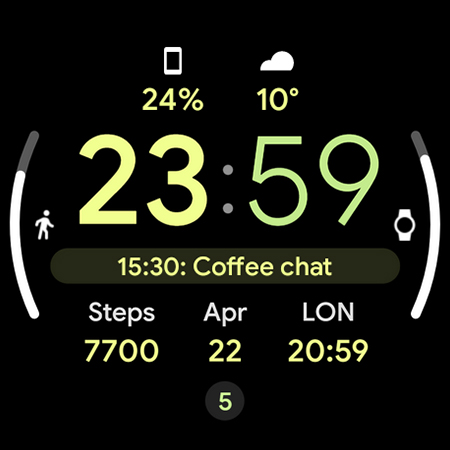
Crisp digital display with Material You design seamlessly blends with your device's theme. Choose from captivating mesh backgrounds.
Unmatched Customization
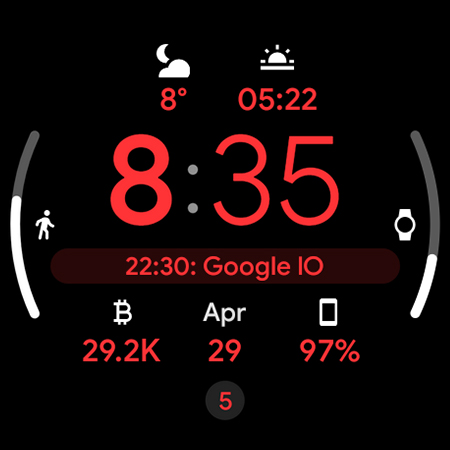
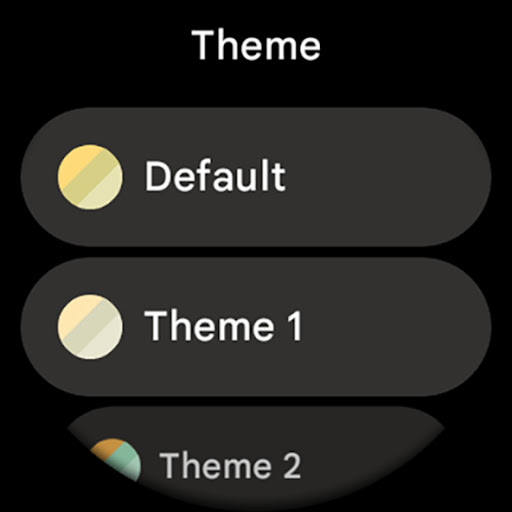
Explore 30+ color themes to match your mood or outfit. True black background ensures clarity and battery efficiency. High-resolution visuals shine on any smartwatch.
Enhanced Functionality
PNGQuant optimization keeps things smooth and battery-friendly. 8 customizable complications keep you informed at a glance. The unique ambient mode uses less power while maintaining a stylish display with adaptive color.
Express yourself. Stay informed. This watch face does it all.
USER CONFIGURATIONS
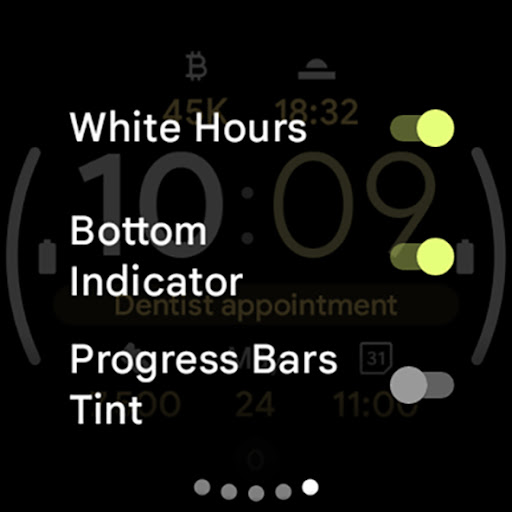
• White Hours (Toggle)
• Theme, SubTheme (30+)
• Mesh Background (5x)
• AOD (Style - 2x)
• Am-Pm-Notifications Indicator (Toggle)
• Bold Minutes (Toggle)
• Progress Bars Tint (Toggle)
• Custom complications
Installation and troubleshooting guide
amoledwatchfaces.com/guide
Please send any issues reports or help requests to our support address
support@amoledwatchfaces.com
Join our Telegram group for live support and discussion
t.me/amoledwatchfaces
Newsletter
amoledwatchfaces.com/contact#newsletter
amoledwatchfaces™ - Awf
What's New
• notifications row fix
v1.3.2
• added text isAutoSize to wff3 version
• removed some redundant watchface.xml attributes
v1.3.1
• added WFF version 3 support
• small optimizations
• reworked mesh backgrounds
v1.3.0
• added WFF version 2 support
• added Wear OS 5 flavors
• added an option to show RANGED_VALUE texts (side complication slots)
...
NOTE: Please do a full reinstall in case there are some issues after recent update.
Version Information
- Version
- -
- Downloads
- 100K+
- Updated on
- Jan 12, 2026
- Released
- May 1, 2023
- Requires
- Android Varies with device
Statistics
Google Play Rating History
Rating Distribution
Downloads Over Time
Digital Informer: Watch face has been downloaded times. Over the past 30 days, it averaged downloads per day.
Shaded area shows 30-day prediction based on historical trends
Historical data collection started recently. More data points will be available over time.
Digital Informer: Watch face users say on Google Play
 Jim Clayton
EDIT: I had one small complaint about the hour being bolded and the minutes not having that option, and the developer fixed it. I had to change this to five stars. The rest of my original review continues below. Other than that, this face packs in an enormous amount of functionality without feeling too crowded, which a pretty amazing feat given the number of possible complications.
 B Independent
The best part of this is the number of complications (8). However, the complication slots 6 and 7 are somewhat useless; they would be more useful if there was a number instead of the shaded bar (e.g., it's better to know actual percentage of battery level than shaded approximation, the moon compilation shows 99.8% in a regular slot but is only half-shaded on the bar which suggests first or last quarter lunar phase). E: Adding star- developer is highly responsive & seeks constant improvement.
 Scott Kolman
Pretty good. It doesn't show seconds and a couple of the calendar complications are not mapped properly. I hope these are fixed because otherwise I like the face.
 Mark Jeronimus
Not compatible with GW5 even though the first image looks just like a GW5. Reply: The settings don't look anything like in the screenshot and is borderline usable. Changing the settings even on the phone is EXTREMELY slow and often crashes. The text (numbers) under the icon complications are so big they overlap. But worst of all, the Samsung Health Monitor complications (e.g., EEG) aren't listed. Edit 2: I just tried "Dual Tone" and the story is the same. There's something awry in the code base.
 Dee Ow
Can't customize takes way 2 many tries to change a setting. Ridiculous. I actually truly liked this app.
ApkTrusted Ratings & Reviews
More from amoledwatchfaces™
See more apps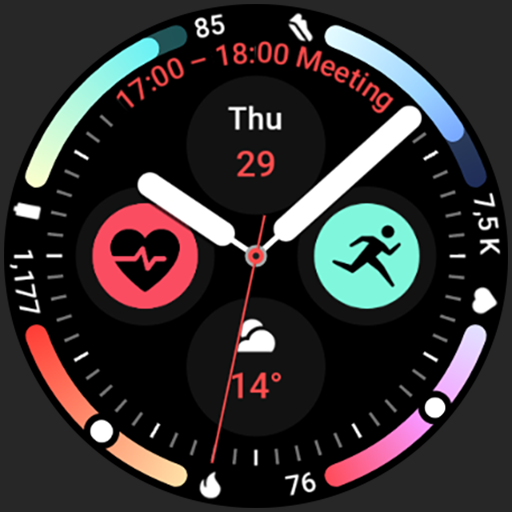
Arcs N6 Watch Face
Paid

Angular Watch Face
Paid
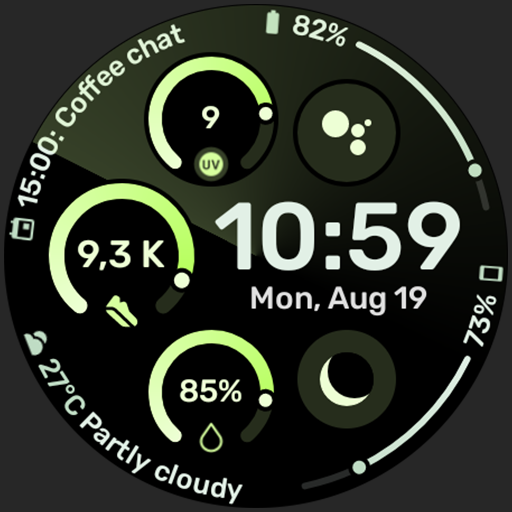
Adventurer Watch Face
Paid

Apex SE Watch Face
Paid
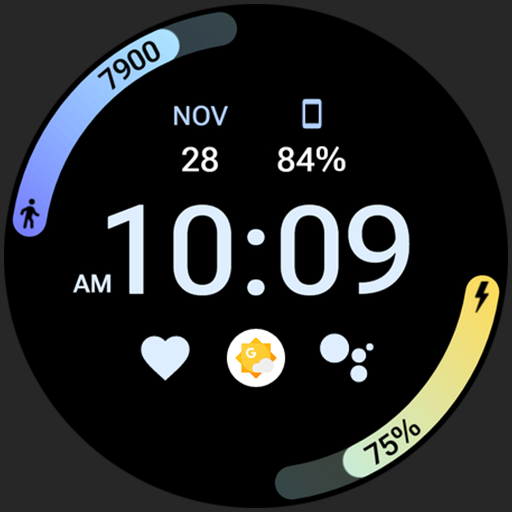
Athlete 2 Lite: Watch face
Free

Athlete 1 Watch face
Paid

Athlete 2: Watch face
Free
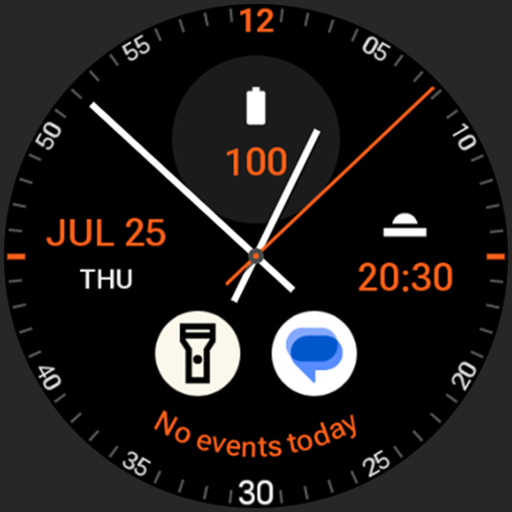
Analog xT: Watch face
Free
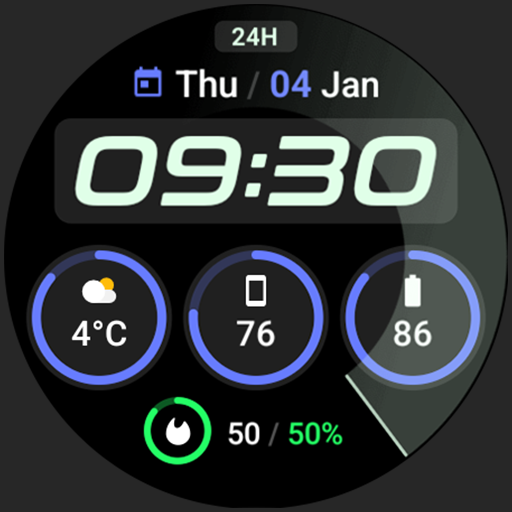
Active 2: Watch face
Paid

Analog PRO: Watch face
Paid

Adaptive Watch Face
Paid
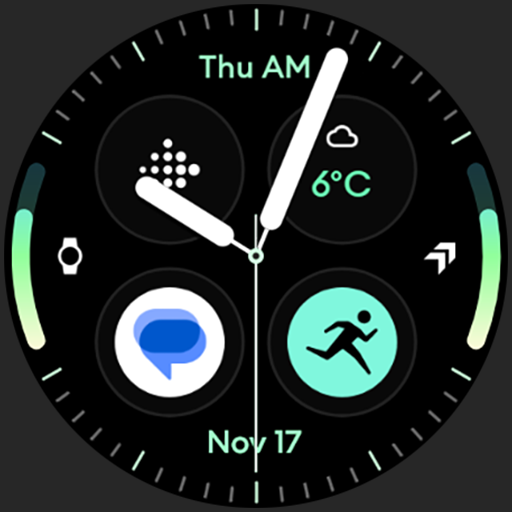
Analog M3 Watch Face
Paid
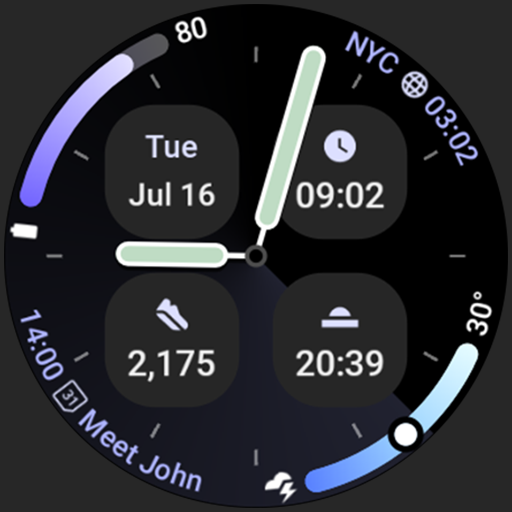
Analog M4 Watch Face
Paid

Apex 2.0 Watch Face
Free

Arcs D5 Watch Face
Free

Alpine Watch Face
Free
Scan this QR code to download

Forwarding you to the page at Google Play market in seconds...
Open Google Play market now