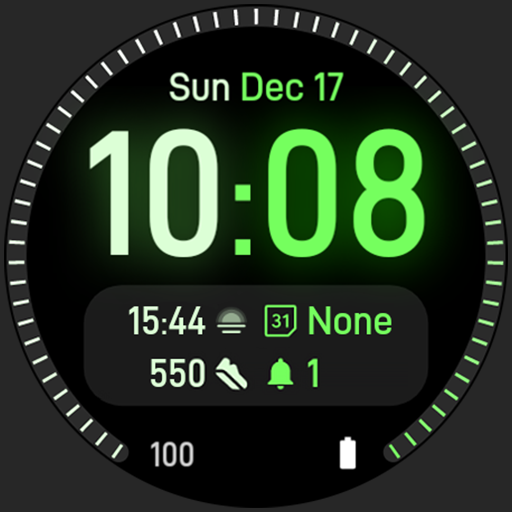
Dual Tone: Watch face vVARY
amoledwatchfaces™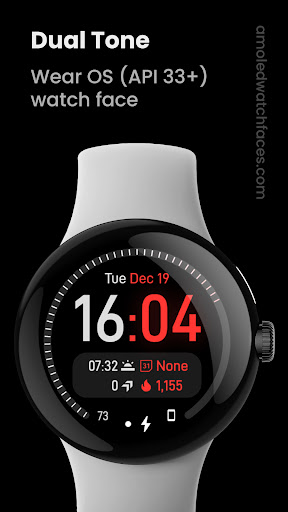


About this app
Developer Description
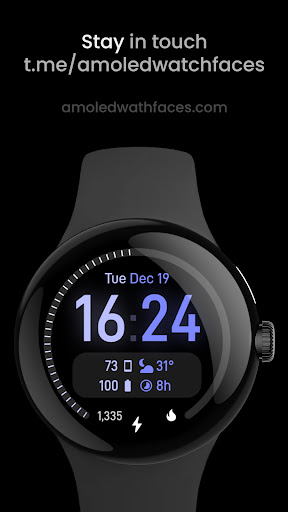
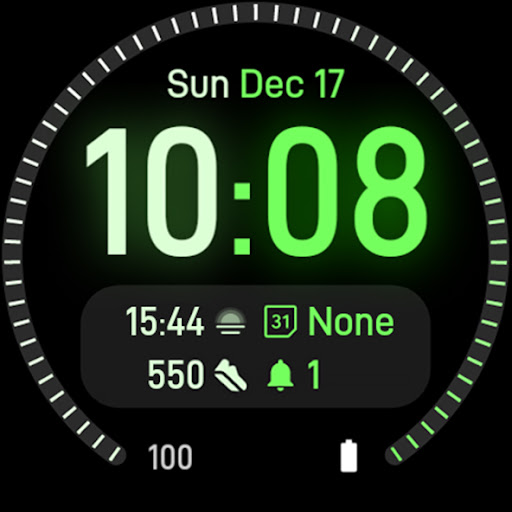
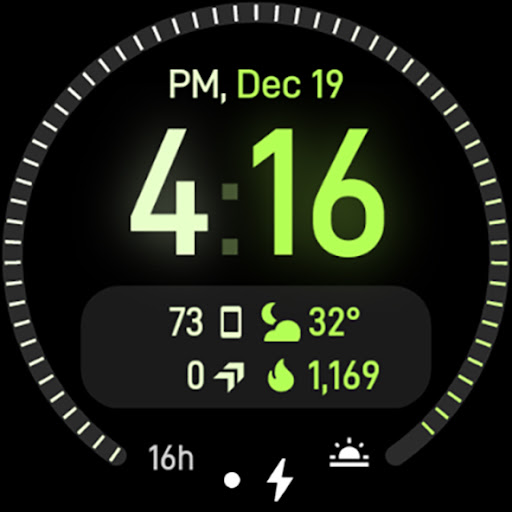
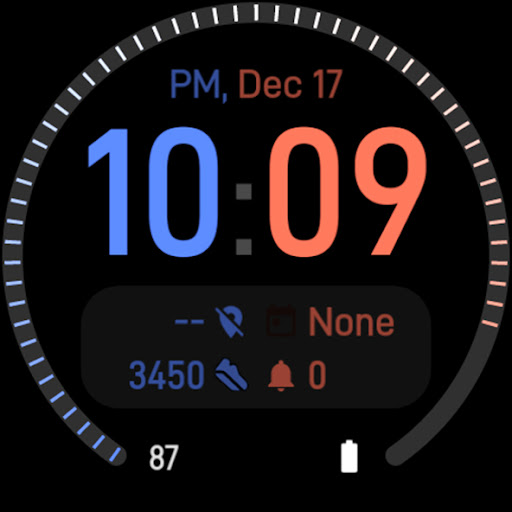
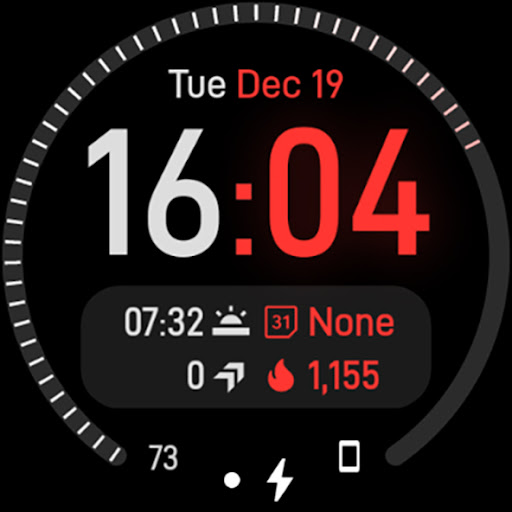
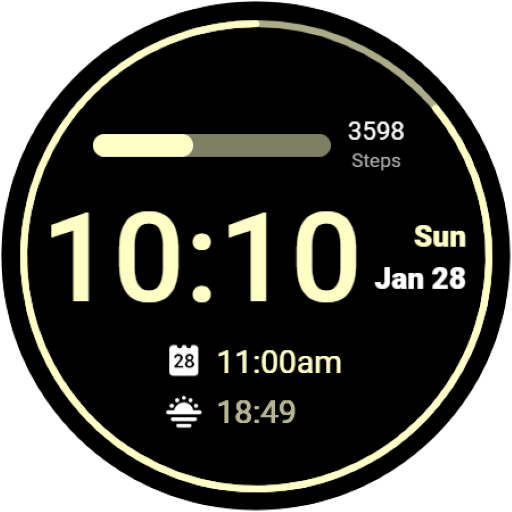
Unique dual tone color themes and digital clock glow effect. Make it your own!
// Not suitable for rectangular watches
Powered by Watch Face Format
amoledwatchfaces.com
BUY ONE GET ONE OFFER!
amoledwatchfaces.com/bogo
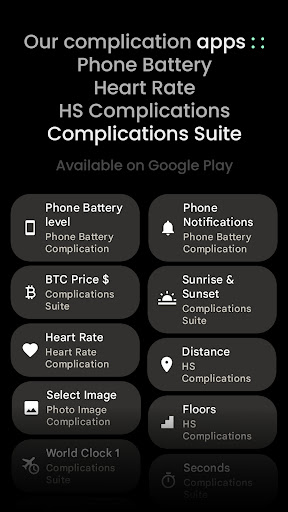
CUSTOM COMPLICATION APPS
amoledwatchfaces.com/apps
FEATURES
• Watch Face Format 1,2
• unique Glow Effect appearing every few seconds!
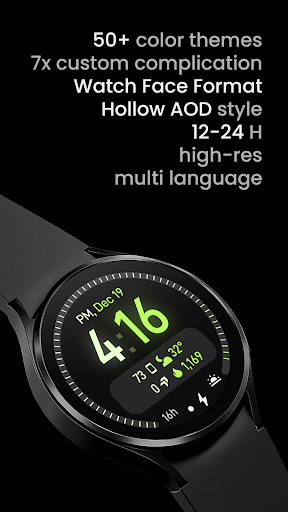
• custom complications with different types
• one large Ranged Value complication with new progress indicator type
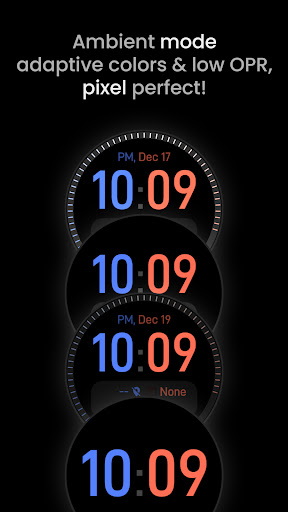
• unique ambient mode with low OPR & adaptive color
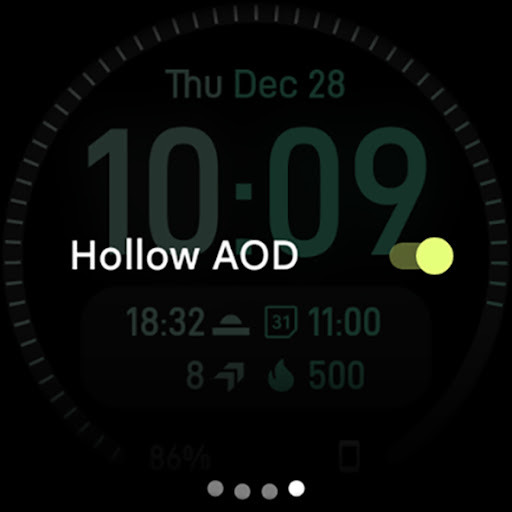
• Hollow AOD option (Outlined font)
• burn-in protection
• PNGQuant optimized layers > battery friendly
• true black background
• high resolution
• many beautiful color themes
• make it your own!
USER CONFIGURATIONS
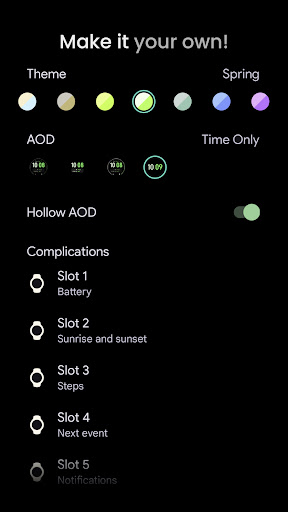
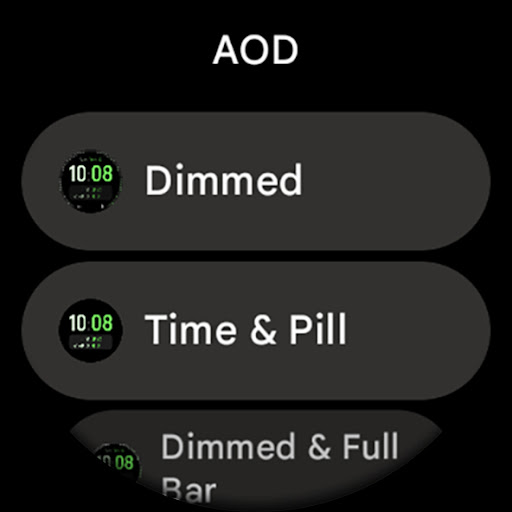
• AOD (Style - 4x)
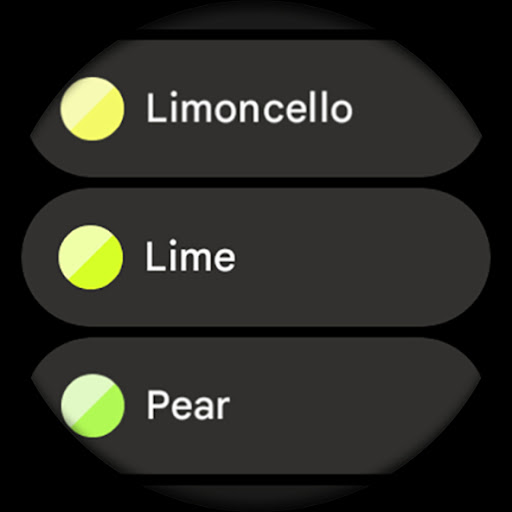
• Tone 1 / Tone 2 (50+ colors)
• Progress Bar (Solid, Dashed, None)
• Custom Complication (7x)
• Hollow AOD (Toggle)
• Time Glow (Toggle)
• Tint Icons (Toggle)
Installation and troubleshooting guide
amoledwatchfaces.com/guide
Please send any issues reports or help requests to our support address
support@amoledwatchfaces.com
Join our Telegram group for live support and discussion
t.me/amoledwatchfaces
Newsletter
amoledwatchfaces.com/contact#newsletter
amoledwatchfaces™ - Awf
What's New
• watchface.xml improvements
v1.1.1
• added wff3 support (text auto size)
• fixed hollow aod outline (Wear OS 5)
• fixed digital clock shadow
• watchface.xml optimizations
v1.1.0
• added Watch Face Format 2 support
• added Wear OS 5 flavors
• digital clock optimizations
v1.0.9
• small optimizations
...
Note: Remove watch face from favorites and add it back to ensure watch face runs smoothly after update.
Version Information
- Version
- -
- Downloads
- 10K+
- Updated on
- Jul 29, 2025
- Released
- Dec 19, 2023
- Requires
- Android Varies with device
Statistics
Google Play Rating History
Rating Distribution
Downloads Over Time
Dual Tone: Watch face has been downloaded times. Over the past 30 days, it averaged downloads per day.
Shaded area shows 30-day prediction based on historical trends
Historical data collection started recently. More data points will be available over time.
Dual Tone: Watch face users say on Google Play
 Ian Fuentes
The watch face is aesthetically pleasing. The always-on display feature is particularly impressive, as it conserves battery life and prevents screen retention issues. Additionally, the watch face offers a high degree of customization and is very responsive.
 Jerson Cyprien
I love this watchface. BUT, some tweaks will definitely make the UI look better. -Date Format Current: Sun, PM, 9/29 Suggestion: Sun, Sep 29 -Time Format Current: 4:37 Suggestion: 4:37 PM (or AM) -Step Count Current: 5457 Suggestion: 5,457 (add the comma)
 Danny Underwood-Jones
I like ok but no app shortcut availability under complications and all the shortcuts I use are to apps - flashlight, text messages, Shazam, etc
ApkTrusted Ratings & Reviews
More from amoledwatchfaces™
See more apps
Arcs N6 Watch Face
Paid

Angular Watch Face
Paid
Adventurer Watch Face
Paid

Apex SE Watch Face
Paid
Athlete 2 Lite: Watch face
Free

Athlete 1 Watch face
Paid

Athlete 2: Watch face
Free
Analog xT: Watch face
Free
Active 2: Watch face
Paid

Analog PRO: Watch face
Paid

Adaptive Watch Face
Paid
Analog M3 Watch Face
Paid
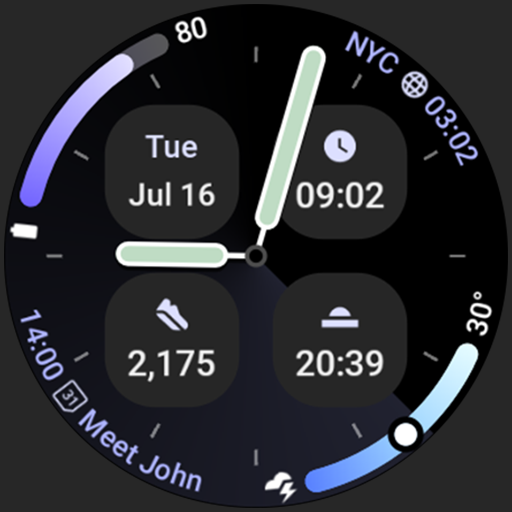
Analog M4 Watch Face
Paid

Apex 2.0 Watch Face
Free

Arcs D5 Watch Face
Free

Alpine Watch Face
Free
Similar Apps

Energy Dial Watch Face
Paid

ACRO Tion simple Digital Watch
Paid

AD Holo - Watch Face
Paid

Modulux - WearOS Watchface
Paid

ML2U 169 Watch Face
Paid
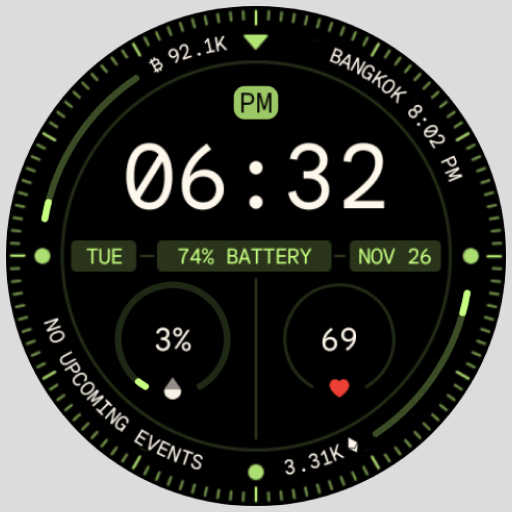
Pixel's Adventure Digital Face
Paid

CC Clean 15 Watch Face
Paid

Big Font Watch Face Minus
Free
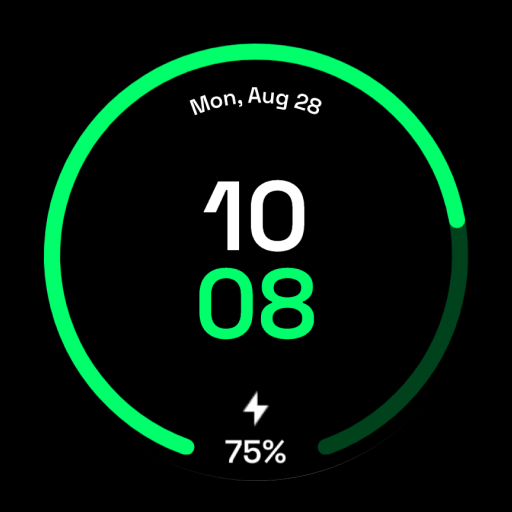
Pixel 1 Watch face
Free

Ludo Dudo Animated Watch Face
Paid

Pure Mango Watch Face
Paid

Green Gradient Watch Face
Paid
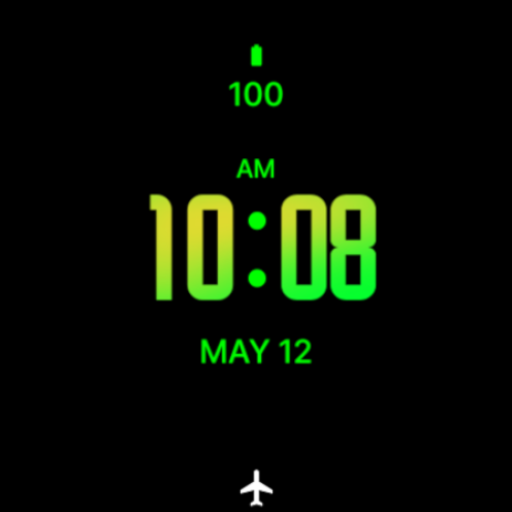
Mango Modern Watch Face
Paid

Advanced Time Watch Face
Paid

Watch Face H8
Paid
Simple Digital Watch Face
Free
Scan this QR code to download

Forwarding you to the page at Google Play market in seconds...
Open Google Play market now