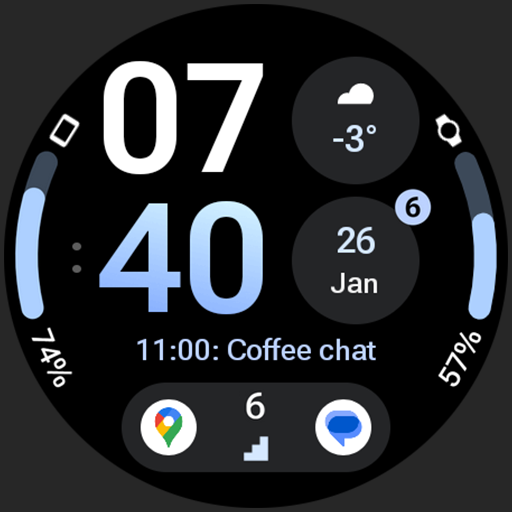
InfoBlock Watch Face vVARY
amoledwatchfaces™


About this app
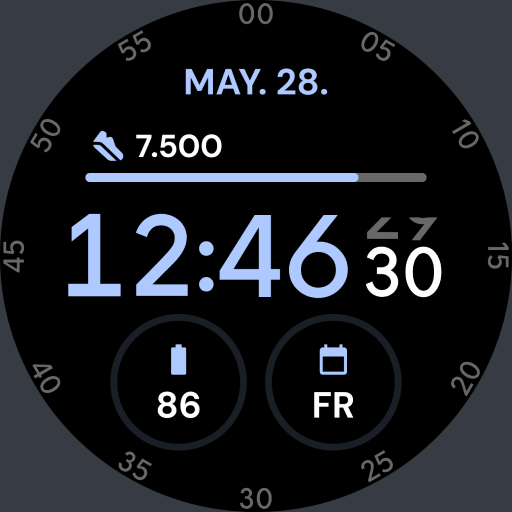
The InfoBlock Watch Face app solves the problem of bland and uninformative watch faces by providing a customizable and battery-friendly alternative, making it ideal for individuals who value both form and function on their wearable devices. This app benefits users who are looking for a simple yet informative watch face that can be tailored to their needs. Compared to other productivity apps in the category, InfoBlock Watch Face stands out with its unique design inspired by Info Brick, but may fall short in terms of feature complexity. Its simplicity and focus on customization make it a compelling choice for those seeking a straightforward watch face experience.
Pros
- With a high user rating of 4.4 out of 5, InfoBlock Watch Face demonstrates a strong reputation for quality and user satisfaction, indicating a well-designed and functional app.
- The app's lack of permissions requests is a significant advantage, ensuring that users' data and device security are not compromised, which is a rare but welcome trait in modern apps.
- The paid model without ads or in-app purchases provides a clean and uninterrupted user experience, allowing users to enjoy the app without distractions or additional costs.
- The developer's website and support email provide a clear channel for feedback and support, suggesting a commitment to customer service and app maintenance.
- The app's customization options and battery-friendly design make it a practical choice for daily use, catering to users who value both aesthetics and functionality.
Cons
- The limited download numbers, despite the high rating, might indicate a smaller user base and potentially less community support or feedback for the developer to improve the app.
- The app's simplicity, while a pro for some, might be a con for users seeking more complex features or integrations with other productivity tools, limiting its appeal to a narrower audience.
- The varying Android requirement and version might lead to compatibility issues on certain devices, which could negatively impact the user experience for some.
- The fixed price model without a free version or trial might deter some potential users who prefer to try before they buy, potentially limiting the app's reach.
Best for: The ideal user for InfoBlock Watch Face is a tech-savvy individual, likely between the ages of 25 and 45, who values both the aesthetic and functional aspects of their wearable device, seeks a high degree of customization, and is willing to pay a small premium for a quality, ad-free experience that enhances their daily productivity and style.
Developer Description
Info Brick inspired watch face. Battery friendly & Customizable.
Powered by Watch Face Format
amoledwatchfaces.com
BUY ONE GET ONE OFFER!
amoledwatchfaces.com/bogo
CUSTOM COMPLICATION APPS
amoledwatchfaces.com/apps
FEATURES
• inspired by info brick watch face
• better working progress bar RANGED_VALUE complications
• 2x app shortcuts
• unread notifications indicator
• true black background
• high res - pixel perfect
• PNGQuant optimized layers > battery friendly
• 8x custom complications
• unique ambient mode with low OPR & adaptive color / outline minute font
USER CONFIGURATIONS
• Theme (Default + 29x)
• Gradient Slot 1
• Gradient Slot 2
• AOD (3x) - API 33+
• Minutes Color (12x)
• Custom complications (8x)
Installation and troubleshooting guide
amoledwatchfaces.com/guide
Please send any issues reports or help requests to our support address
support@amoledwatchfaces.com
Join our Telegram group for live support and discussion
t.me/amoledwatchfaces
Newsletter
amoledwatchfaces.com/contact#newsletter
amoledwatchfaces™ - Awf
Privacy
Given that InfoBlock Watch Face requests no permissions, the risk of data collection or security breaches appears to be minimal. However, users should still be cautious when installing any app and ensure they are downloading from a trusted source. It's also advisable to review the app's terms of service and privacy policy, if available, to understand any data handling practices.
Tips
To get the most out of InfoBlock Watch Face, users should explore the customization options thoroughly to personalize their watch face according to their preferences. Additionally, ensuring that the watch face is properly configured for battery efficiency can help in prolonging the wearable device's battery life. Regularly checking for updates can also provide access to new features or improvements.
What's New
• watchface.xml improvements
v1.1.3
• added Watch Face Format 2 version
• added Wear OS 5 Flavors
• huge optimizations
• improved all complication slots
• switched from PartText to DigitalClock
• rendering AOD properly via Variants
v1.1.2
• minified watchface.xml
...
Note: Remove watch face from favorites and add it back to ensure watch face runs smoothly after update.
Version Information
- Version
- -
- Downloads
- 10K+
- Updated on
- Dec 3, 2025
- Released
- Feb 1, 2023
- Requires
- Android Varies with device
Statistics
Google Play Rating History
Rating Distribution
Downloads Over Time
InfoBlock Watch Face has been downloaded times. Over the past 30 days, it averaged downloads per day.
Shaded area shows 30-day prediction based on historical trends
Historical data collection started recently. More data points will be available over time.
InfoBlock Watch Face users say on Google Play
 Steve Cole
Great looking watchface. Has options to add any of the standard information to the watch face without being overcrowded and works really well. Love the companion app that lets it display both Watch and Phone battery levels.
 Shane Kunkle
I would give it 5 stars but there is no leading zero for the time. All the pictures and customizations show a leading zero. The face looks off balanced without it. I'm using a pixel watch 2 of this helps the developer with a fix.
 Lizett Walle
Purchased since looked very similar to info brick with more complications and that face to me is perfect except for needed another spot to add date. Customization on this is not the same, colors are different, selection output and gradient not done as nicely. Will be returning to previous face
 Alexander Kovacs
Work fine ,then only shows time. Then starts to blink time in different format. Sometimes some of apps appear ,And I have the change to different watch face. Also I can only chose watch battery . Be nice to be able to chose phone battery as one of the options.
 平恵
平恵
if you want to purchase it, please beware slot 1, slot 2, slot 6, slot 7 didn't have much choices to customize, it was very disappointed. I don't really recommend it.
ApkTrusted Ratings & Reviews
More from amoledwatchfaces™
See more apps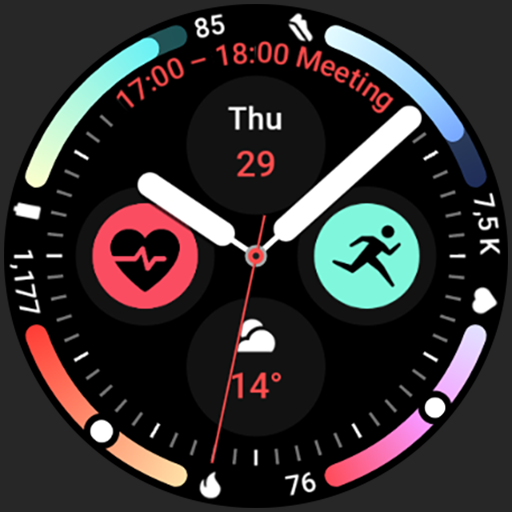
Arcs N6 Watch Face
Paid

Angular Watch Face
Paid
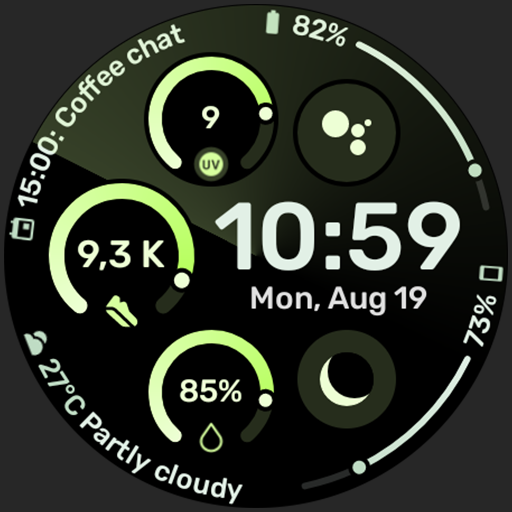
Adventurer Watch Face
Paid

Apex SE Watch Face
Paid
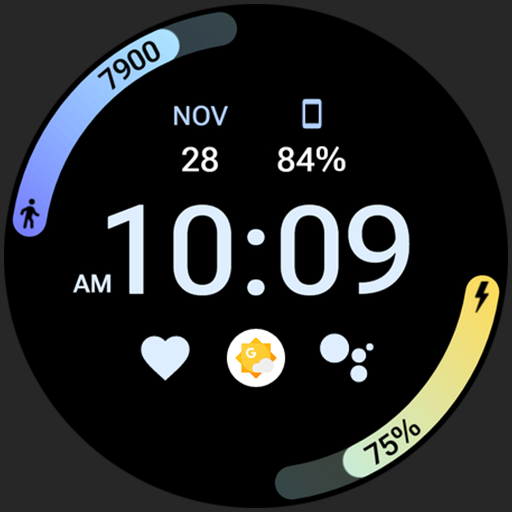
Athlete 2 Lite: Watch face
Free

Athlete 1 Watch face
Paid

Athlete 2: Watch face
Free
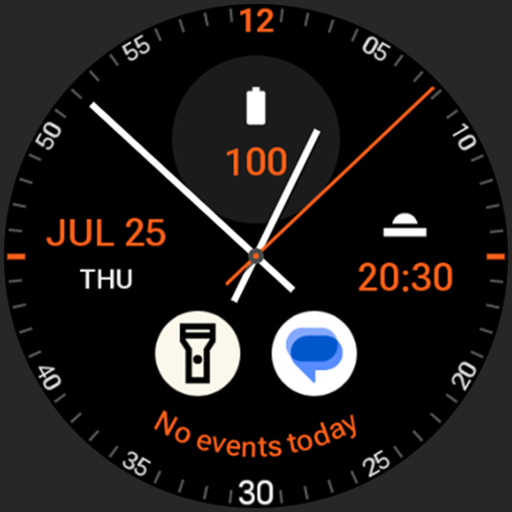
Analog xT: Watch face
Free
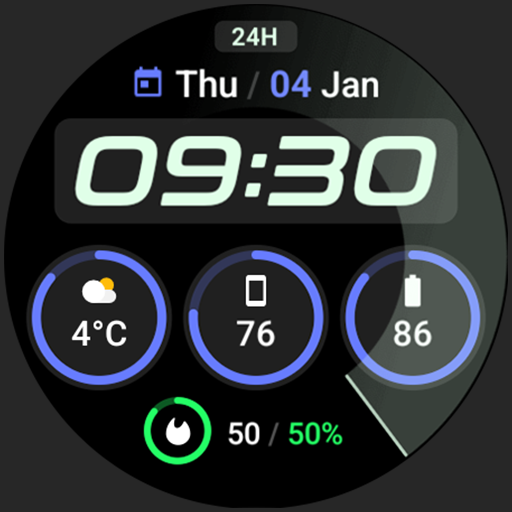
Active 2: Watch face
Paid

Analog PRO: Watch face
Paid

Adaptive Watch Face
Paid
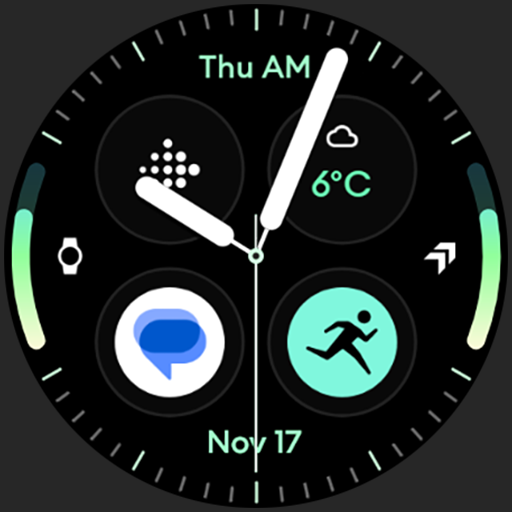
Analog M3 Watch Face
Paid
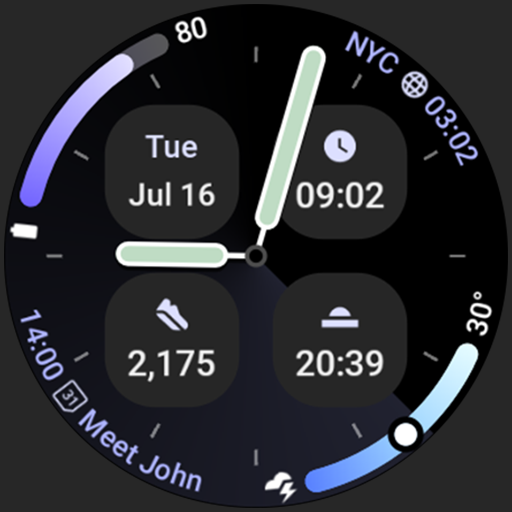
Analog M4 Watch Face
Paid

Apex 2.0 Watch Face
Free

Arcs D5 Watch Face
Free

Alpine Watch Face
Free
Similar Apps

SamWatch Simple D Rev W 2024
Paid

LUXUS - elegant minimalist
Paid

Mane WatchFace D102
Free

SamWatch Simple Xi
Paid

WatchFace M5
Paid

SamWatch SIGN Y Weather
Free

MDS452 Digital Watch Face
Free

SamWatch Utility A 2025
Paid
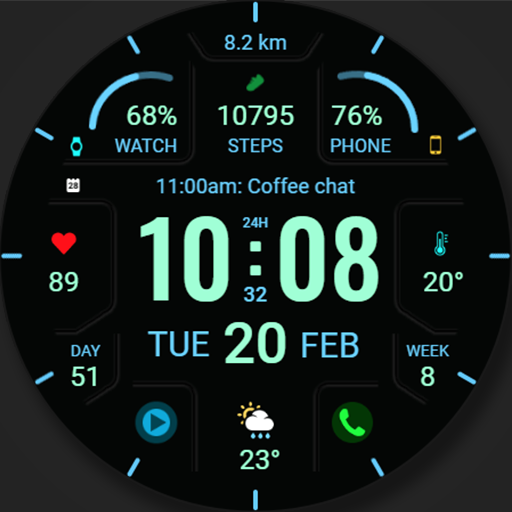
WFP 324 Digital watch face
Free
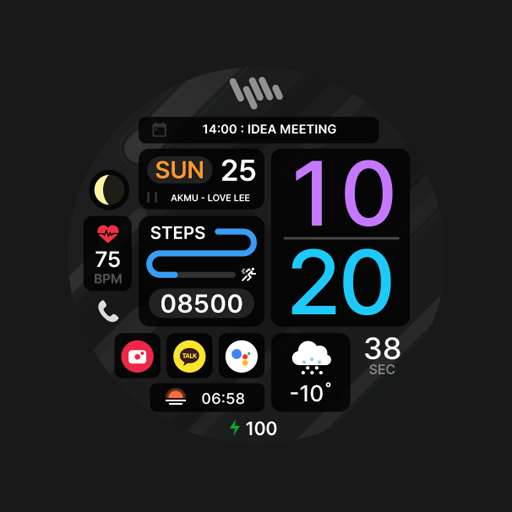
SamWatch InfoBlock 9
Paid

PRADO 73 Digital Watch Face
Paid

AIwatch Weather S
Free

Night 77 - watch face
Paid
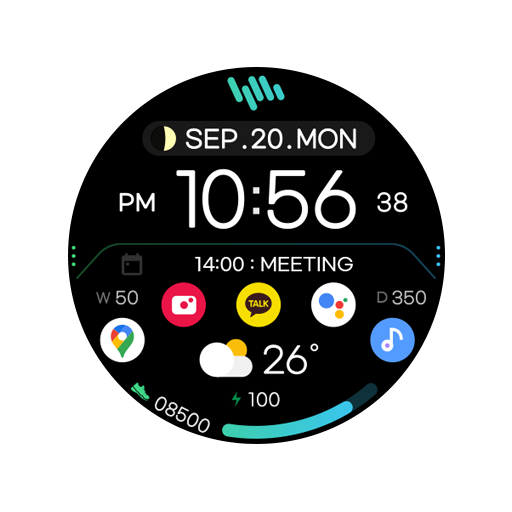
SamWatch Utility D
Free
Active - Digital Watch Face
Free

Night 59 - watch face
Paid
Scan this QR code to download

Forwarding you to the page at Google Play market in seconds...
Open Google Play market now