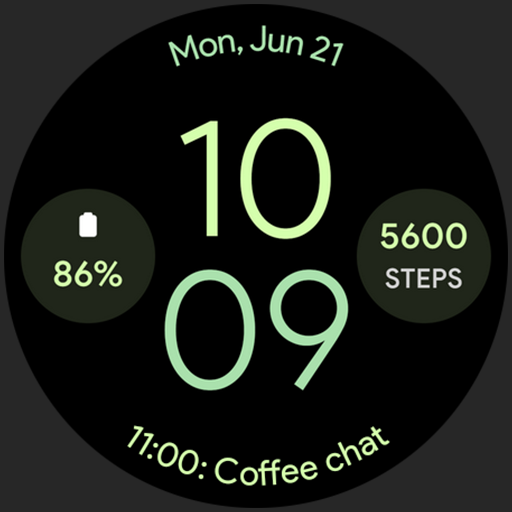
Material You Watch Face vVARY
amoledwatchfaces™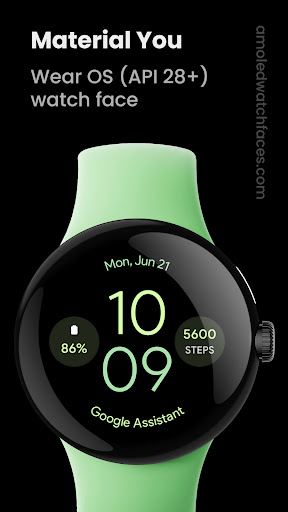

About this app
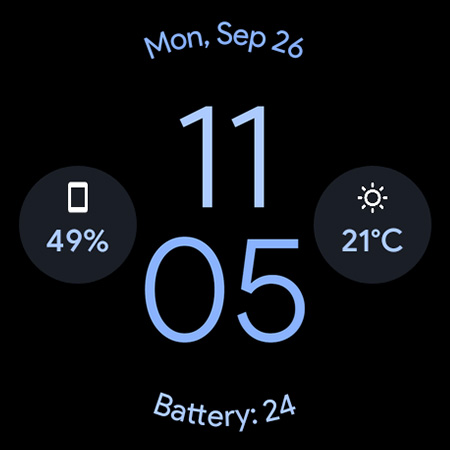
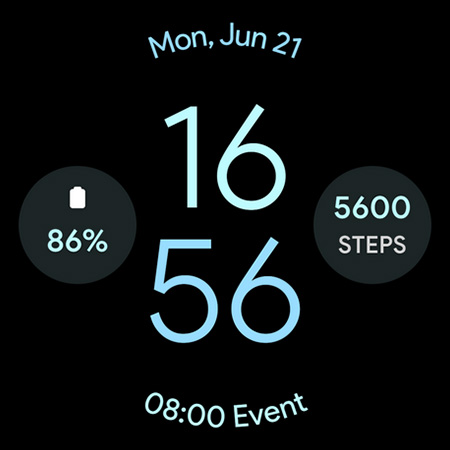
The Material You Watch Face app solves the problem of bland and non-customizable watch faces for Wear OS users, offering a battery-friendly and customizable solution that benefits users seeking a personalized experience. Compared to alternatives in the Lifestyle category, this app stands out with its Material You design and excellent user rating of 4.6/5. However, its limited download numbers and lack of in-app purchases or ads may indicate a niche appeal. Overall, the app's focus on design and customization makes it a great choice for users invested in the Wear OS ecosystem.
Pros
- The app's excellent user rating of 4.6/5 and over 10,000 downloads demonstrate a high level of user satisfaction and social proof, indicating a well-designed and functional product.
- The Material You design and customizable features provide a unique and personalized experience for users, setting it apart from other watch face apps.
- The developer's reputation, as evident from their website and email support, suggests a commitment to user support and updates, which is crucial for a paid app.
- The app's battery-friendly design ensures that users can enjoy their customized watch face without significant battery drain, a common concern for Wear OS users.
- The lack of ads and in-app purchases provides a clean and uninterrupted user experience, justifying the one-time payment of $0.99.
Cons
- The limited download numbers may indicate that the app has not yet gained widespread popularity, which could impact the developer's ability to provide regular updates and support.
- The app's functionality is limited to Wear OS devices, which may not be a concern for the target audience but could be a limitation for users with other devices.
- The app's simplicity and lack of additional features beyond customization may not be enough to justify the $0.99 price tag for some users, especially compared to free alternatives.
- The developer's website and email support, while a positive aspect, may not be sufficient for users seeking more extensive community support or forums.
Best for: The ideal user for the Material You Watch Face app is a tech-savvy individual, likely between the ages of 25 and 45, who values customization and personalization on their Wear OS device, has a basic understanding of smartwatch functionality, and is willing to pay a small fee for a high-quality, ad-free experience that enhances their daily use of the device.
Developer Description
Created for Wear OS. Material You design. Battery Friendly. Customizable.
// Not suitable for rectangular watches
Powered by Watch Face Format
amoledwatchfaces.com
BUY ONE GET ONE OFFER!
amoledwatchfaces.com/bogo
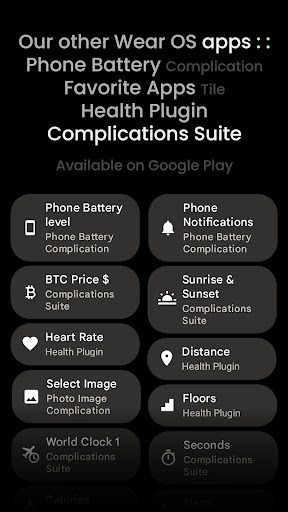
CUSTOM COMPLICATION APPS
amoledwatchfaces.com/apps
FEATURES
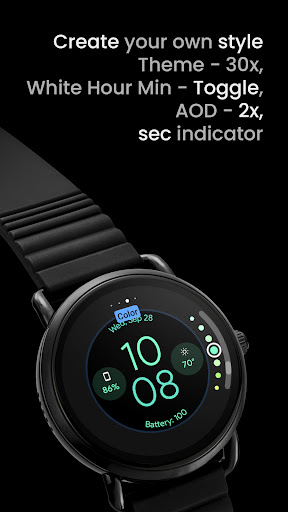
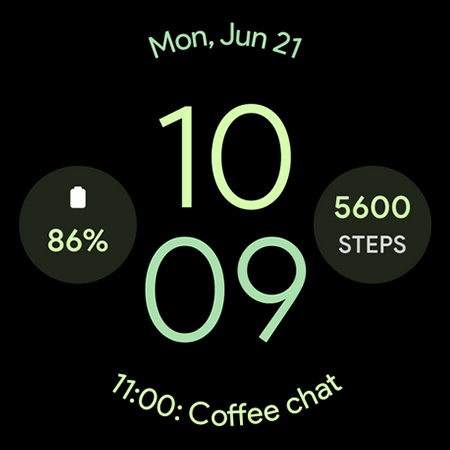
• material you styled watch face
• battery friendly
• true black background
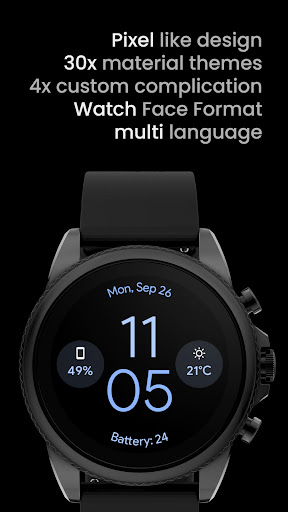
• 30 color styles
• new Photo Image Complication slot
• PNGQuant optimized
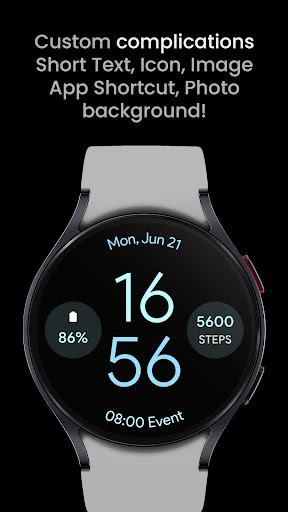
• 3x custom complications (2x SHORT_TEXT, 1x LONG_TEXT)
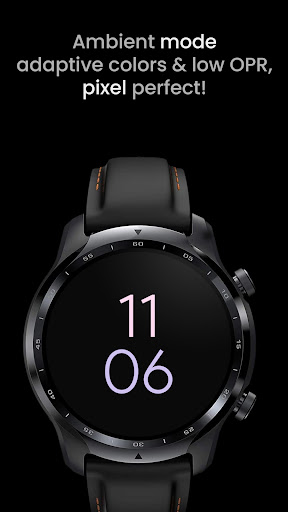
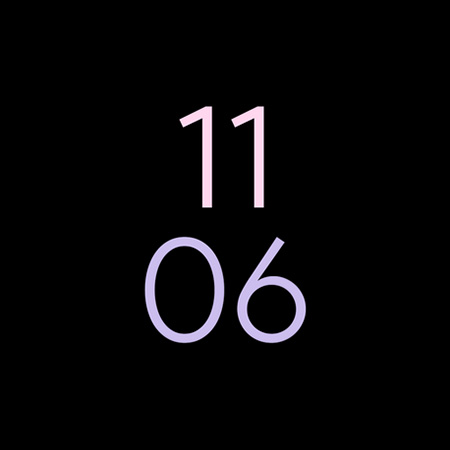
• unique ambient mode with low OPR & adaptive color
USER CONFIGURATIONS
• Invert Hours Tint (Toggle)
• Hours Leading Zero (toggle - API 33+)
• Sec Indicator (Toggle)
• AOD Style (2x)
• Color (30x)
• Custom complications
Installation and troubleshooting guide
amoledwatchfaces.com/guide
Please send any issues reports or help requests to our support address
support@amoledwatchfaces.com
Join our Telegram group for live support and discussion
t.me/amoledwatchfaces
Newsletter
amoledwatchfaces.com/contact#newsletter
amoledwatchfaces™ - Awf
Privacy
Given that the app requests zero permissions, users can be confident that their data is not being collected or shared, and the risk of privacy breaches is minimal. However, users should still be cautious when downloading apps from unknown sources and ensure they are purchasing from a trusted store like Google Play. To further protect their privacy, users should review the app's terms of service and privacy policy, if available.
Tips
To get the most out of the Material You Watch Face app, users should explore the customization options to personalize their watch face according to their preferences. Additionally, users can optimize the app's performance by ensuring their Wear OS device is updated to the latest software version and by closing unnecessary apps to conserve battery life. First-time users should also refer to the developer's website for any setup guides or tutorials.
What's New
• complications icons are now masked & slightly tinted
• replaced 'White Hours' with 'Invert Hours Tint'
• added Hours Leading Zero configuration
v1.3.6
• minified watchface.xml
v1.3.5
• removed EMPTY type from upper complication slot
v1.3.4
• bring back SYNC_TO_DEVICE DigitalClock format
...
NOTE: Please do a full reinstall in case there are some troubles with custom complications after recent update.
Version Information
- Version
- -
- Downloads
- 10K+
- Updated on
- Dec 3, 2025
- Released
- Sep 26, 2022
- Requires
- Android Varies with device
Statistics
Google Play Rating History
Rating Distribution
Downloads Over Time
Material You Watch Face has been downloaded times. Over the past 30 days, it averaged downloads per day.
Shaded area shows 30-day prediction based on historical trends
Historical data collection started recently. More data points will be available over time.
Material You Watch Face - Google Play Rankings
Top Rankings
| Rank | Country | Category | List | Change |
|---|---|---|---|---|
| — |
Ranking History in
No ranking data available yet. Rankings are updated daily.
#44 in Top Paid Lifestyle in United States


Material You Watch Face users say on Google Play
 Mayank Singh
Four complication options, two displays to choose AOD from [though I don't use AOD since it consumes too much battery] and option to hide the seconds hand [I had a watch face before where the useless seconds hand would be visible no matter what]. I think, for a minimal watch face, this is pretty good.
 Roney Christmas
Hi! I love how the watch face looks, and the second "hand" is so nice. The onlyyy problem I have is that when I put weather on the bottom, nothing shows, but when I click on the empty space it brings me to weather. if you can fix that (maybe it's the watch's fault) I would 100 percent give 5 stars. Thank you! I'm using a Galaxy watch 4.
 Josh (Journey with Josh)
unable to change anything other than color. steps complication doesn't show. just time and date.
 Ken Ume
Looks ok but poorly designed configuration for example no indication which complication is which until you change and sync settings. Choosing the data sources doesn't seem to include all the options from Google Fit. Sometimes the watchface will switch off all complications without warning
 Aditya Varshney
Does not install on the watch, just asks me to buy it on the phone even though when I did buy it there
ApkTrusted Ratings & Reviews
More from amoledwatchfaces™
See more apps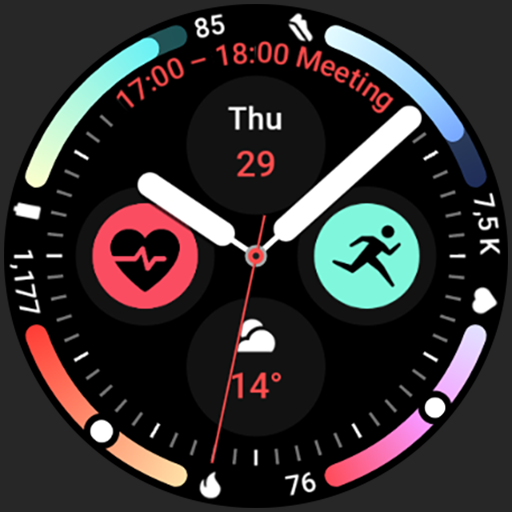
Arcs N6 Watch Face
Paid

Angular Watch Face
Paid
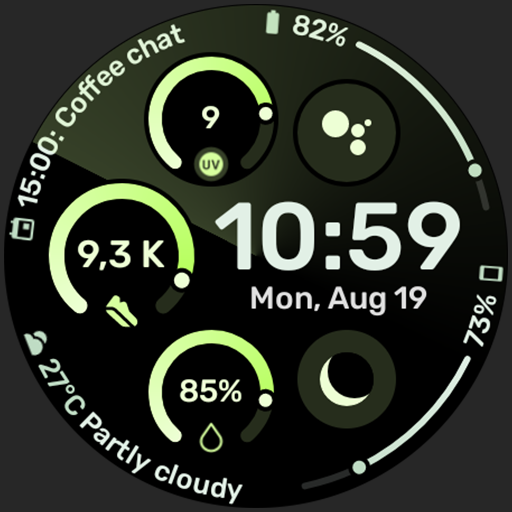
Adventurer Watch Face
Paid

Apex SE Watch Face
Paid
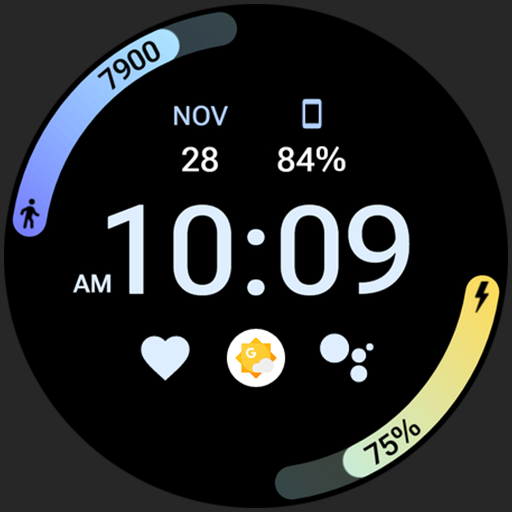
Athlete 2 Lite: Watch face
Free

Athlete 1 Watch face
Paid

Athlete 2: Watch face
Free
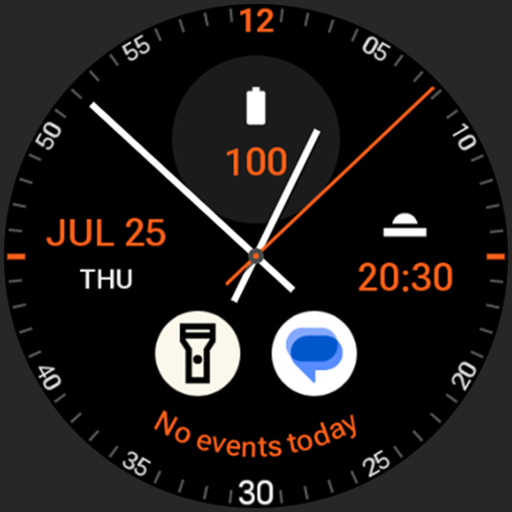
Analog xT: Watch face
Free
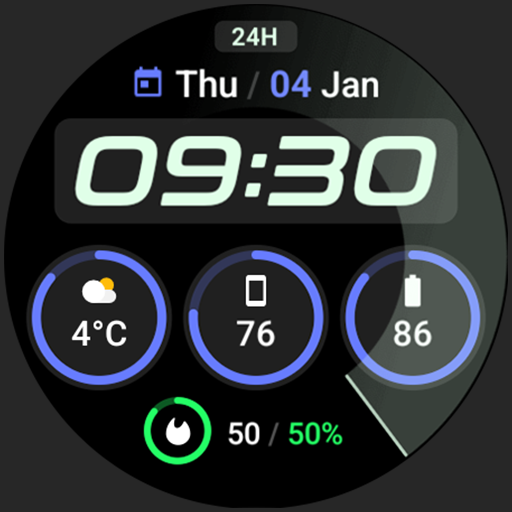
Active 2: Watch face
Paid

Analog PRO: Watch face
Paid

Adaptive Watch Face
Paid
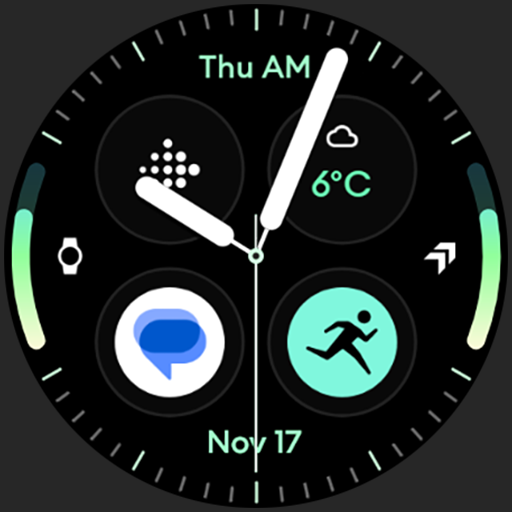
Analog M3 Watch Face
Paid
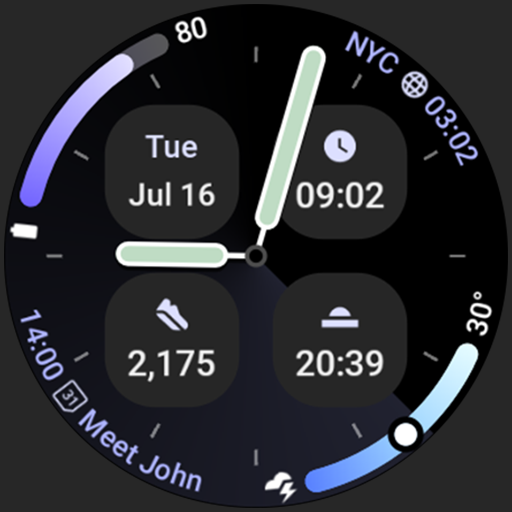
Analog M4 Watch Face
Paid

Apex 2.0 Watch Face
Free

Arcs D5 Watch Face
Free

Alpine Watch Face
Free
Similar Apps

Big Text - Digital Watchface
Paid

Big Honeydew Watch Face
Paid
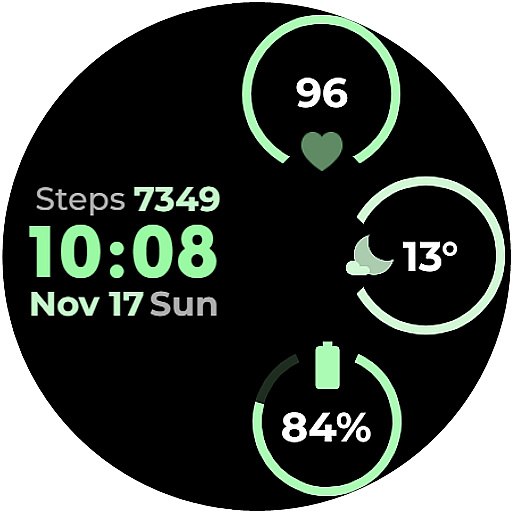
CC Clean 16 Watch Face
Paid

Honeydew Light Watch Face
Paid

Big Green Apple Watch Face
Paid
Simple - Wear OS Watchface
Paid
Pixel 1 Watch face
Free

Army Green Watch Face
Paid

Honeydew Fit Watch Face
Paid

Minimal Grid Digital Watchface
Free

EXD149: Digital Fit Face
Paid

Tennyson - Wear OS Watch Face
Free

Pixel 3's Active Watch Face
Paid
312 PS
Free

Daylight Large Watch Face
Paid

Green Mint Fit Watch Face
Paid
Scan this QR code to download

Forwarding you to the page at Google Play market in seconds...
Open Google Play market now