
Symmetrical Watch Face vVARY
amoledwatchfaces™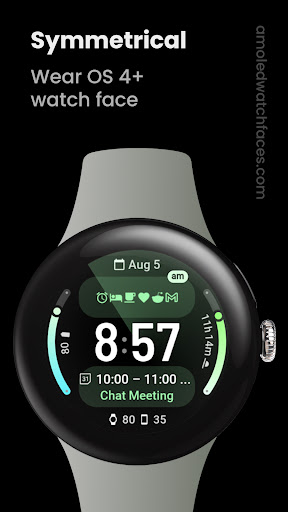



About this app
The Symmetrical Watch Face app solves the problem of customization for users seeking a unique look for their wearable devices, particularly those with a flair for design and personalization. This app benefits users who value aesthetics and want to stand out from the default watch face designs. Compared to alternatives in the Personalization category, Symmetrical Watch Face stands out with its mix-and-match complication slots, fonts, and themes, offering a high degree of customization. However, its relatively small download numbers and limited data available might raise questions about its long-term support and updates.
Pros
- With a 4.5/5 user rating and over 1,000 downloads, Symmetrical Watch Face demonstrates a high level of user satisfaction and social proof, indicating a well-designed and functional app.
- The app's ability to mix and match complication slots, fonts, and themes provides users with a unique and personalized experience, setting it apart from more generic watch face apps.
- The absence of ads and in-app purchases ensures a clean and uninterrupted user experience, which is a significant advantage for users who prefer not to be distracted by monetization efforts.
- The developer's reputation, as indicated by their website and support email, suggests a level of professionalism and commitment to user support, which is reassuring for potential users.
Cons
- One concern is the app's relatively low download numbers, which might indicate limited community support or fewer updates in the future, potentially leaving the app outdated.
- Although the app's customization features are a significant advantage, users looking for a wide range of pre-designed watch faces might find the options limited compared to other apps in the Personalization category.
- The lack of detailed information about the app's update frequency and long-term support could be a concern for users who prefer apps with regular updates and improvements.
Best for: The ideal user for Symmetrical Watch Face is a tech-savvy individual, likely between the ages of 25 and 45, who values personalization and unique design, owns a compatible wearable device, and is looking for a high degree of customization without the clutter of ads or in-app purchases, suggesting a user with medium to high technical skill level and a specific need for aesthetic customization.
Developer Description
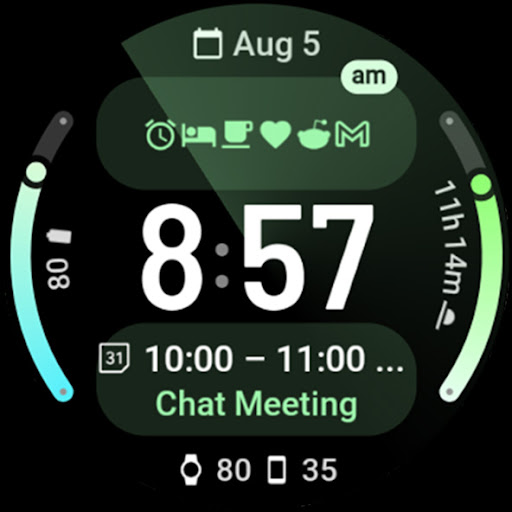
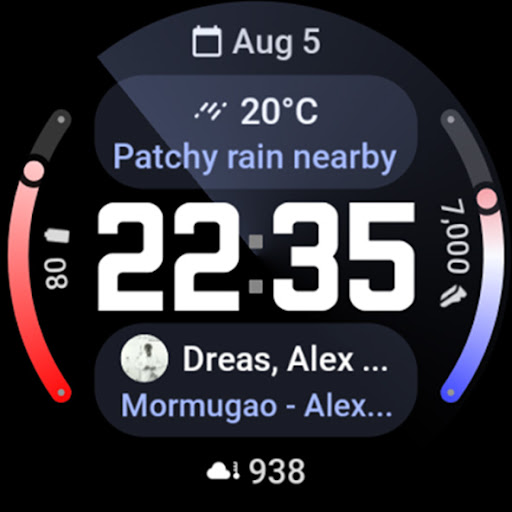
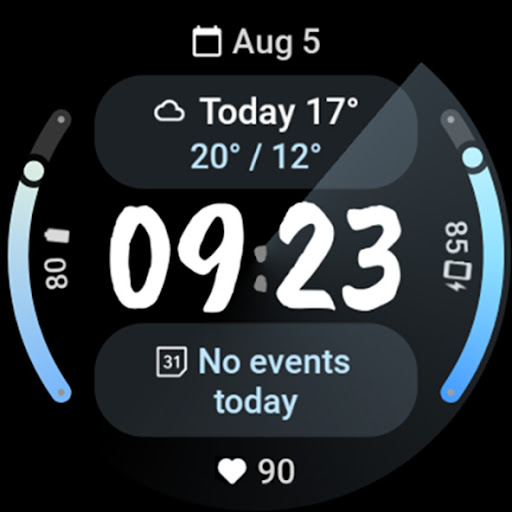
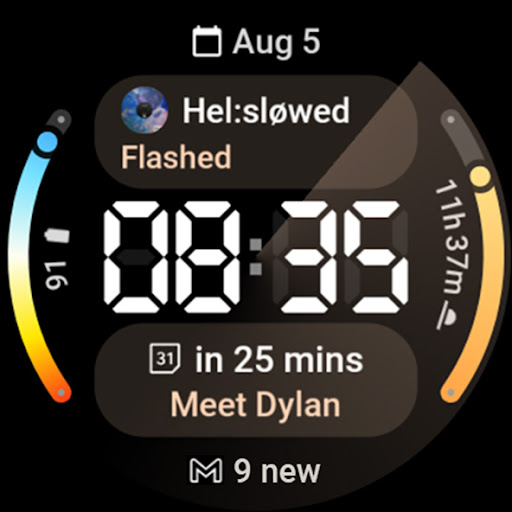
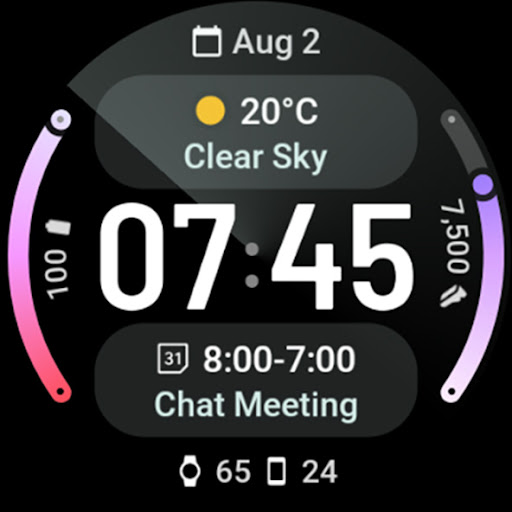
Mix and match complication slots, fonts, and themes to create a unique look.
Powered by Watch Face Format
amoledwatchfaces.com
BUY ONE GET ONE OFFER!
amoledwatchfaces.com/bogo
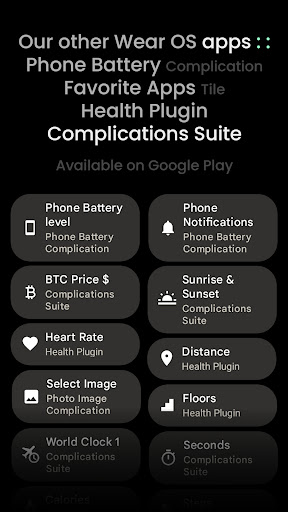
CUSTOM COMPLICATION APPS
amoledwatchfaces.com/apps
A nod to the creative genius & my talented friend, @symmetricalboy.
FEATURES
• Watch Face Format 1 / 2
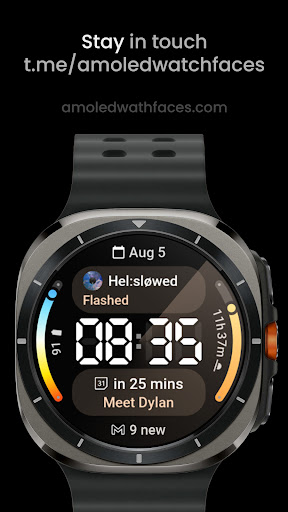
• fully supported on Wear OS 5 (Galaxy Watch 7 / Ultra)
• new Flavors feature (Wear OS 5)
• uses system HEART_RATE complication on Wear OS 5
• phone notifications & dual batteries (watch & phone) support*
• 2x LONG_TEXT complication (implementation with two rows for Text & Title)
• 2x RANGED_VALUE complication (gradient progress bars)
• 2x SHORT_TEXT complication
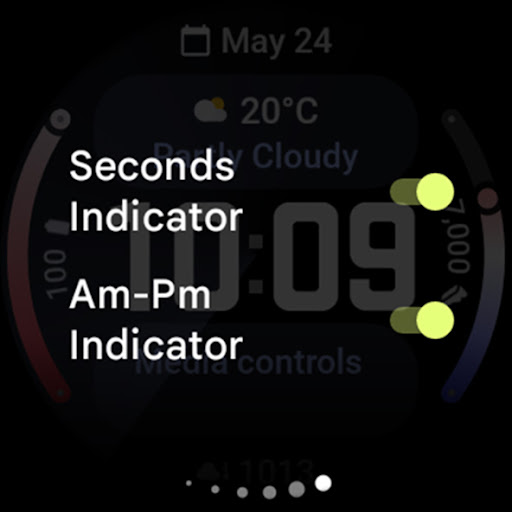
• unique radar-style seconds indicator (optional)
• 12-24h mode
• am-pm indicator (optional)
• configurable digital clock fonts
• material themes - mix with progress bar gradients to achieve spectacular look!
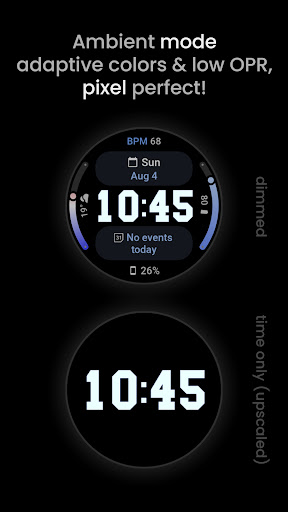
• optimized Always On Mode
• true black background
• high resolution
* requires Phone Battery Complication app
https://play.google.com/store/apps/details?id=com.weartools.phonebattcomp
USER CONFIGURATIONS
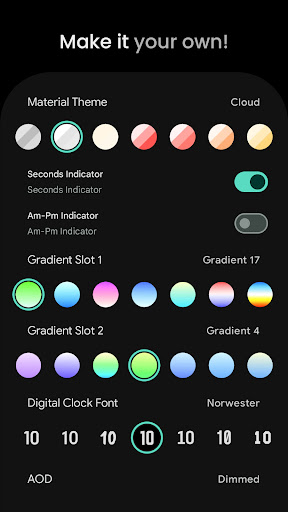
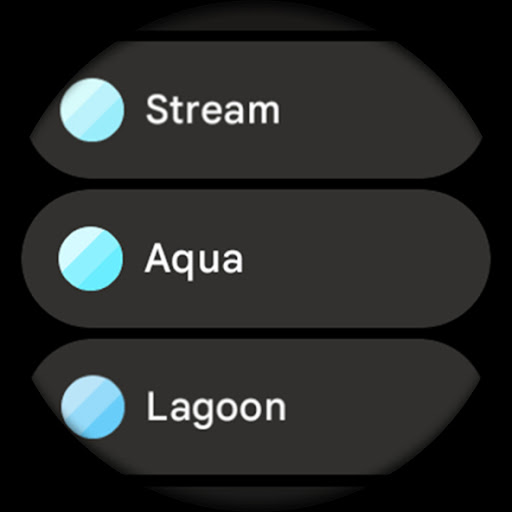
• Material Theme (60+)
• Gradient Slot 1 (20 + Gradients & Colors)
• Gradient Slot 2 (20 + Gradients & Colors)
• Digital Clock Font (10x)
• AOD (Dimmed, Time Only)
• Custom Complication (6x)
• Seconds Indicator (Toggle)
• Badge Indicator (Am-Pm, Unread Notifications Count, None)
Installation and troubleshooting guide
amoledwatchfaces.com/guide
Please send any issues reports or help requests to our support address
support@amoledwatchfaces.com
Join our Telegram group for live support and discussion
t.me/amoledwatchfaces
Newsletter
amoledwatchfaces.com/contact#newsletter
amoledwatchfaces™ - Awf
Privacy
Given that Symmetrical Watch Face requests no permissions, it poses minimal risk to user data and privacy. However, users should always be cautious when installing apps and ensure they are downloading from trusted sources like the official Play Store. Regularly reviewing the app's permissions and privacy policy is also advisable, even if no permissions are currently requested.
Tips
For the best experience with Symmetrical Watch Face, users should start by exploring the various customization options to find a combination that suits their style. Additionally, ensuring that the wearable device's software is up to date can help prevent compatibility issues. Users can also visit the developer's website for support and potential tips on getting the most out of the app's features.
What's New
• watchface.xml improvements
v1.1.4
• removed redundant parameters
• added wff3 version with text autoSize
v1.1.3
• added watch face preview time
• small adjustments
v1.1.1
• removed Dual Sunrise Sunset support
v1.1.0
• RANGED_VALUE complication rendering issue fix
v1.0.8
• Phone Notifications Complication adjustments
v1.0.7
• replaced am-pm indicator with Badge Indicator (Am-Pm, Unread Notifications Count, None)
v1.0.1
• initial release
Version Information
- Version
- -
- Downloads
- 1K+
- Updated on
- Aug 1, 2025
- Released
- Aug 4, 2024
- Requires
- Android Varies with device
Statistics
Google Play Rating History
Rating Distribution
Downloads Over Time
Symmetrical Watch Face has been downloaded times. Over the past 30 days, it averaged downloads per day.
Shaded area shows 30-day prediction based on historical trends
Historical data collection started recently. More data points will be available over time.
Symmetrical Watch Face users say on Google Play
 Greg Tapscott
Really like the ability to have a 2-line Next Event and a 2-line Weather complication on the same watchface. Also has the dual phone and watch battery complication option for an easy to read layout.
 Fabrício César Franco
If only the second complication didn't get into conflict with the heart rate complication, it would be awesome...
 Yusuf Islam
This face is really good, but it seams to have a bug. The time seams to take a few minutes to update especially on AOD. The other faces the time updates on the exact change of the minutes. Thanks
ApkTrusted Ratings & Reviews
More from amoledwatchfaces™
See more apps
Apex 2.0 Watch Face
Paid
Arcs N6 Watch Face
Paid

Angular Watch Face
Paid
Adventurer Watch Face
Paid

Apex SE Watch Face
Paid

Alpine Watch Face
Paid

Athlete 1 Watch face
Free

Athlete 2: Watch face
Paid

Arcs D5 Watch Face
Paid
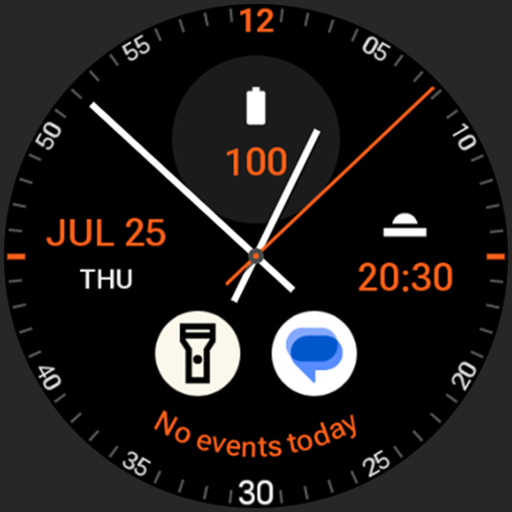
Analog xT: Watch face
Free
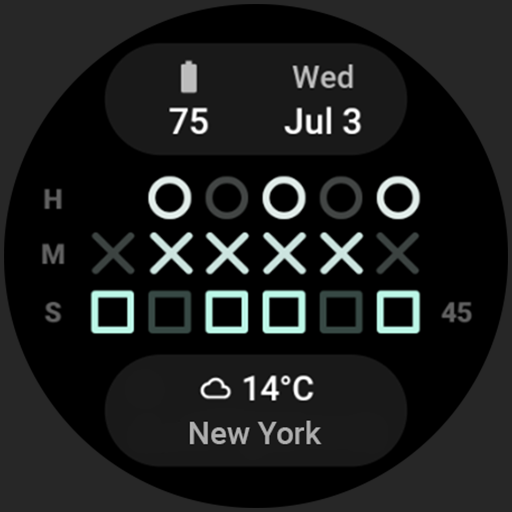
Binary 2.0 Watch Face
Free
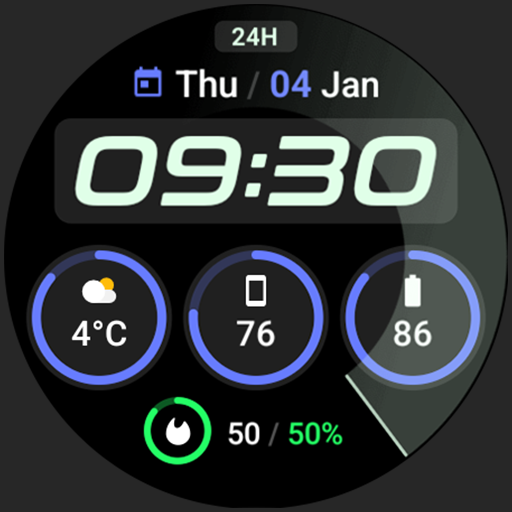
Active 2: Watch face
Paid

Analog PRO: Watch face
Paid

Adaptive Watch Face
Paid
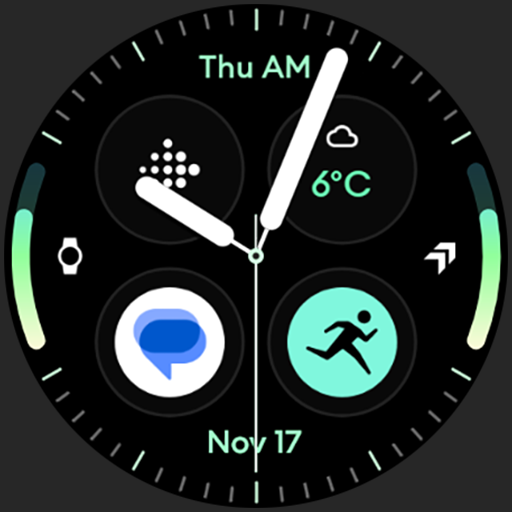
Analog M3 Watch Face
Paid
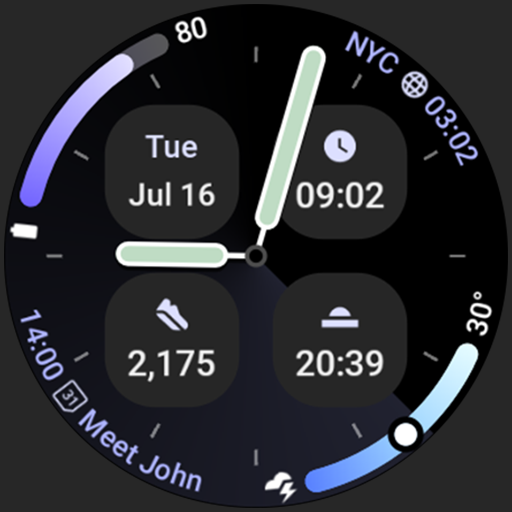
Analog M4 Watch Face
Paid
Similar Apps

SamWatch Utility A 2025
Paid

SamWatch SIGN Y Weather
Paid
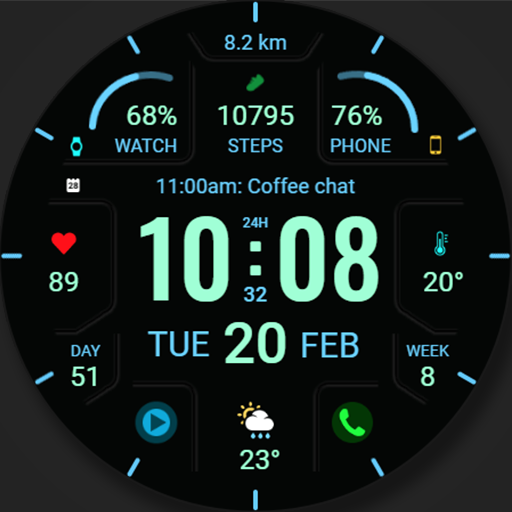
WFP 324 Digital watch face
Paid

ZKin Watch Brilliant Splendid
Paid

SamWatch Simple C 2024
Paid

GRBL Weather 2
Paid

SamWatch InfoColor 2024
Paid

WatchFace M5
Paid

TVV Fitness 2 Watch Face
Paid
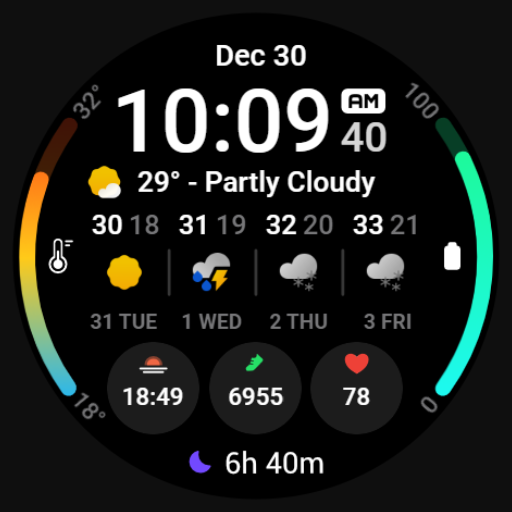
MDS449 Weather Forecast
Paid

Mane WatchFace D102
Free

SamWatch Digital Weather
Paid

PW85 App Launch Watch Face
Paid

Key WF28 Digital Watch Face
Paid

SamWatch Simple M 5
Paid

HKR045
Paid
Scan this QR code to download

Forwarding you to the page at Google Play market in seconds...
Open Google Play market now