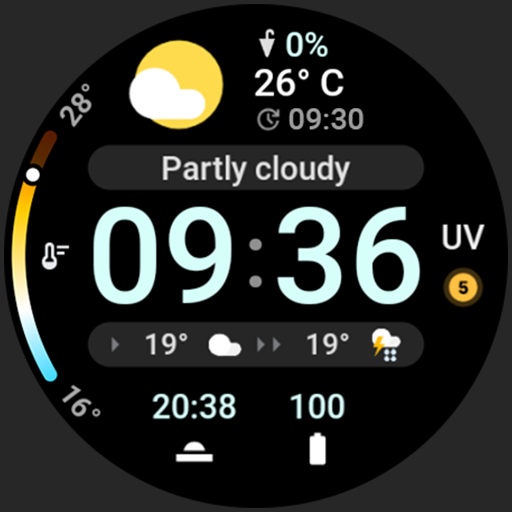
Just Weather: Watch Face v1.1.1
amoledwatchfaces™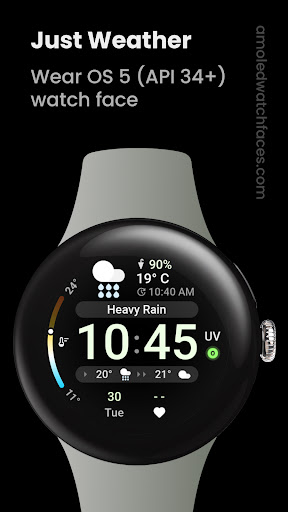

About this app
The Just Weather: Watch Face app solves the problem of providing users with a simple and convenient way to access current weather conditions and forecasts directly from their watch face, benefiting those who value ease of use and glanceable information. This app stands out in the Weather category due to its focus on watch face integration, a feature not commonly found in traditional weather apps. However, with no user ratings and limited download data, it's challenging to assess its overall performance compared to more established alternatives. The app's minimalistic approach and lack of permissions requested could be seen as a positive aspect, emphasizing privacy and simplicity.
Pros
- The app's paid model without ads ensures a clean and uninterrupted user experience, which is a significant advantage for those who prefer ad-free interfaces.
- With zero permissions requested, the app demonstrates a commitment to user privacy, which is a rare but welcome trait in the mobile app ecosystem.
- The developer's website and email support suggest a level of professionalism and willingness to engage with users, which can be reassuring for potential customers.
- The app's small size and simple functionality could result in efficient battery usage, making it a good choice for users concerned about power consumption.
- The focus on watch face integration provides a unique selling point, catering to smartwatch users who want quick access to weather information without needing to open a separate app.
Cons
- The lack of user ratings and limited download numbers make it difficult to gauge the app's reliability and performance in real-world scenarios, which could deter potential users seeking social proof.
- The app's functionality might be too basic for users seeking more detailed weather forecasts or additional features like radar imagery or severe weather alerts.
- Without regular updates or a clear development roadmap, there's a risk that the app might not keep pace with evolving smartwatch platforms or user expectations.
- The $1.99 price point might be considered steep by some users, especially given the limited feature set and lack of a free trial or ad-supported version to test before purchasing.
Best for: The ideal user for the Just Weather: Watch Face app is likely a tech-savvy individual, possibly within the 25-45 age range, who owns a smartwatch, values simplicity and privacy, and is looking for a convenient way to stay informed about the weather without the clutter of a full-fledged weather app, and is willing to pay a small premium for an ad-free experience.
Developer Description
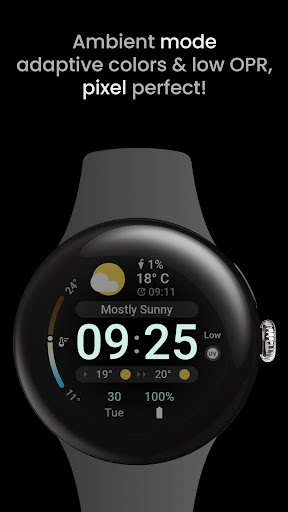
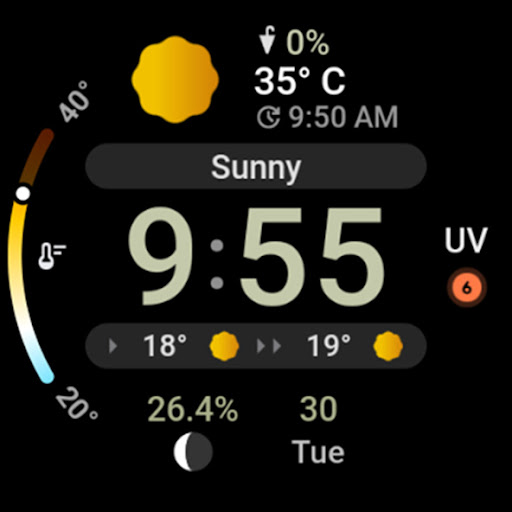
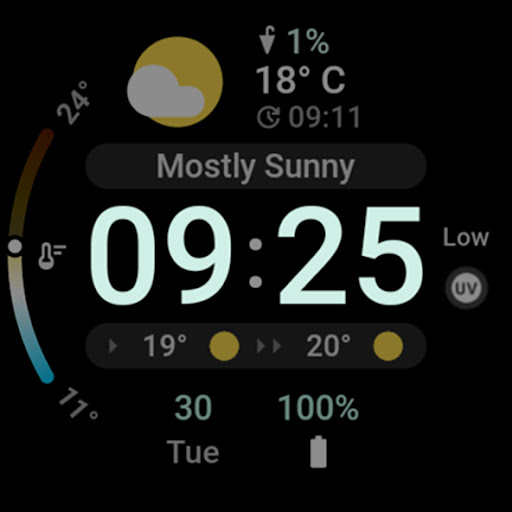
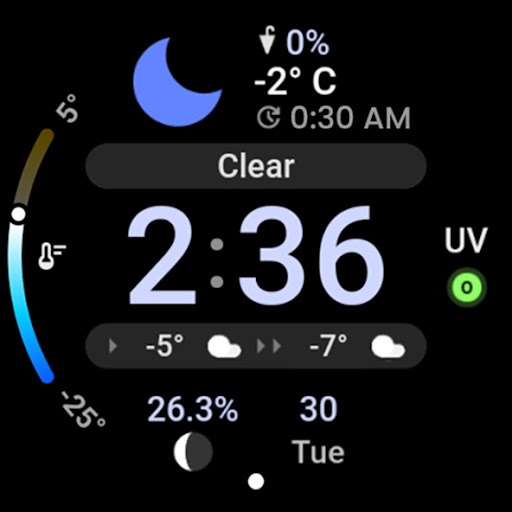
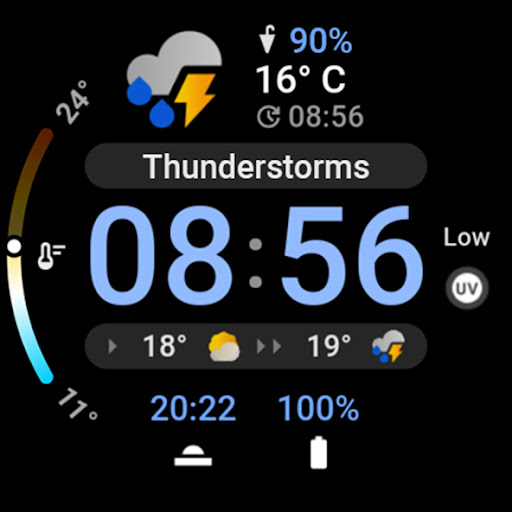
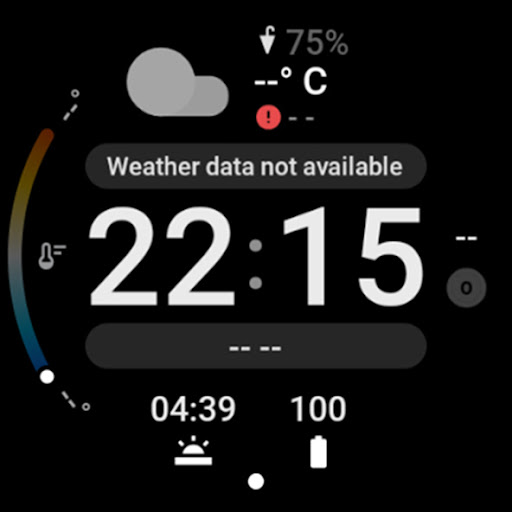
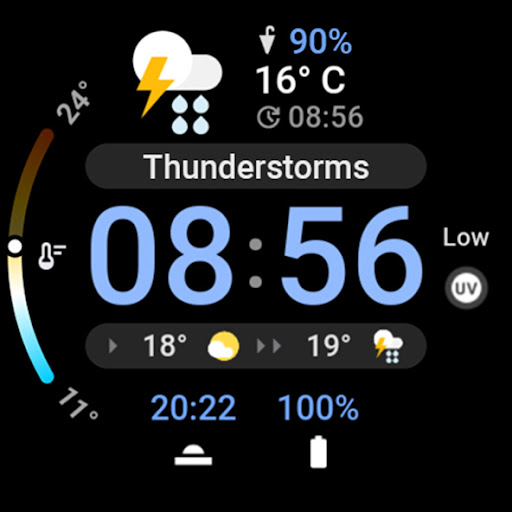
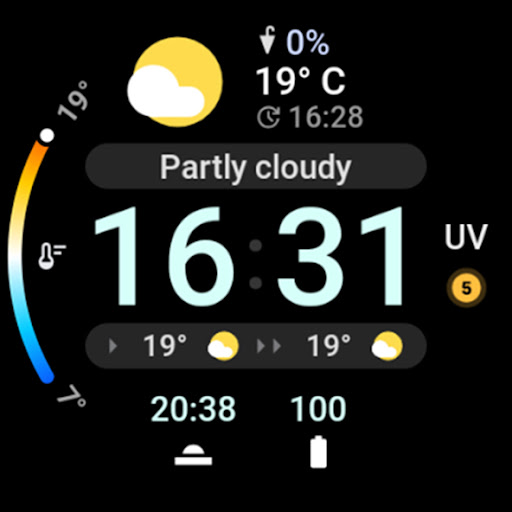
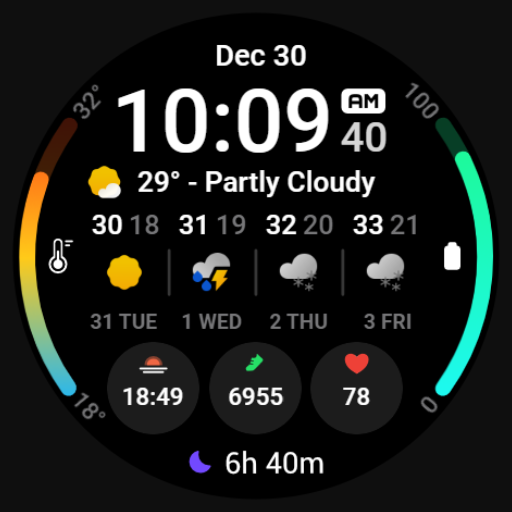
Current weather, conditions, forecast, chance of rain, UV & two complications.
Powered by Watch Face Format 2
amoledwatchfaces.com
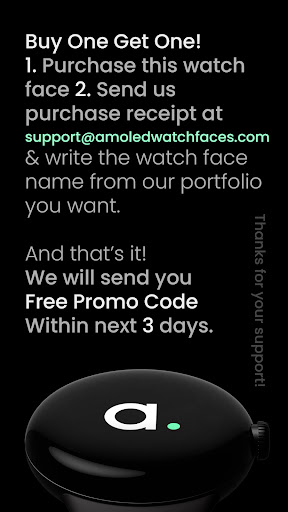
BUY ONE GET ONE OFFER!
amoledwatchfaces.com/bogo
CUSTOM COMPLICATION APPS
amoledwatchfaces.com/apps
WEATHER DATA
• current temperature
• current weather condition (localized)
• chance of rain
• the highest / lowest temperature for the day (thermometer bar)
• current UV index
• current chance of precipitation (0-100 %)
• 2-hour weather forecast (temperature + condition icon)
• weather data last update time
FEATURES
• Watch Face Format 2
• new weather data source (The Weather Channel)
• weather data refresh interval - OEM specific (Samsung = 60 minutes)
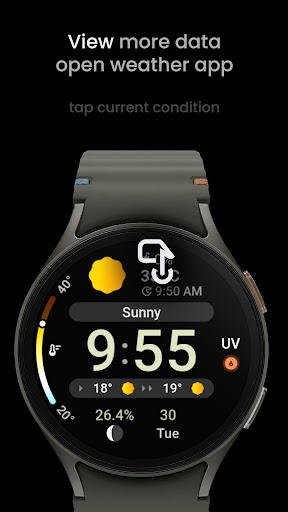
• tap on main weather condition to open system default Weather app (Google Weather, Samsung Weather)
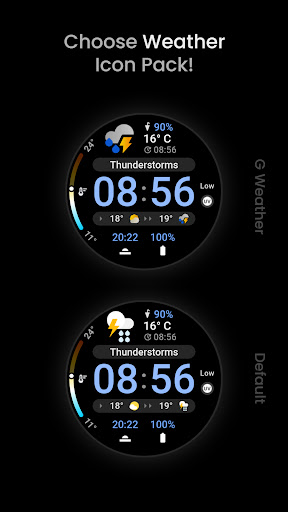
• two weather icon packs (Default, Google Weather)
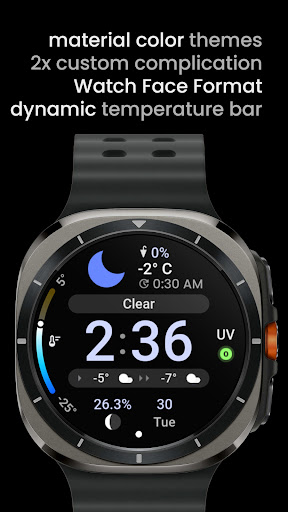
• dynamic temperature gradient (changes colors based on min-max values)
• fully compatible with latest Wear OS 5 devices (Galaxy Watch7 / Ultra)
• burn-in protection
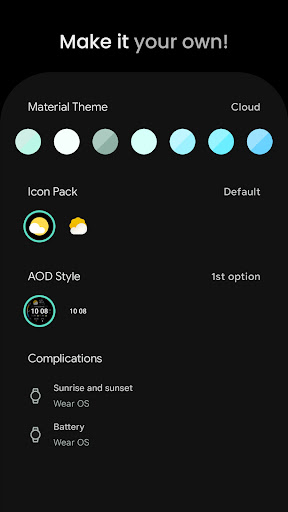
• unique material color themes
• true black background
• two custom complication slot to fill with additional data sources
• watch face presets (Flavors) included
USER CONFIGURATIONS
• AOD (Style - 2x)
• Weather Icon Pack (2x)
• Material Theme (60+)
• Custom Complication (2x)
NOTE: UV SourceType is currently not working properly on Samsung devices. Watch face is using Samsung Weather UV complication data source instead. This is only temporary solution until the issue is fixed by Samsung.
Installation and troubleshooting guide
amoledwatchfaces.com/guide
Please send any issues reports or help requests to our support address
support@amoledwatchfaces.com
Join our Telegram group for live support and discussion
t.me/amoledwatchfaces
Newsletter
amoledwatchfaces.com/contact#newsletter
amoledwatchfaces™ - Awf
Privacy
Given that the Just Weather: Watch Face app requests no permissions, the risk of data collection or privacy breaches appears to be minimal. However, users should still be cautious when purchasing apps from less-known developers and ensure they're buying from official stores like Google Play to minimize the risk of malware. Regularly reviewing the app's terms of service and privacy policy, if available, can also provide insight into any potential data handling practices.
Tips
To get the most out of the Just Weather: Watch Face app, users should first ensure their smartwatch is compatible and properly connected to their device. Setting up the watch face is straightforward, but exploring the app's settings can reveal customization options for improving the user experience. Additionally, periodically checking for updates can help ensure the app remains compatible with future smartwatch software updates.
What's New
• fixed clear night condition icon bitmap font path
v1.1.0
• final solution for UV Wrapper - Samsung devices
v1.0.8
• added tap action to open default Weather app when user taps weather info
• UV defaults to RANGED_VALUE Uv complication
• added a check for DAYS.0 forecast IS_AVAILABLE
v1.0.5
• switched from PartVectorImage to PartImage temporarily until it's fully supported by XSD Validator
• added dynamic temperature progress bar
• added Flavors
v1.0.4
• added new icon pack
Version Information
- Version
- 1.1.1
- Downloads
- 500+
- Updated on
- Dec 1, 2024
- Released
- Jul 27, 2024
- Requires
- Android Varies with device
Statistics
Google Play Rating History
Rating Distribution
Downloads Over Time
Just Weather: Watch Face has been downloaded times. Over the past 30 days, it averaged downloads per day.
Shaded area shows 30-day prediction based on historical trends
Historical data collection started recently. More data points will be available over time.
Just Weather: Watch Face users say on Google Play
 kay passa
Even though it says just weather you can also customize it with 2 complications
 Ross Daly
Nice looking watchface. It would be better if you had 3 custom complications instead of the 2 already on offer.
 Hunter Jorschumb
Why is the weather temperature only in celsius? It cannot be changed?
ApkTrusted Ratings & Reviews
More from amoledwatchfaces™
See more apps
Arcs N6 Watch Face
Paid

Angular Watch Face
Paid
Adventurer Watch Face
Paid

Apex SE Watch Face
Paid
Athlete 2 Lite: Watch face
Free

Athlete 1 Watch face
Paid

Athlete 2: Watch face
Free
Analog xT: Watch face
Free
Active 2: Watch face
Paid

Analog PRO: Watch face
Paid

Adaptive Watch Face
Paid
Analog M3 Watch Face
Paid
Analog M4 Watch Face
Paid

Apex 2.0 Watch Face
Free

Arcs D5 Watch Face
Free

Alpine Watch Face
Free
Similar Apps
MDS449 Weather Forecast
Free

SamWatch Simple D Rev W 2024
Paid

AIwatch Weather S
Paid

PRADO 67 Digital Watch Face
Paid

PRADO 81 Weather Forecast
Paid

Weather watchface 3
Paid

Nighty Digital 02 - watch face
Paid

SG-147
Paid

MDS450 Weather Forecast
Paid

PRADO 70 Digital Watch Face
Paid

Night ver 05 - watch face
Paid

Night ver 30 - watch face
Paid

AWD Big Weather 3
Paid

Informative WearOS 5 NTV576
Free

Fitness Android Watch Face
Paid

HMK WD033
Paid
Scan this QR code to download

Forwarding you to the page at Google Play market in seconds...
Open Google Play market now