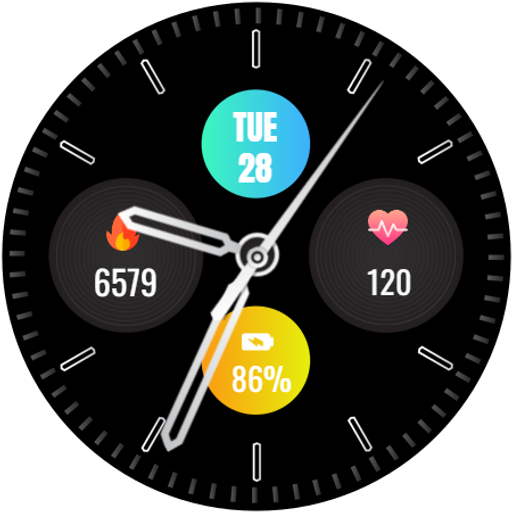
Analog Watch Face-WF2 vVARY
jigu watchface




About this app
Developer Description
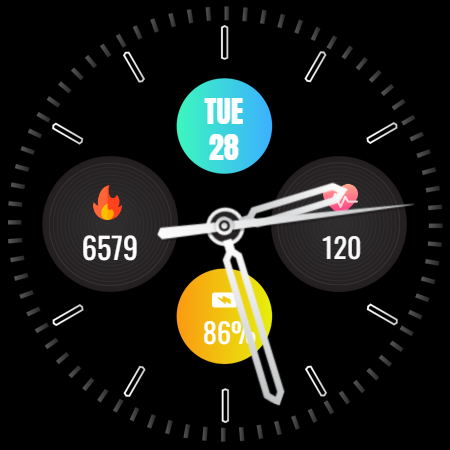
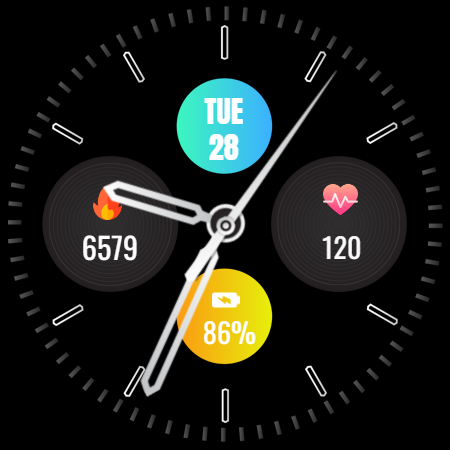
Sleek analog watch face with heart rate, steps, battery, and date for Wear OS.
⚙️ Watch Face Features
• Date and day of the week.
• Heart Rate
• Battery %
• Steps Counter
• Ambient Mode
• Always-on Display (AOD)
• Tap to measure heart rate
🔋 Battery
For better battery performance of the watch, we recommend disabling the "Always On Display" mode.
After installing the Analog Watch Face-WF2 , follow these steps:
1.Open the Companion App on your phone.
2.Tap "Install on Watch".
3.On your watch, select the Analog Watch Face-WF2 from your settings or watch face gallery.
Your watch face is now ready to use !
✅ Compatible with all Wear OS devices API 33+ including such as Google Pixel Watch, Samsung Galaxy Watch etc.
Not suitable for rectangular watches.
Thank you !
Version Information
- Version
- -
- Downloads
- 1K+
- Updated on
- Jul 31, 2025
- Released
- Jan 1, 2025
- Requires
- Android Varies with device
Statistics
Google Play Rating History
Rating Distribution
Downloads Over Time
Analog Watch Face-WF2 has been downloaded times. Over the past 30 days, it averaged downloads per day.
Shaded area shows 30-day prediction based on historical trends
Historical data collection started recently. More data points will be available over time.
ApkTrusted Ratings & Reviews
More from jigu watchface
See more apps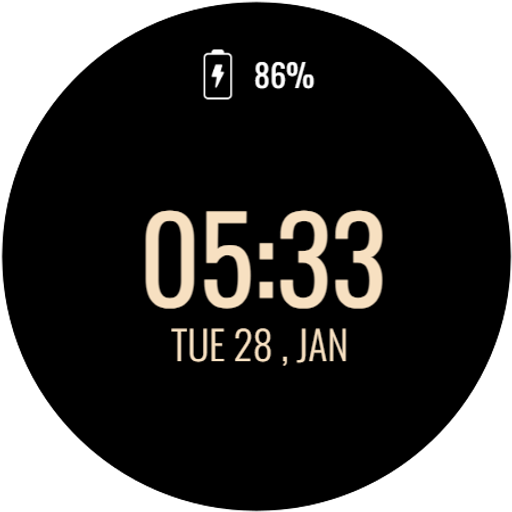
Power Saver Watch Face
Free

Flower - Spring Summer Watch
Free

Valentine's Day Beauty Watch
Free

Yellow Digital Watch Face
Free

Flora Elegant Watch Face
Free

Butterfly WatchFace
Free

Heart Rate Monitor - Watch
Free

SimpleFit Analog Watch Face
Free
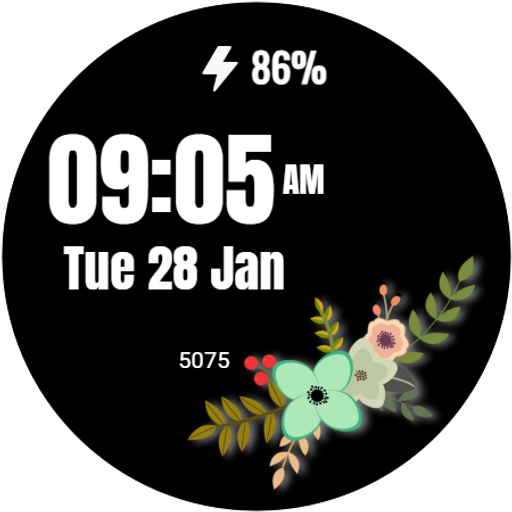
Flower Digital WatchFace
Free

Dynamic Carbon Watch Face
Free

Calculator Game Watch Face
Free
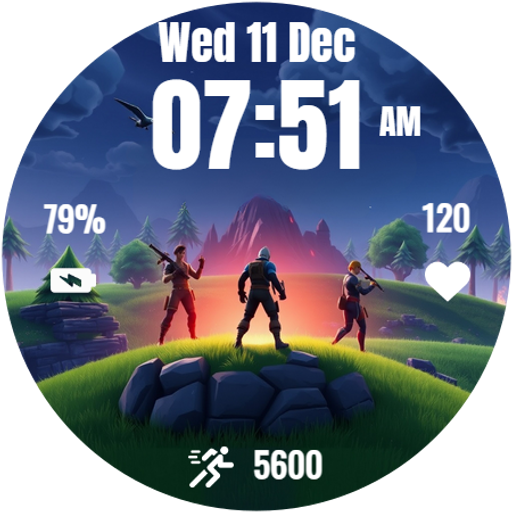
Battle Royale Watch Face
Free
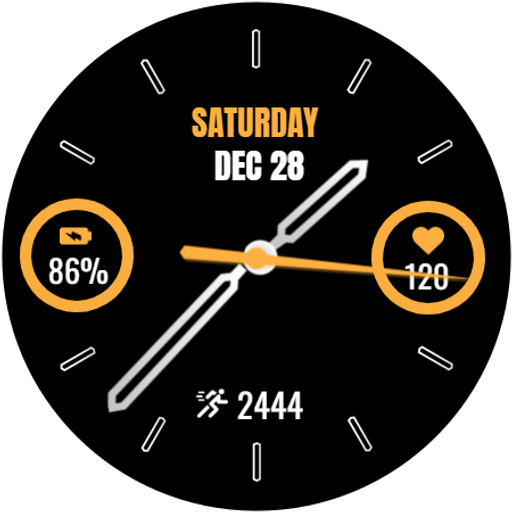
Analog Watch Face-WF1
Free

Watch Shortcuts
Free

Analog Watch Face-WF3
Free

Valentine's Day Love Watch
Free
Similar Apps

Active
Paid

Night 53 - watch face
Paid

Expanse V2 Watch Face Wear OS
Paid

Pars Ion Hybrid Watch Face
Paid

SamWatch Simple Analog 4 2022
Paid
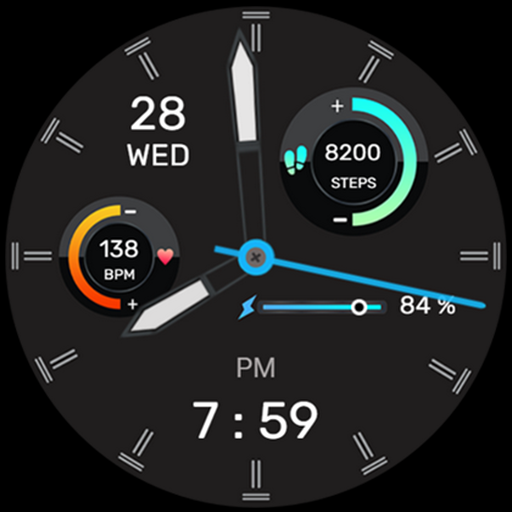
IA105 Hybrid Watchface
Paid

Minima 7 Minimal Watchface
Paid

Sporty Analog Watch Face
Free

Nighty Analog 08 - watch face
Paid

NANO x1: Watch face
Free

Simple Analog Watch Face
Free

Nighty Analog 15 - watch face
Paid

SamWatch Simple Analog 33
Paid

Nighty Hybrid 02 - watch face
Paid

PW102 Smart Analog Watch Face
Paid

Motion Circle - for wear os 5
Free
Scan this QR code to download

Forwarding you to the page at Google Play market in seconds...
Open Google Play market now