
Anti Theft: Don't touch phone v1.2.4
FunGear inc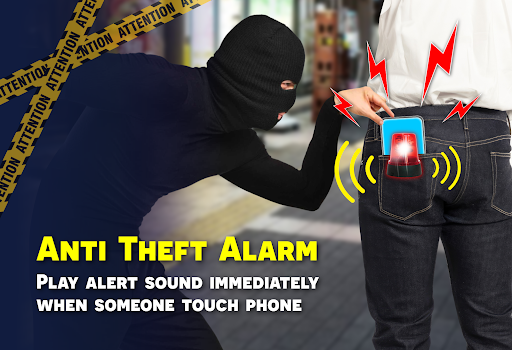




About this app
The Anti Theft: Don't touch phone app solves the problem of phone security by playing alarm sounds to deter potential thieves, benefiting individuals who frequently use their devices in public or high-risk areas. Compared to other tools in the category, this app stands out with its simplicity and ease of use, but falls short in terms of advanced security features. With a high user rating and moderate download numbers, it has established a reputation as a reliable solution. However, its effectiveness depends on the user's specific needs and environment.
Pros
- The app has an excellent user rating of 4.5/5, indicating a high level of user satisfaction and trust in its functionality.
- With over 100,000 downloads, the app has demonstrated moderate social proof, suggesting that it is a viable solution for many users.
- The app's simplicity and ease of use make it accessible to a wide range of users, including those with limited technical expertise.
- The developer, FunGear inc, has a website and email contact, providing a level of transparency and accountability.
- The app's small size and lack of permissions suggest that it is a lightweight and efficient solution.
Cons
- The app's limited feature set may not provide adequate security for users who require more advanced protection, such as encryption or remote wipe capabilities.
- The presence of ads may be annoying for some users, potentially detracting from the overall user experience.
- The app's effectiveness relies on the alarm sounds being loud and attention-grabbing, which may not be sufficient to deter determined thieves.
- The app's lack of in-app purchases or premium features may limit its revenue potential, potentially impacting its long-term development and support.
Best for: The ideal user for this app is an individual who frequently uses their device in public or high-risk areas, such as commuters, travelers, or students, and requires a simple and easy-to-use security solution to deter potential thieves, with a moderate level of technical expertise and a need for basic phone security features.
Developer Description
Don't touch my phone: Play alarm sounds to Anti theft alert & Phone security
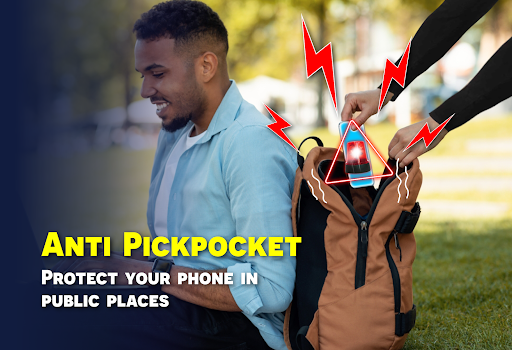
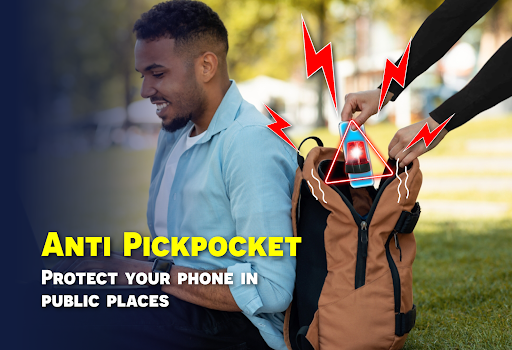
- Anti pickpocket with super loud anti theft alarm sounds
- Protect your phone from theft in crowded place
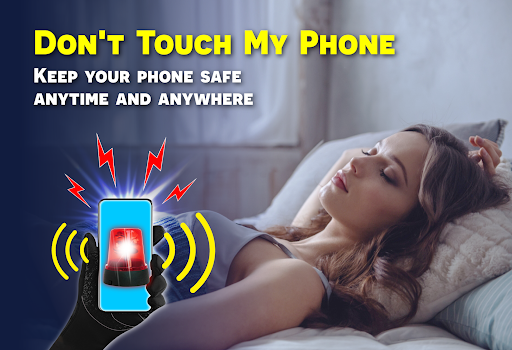
- Prevent snoopers on your phone while you're sleeping or working
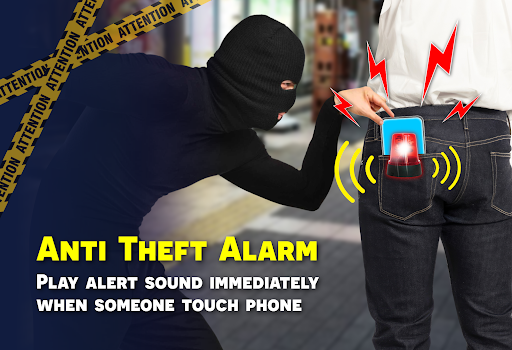
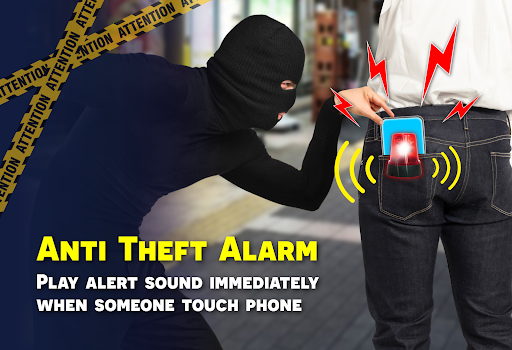
Anti Theft: Don't touch phone: Play an alert sound immediately when someone touches your phone. Equipped with advanced motion detection, proximity sensor and instant notifications, Anti Theft phone alarm ensures your phone is always in control.
🚨 Don't touch my phone Alarm
No one will be able to snoop on your phone while you're asleep or at work anymore. The motion detection feature on this app will instantly notify you with alarm sounds when your phone is moved away from its original location. Turn on Don't touch my phone mode and leave your phone in a fixed location.
🚨 Anti Pickpocket Mode
When traveling or going out, activate Pocket mode, place your phone in a pocket & cover it up, the phone will not alert when moving with you. If a phone thief tries to pull it out of the pocket, Anti Theft phone alarm will be emitted loudly.
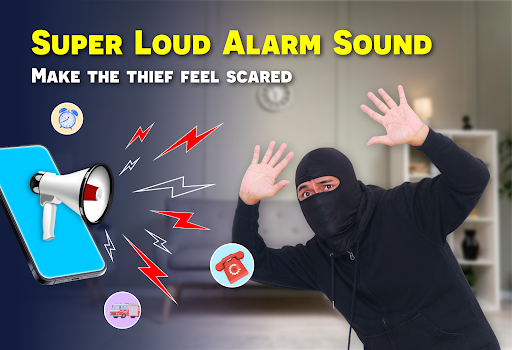
🚨 Super loud warning sounds
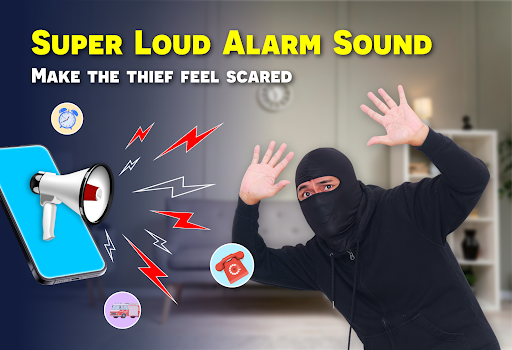
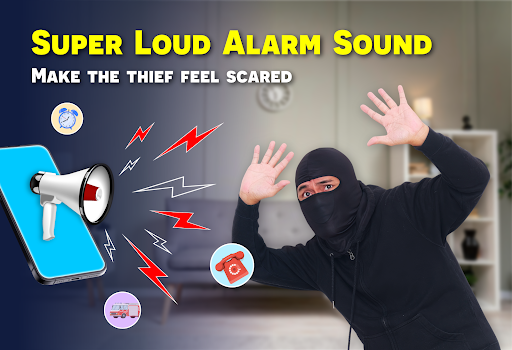
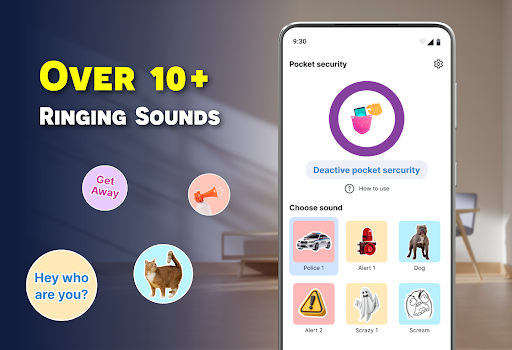
Various alarm sounds at maximum volume. Thieves will be too terrified to even touch your phone if they hear the sound of Police or Dog.
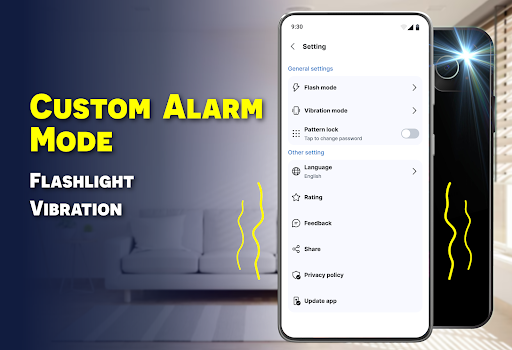
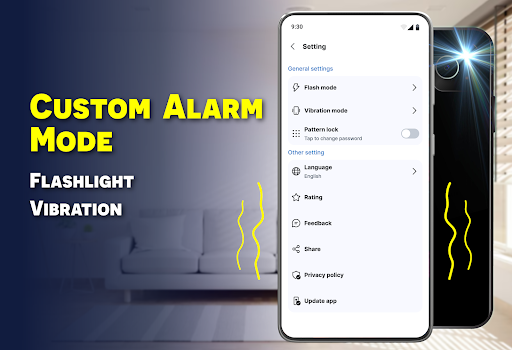
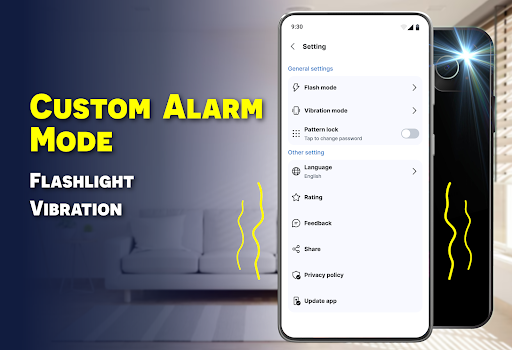
🚨 Advanced settings: Enhance your phone security with flashlight and vibration modes. In addition, easily customize the alarm duration and volume. When an intruder touches the phone, the flash alert will blink along with loud alarm sounds to warn the owner.
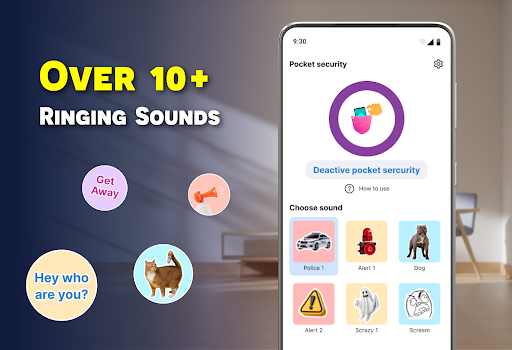
🎁 Explore collection of more than 10 favorite alarm sounds
✅ Police siren
✅ Cute animal: Dog & Cat
✅ Prank sound: Air horn & Scream
✅ Scary Ghost
✅ Funny Voices: Get away, Hey who are you
✅ Big Fire Truck
✅ Loud Alert
🛡️ How to activate Anti Theft: Don't touch phone to protect your phone
1 - Open Anti Theft alarm app
2 - Select an alert sound
3 - Customize the duration and volume
4 - Choose flash modes and vibration settings
5 - Tap to activate the alert
6 - Place your phone in fixed position or Put it on your pocket and ensure it's covered up
With just a single tap, safeguard your phone from theft and secure your personal information. Designed for convenience, this smart system offers seamless protection, ensuring your phone security. Download Anti Theft: Don't touch phone today and Enjoy complete security for your phone, wherever you go.
If you have any questions about the app, please contact us or leave a comment. We will respond as soon as possible.
Thanks for your support 💖
Privacy
Given that the app requests no permissions, it appears to be a relatively low-risk solution in terms of data collection and privacy implications. However, users should still be cautious when downloading and installing apps from unknown sources. To minimize potential risks, users should only download the app from trusted sources, such as the Google Play Store, and monitor their device's performance and data usage after installation.
Tips
To get the most out of this app, users should first ensure that their device's volume is set to a sufficient level to deter potential thieves. Additionally, users can experiment with different alarm sounds to find the most effective one for their environment. Finally, users should consider combining this app with other security measures, such as a screen lock or device encryption, to provide comprehensive protection.
Version Information
- Version
- 1.2.4
- Downloads
- 100K+
- Updated on
- Oct 29, 2025
- Released
- Oct 7, 2024
- Requires
- Android 7.0
Statistics
Google Play Rating History
Rating Distribution
Downloads Over Time
Anti Theft: Don't touch phone has been downloaded times. Over the past 30 days, it averaged downloads per day.
Shaded area shows 30-day prediction based on historical trends
Historical data collection started recently. More data points will be available over time.
Anti Theft: Don't touch phone users say on Google Play
 Phương Anh Trần
Safety to keep it. It guards the mobile. If it is moved or taken away by anybody after being enabled, It leaves a long loud sound. this sound alerts you ❤❤
 Patra Danelu
4star
 Md Ainol
কীজকগঝঘজকঘতঘধঘজছকঘঝঘঝকঘছকঘজগ
 Barbara YAC MAZARIEGOS
Doesn't work
ApkTrusted Ratings & Reviews
More from FunGear inc
See more apps
Find my Phone - Clap, Whistle
Free
Battery Charging Animation 4K
Free
All Document Reader: View PDF
Free
App Lock: Applock & Guard Lock
Free

Gun Simulator - 3D Time Bomb
Free

File Recovery: Photos Recovery
Free

Gun Shot Sounds: Gun Simulator
Free

Dog Translator: Dog Sounds
Free
Stun Gun Prank - Shock Taser
Free

Trending Prank Video Call 2026
Free
Flashlight & Led Flash Alert
Free

Blood Pressure App: BP Tracker
Free

GPS Map Camera : Geotag Photo
Free

Reverse audio, Reverse singing
Free

Say The Word On Beat Fun Music
Free

To-Do List: Task Daily Planner
Free
Similar Apps




Scan this QR code to download

Forwarding you to the page at Google Play market in seconds...
Open Google Play market now