
PDF Reader : PDF Converter v4.9
The Novelty Apps













About this app
Developer Description
Convert image to PDF effortlessly and Manage PDF files with PDF Editor tool
🌟 Key Features of PDF Reader : PDF Converter
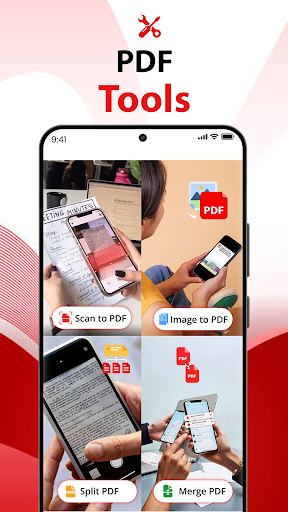
- Scan documents for conversion of Image to PDF
- Import files from multiple sources & Scan to PDF
- PDF Editor, OCR Scanner & PDF Maker
- Image to PDF conversion for photos and notes
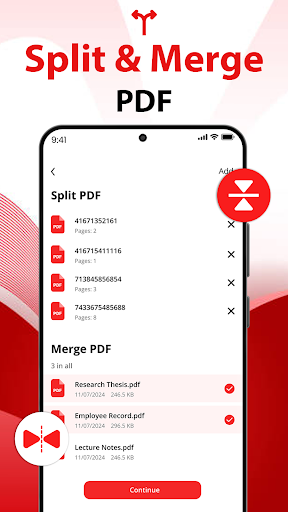
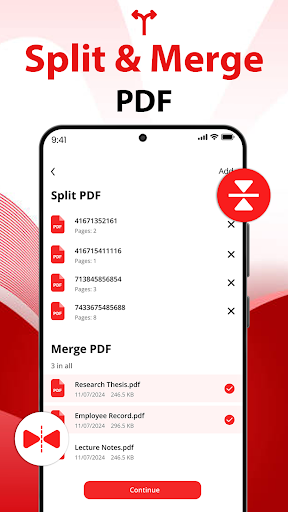
- Merge multiple PDFs or split a large PDF into smaller parts
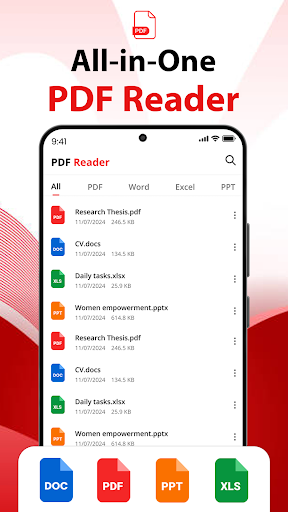
- convert to PDF & PDF reader viewer
📔PDF Scanner
Turn your physical documents into digital copies with PDF Scanner - Document Scanner app. Use your device’s camera to scan receipts, invoices, contracts, notes, or any other paper document.
- convert images using edge detection and cropping.
- Save your scans as PDF in a document scanner for quick access
🔄Image to PDF
With pdf maker convert your images into PDF files. Whether it’s photos, screenshots, or scanned images, you can combine and save them in a single PDF document.
- Adjust the layout, orientation, and order of images with pdf maker
- Customize your PDF with different page sizes and quality settings.
- Image to PDF Converter is useful for creating digital copies of photos, receipts, etc.
📜Word to PDF
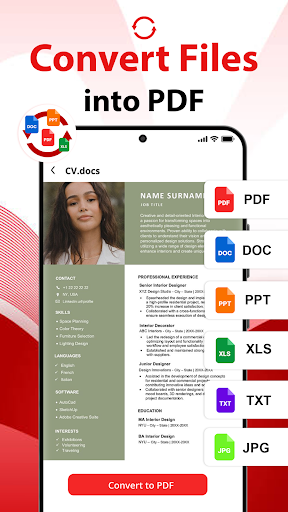
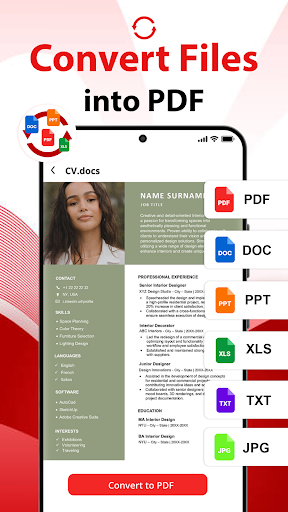
Doc converter to convert Word documents into Edit PDF format. PDF editor makes this process seamless and fast.
- Select Word files directly from your device
- Convert .doc and .docx files into professional-looking PDFs
- Doc converter is Ideal for creating resumes, reports, or presentations in Edit PDF format.
🧾Import Files
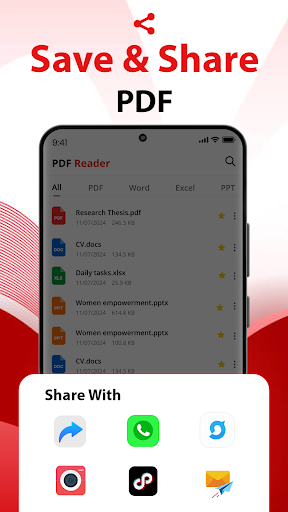
- Import from device storage, cloud services, or email attachments.
- Organize your imported files for quick access.
- Combine multiple files into a single edit PDF with the merge PDF feature.
- Support for multiple file formats, including images, Word documents, and PDFs.
💻💢Why Choose PDF Reader : PDF Converter?
PDF Viewer &Scanner is designed to simplify your document management tasks. Instead of juggling multiple tools, use this all-in-one PDF editor tool to scan documents, convert to PDF, and organize your files. pdf reader's clean interface and advanced features make it perfect for both personal and professional use.
With PDF Reader : PDF Converter, managing your documents has never been this much easier. Download this Document Reader app today and experience the convenience of having all your essential tools in one place!
What's New
In-app purchases
$2.99 - $49.99 per item
Version Information
- Version
- 4.9
- Downloads
- 50K+
- Updated on
- Nov 14, 2025
- Released
- Sep 7, 2021
- Requires
- Android 8.0
Statistics
Google Play Rating History
Rating Distribution
Downloads Over Time
PDF Reader : PDF Converter has been downloaded times. Over the past 30 days, it averaged downloads per day.
Shaded area shows 30-day prediction based on historical trends
Historical data collection started recently. More data points will be available over time.
PDF Reader : PDF Converter users say on Google Play
 mhrdad rostami
Ok
 Jhomel Tababan
Umay
ApkTrusted Ratings & Reviews
More from The Novelty Apps
See more apps


Similar Apps
PDF viewer lite
Free

PDF Reader(KDAN PDF): Edit PDF
Free
pdfFiller Edit, fill, sign PDF
Free

Smallpdf: Scanner & PDF Editor
Free

Mobi PDF・Editor・Scanner・Reader
Free

PDF Merge: Scan, Sign & Edit
Free

CardioCast: Audio Workout App
Free

PDFEsign.com PDF E-Sign
Free
PDF Editor – Edit Everything!
Free

UPDF - AI-Powered PDF Editor
Free
Scan this QR code to download

Forwarding you to the page at Google Play market in seconds...
Open Google Play market now