
Grid Maker - Post Photo Split v1.19.7.1
ZipoApps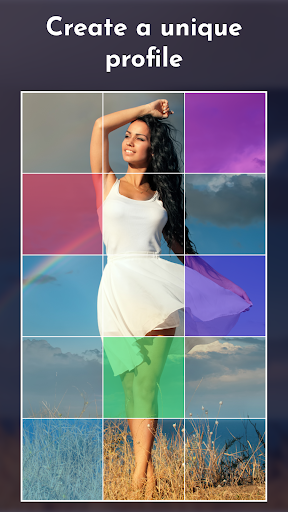

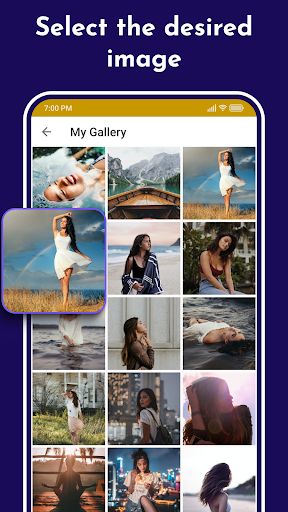
About this app
The Grid Maker app solves the problem of wanting to post multiple photos on social media profiles in a visually appealing way, benefiting individuals who frequently share photos online, such as influencers, bloggers, and small business owners. Compared to other photography apps, Grid Maker stands out with its ease of use and high user rating, but may fall short in terms of advanced editing features. With over 1 million downloads and a 4.6-star rating, it's clear that users find value in this app's simplicity and effectiveness. However, the presence of ads and in-app purchases may detract from the user experience for some.
Pros
- The app's high user rating and large download numbers indicate a well-designed and useful tool, with many users finding it meets their needs for creating visually appealing photo grids.
- The developer's reputation, as evidenced by their website and support email, suggests a commitment to user support and feedback, which can be reassuring for users who may encounter issues or have suggestions for improvement.
- The app's lack of required permissions is a significant advantage, as it minimizes the risk of data collection and misuse, making it a more secure choice for users who value their privacy.
- The app's regular updates, as indicated by its current version number, suggest that the developer is actively maintaining and improving the app, which can lead to a better user experience over time.
- The app's offline capability, which allows users to create and edit photo grids without an internet connection, is a significant advantage for users who may not always have access to a stable internet connection.
Cons
- The presence of ads in the app may be distracting or annoying for some users, particularly if they are frequent or intrusive, which could detract from the overall user experience.
- The in-app purchase model, with prices ranging from $0.99 to $99.99 per item, may be seen as aggressive or exploitative by some users, particularly if the purchased features are not clearly valuable or necessary.
- Some users may find the app's feature set to be limited compared to other photography apps, which could be a disadvantage for users who are looking for more advanced editing capabilities.
- The app's compatibility with certain devices or Android versions may be limited, which could result in a poor user experience or crashes for some users.
Best for: The ideal user for the Grid Maker app is likely a socially active individual, such as an influencer, blogger, or small business owner, who frequently shares photos online and values a visually appealing and easy-to-use tool for creating photo grids, and who is willing to tolerate some ads and in-app purchases in exchange for a high-quality and regularly updated app.
Developer Description
Enjoy your profile with the Grid Maker app! Giant Photo Split tool!
Grid Maker - unique Profile enhancer
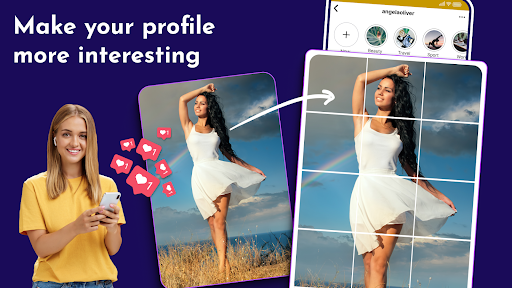
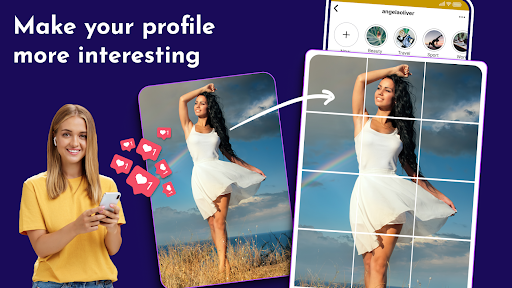
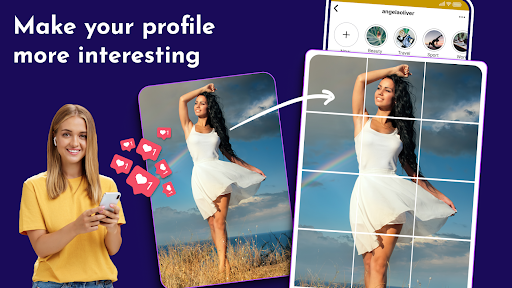
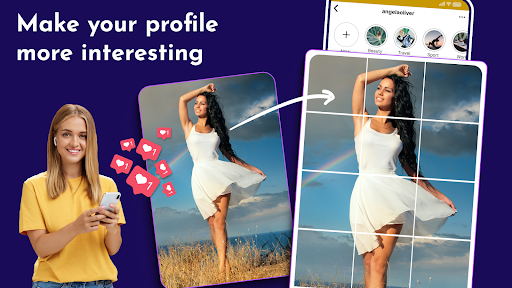
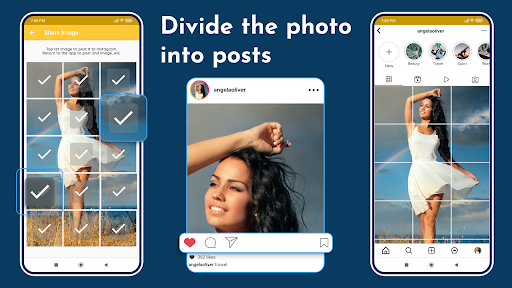
Grid Maker is the ultimate image splitter! Grid Maker allows you to crop large rectangular photos into several square pics. Then, make Photo Grids and upload them to your Profile to awe your friends and impress your profile page visitors 😎
Grid Maker Photo Split will crop, split, and share your photos ✔️
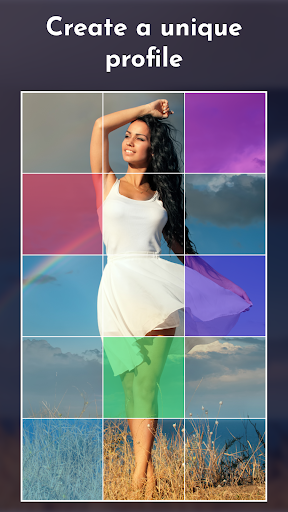
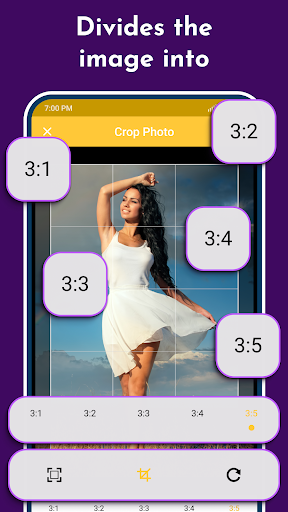
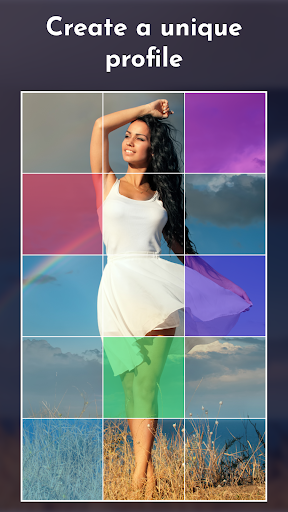
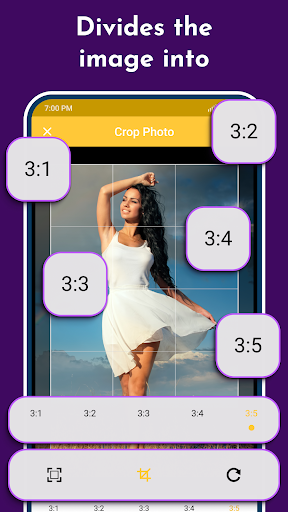
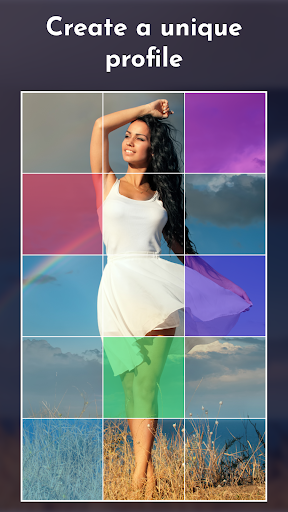
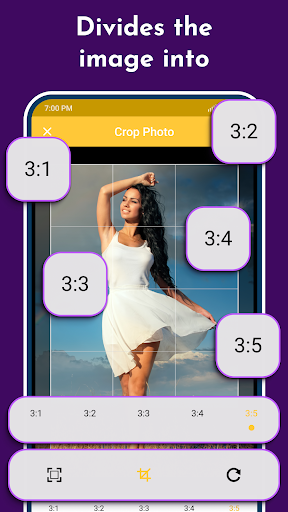
Split and share your large rectangular personal photos or panoramas by cropping them into several high-resolution square pics. Grid Maker is an image splitter with exceptional detailing, flexible rotation, and scaling options. Create Photo Grids with different grid styles: 3x1, 3x2, 3x3, 3x4, and 3x5. Beautiful image splitter introduces a new way of using your Profile, wrapped in a simple, attractive design. Take the chance to express yourself by embellishing your profile page and posting breathtaking large-scale images in full glory!
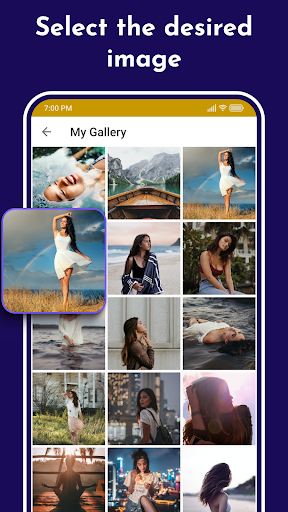
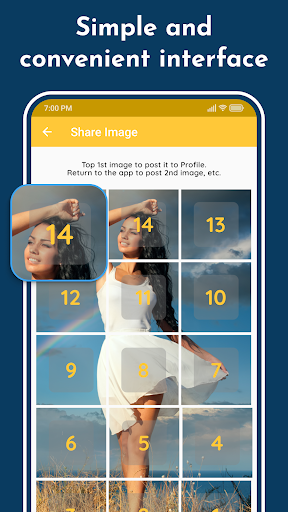
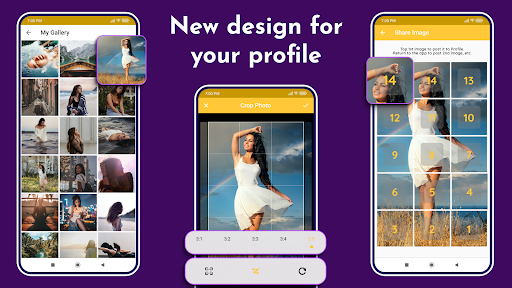
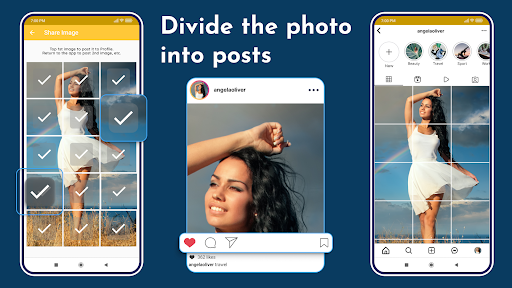
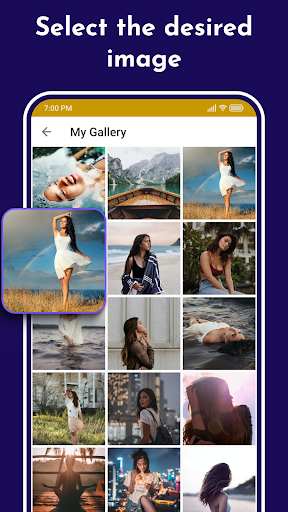
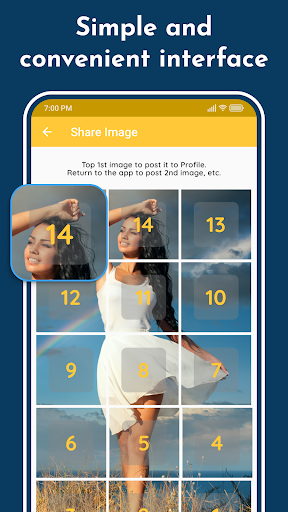
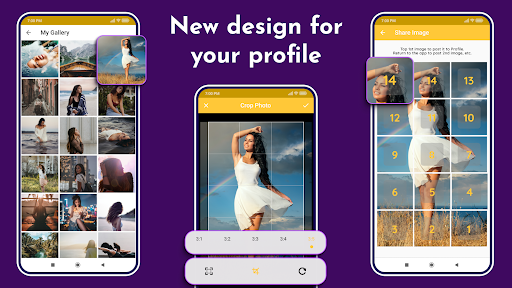
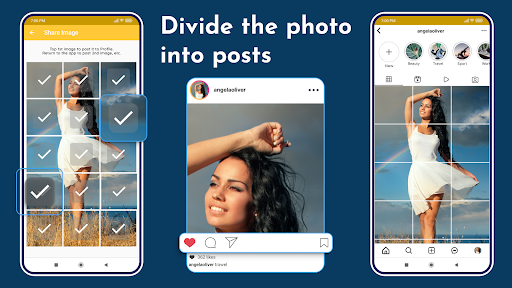
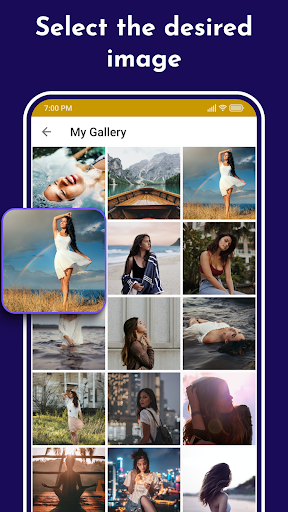
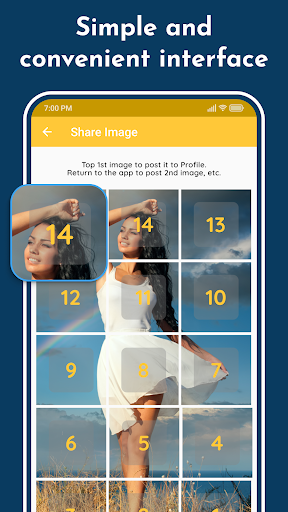
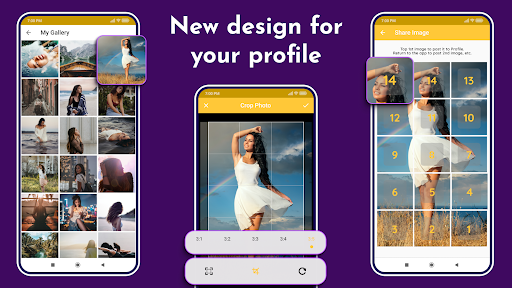
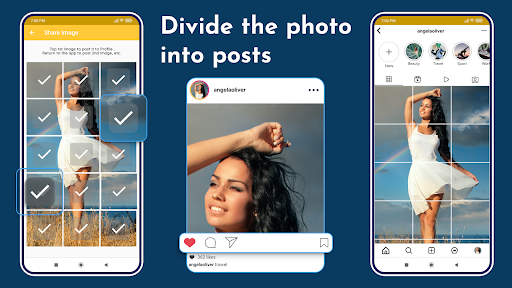
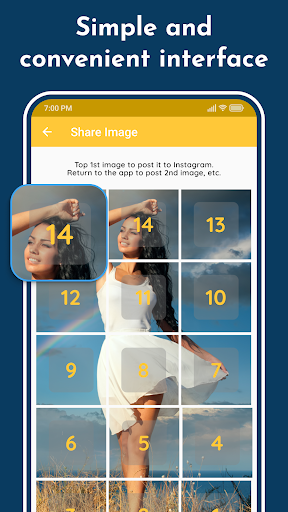
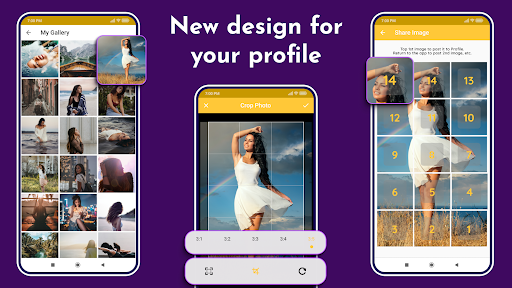
Choose a new picture from the photo gallery; choose a suitable sizing option among the five available options, and let Grid Maker photo split crop the image for you! Then, you have to submit the resulting pics to your Profile in the order the app suggests. You don't have to save the tiles to your device as sharing to 15 Square Grid Maker is embedded in the application!
Features of Grid Maker:
👉 Crop any photo into 3×1, 3×2, 3×3, 3×4, and 3×5 and create 3 Square, 6 Square, 9 Square, 12 Square, and 15 Square
👉Create Giant Square for your Profile
👉 Flexible rotation and scaling options to cut your photos precisely
👉 High-resolution PNG images for best-quality pictures
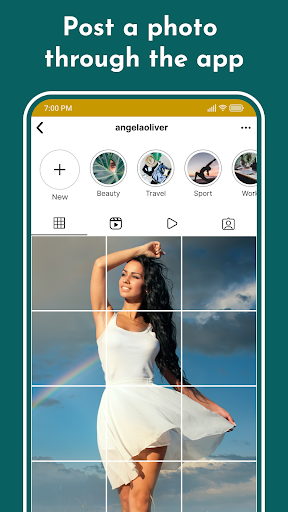
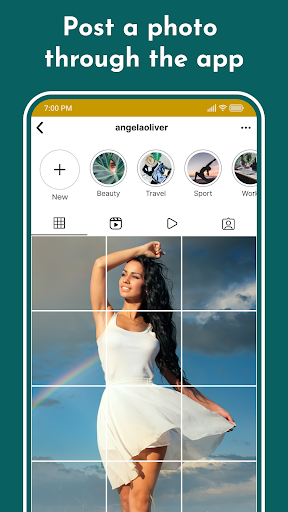
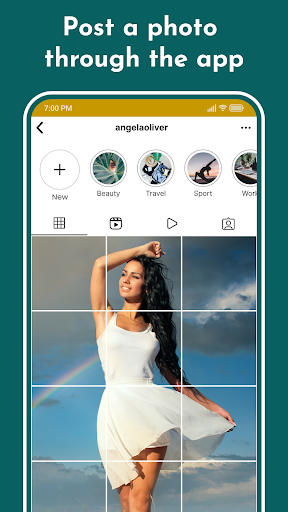
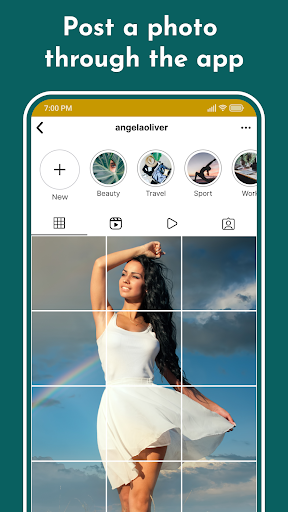
👉 Post images directly to your Profile
👉 Automatically saves to SD card
👉 Easily save grids and share them later
👉 Free and easy-to-use UI
Now you can use Grid Maker image splitter to cut, split, and share your pictures onto your Profile. Unique photo split app. Grid maker app will help you Crop, split, and share images.
Note: The Grid Maker Giant Photo Split app is neither affiliated with any other app. Nor claims to own a trademark to use the name and logo of any third-party app.
Disclaimer
All product names, logos, brands, trademarks, and registered trademarks not owned by us are the property of their respective owners.
All company, product and service names used in this app are for identification purposes only. Use of these names, trademarks and brands does not imply endorsement.
We own the Grid Maker app. We are not affiliated, associated, authorized, endorsed by, or in any way officially connected with any 3rd party apps or companies.
Privacy
Given the app's lack of required permissions, users can be relatively confident that their data is not being collected or misused. However, as with any app, it's still important to be mindful of the data you share and the in-app purchases you make, and to review the developer's privacy policy and terms of service to understand their data collection and use practices. Additionally, users should be cautious when clicking on ads or links within the app, as they may lead to external websites or apps with different privacy and security policies.
Tips
To get the most out of the Grid Maker app, users should start by exploring the app's various features and tools, such as the different grid layouts and editing options. Users can also optimize their app experience by regularly updating the app and providing feedback to the developer, which can help identify and fix issues. Additionally, users can minimize the impact of ads by using the app in offline mode or purchasing ad-free features, and by being mindful of their data usage and battery consumption when using the app.
What's New
In-app purchases
$0.99 - $99.99 per item
Version Information
- Version
- 1.19.7.1
- Downloads
- 1M+
- Updated on
- May 18, 2025
- Released
- Dec 15, 2018
- Requires
- Android 5.0
Statistics
Google Play Rating History
Rating Distribution
Downloads Over Time
Grid Maker - Post Photo Split has been downloaded times. Over the past 30 days, it averaged downloads per day.
Shaded area shows 30-day prediction based on historical trends
Historical data collection started recently. More data points will be available over time.
Grid Maker - Post Photo Split users say on Google Play
 Carlos Argueta
a lot of ads to navigate through, but it gets the job done, and you can't knock the ads, that's their revenue
 MX SharkGang
Thank you! Alot of us are hoping for the updated version from you guys since IG decided to change the layout from the 1:1 squares to 4:5. They have a edit to change it back to 1:1 but it leaves a space... so it looks like our grid pictures are cut in half! Absolutely horrendous. No idea what they were thinking. Appreciate you guys.
 Hala Madrid
Great App .... The Problem Is Too Much Add
 A
A
Lots of ads and tracking cookies. The app is only for profile grid posts that are 3x wide. I wanted to split an image into 2 to show it in a carousel, but it's no use for that.
 Rival Killer
Doesn't place the sliced pieces perfectly in IG, looks like a retard used this jigsaw puzzle. I will now be uninstalling and finding something better. Kefe
ApkTrusted Ratings & Reviews
More from ZipoApps
See more apps
Smoke Name Art Maker
Free

Esports Logo Maker
Free

Poster Maker - Flyer Creator
Free
Widgets OS 18 - Color Widgets
Free

Image & Video Overlay Editor
Free

Blend Photo Editor & Effect
Free

Business Card Maker
Free

GFX Tool - Game Booster
Free
AmongLock: AmongUs Lock Screen
Free

Volume Booster for Android
Free

Resume Builder CV Maker App
Free

Cover Letter Maker for Resume
Free
Talking Alarm Clock & Sounds
Free

Letterhead Maker
Free

Watermark: Logo, Text on Photo
Free

Scribbl - Photo & Video Effect
Free
Similar Apps
PicCollage: Photo Video Editor
Free
Unfold: Story & Reels Maker
Free

iFrame: Photo Collage Maker
Paid

1 Second Everyday Video Diary
Free

Apowersoft Background Eraser
Free
InstaSize: AI Photo Editor
Free

Logo Maker Design AI Generator
Free
Photo Collage Maker: SCRL
Free

PicMonkey Photo Editor
Free

Panorama Scroll Carousel Maker
Free
StoryArt - story & reels maker
Free

Geulgram - Text on Photo
Free

StoryLab - Story Maker
Free

Banano Pro İmage Generator
Free

3D Photo: Imager
Paid

Photobook: Photo Books & Gifts
Free
Scan this QR code to download

Forwarding you to the page at Google Play market in seconds...
Open Google Play market now