
Fluid Control vVARY
ARTISANS 3D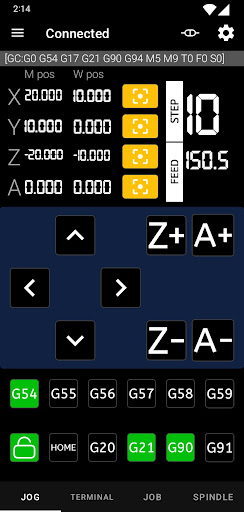


About this app
Developer Description
Control FluidNC CNC machine with your android phone
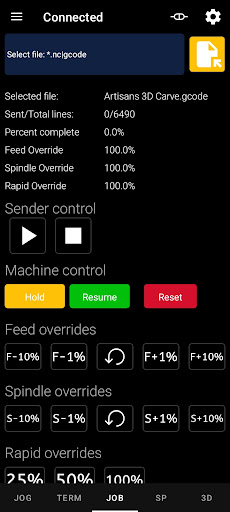
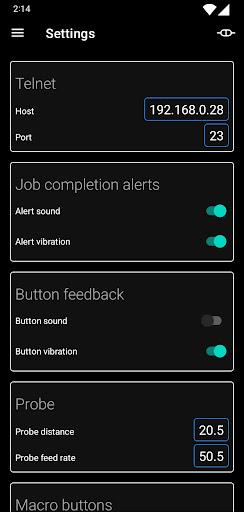
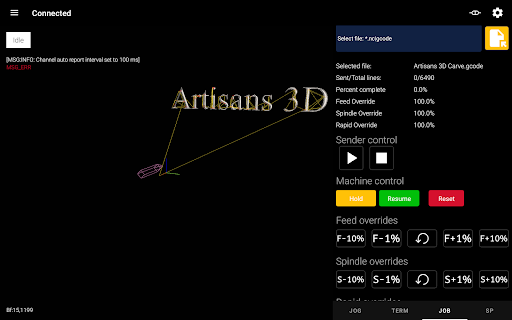
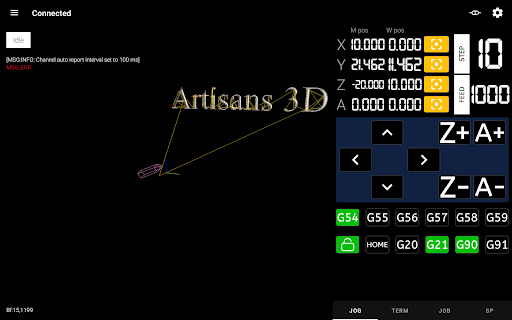
Supports 4 axes, jog, terminal, g-code sending, spindle control. Uses telnet over Wi-Fi to connect to machine.
✓ Easy to use and configure
Configure Wi-Fi access on your FluidNC controller, make sure you are on the same Wi-Fi network with your phone. See manual page for more info.
✓ Truly remote jog controller, no cables
Control CNC machine with your phone.
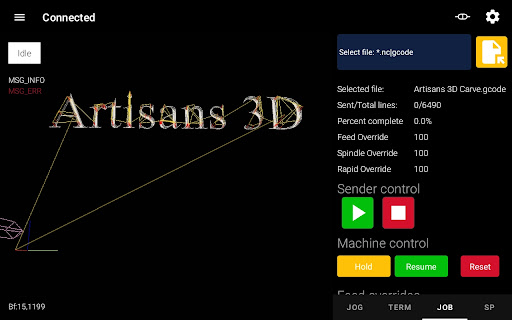
✓ 3D visualization
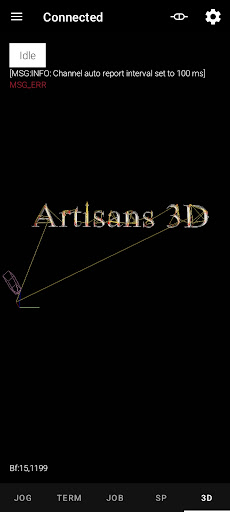
G-code sender is complete now with 3D visualization
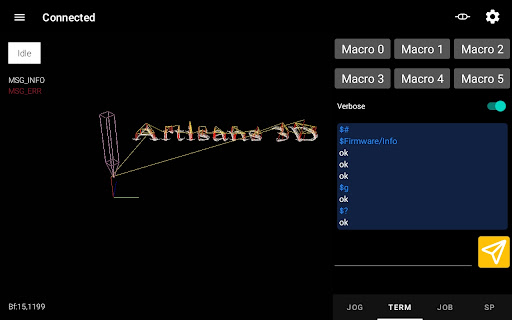
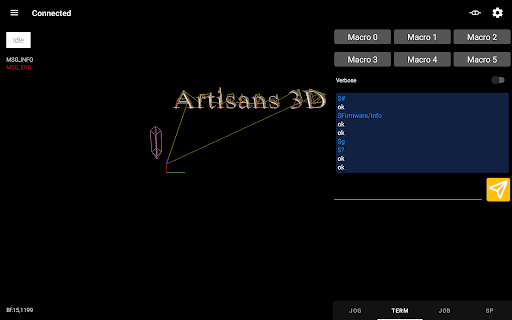
✓ Terminal
Send any command to the machine from a dedicated terminal screen.
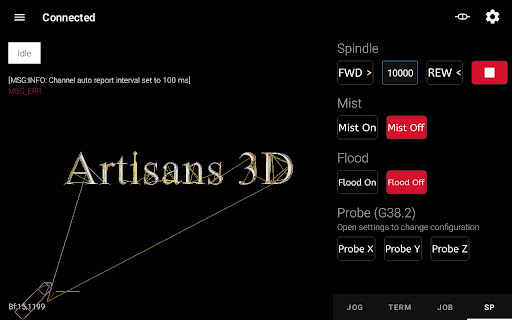
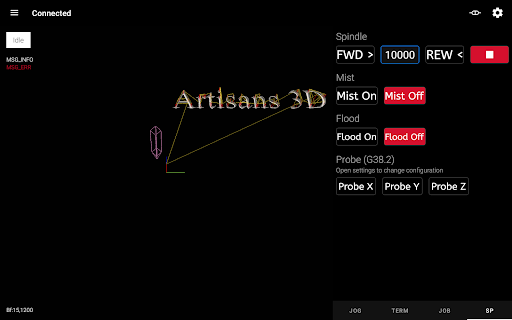
✓ Spindle, mist, flood control
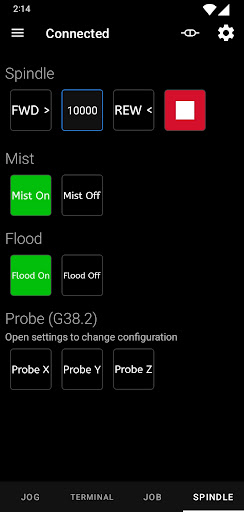
If a spindle, mist or flood are configured on the FluidNC controller, you can turn them on/off from the application.
✓ Z probing
Dedicated buttons for X, Y, Z probing.
✓ Background use
Service will continue to run jobs in background, so you can use your phone for something else.
Paid version features:
✓ Remove ads
✓ Unlocks fourth axis
✓ Unlimited size of g-code files
✓ Button sound and vibration feedback
✓ Custom macro definitions
This application is not associated in any way with the FluidNC team.
Fluid Control manual page: https://mitov84.github.io/Fluid_Control_Manual.html
By downloading this app you agree to our Privacy Policy and Terms & Conditions:
https://mitov84.github.io/FluidControl_Privacy_Policy.html
https://mitov84.github.io/FluidControl_Terms.html
Feel free to contact our support with suggestions at support @ gps-family (dot) com
In-app purchases
$26.99 per item
Version Information
- Version
- -
- Downloads
- 500+
- Updated on
- -
- Released
- Apr 6, 2024
- Requires
- Android Varies with device
Statistics
Google Play Rating History
Rating Distribution
Downloads Over Time
Fluid Control has been downloaded times. Over the past 30 days, it averaged downloads per day.
Shaded area shows 30-day prediction based on historical trends
Historical data collection started recently. More data points will be available over time.
Fluid Control users say on Google Play
 Mani Fa
Great software for FluidNC firmware I have a question: How can I select a fike im Micro SD memory?
 aat karelse
can connect to fluidnc via websie, can connect via telnet port 23. however this app just wont connect, a shame since i had high hopes. Luckely im somewhat of a android developer myself, a simple app for android should be easy to hack. push connect button immediate screen refresh message said not connected. also the fact that you have to use a ip address instead of a dns name.
ApkTrusted Ratings & Reviews
More from ARTISANS 3D
See more apps




Scan this QR code to download

Forwarding you to the page at Google Play market in seconds...
Open Google Play market now