
Navigate eReader 2.0 v1.0.313.1
Informed Publishing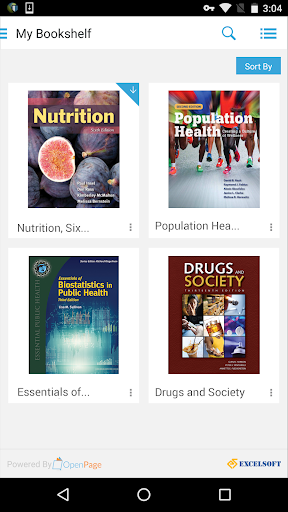






About this app
Developer Description
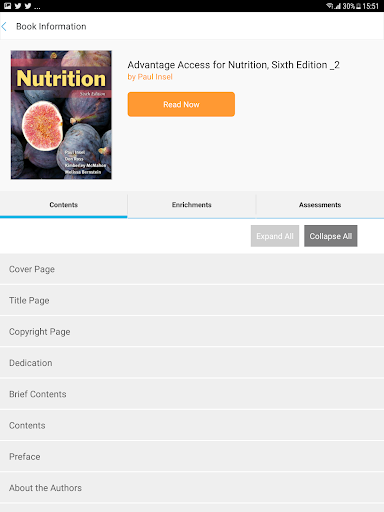
Now, access your Navigate eReader 2.0 digital textbooks on mobile devices.
Read your digital textbook online or offline
Enhance your learning with interactive tools
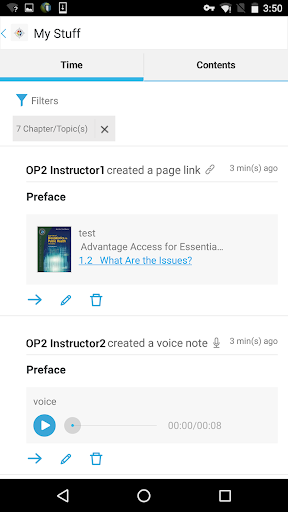
Make notes, highlight important content, and add links to web resources
Increase or decrease text size for improved readability
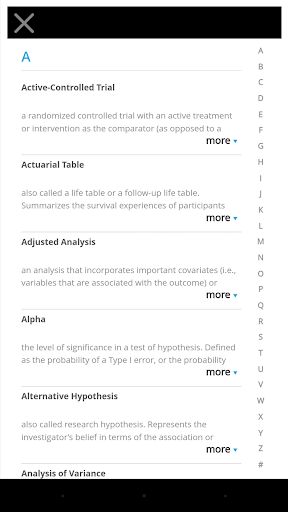
Search inside the book or within your study notes
Integrated bookshelf with the original Navigate eReader app
What's New
Version Information
- Version
- 1.0.313.1
- Downloads
- 50K+
- Updated on
- Aug 13, 2025
- Released
- Aug 28, 2017
- Requires
- Android 5.0
Statistics
Google Play Rating History
Rating Distribution
Downloads Over Time
Navigate eReader 2.0 has been downloaded times. Over the past 30 days, it averaged downloads per day.
Shaded area shows 30-day prediction based on historical trends
Historical data collection started recently. More data points will be available over time.
Navigate eReader 2.0 users say on Google Play
 angelina schnaufer
Haven't had any issues. I lost my book over the weekend with a big unit test and this was a life saver to say the least. Then my laptop went down and my phone was all I was able to use for studying. So thank God for this app. Idk what other people's issues are with it but it's been wonderful for me and it's the textbook verbatim
 Ariel Castromayor
Terrible. Always crashes. Update 12 October 2021 Reinstalled Navigate 2 app. Works on my mobile devices - including text to speech which allow me to study while driving. Made good progress with the app!
 Michael Nester
Using it to read the e-book and take quizzes for fire 1/2 and it works well and is easy to navigate, only issue is that every few days I have to uninstall and reinstall the app and download the book to be able to view it. If they could fix this, it'd be a great tool since you can have the book if you have your phone regardless of reception.
 Paulien Kock
See inability to control the reading speed makes the e-reader basically unusable. This is a problem on their webbased reader and app. The page jumps all over the place so the highlighted line that is being read is either in the middle or at the bottom you can't scroll down to see what else is coming.
 David Scrivener
"something went wrong" This is the second time I'm having to delete and redownload the "book" on my phone. I haven't had this issue on my fire tablet for what that's worth. There is factually incorrect information in at least one of the mini chapter quizzes, and there is no mechanism to report it. All in all, if the book/app was free I'd rate it a 3, maybe even a 4, butI paid nearly 300 dollars for this, I expect the quality to reflect the price and it doesn't.
ApkTrusted Ratings & Reviews
More from Informed Publishing
See more apps




Scan this QR code to download

Forwarding you to the page at Google Play market in seconds...
Open Google Play market now