
Bloom Steps: Flower Watch Face vVARY
Lan Lab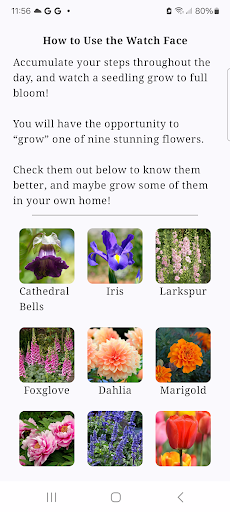





About this app
Developer Description
Bloom Your Way to Wellness!
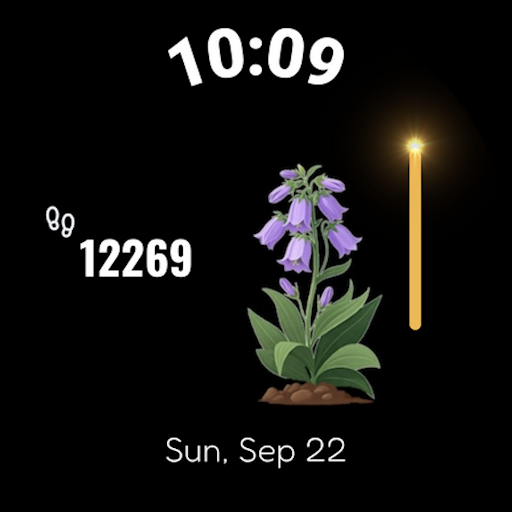
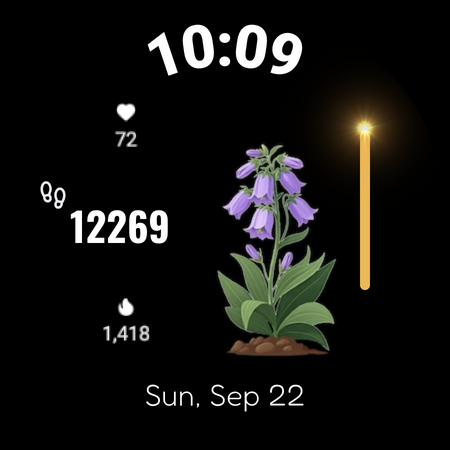
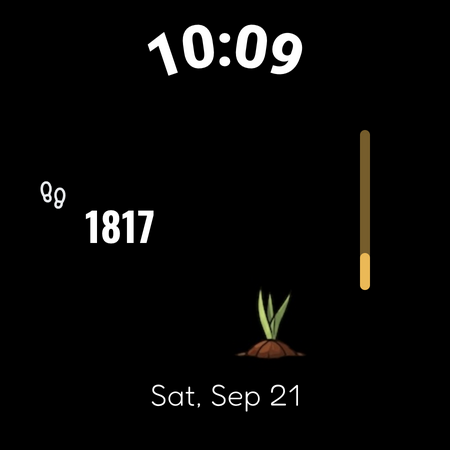
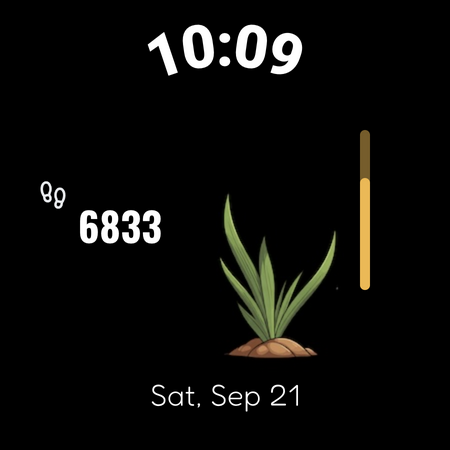
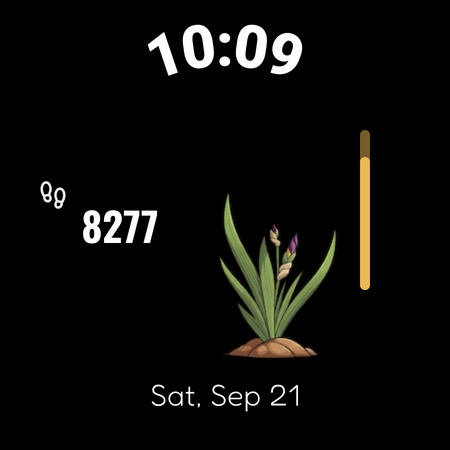
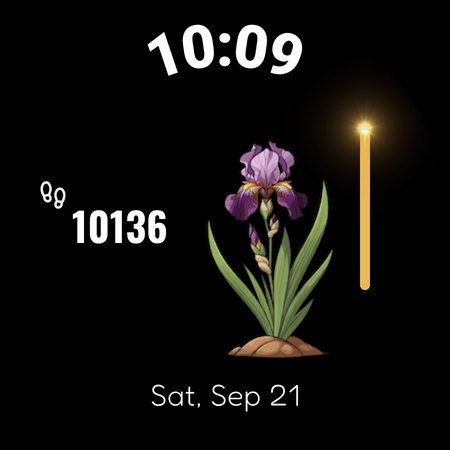
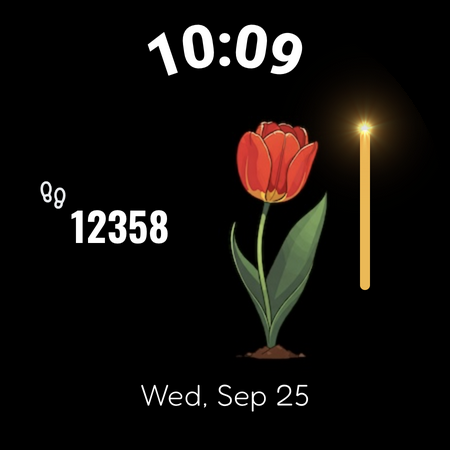
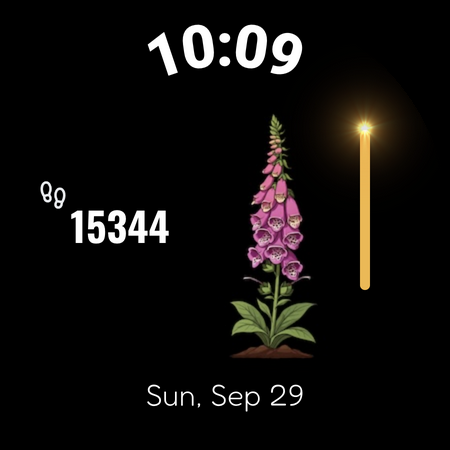
Wanna “grow” a beautiful flower on your watch? Accumulate your steps throughout the day to cultivate a flower from seed to full bloom and achieve your daily step goal!
A Daily Floral Surprise
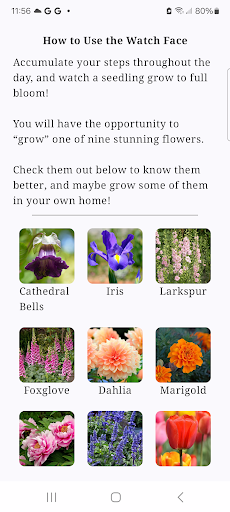
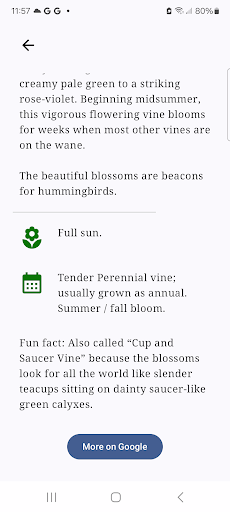
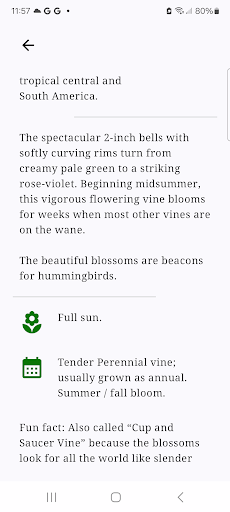
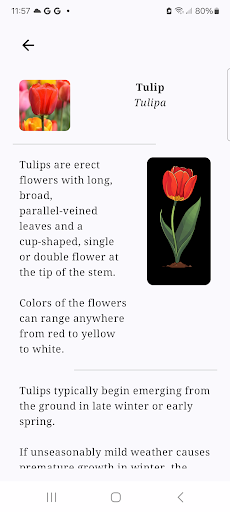
You will have the opportunity to “grow” one of nine stunning flowers from a seed: Cathedral Bell, Iris, Peony, Marigold, Salvia, Larkspur, Foxglove, Dahlia, and Tulip. Each day, it will be a pleasant surprise since you won't know which species is blossoming until it reaches its full bloom.
Experience the joy of nurturing a living thing while staying active. Every step you take brings your flower closer to full bloom, providing a constant source of motivation and joy. These mysterious and beautiful messengers from nature are here to support your fitness journey!
#health #fitness #activity-tracker #weight-loss #step-tracker #flower #nature
Compatible with Wear OS 3 and above, with 2 complication slots for your favorite complications.
Note: on some earlier Wear OS versions, the steps may not be correctly displayed right after you edit complication slots. Restart the watch shall fix it.
# How to set your own daily step goal #
Samsung watches:
- Open Samsung Health app, scroll to and tap "Steps", tap "Settings" (or the three dots), tap "Step target", adjust from there and save.
Pixel watches:
- Open Fitbit app on your phone, click "You" at the bottom navigation panel, scroll to "Goals", tap "Activity", find "Steps" and click, adjust from there and save.
You may want to sync data to your watch via Galaxy Wearable or Google Pixel Watch app after you set your new goal.
What's New
Version Information
- Version
- -
- Downloads
- 50+
- Updated on
- Jul 18, 2025
- Released
- Oct 4, 2024
- Requires
- Android Varies with device
Statistics
Google Play Rating History
Rating Distribution
Downloads Over Time
Bloom Steps: Flower Watch Face has been downloaded times. Over the past 30 days, it averaged downloads per day.
Shaded area shows 30-day prediction based on historical trends
Historical data collection started recently. More data points will be available over time.
ApkTrusted Ratings & Reviews
More from Lan Lab
See more apps
CASHFLOW Board Game Helper
Free

Cute Fox Watch Face: Joy's Day
Paid

Halloween Boo! Watch Face
Paid
Zodiac Watch Face
Paid
4-7-8 Breath Watch Face
Free

Chakra Activation Watch Face
Free

Steps Hatch Watch Face
Free
Genshin Vision Watch Face
Paid

Deep Breath Watch Face
Free

Halloween Cat Watch Face
Free

MBTI Personality Cat WatchFace
Free

Christmas Snow Globe WatchFace
Free

Cat WatchFace: Sunny & Friends
Free

Weather Watch Face: Cat Sunny!
Free

Orbit Hockey: Wear OS Game
Paid

Yoga Pose: Flash Cards
Free
Scan this QR code to download

Forwarding you to the page at Google Play market in seconds...
Open Google Play market now