
"Be Prepared" Weather Dial v1.0.1
BarefootDials






About this app
Developer Description
Hourly Weather & Health Data at a Glance
All Important Data at a Glance
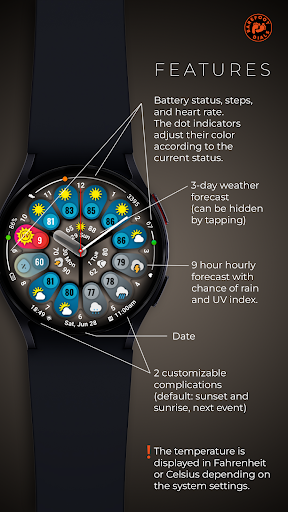
This watch face neatly organizes your health and device data around the edges:
Left Edge: Watch's current battery status.
Top Edge: Daily step counter.
Right Edge: Your current heart rate.
Bottom Edge: At the 6 o'clock position, you'll find the date display, flanked by two user-definable complications.
The Centerpiece: The Weather Functions
The core of the design is dedicated to the detailed weather forecast:
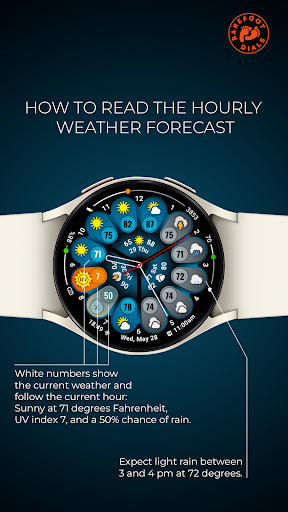
At the position of the hour hand, you will always find the current temperature and the corresponding weather icon. From there, moving clockwise, you'll see the hourly forecast for the next nine hours. This allows you to see at a glance how the weather will develop throughout the day.
The two positions to the left of the hour hand are reserved for two particularly important values: the UV Index and the rain probability in percent. This keeps you perfectly prepared for both sunshine and showers.
Tapping the center of the watch face toggles a three-day forecast, providing a clearer view over the time display when needed.
This watch face requires at least Wear OS 5.0.
Phone App Functionality:
The companion app for your smartphone is solely for assisting with the installation of the watch face onto your watch. Once the installation is successfully completed, the app is no longer needed and can be safely uninstalled.
Note: The appearance of user-changeable complication icons may vary depending on the watch manufacturer.
The weather data is sourced directly from your watch's operating system, which requires location services to be enabled. As a rule of thumb: if your watch's standard weather widget functions correctly, this watch face will too.
After activating the watch face, please allow a moment for the initial data to load.
Note for Google Pixel Watch users: Occasionally, there may be delays in updating the hourly forecast. A special icon on the watch face will indicate this status.
What's New
Fixes a bug that prevented hiding the central three-day forecast.
Version Information
- Version
- 1.0.1
- Downloads
- 100+
- Updated on
- Aug 12, 2025
- Released
- Jun 6, 2025
- Requires
- Android Varies with device
Statistics
Google Play Rating History
Rating Distribution
Downloads Over Time
"Be Prepared" Weather Dial has been downloaded times. Over the past 30 days, it averaged downloads per day.
Shaded area shows 30-day prediction based on historical trends
Historical data collection started recently. More data points will be available over time.
ApkTrusted Ratings & Reviews
More from BarefootDials
See more apps
Flower of Power
Paid
Banoffee Pie
Paid
Incremental Watch Face
Free
Just Time
Paid
Destructive Second Hand
Paid
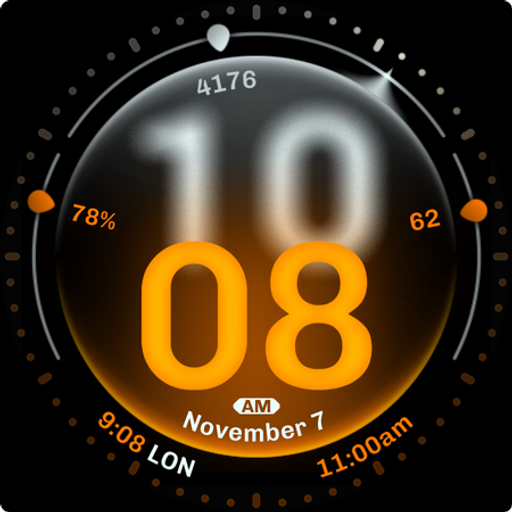
Dominant Minute Watch Face
Paid
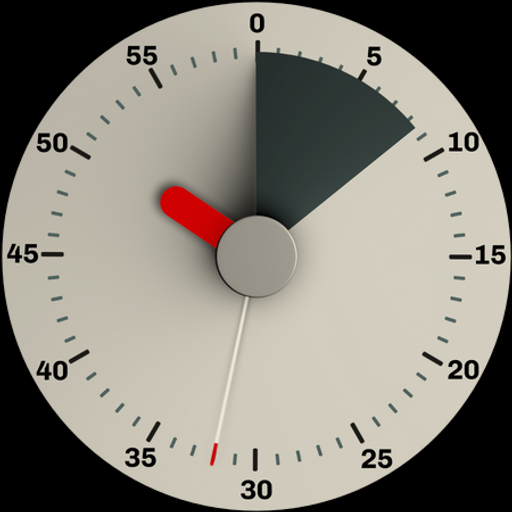
Black Forest Pie
Paid
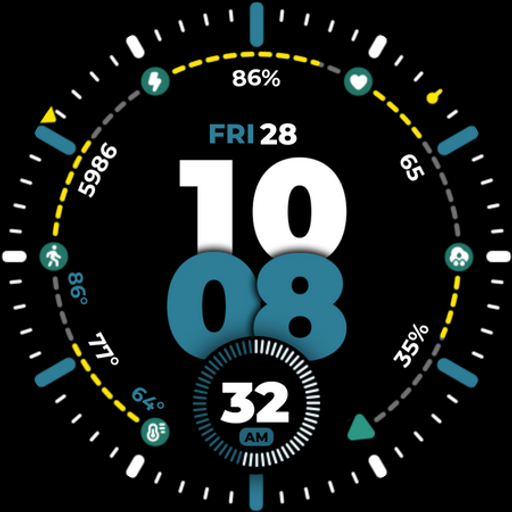
Fusion Hybrid
Paid
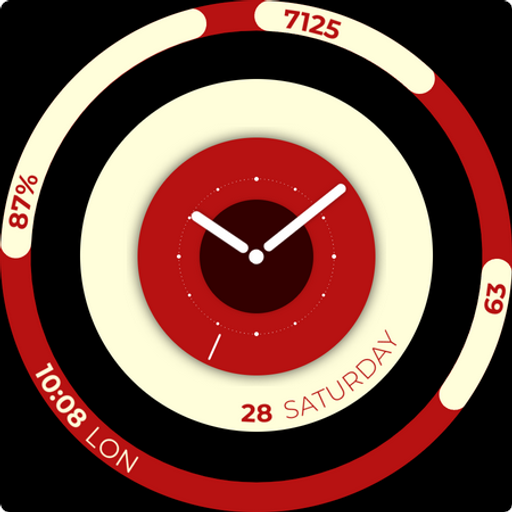
Balance Board
Free

Concentric Space
Paid
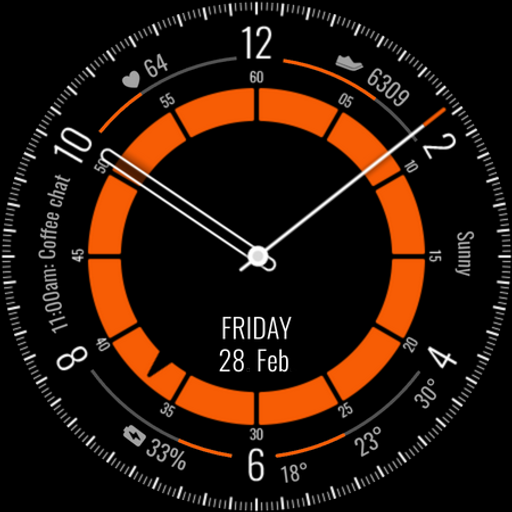
Kairos Watch Face
Paid
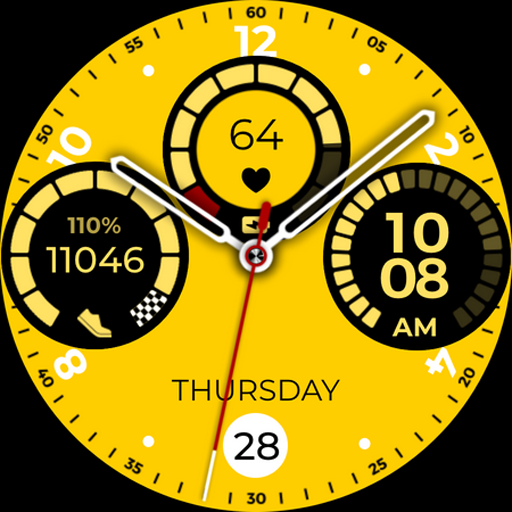
Lambo Watch Face
Free
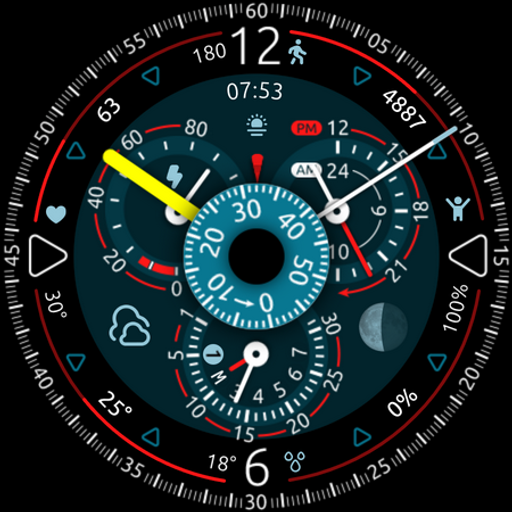
OrbiCentric
Paid

Overtake
Paid
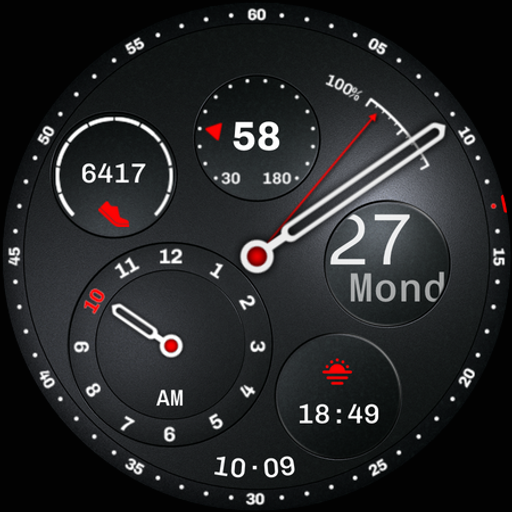
Regulator Watch Face
Paid
RetroWeather LCD
Paid
Similar Apps

PRADO 82 Weather Forecast
Paid
Weather Watch face
Paid

Digital Weather Sports Face
Free

Informative WearOS 5 NTV576
Free

HMK WD259
Free

PER8 Weather WatchFace Digital
Paid

Weather info
Free

Digital Watch Face: OMG 53
Paid

Weather ForecastDays NTV579
Free
MDS449 Weather Forecast
Free

Digital Watchface D13
Paid

Weather smo501
Free

Mobile Desktop Modular Face 41
Free

Digital Watchface D16
Paid
Chroma Fit 2
Paid

SamWatch Digital Weather
Paid
Scan this QR code to download

Forwarding you to the page at Google Play market in seconds...
Open Google Play market now