Cello (Piano) v2.10.0
benanappDownload Options
Screenshots








/
About this app
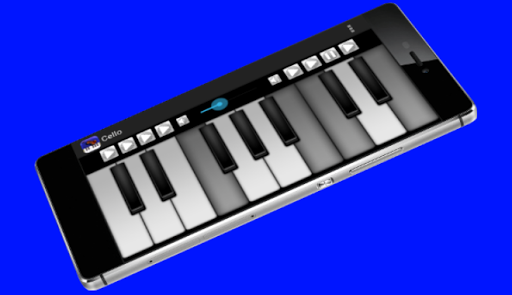
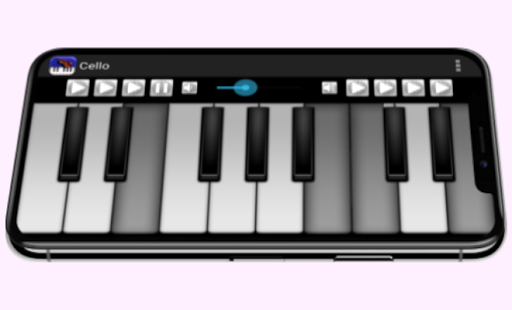
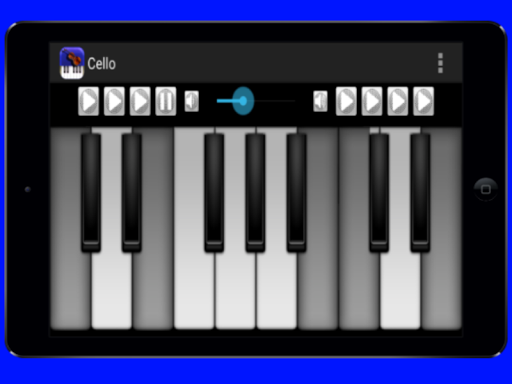
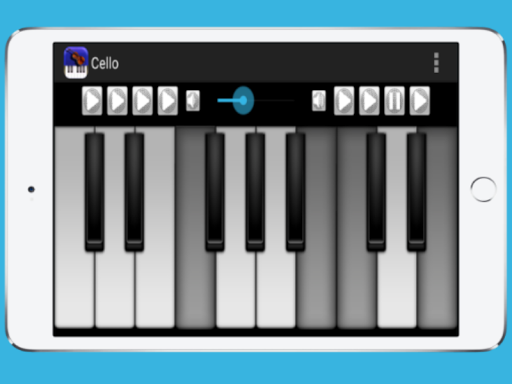
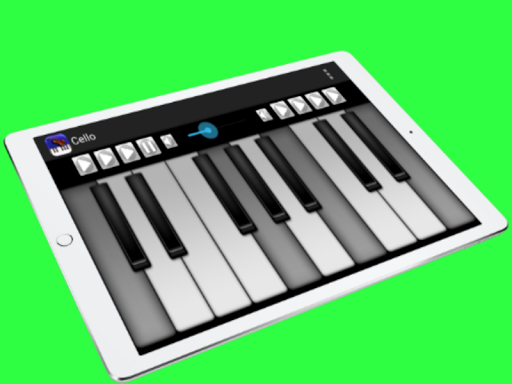
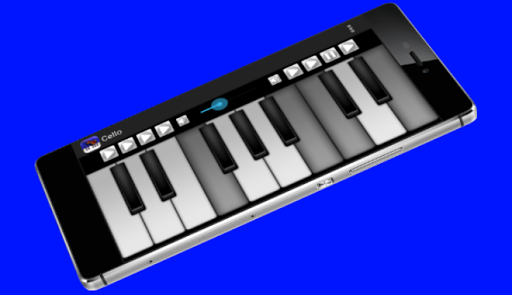
Playing the cello with the keyboard is very easy thanks to this application.
The application plays cello notes on the piano keyboard.
Cello is the main instrument. If you want, you can change the instrument you want to play on the keyboard. Guitar, piano, harmonica, flute, trumpet, sitar and acoustic bass options are also available in the Preferences menu.
Features:
- The interface of the application is very useful.
- Notes are very high quality.
- Can play more than one note at a time.
- 8 pieces of music composition playback / stop.
- Sound boost - ease of reduction.
- Main menu color options (yellow, red, blue, turquoise, green, purple and white color).
Have Fun.
Cello is the main instrument. If you want, you can change the instrument you want to play on the keyboard. Guitar, piano, harmonica, flute, trumpet, sitar and acoustic bass options are also available in the Preferences menu.
Features:
- The interface of the application is very useful.
- Notes are very high quality.
- Can play more than one note at a time.
- 8 pieces of music composition playback / stop.
- Sound boost - ease of reduction.
- Main menu color options (yellow, red, blue, turquoise, green, purple and white color).
Have Fun.
Version Information
- Version
- 2.10.0
- Downloads
- 10K+
- Updated on
- Sep 22, 2025
- Released
- Dec 20, 2014
- Requires
- Android 5.0
What's New
-Optimize app functions
-errors corrected
-errors corrected
Ratings & Reviews
Developer Response