Tempus Red Android Watch Face vVARY
Rousseau Design Ltd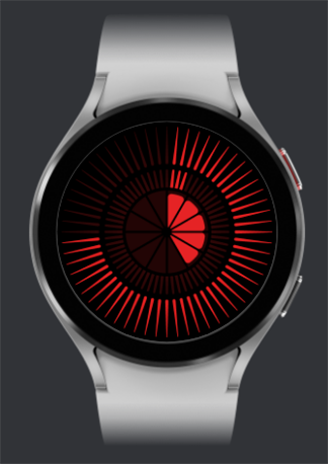










About this app
Developer Description
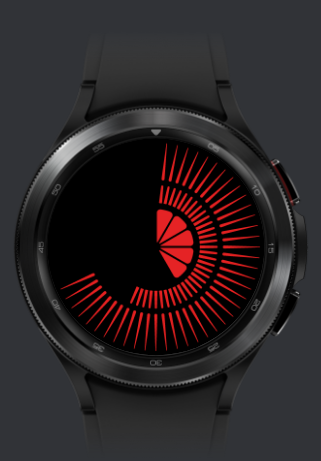
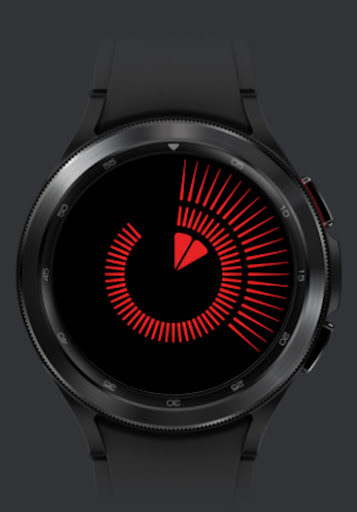
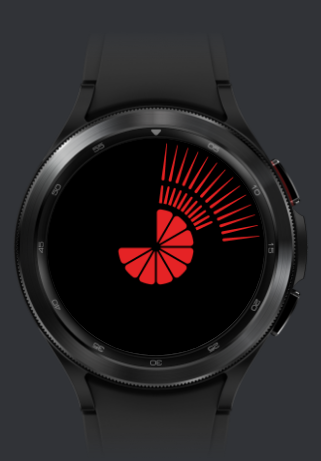
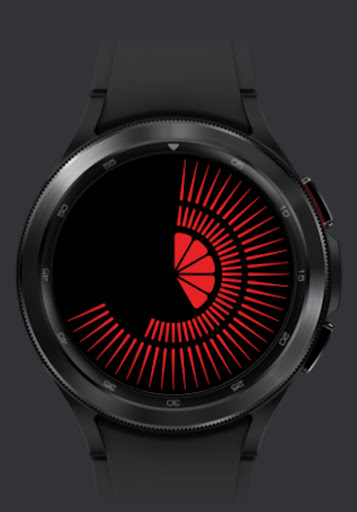
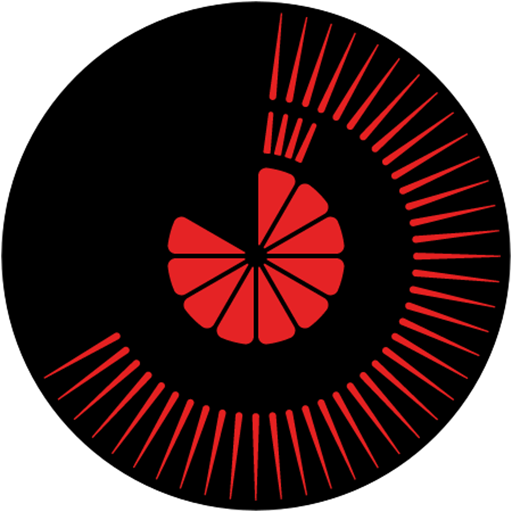
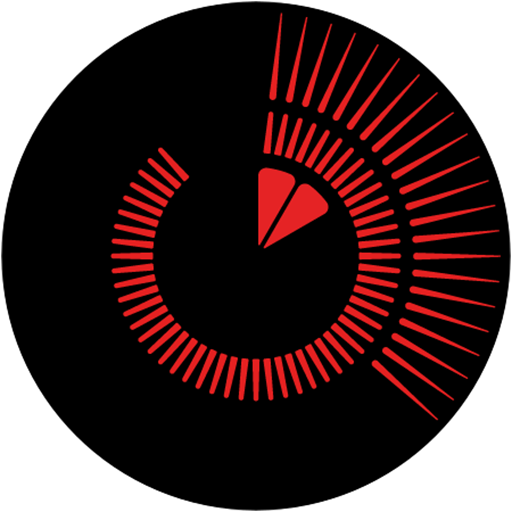
Tempus Red Smart watch artwork by light artist & designer Ben Rousseau
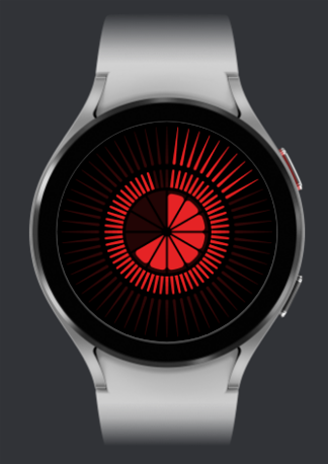
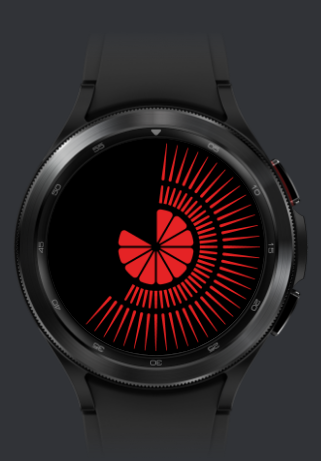
A unique Tempus timepiece light pattern by designer Ben Rousseau. A smart watch artwork that represents the time over 12 hours in real time using a constantly building pattern of light over 3 uniform arrangements with 12 for hours in centre, 60 for minutes in middle ring and 60 for seconds on outer ring.
Time redesigned.
Download now and experience time in a new light.
Protected by international design registration No. DM/222085 Copyright Rousseau Design LTD. Member of Acid - Anti Copying In Design.
About: Ben Rousseau is a lighting artist and designer focused on creating beautiful experiential creations that bring light and positive energy into people’s lives and environments.
www.benrousseau.com
www.tempustime.com
Video link on how to download and install Tempus Watch face on your smartwatch:
https://youtu.be/O0SVGG0xw8Y?si=30M-HBwpqk9Jhv6L
Step-by-Step Guide to Install the Tempus Watch Face
Download and Open the Tempus Companion App
Phone: Download the Tempus Companion App from the Play Store.
Watch: Ensure your smartwatch is connected to your phone and has an internet connection.
Enable Bluetooth on Both Devices
Phone: Make sure Bluetooth is turned on. The app will prompt you to turn it on if it's not already enabled. Grant the app all required permissions.
Watch: Ensure Bluetooth is enabled and your smartwatch is discoverable.
Connect Your Smartwatch to the App
Phone: Open the Tempus Companion App. You will see a button: 'Connect'.
Phone: Tap on the 'Connect' button. The app will search for nearby Bluetooth devices.
Phone: Select your smartwatch from the list of available devices. Wait for the connection to be established. Once connected, a 'Install' button will become visible.
Initiate the Installation of the Watch Face
Phone: Tap on the 'Install' button. This will open the Play Store page for the Tempus watch face on your smartwatch.
Watch: On your smartwatch, you will see the Tempus watch face Play Store page.
Purchase and Download the Watch Face
Watch: Click on the price button to purchase the watch face.
Watch: Follow the prompts to complete your purchase. You may need to confirm the purchase on your phone by following the instructions provided (e.g., open the notification from Google Play Store or visit g.co/continue on your phone or browser).
Watch: Once the purchase is complete, the watch face will begin downloading. Wait for the download to finish.
Apply the Watch Face
Phone: Open the Galaxy Wearable app (download from the Play Store if not available) and navigate to 'Watch faces'.
Phone: Scroll down to 'Downloaded watch faces' and select the Tempus watch face you just purchased.
Phone: A progress bar will appear, indicating that the watch face is being applied to your smartwatch. Wait for the process to complete.
Watch: The Tempus watch face will now be visible and applied on your smartwatch.
Troubleshooting Tips
Connection Issues: Ensure both your phone and smartwatch have Bluetooth enabled and are in close proximity.
Payment Issues: Follow the instructions carefully for completing the purchase. Ensure you are logged into the correct Google account.
Watch Face Not Visible: If the watch face does not appear immediately, try restarting your smartwatch and checking the Galaxy Wearable app for the downloaded watch face.
Version Information
- Version
- -
- Downloads
- 5+
- Updated on
- -
- Released
- Oct 23, 2023
- Requires
- Android Varies with device
Statistics
Google Play Rating History
Rating Distribution
Downloads Over Time
Tempus Red Android Watch Face has been downloaded times. Over the past 30 days, it averaged downloads per day.
Shaded area shows 30-day prediction based on historical trends
Historical data collection started recently. More data points will be available over time.
ApkTrusted Ratings & Reviews
More from Rousseau Design Ltd
See more apps
Scan this QR code to download

Forwarding you to the page at Google Play market in seconds...
Open Google Play market now