BSPlayer Pro vVARY
BSPlayer media
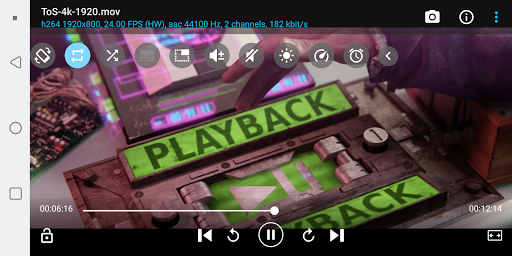
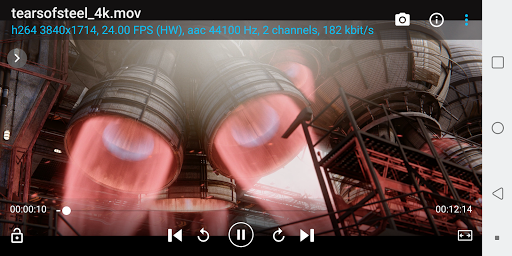
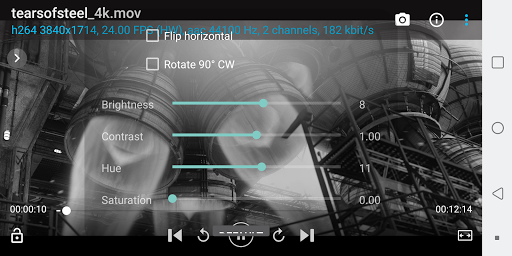

About this app
Developer Description
Awesome media player for all Android devices!
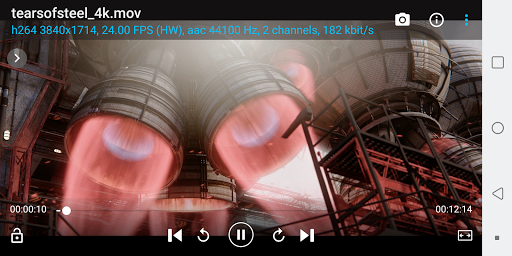
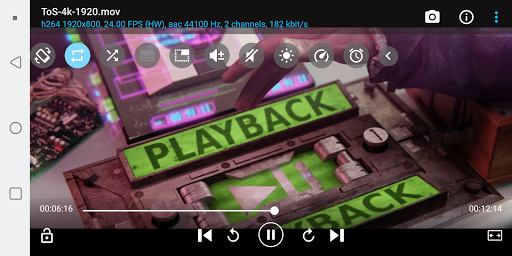
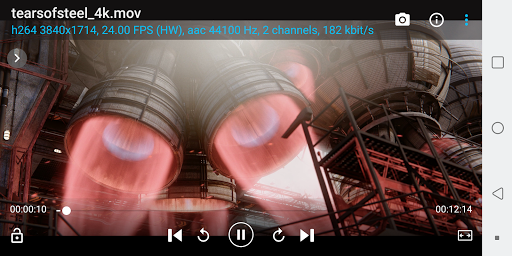
BSPlayer is media player for Android devices: smartphones and tablet PC's, supporting hardware accelerated video decoding, automatic subtitle search and buffered network playback from SMB shares.
Main features:
- ONLY in full version: support for Chromecast (most mp4's are supported)
- NO ADS
- hardware accelerated video playback - significantly increases playback speed and reduces battery consumption, supporting multi-core (dual and quad-core) hardware decoding*
- audio pre-amplification ("volume boost" - user definable up to 500%)
- playback in popup window (audio and video)
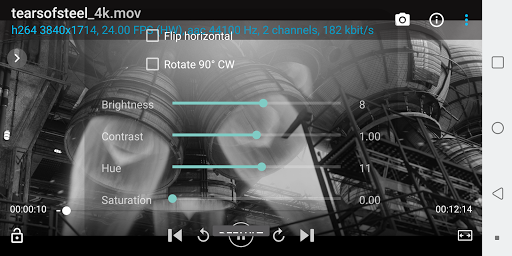
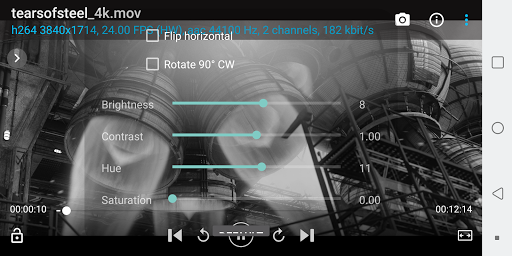
- aspect-ratio adjustments and zoom
- multiple audio streams and subtitles
- supports customizable gestures for Seek, Jump, Brightness and Volume control, exit to popup video
- playlist support and various playback modes.
- support for audio headsets and external Bluetooth keyboards
- customizable audio offset, playback speed, gestures and keys
- external and embedded subtitles ssa/ass, srt, sub, txt...
- Automatic subtitle search (mobile or Wi-Fi connection must be enabled to work)
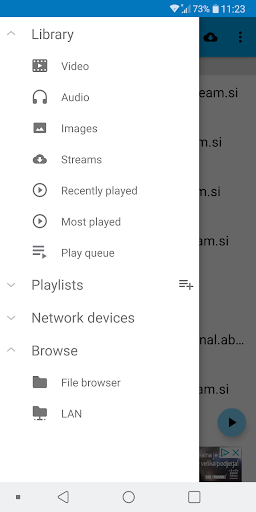
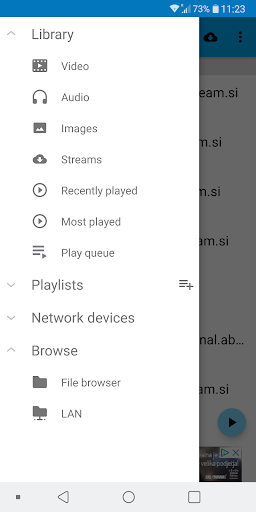
- playback media files such as videos and mp3's directly via Wi-Fi from your network shared drives/folders (such as external USB drives, SMB shares, PC shared folders, NAS servers (Synology and others)) - no need to convert video files and copy media files to SD card
- Playback files directly from uncompressed RAR files
- Lock screen to prevent accidental change of videos (child lock)
- support for USB OTG (On-The-Go) and much more!
Licensing troubleshooting:
- If after the purchase and installation of the app you get a license failure notification, this is because the purchase may take some time to be recorded on the Google license server. It will resolve within a few hours or you can try re-installing and restarting your device.
- If you get "Not compatible with your device" from the Market App, please try clearing your Market App Cache (Settings, Applications, Market, Clear Cache) and restarting your device.
- BSPlayer app uses Google's standard licensing service. Keep Wi-Fi or mobile data enabled at the the first run of application. Further internet connection will not be required. Also, for existing users having problems with licensing - you may try "Clear app data" function and run app with internet connection enabled. This should license your app.
NOTE: When reporting error please add info about your device brand and model. Also you can send us more detailed bug report on e-mail android@bsplayer.com. We are trying to improve the media player for the users and your feedback is highly appreciated.
This video player uses code of FFmpeg licensed under the LGPLv2.1 and its source can be downloaded from BSPlayer website.
Screenshots taken from following movies under Creative Commons license:
Sintel - © copyright Blender Foundation | durian.blender.org
Tears of Steel - (CC) Blender Foundation | mango.blender.org
What's New
- improved m3u parsing
- stability improvements and bug fixes
Version Information
- Version
- -
- Downloads
- 50K+
- Updated on
- Oct 31, 2025
- Released
- Jul 5, 2012
- Requires
- Android Varies with device
Statistics
Google Play Rating History
Rating Distribution
Downloads Over Time
BSPlayer Pro has been downloaded times. Over the past 30 days, it averaged downloads per day.
Shaded area shows 30-day prediction based on historical trends
Historical data collection started recently. More data points will be available over time.
BSPlayer Pro - Google Play Rankings
Top Rankings
| Rank | Country | Category | List | Change |
|---|---|---|---|---|
| — |
Ranking History in
No ranking data available yet. Rankings are updated daily.
#33 in Top Paid Video Players in Poland


#34 in Top Paid Video Players in Vietnam
#34 in Top Paid Video Players in India
#34 in Top Paid Video Players in Turkey
BSPlayer Pro users say on Google Play
 Kristján Úlfsson
Best video player on Android. It basically plays anything I throw at it, with ease. The interface is spot on for make adjustments and the quickly fades away afterwards (configurable). Auto downloading of subtitles makes life so much easier and speeding up playback allows one to quickly fill up on media. I've bee a user for several years and have tried other players, but none is as smooth as this one.
 Si Dicko
Needs better subtitle search features other than that very good.
 A Google user
This was one of the best player I have ever used. After recent update, the video file cant execute. When tapped it goes into queue folder and can only be played from there. Hope you can debug this. Another feature I would like to recommend is a "set as thumbnail" button during media play for easily recognising videos when viewed in grid. Thank you for creating a good video player with all fantastic features that I need.
A Google user
December update completely broke the app for me. It did work just long enough for me to notice that the variable playback speed feature has been removed. Now, after getting a file/folder list from my LAN, the app quits, and refuses to play anything. Forced to use VLC as a poor substitute...help!
 David Chan
Can't play any files. Click on the menu and choose File Browser. Clicking on a video doesn't do anything. I don't understand why this app is completely broken when BS Player switched to this new version. It makes no sense. I would not recommend this new version of this app. I'm only using the Legacy version.
ApkTrusted Ratings & Reviews
More from BSPlayer media
See more apps
Similar Apps

Dr. Dish Player
Free

Music Player HD+ Equalizer
Free

IDAGIO Stream Classical Music
Free

Pulsar Music Player
Free

Shuttle Music Player (Legacy)
Free

Retro Music Player
Free

USB Audio Player PRO
Paid

H2D DAB
Free

WallStream
Free

Chaos Audio
Free
Neutron Music Player
Paid

Rewind: Discover Music History
Free

ChoirMate
Free

Music Player & Podcast
Free

NOVA Video Player
Free

Music Worx: EDM for DJs & Fans
Free
Scan this QR code to download

Forwarding you to the page at Google Play market in seconds...
Open Google Play market now