
Carnage Watch Carnitrix vVARY
sizon95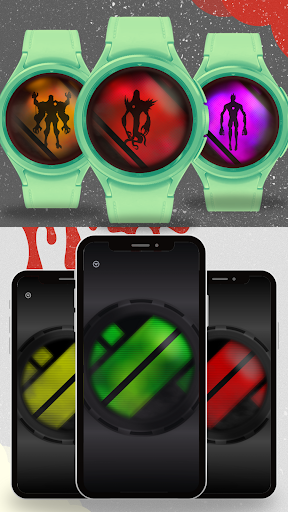
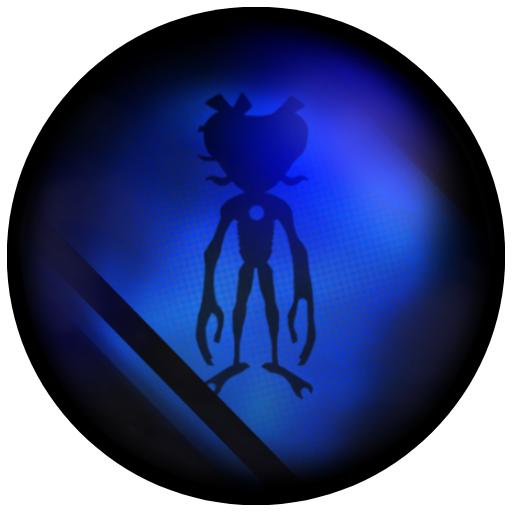
About this app
Developer Description
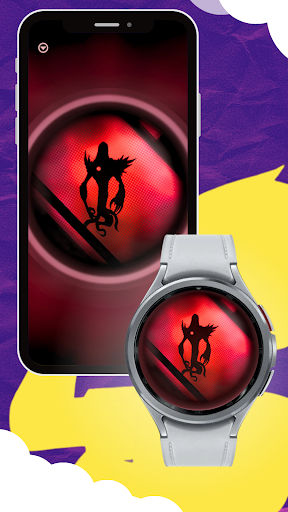
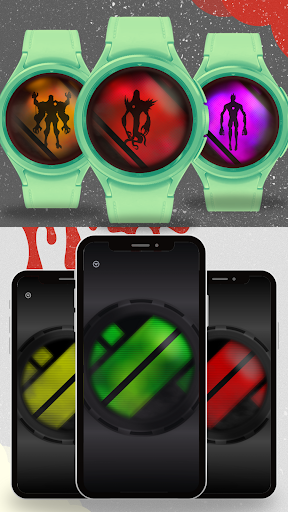
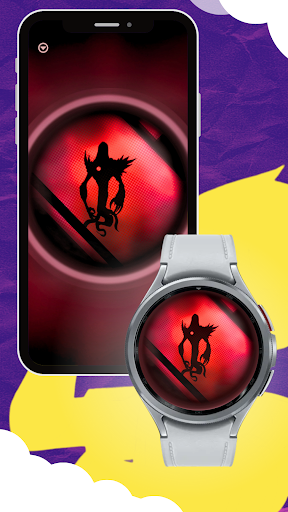
A horror version of Real Aliens app
🔹 Options Mode Activation
Double-tap the bottom of the screen quickly.
Then double-tap the top quickly.
Finally, double-tap the bottom again.
If done correctly, a blinking effect will appear.
Tip: Do it fast for best results!
🔹 Options Controls
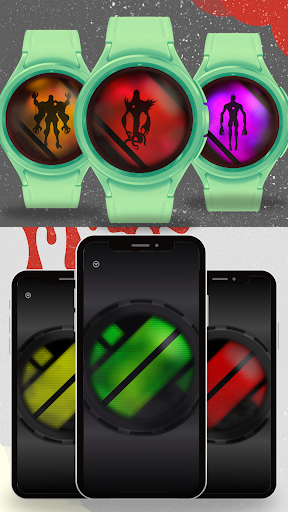
• Tap top to change the selector color (hold to go back).
• Tap bottom to change the lock-screen/transformed color (hold to go back).
• Tap center to change the timeout blinking color.
• To exit Options Mode, quickly double-tap the bottom again.
Key Features:
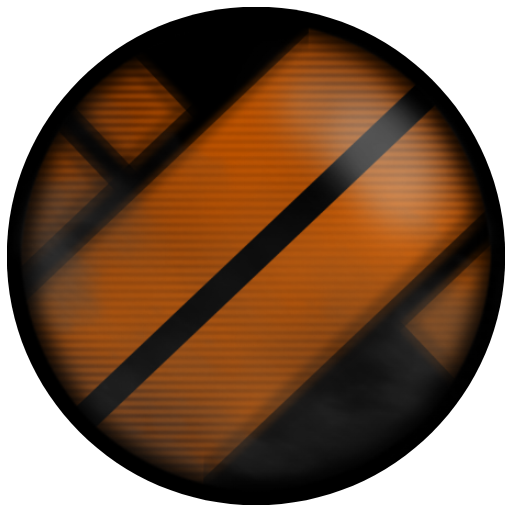
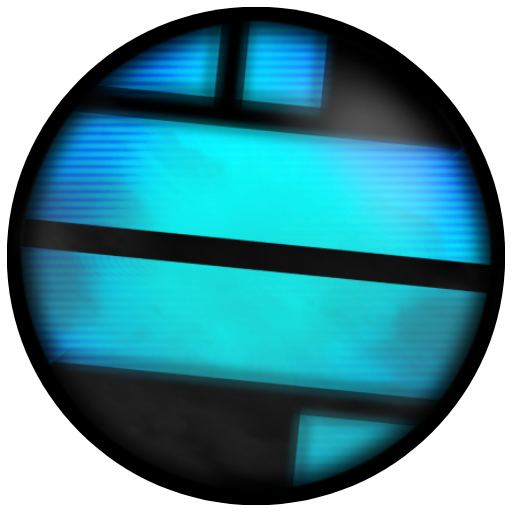
✔ Tap-to-Transform:
Activate your transformation instantly by tapping the center of the screen or pressing the back button.
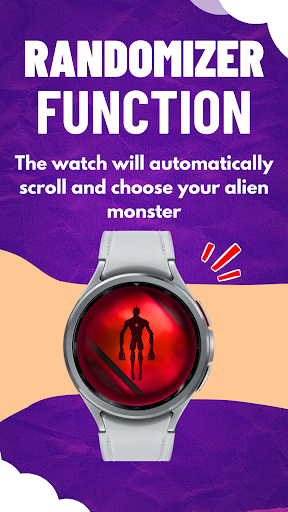
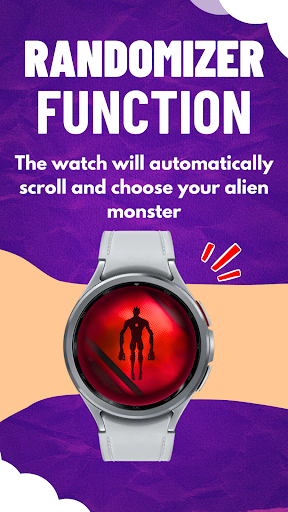
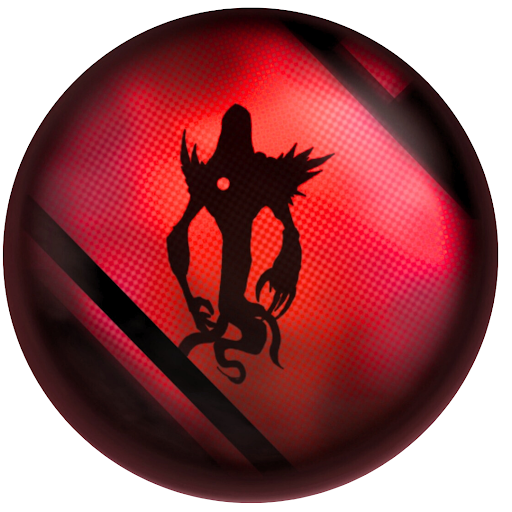
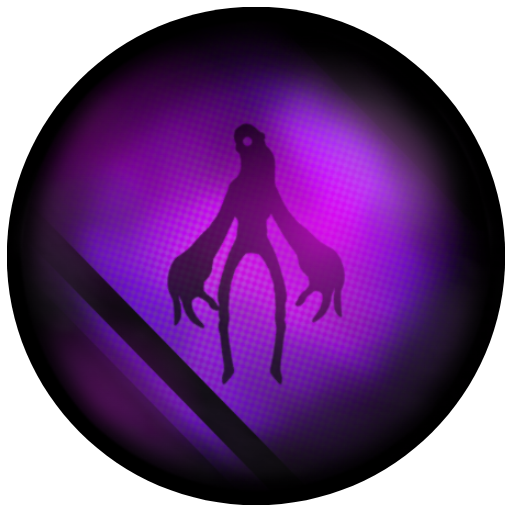
✔ Beast Choice Mode:
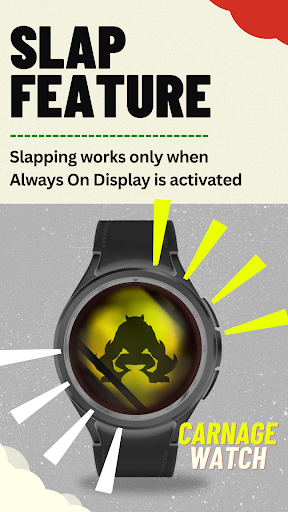
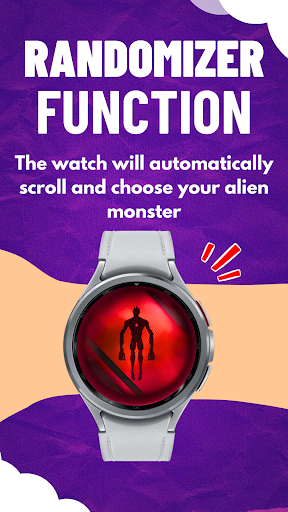
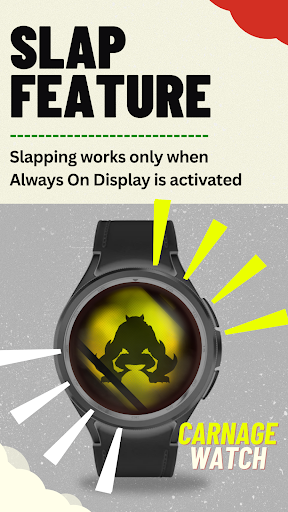
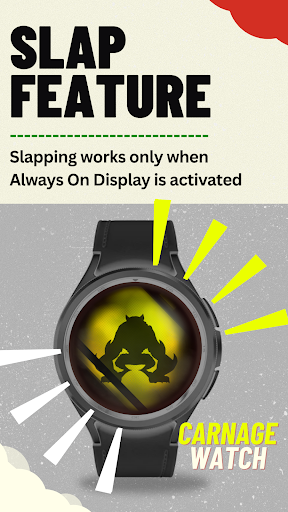
Let fate decide your transformation! Slap your watch or press the back button to activate a randomly selected alien. (Always On Display must be enabled for the slap feature.)
✔ Dynamic Selection System:
Effortlessly choose your alien using the physical bezel, touchscreen bezel, or by tapping the left and right edges of the screen.
✔ Lock & Confirm Selection:
Lock your choice with a single tap in the center of the screen and prepare for transformation.
✔ Real-Time Transformation Control:
Tap the center of the screen to transform and manually de-transform.
Or let the built-in timer expire for an automatic return to normal.
✔ Adaptive Timeout System:
Every transformation is unpredictable! The de-transformation timer ranges between 30 to 60 seconds, keeping the suspense alive.
✔ Always-On Slap Activation:
Feel the thrill of an instant transformation by simply slapping your watch when Always On Display is enabled.
✔ Minimalistic & Performance-Optimized:
With an efficient design, Carnage Watch ensures smooth performance on Wear OS devices while delivering a satisfying and immersive experience.
⚠ Important Notes:
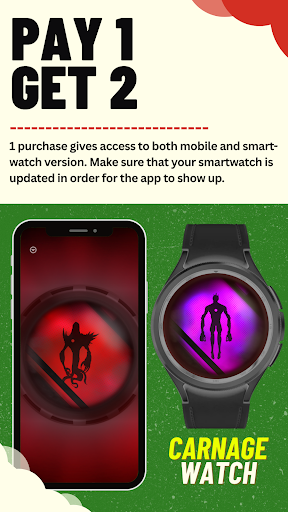
For the best performance, close background apps before launching Carnage Watch.
If your watch lacks a physical back button, you can set up an alternative action:
📍 Settings → Buttons & Gestures → Back Button → Set to ‘Go to Previous Screen’.
Always On Display is required for the slap-to-transform feature.
Future updates will refine the experience and introduce more customization options!
📌 Join the Community!
Carnage Watch is more than just an app—it’s a shared experience! Join our Discord server to:
✔ Suggest new features and improvements
✔ Report bugs and share feedback
✔ Stay updated on upcoming releases and sneak peeks
✔ Connect with other fans and enthusiasts
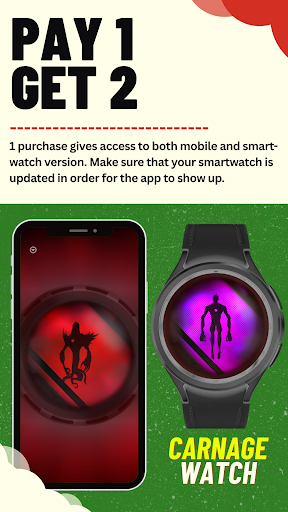
📖 User Manual is also included in the mobile version of the app.
💬 Support & Contact:
📧 Email: sizonlikes@gmail.com
💬 Discord: https://discord.gg/FDF2EnpAUz
📺 YouTube: Sizon95
📷 Instagram: Sizon95_
🚀 Get ready to transform like never before!
What's New
-Main color / transformed badge color (same color)
-Selector color
-Timeout blinking color
(minor bugs fixed)
Version Information
- Version
- -
- Downloads
- 500+
- Updated on
- May 31, 2025
- Released
- Mar 18, 2025
- Requires
- Android Varies with device
Statistics
Google Play Rating History
Rating Distribution
Downloads Over Time
Carnage Watch Carnitrix has been downloaded times. Over the past 30 days, it averaged downloads per day.
Shaded area shows 30-day prediction based on historical trends
Historical data collection started recently. More data points will be available over time.
Carnage Watch Carnitrix - Google Play Rankings
Top Rankings
| Rank | Country | Category | List | Change |
|---|---|---|---|---|
| — |
Ranking History in
No ranking data available yet. Rankings are updated daily.
#60 in Top Paid Simulation in Mexico


Carnage Watch Carnitrix users say on Google Play
 Tristen Barnett
Despite being still in a simplistic and not incredibly developed state, I think it's the proper step towards the idea of the Carnitrix. So glad to be a part of the Sizon community 💚
 Alex Warner
im sorry im writing this cause im so confused on what the function of the app is i did purchase it based on the fact it's a 5* rating but what is the functionality of the app?
ApkTrusted Ratings & Reviews
More from sizon95
See more apps
Similar Apps

67 Six Seven - The Game
Paid

I Am an Octopus Game
Free

Playtown Genesis - Horror Game
Free

Tic
Paid

Please Don't Touch Anything VR
Paid

Santa's Hunt
Paid

A.R.C.A.D.E.
Paid

Capsule Critters
Paid

I Am Naughty Octopus Simulator
Free

My Winter Car Simulator Mobile
Paid

Pig Jump
Free

Run.Exe: Ultimate Escape
Paid

I Am Naughty Penguin Prankster
Free

Orbit Hockey: Wear OS Game
Paid

Geo Man
Paid
Unhatched
Paid
Scan this QR code to download

Forwarding you to the page at Google Play market in seconds...
Open Google Play market now