
Cast to TV+ Chromecast Roku TV v12.290
Castify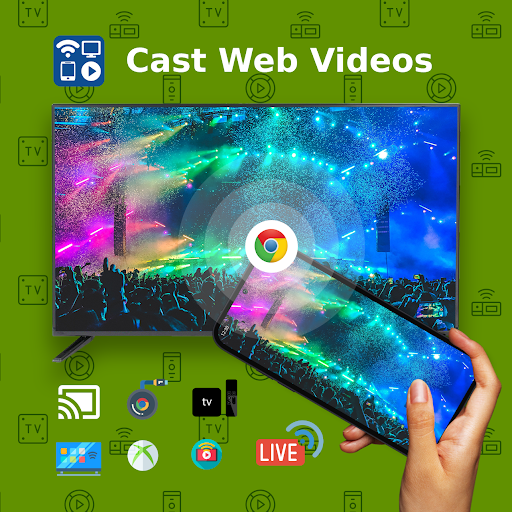

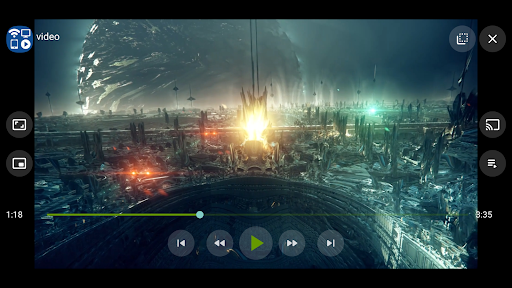

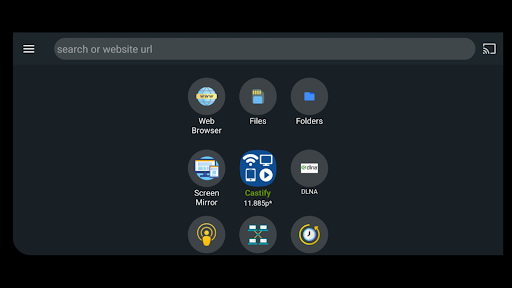
About this app
Developer Description
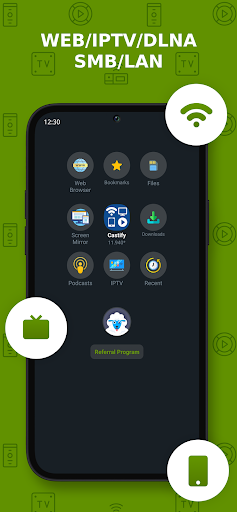
Cast Videos from Web Browser, IPTV to Roku, Chromecast, DLNA, Smart TV +more
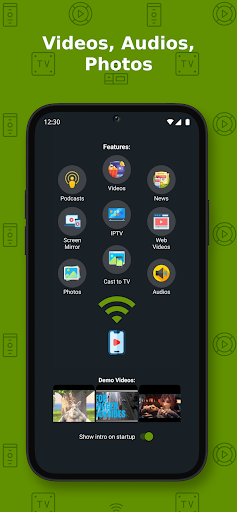
Cast videos, music, photos...or watch on phone.
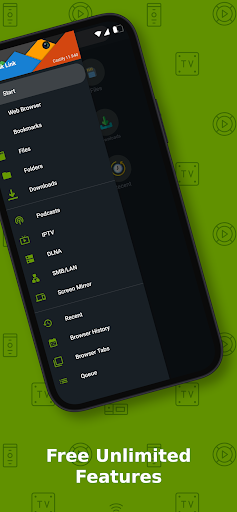
All features are completely free. Pro version only removes app's ads.
Streaming Devices:
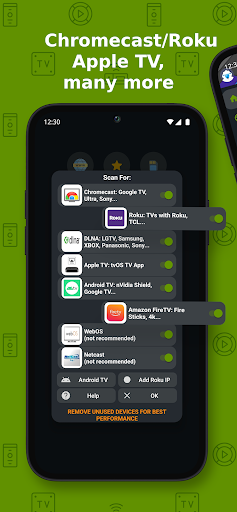
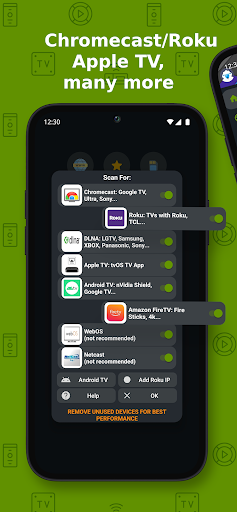
Chromecast 1, 2, and Ultra HD 4K
Roku Premiere, Express, Streaming Stick, or Roku TV
Fire TV or Fire Stick
DLNA receivers
Xbox One, Xbox 360
Google Cast receivers
Smart TVs with DLNA built-in including: LG TV, TCL, Phillips, Sony Bravia, Samsung, Sharp, Panasonic, and many others. Please check your TV's user manual.
Any Web Browser: can send videos to a web browser such as Chrome, Firefox, Amazon Silk, a browser on TV or PlayStation 4.
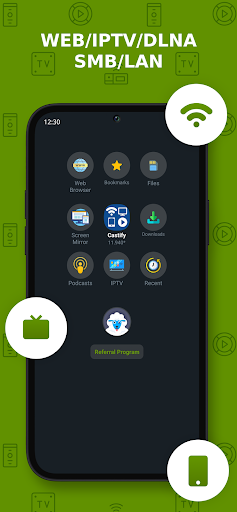
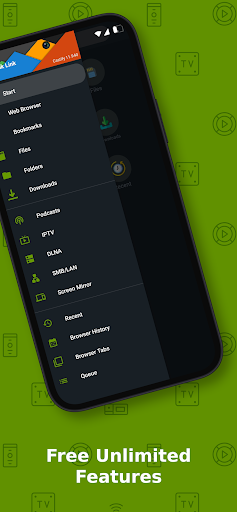
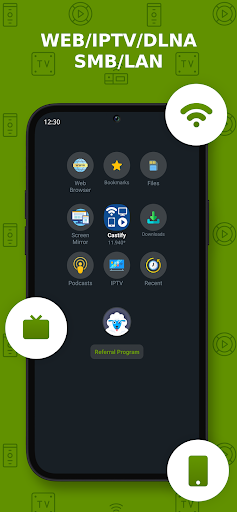
Play From Sources:
- Phone Files
- Browser Websites
- IPTV
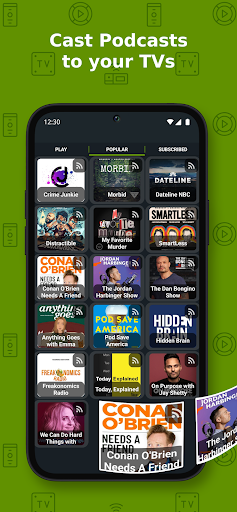
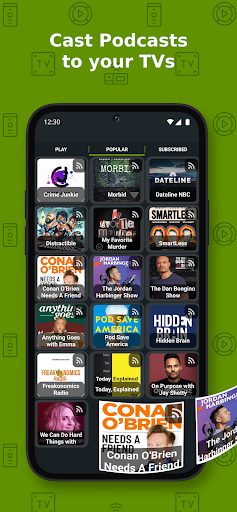
- Podcasts
- DLNA Servers
- SMB, Samba, NAS, LAN
Castify Features:
- AI Subtitle Generate: create subtitles for any given video
- AI Subtitle Translation: translate SRT subtitles
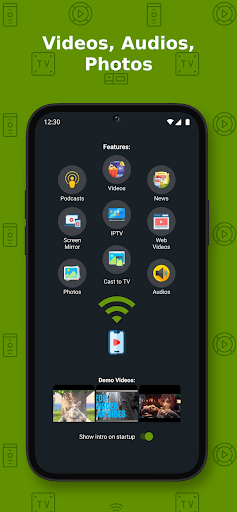
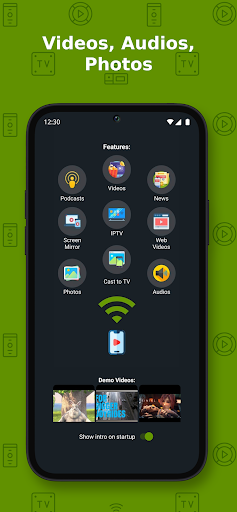
- Cast to TV, video, movie, music, or photos
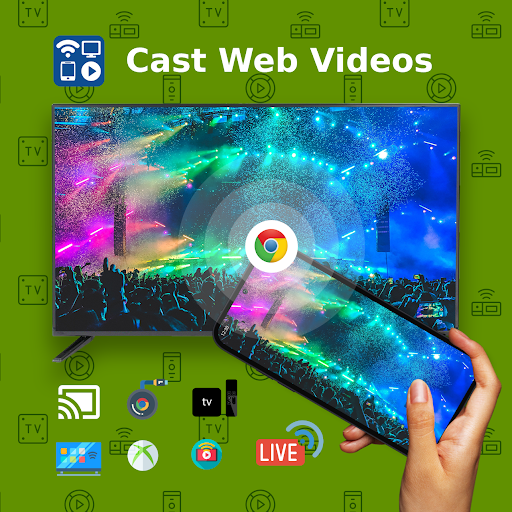
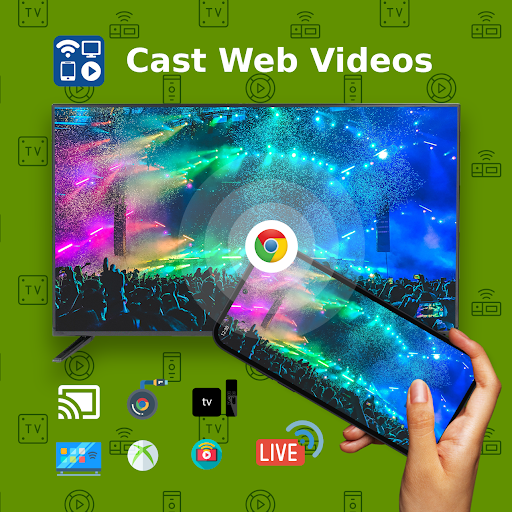
- Cast web videos found online from websites
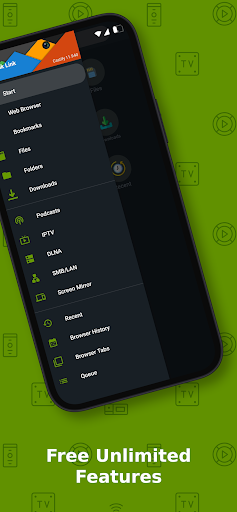
- Universal Remote Controls for Roku, Android TV, Samsung, LGTV, FireTV
- Popup Blocker
- Screen Mirroring
- IPTV supporting m3u playlists
- Stream to TV from local files on phone to Chromecast, Roku, Xbox, DLNA
- Website Bookmarks
- Searching of videos on any websites
- Picture in Picture(PiP)
- Roku Channel TV App
- Subtitles for Chromecast & Roku
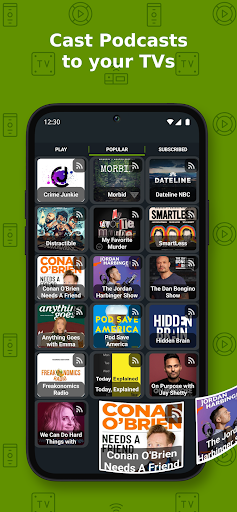
- Podcasts
- Cast to any Web Browser, Chrome, etc
This app works best with Roku & Google Chromecast. Users may experience limited functionalities with other casting receivers.
Cast & Stream movies, videos, or music from web browser to TV, or from your IPTV providers.
Cast phone's movie, music, or photos found on your phone/tablet to TV with compatible streaming devices.
Usage Steps:
1. Use the app's browser to navigate to a website.
2. The browser will try to find any playable video, movies, or music on that site.
3. Then play it locally on the Phone/Tablet, or cast to TV with Chromecast or one of the compatible streaming receivers.
Supported Formats:
MP4 movie
MKV files
MP3 music & podcast
JPG, PNG images
HTML5 video
HLS Live Streaming
IPTV m3u file or urls
4K and HD where available
Features & Limitations of Some Streaming Receivers
Screen Mirroring:
- The screen mirror feature is available only on newer Android devices.
Roku Streaming devices & TV:
- Screen Mirroring can be enabled in settings
- Remote control
Apple TV AirPlay:
- AirPlay must be enabled in settings
- Battery Optimization must be disabled for Android 6.0 Marshmallow and up, local cast of audio and photo not supported. MKV files not supported. Some urls formats not supported.
Xbox One & Xbox 360:
- DLNA must be enabled in settings
Fire TV: some video movie formats not supported.
The following streaming devices and Smart TVs are also supported: DLNA devices, Android TV, Xbox One & Xbox 360, WebOS, Netcast
Some Smart TVs have Google Chromecast app (or DLNA) built-in.
If you have any of those models, please check if it has one of the streaming receivers to see if it's compatible to cast to TV.
Castify does not modify the video sources. It only sends the original source to your streaming receivers. The app does not hosts any content. Therefore the compatibility and availability of the videos are dependent on the source websites themselves.
-This app only casts from websites that uses public format. Proprietary video & movie formats will not cast to TV.
-If a video is not playing or a disconnection occurs, it could be several reasons:
1. The ISP(Internet Service Provider)
2. The source website itself
3. Insufficient WIFI signal strength
Troubleshooting:
-Ensure your WIFI connection is stable and on the same network. Streaming online movies to TV requires a good internet connection.
-Most connection problems can be resolved by restarting the casting receivers or phone.
-Flash movie websites are not supported by stream device manufacturers.
What's New
🌟 Samsung Tizen TV app
🌟 SlideShows
🌟 Enhance Bookmarks: create folders, reorder, etc...
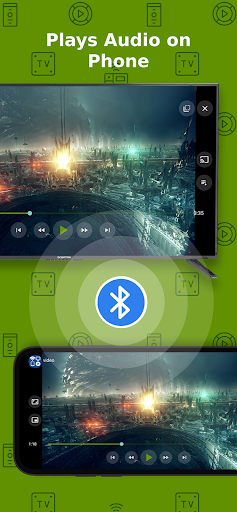
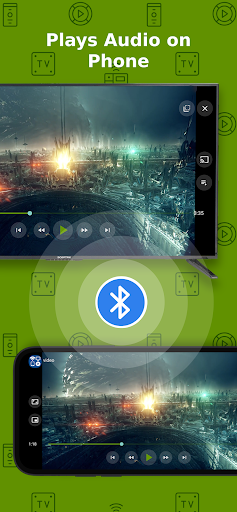
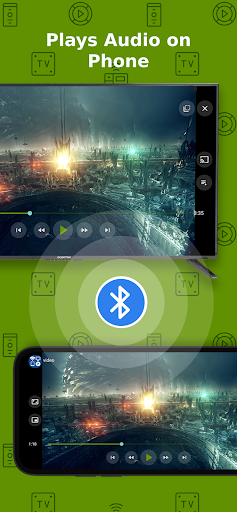
🌟 Play Audio on Phone while casting to TV
🌟 IPTV & Podcasts support
In-app purchases
$0.99 - $4.99 per item
Version Information
- Version
- 12.290
- Downloads
- 10M+
- Updated on
- Jan 8, 2026
- Released
- Aug 24, 2017
- Requires
- Android 7.1
Statistics
Google Play Rating History
Rating Distribution
Downloads Over Time
Cast to TV+ Chromecast Roku TV has been downloaded times. Over the past 30 days, it averaged downloads per day.
Shaded area shows 30-day prediction based on historical trends
Historical data collection started recently. More data points will be available over time.
Cast to TV+ Chromecast Roku TV - Google Play Rankings
Top Rankings
| Rank | Country | Category | List | Change |
|---|---|---|---|---|
| — |
Ranking History in
No ranking data available yet. Rankings are updated daily.
#61 in Top Free Video Players in United States


#77 in Top Free Video Players in Mexico
 Photo video maker with music
Cast to TV+ Chromecast Roku TV
Photo video maker with music
Cast to TV+ Chromecast Roku TV
 AI Video Editor - VideoShow AI
#78 in Top Free Video Players in Australia
 Video Downloader, Download All
Cast to TV+ Chromecast Roku TV
Video Downloader, Download All
Cast to TV+ Chromecast Roku TV
 Video Downloader, Download Hub
#79 in Top Free Video Players in Canada


Cast to TV+ Chromecast Roku TV users say on Google Play
 Nica Samson
I'm liking this so far. No ads and the websites that I go to, do not show the ads. This is not a requirement but I hope to have a feature where we can edit the way the subtitle looks like. I prefer mine bigger and color yellow.
 Tom B
Tom B
Works great! Sometimes it let's pop-ups thru but usually it's OK. One thing I wish it could do is set the language so that when there are videos with multiple languages (YouTube) it would filter just for the languages you want. But otherwise, it's been great so far!
 Joseph C
Its turning my TV on by itself and its going to make me rethink what app I use to connect my phone to my TV if this doesn't change. Three stars is being generous, fix this soon before you get only one and an even worse review. I shouldn't be expecting this issue, no excuse is a good excuse.
 Steven Mitchell
Cannot screen mirror to LG TV or Roku. Worthless.
ApkTrusted Ratings & Reviews
More from Castify
See more apps

Scan this QR code to download

Forwarding you to the page at Google Play market in seconds...
Open Google Play market now