Image to PDF - PDF Converter vVARY
CC Publisher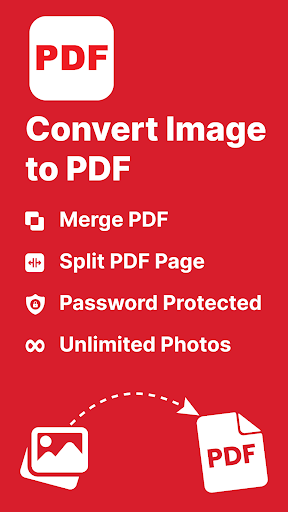










About this app
Developer Description
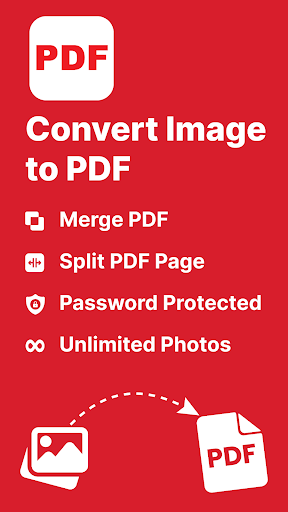
Edit PDF for Convert JPG to PDF with easy-to-use Image Converter & PDF Converter
Important features of the PDF converter app:
● Capture photos on the spot or import them directly from your gallery for images convert to pdf
● Turn your anytype of image such as (PNG, jpeg, and jpg) into a single PDF
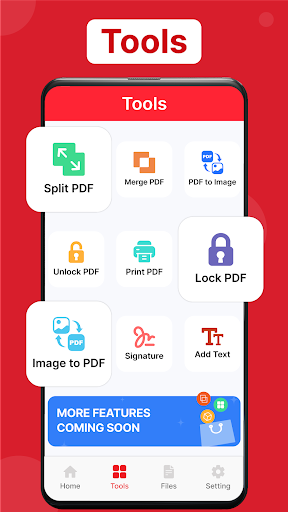
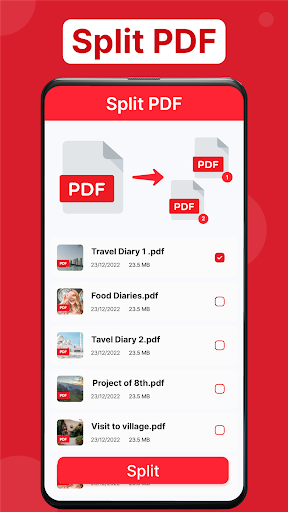
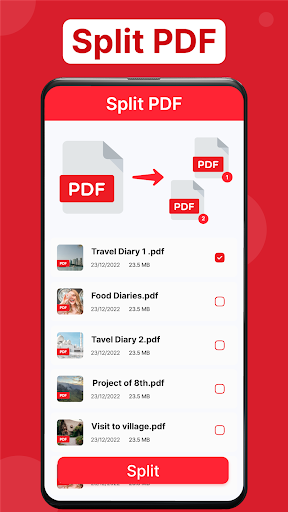
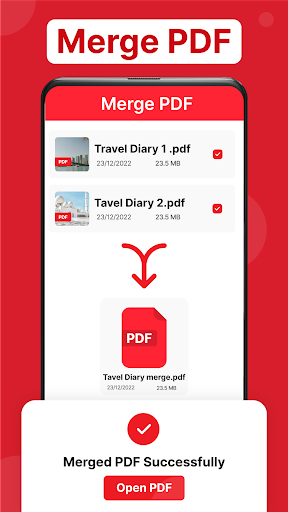
● Easily compress, merge, and organize your photo to PDF files for better storage and sharing
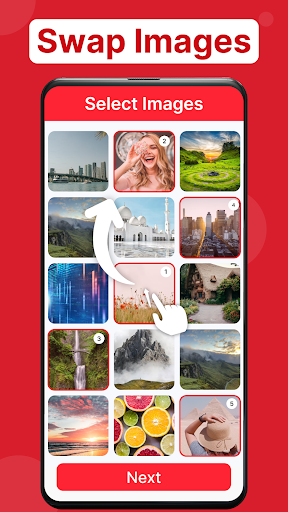
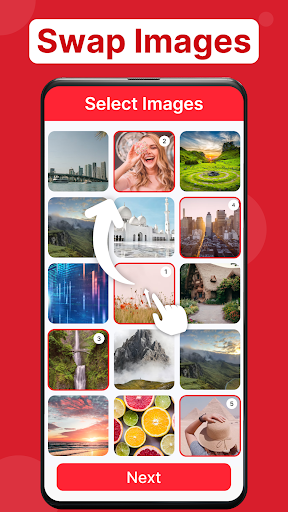
● Easily rearrange your selected photos with a simple drag and drop
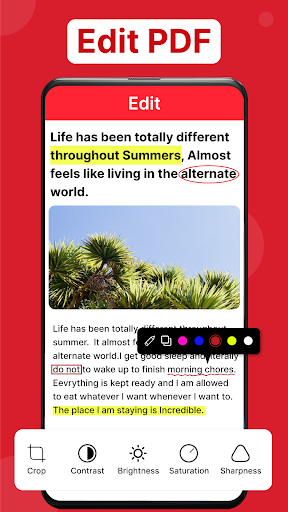
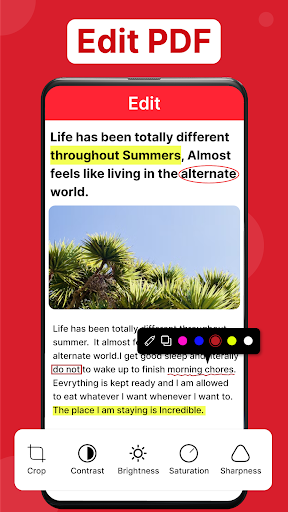
● Allow you to edit images before converting: crop, rotate, flip, effect, hand draw
● Select page Setting: auto Fit, letter, or Business card
● image to pdf converter & pdf maker
● help you to quickly search files in jpg to pdf converter
● set the password on pdf
● Compress PDF files - Image converter
● share pdf through social media platforms
Edit pdf photos: The image to pdf enables you to edit pdf photos before converting them into a pdf file - convert picture to pdf. You can crop, rotate, change image size, and adjust brightness by using these photos to pdf & pdf creator. Moreover, you can also rename PDF and share them on different social media platforms.
Set password: The photo to pdf converter provides you with document security. You can set a strong password to ensure that the PDF is protected from unauthorized access. That's a cool feature of the jpg to pdf converter!
Compress pdf: You can reduce the document size by using this feature of compress pdf. Image to pdf converter allows you to compress PDF in low quality, medium quality, or high quality, depending on your choice.
Change The Pdf Page Size: The image converter & pdf editor also facilitates you to change the page size of pdf to A3, A4, A5, B4, B5, letter, legal, or auto fit.
Search files: You can use jpg to pdf search function to quickly find your target files by entering the file name.
How to use image to pdf:
1. Import images from the gallery or capture them directly.
2. Convert to pdf - Click to convert button for easy photo to pdf conversion.
3. Rename, set a password, and compress.
4. View and share PDF on your device & share them with others.
Download the image converter & pdf editor today and easily convert your selected images to PDF. Eliminate the hassle of searching for individual files on your phone with pdf maker.
Make your life easier with this all-in-one image to pdf converter & pdf creator!
In-app purchases
$1.49 - $14.99 per item
Version Information
- Version
- -
- Downloads
- 10K+
- Updated on
- -
- Released
- Jun 24, 2023
- Requires
- Android Varies with device
Statistics
Google Play Rating History
Rating Distribution
Downloads Over Time
Image to PDF - PDF Converter has been downloaded times. Over the past 30 days, it averaged downloads per day.
Shaded area shows 30-day prediction based on historical trends
Historical data collection started recently. More data points will be available over time.
Image to PDF - PDF Converter users say on Google Play
 Ewa toke
It took less than a minute to convert to PDF.... picture quality remained the same
 Mc AE
Mc AE
Best so far I have seen.
 wesam Ismail
برنامج غبي
ApkTrusted Ratings & Reviews
More from CC Publisher
See more apps
Invitation Maker: Card Creator
Free
Invitation Maker: Card Creator
Free

Age Calculator - Date of Birth
Free

Slideshow Maker With Music
Free

Poster Maker and Flyer Maker
Free

Photo Motion Effects: Animator
Free

All Document Reader & Viewer
Free

Image to Text:OCR Text Scanner
Free

All Translate Language App
Free

AI Resume Builder and CV Maker
Free
Signature Maker : Esign App
Free

Thumbnail maker and Editor
Free

Voice Recorder & Voice Memos
Free

PDF Reader : PDF Scanner
Free

Logo Maker : Logo Design
Free

Invoice Maker & Receipt Maker
Free
Scan this QR code to download

Forwarding you to the page at Google Play market in seconds...
Open Google Play market now