MX Connect v2.0.3 (122)
Cognex Corporation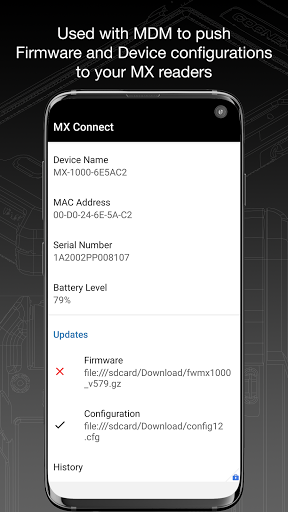
About this app
Developer Description
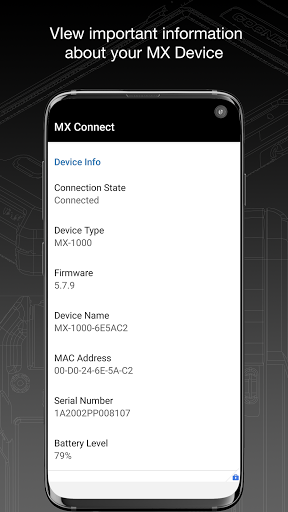
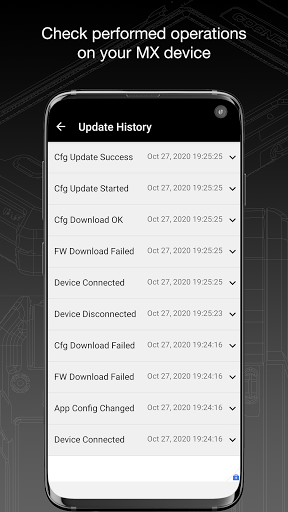
Connection service for Cognex MX readers
Unless you are using your MX Mobile Terminal solely in keyboard wedge mode, MX Connect is required for proper communication between Android applications and the MX device.
When first installing and using MX Connect, be sure to grant it permission to act as the default application for USB communication with the MX device when prompted by the Android operating system.
What's New
- New permission (Post notification) is required to see MX Connect notifications in the status bar. Go to MX Connect settings and check Show notifications.
- This is the final maintenance release of MX Connect.
Version Information
- Version
- 2.0.3 (122)
- Downloads
- 5K+
- Updated on
- Oct 30, 2023
- Released
- Jun 28, 2017
- Requires
- Android 5.0
Statistics
Google Play Rating History
Rating Distribution
Downloads Over Time
MX Connect has been downloaded times. Over the past 30 days, it averaged downloads per day.
Shaded area shows 30-day prediction based on historical trends
Historical data collection started recently. More data points will be available over time.
MX Connect users say on Google Play
 Jaymze Herrera
Great app.
 DAVID GORDON
Not sure as yet
 Berachiel Niyazov
Doesn't do anything
ApkTrusted Ratings & Reviews
More from Cognex Corporation
See more apps



Scan this QR code to download

Forwarding you to the page at Google Play market in seconds...
Open Google Play market now