
Cvent LeadCapture v3.58
Cvent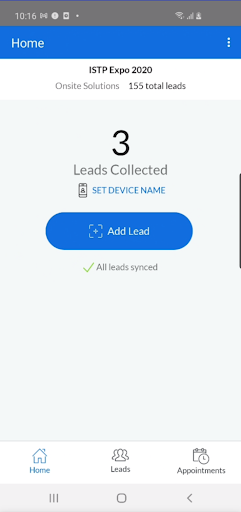
About this app
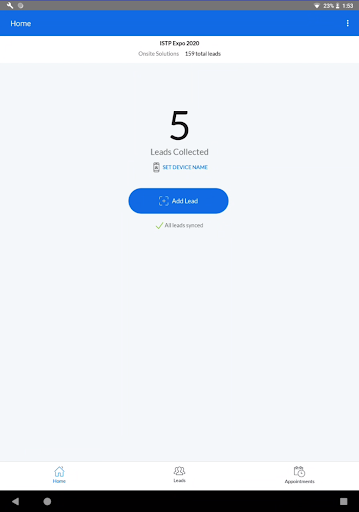
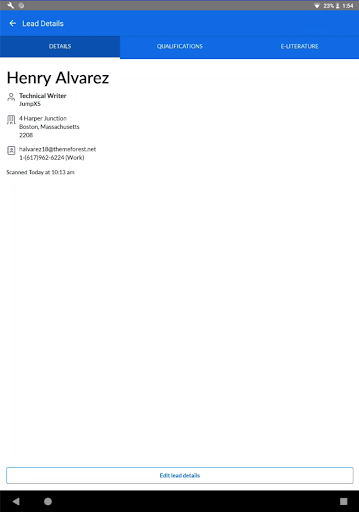
The Cvent LeadCapture app solves the problem of efficiently capturing leads at events by allowing users to scan leads using their own device, making it a valuable tool for event organizers and marketers. This app benefits event professionals the most, particularly those already using Cvent's OnSite Solutions. Compared to other business apps, Cvent LeadCapture stands out with its seamless integration with Cvent's event management platform, but its limited functionality might make it less appealing to those not invested in the Cvent ecosystem. Its simplicity and focus on a specific task are both a strength and a limitation.
Pros
- With a good user rating of 3.8 out of 5, Cvent LeadCapture demonstrates a level of quality and user satisfaction that is beneficial for its targeted audience.
- The app's small download size and lack of required permissions indicate a lightweight and privacy-conscious design, which is a significant advantage for users concerned about data security and storage space.
- Cvent's reputation as a reliable event management solutions provider lends credibility to the app, suggesting that it is a trustworthy tool for professional use.
- The absence of ads and in-app purchases means that users can utilize the app without interruptions or additional costs, enhancing the overall user experience.
- The app's offline capability, although not explicitly stated, is implied by its purpose and would be a significant advantage for users who need to capture leads in areas with poor internet connectivity.
Cons
- The limited functionality of the app, focused solely on lead capture, might not justify its existence as a standalone application for some users, especially those not deeply integrated with Cvent's ecosystem.
- The app's requirement for Android 9 or later might exclude some potential users with older devices, limiting its accessibility to a broader audience.
- Despite the good user rating, some users might find the app's features too basic or lacking in customization options, which could hinder its adoption among power users or those with specific lead capture needs.
- The lack of detailed information about the app's data collection and storage practices, despite not requesting permissions, could raise privacy concerns among more cautious users.
Best for: The ideal user for Cvent LeadCapture is an event professional, such as a marketer, organizer, or sales representative, who frequently attends trade shows, conferences, or other business events where lead capture is crucial, and is already utilizing or planning to utilize Cvent's event management solutions.
Developer Description
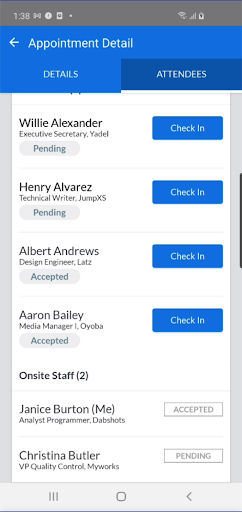
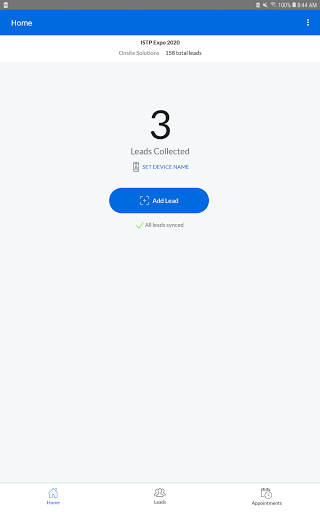
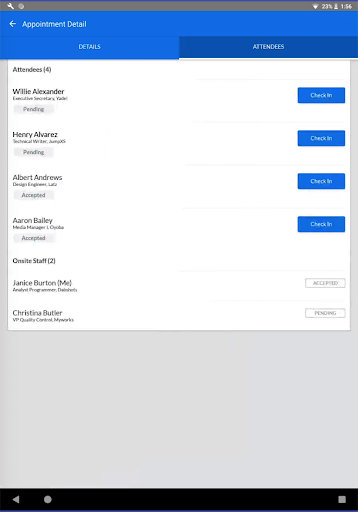
App for Cvent’s OnSite Solutions to scan leads using your own device.
With Cvent LeadCapture, you can:
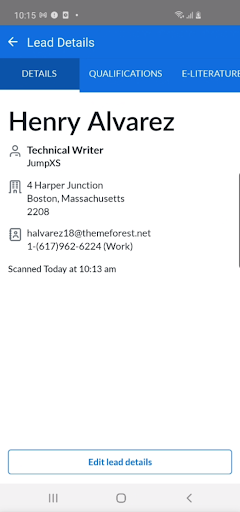
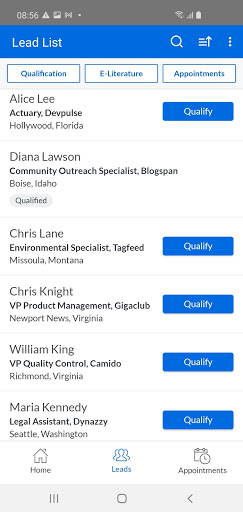
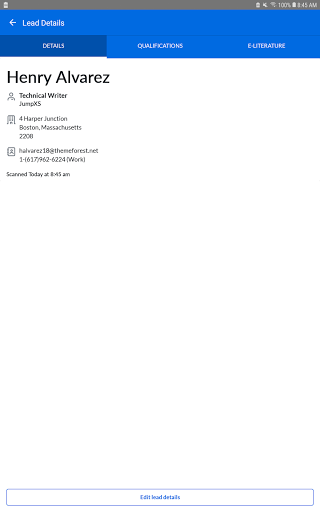
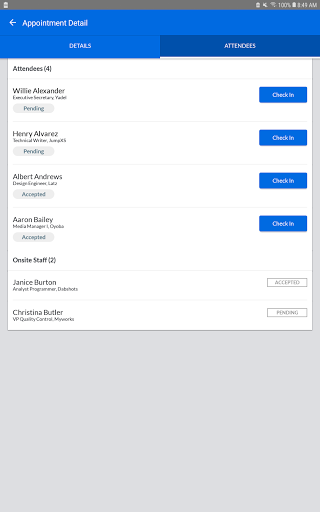
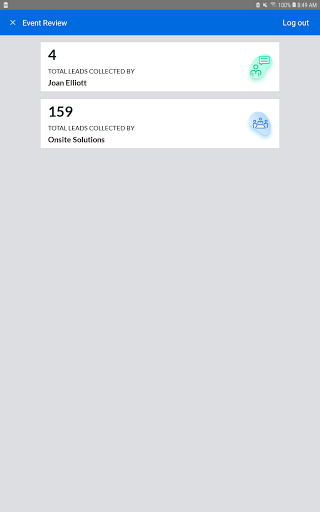
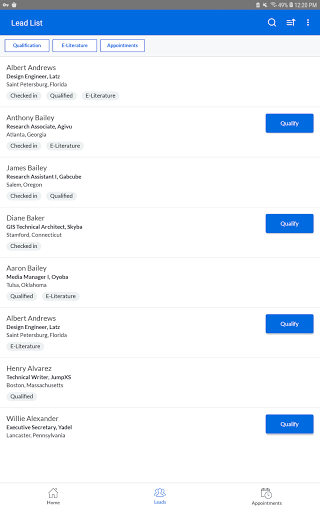
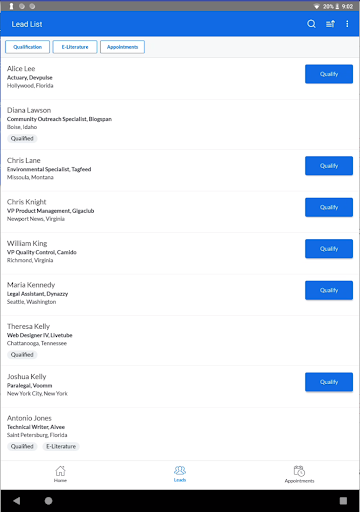
-Scan attendee leads onsite
-Enter leads in manually if they don’t have a badge
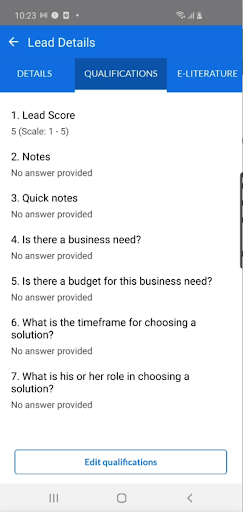
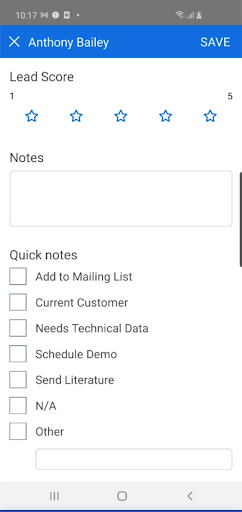
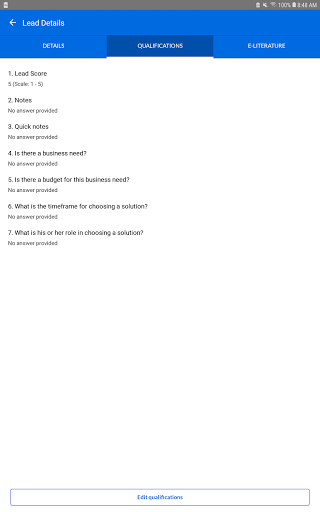
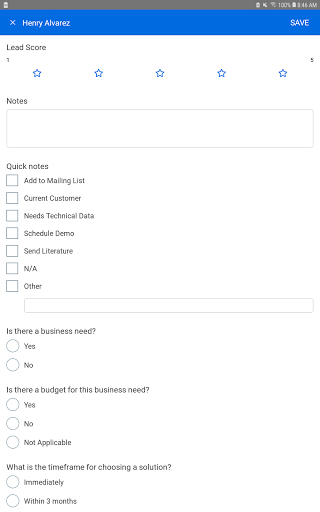
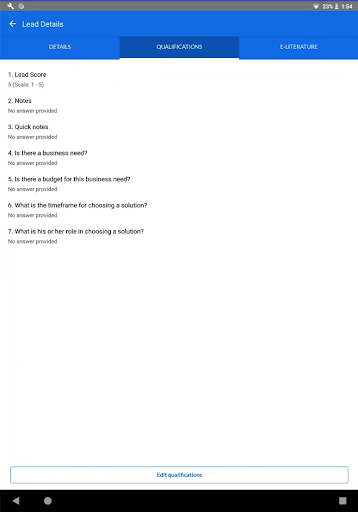
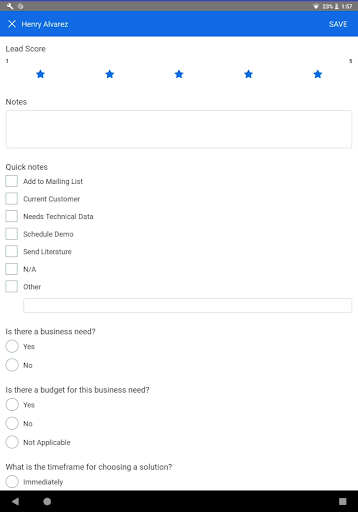
-Rate leads on a scale of 1 to 5
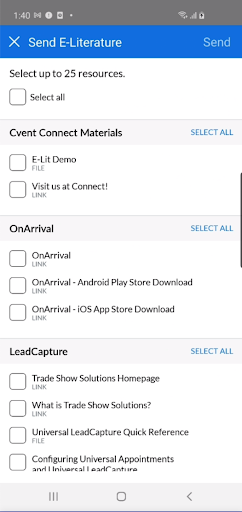
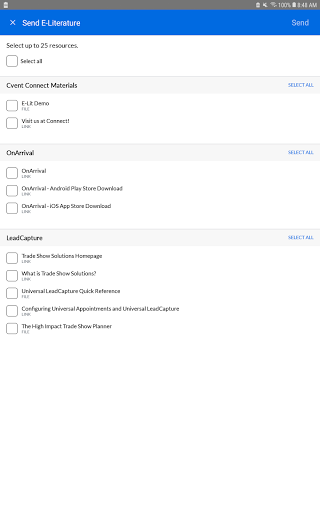
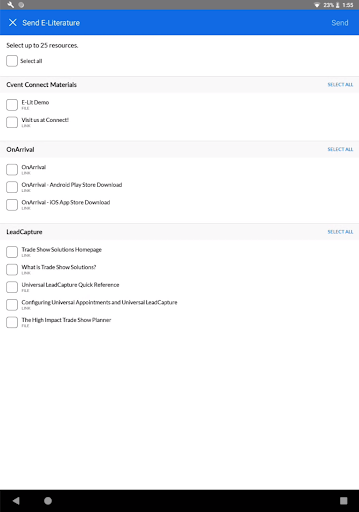
-Send documents and weblinks directly to your leads
-Take notes on your leads
Privacy
Given that Cvent LeadCapture does not request any permissions, it appears to be a privacy-conscious app. However, users should still be aware of the data they are scanning and storing through the app, ensuring it is handled in compliance with relevant privacy laws and regulations. It's also advisable to review Cvent's privacy policy to understand how data collected through the app is used and protected.
Tips
To get the most out of Cvent LeadCapture, users should ensure their device's camera is properly calibrated and that they have a stable internet connection for syncing leads. Additionally, familiarizing oneself with Cvent's OnSite Solutions and how LeadCapture integrates with these tools can enhance the app's usefulness. Regularly checking for updates can also provide access to new features or improvements.
What's New
Version Information
- Version
- 3.58
- Downloads
- 10K+
- Updated on
- May 29, 2025
- Released
- Nov 20, 2015
- Requires
- Android 9
Statistics
Google Play Rating History
Rating Distribution
Downloads Over Time
Cvent LeadCapture has been downloaded times. Over the past 30 days, it averaged downloads per day.
Shaded area shows 30-day prediction based on historical trends
Historical data collection started recently. More data points will be available over time.
Cvent LeadCapture users say on Google Play
 John Beule
fantastic, love the ability to edit the leads. very user friendly
 John Larsen Webster
Very easy to use.
 Tony E
need functionality to quickly and easily scan multiple badges then go back to add notes
 ROSS BLUM
Works well to scan badges, and has a nice interface to enter notes and pre-installed qualification tools. However, the big problem is that there is no way to download the leads into any other software, like Excel. So there is no way to create a list of leads. Instead you have to click one by one and copy the data yourself into CRM or even Excel!
 A Google user
Product does not work. It does ever do a badge scan. It tries and never connects. Manual entry is useless as one could just get a business card and save in absorbant cost. This is a brick and should not be used.
ApkTrusted Ratings & Reviews
More from Cvent
See more apps




Similar Apps



Scan this QR code to download

Forwarding you to the page at Google Play market in seconds...
Open Google Play market now