
Duux (Gen 1) v2.12.0
Duux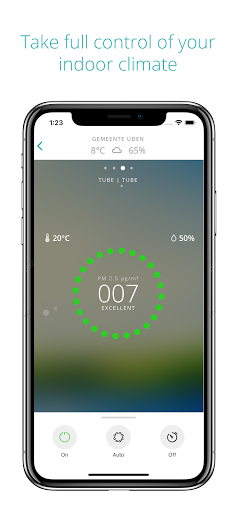








About this app
Developer Description
Connect your devices and take control of your indoor air quality with Duux
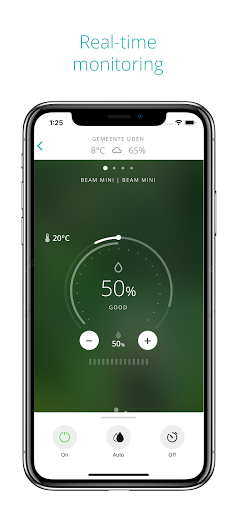
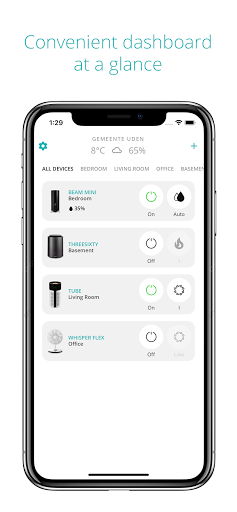
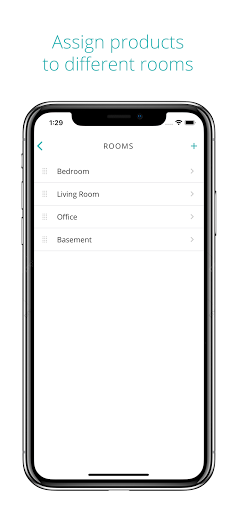
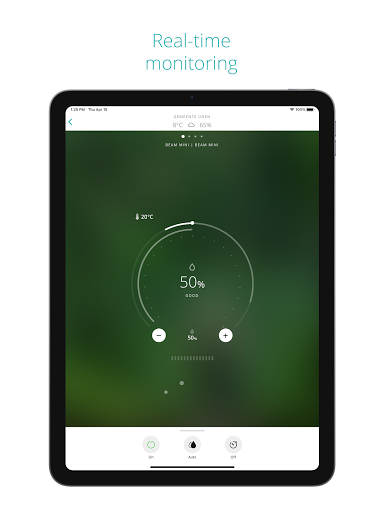
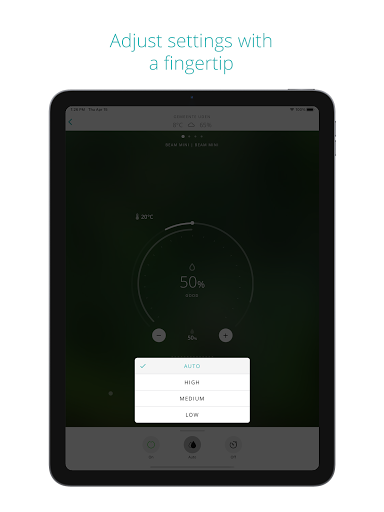
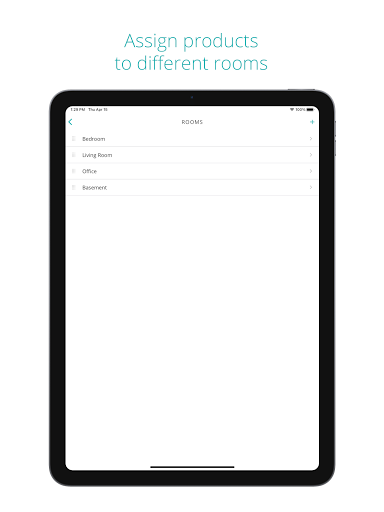
Whether you're at home or your favourite holiday destination; the Duux Smart app allows you to take full control of your indoor air quality. Easily set up, monitor and control your devices* through your smartphone from anywhere in the world. By providing smart solutions that amplify eachother, our products contribute in your road to healthier air and ultimate comfort at home.
Voice control
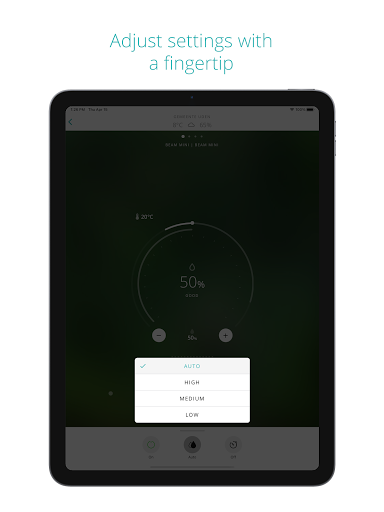
Use your voice to monitor and control your indoor climate with Amazon Alexa or Google Assistant. Simply adjust speed settings or switch between various operation modes on your devices, without having to lift a finger.
Protected and secured
Keeping your device and user data private and secure is a priority at Duux always comes first. We comply with all mandatory regulations, such as GDPR, to ensure your data remains safe.
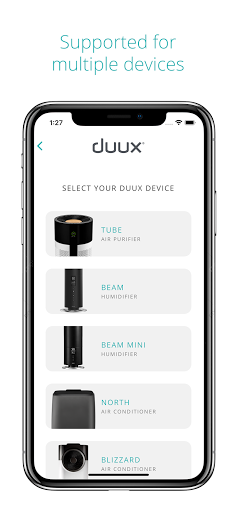
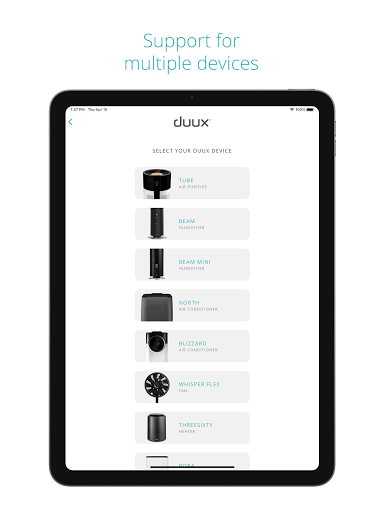
Only for supported Duux products
What's New
- Bug fixes and improvements
- Ability to subscribe to newsletter from settings
- Updated tips and tricks for devices
Version Information
- Version
- 2.12.0
- Downloads
- 50K+
- Updated on
- Dec 4, 2024
- Released
- Aug 8, 2019
- Requires
- Android 6.0
Statistics
Google Play Rating History
Rating Distribution
Downloads Over Time
Duux (Gen 1) has been downloaded times. Over the past 30 days, it averaged downloads per day.
Shaded area shows 30-day prediction based on historical trends
Historical data collection started recently. More data points will be available over time.
Duux (Gen 1) users say on Google Play
 Willem Schra
Strong and robust app well connected and low latency, that's how I like my smart apps, thanks guys! Night mode for the duux blizzard could be more intuitive in my opinion, almost made me press it by hand but you have to slide up the bottom bar to get the option Edit: ALSO I really need a widget to control the duux blizzard, I have to open the app constantly to change the fan setting
 Justin van der Klugt
Negative comments about this app are not entirely correct. It is simple and provides basic functionality. However, the process to get your device connected to your WiFi is cumbersome. It will connect eventually, but the app tells you it hasn't, after 3 minutes. Have patience and eventually the WiFi symbol on the device will stop blinking and stay lit. At this moment the device is connected to you network. Go back and the device will show up. But this should be fixed. Not how it is suppose to be
 Kelly Heijn (Lance)
Setting up the wifi connection is not how it is described in the manual or app. It states the fan has to be turned on, then hold the big button on the base for 5 seconds. This will result in turning it off. I pressed the big button for 5 seconds when the fan is off and then the wifi icon started blinking. Please update the app and your instruction manual
 Jen White
Bought a whisperflex fan last Summer and it worked lime a charm. App was brilliant as I could control fan easily at night or while I was working without having to disturb anyone else. Plugged it in to use last week and now it won't connect to the WiFi, no matter how many times I try. Nothing has changed since last year so no idea what the issue is. So now, it's just an ordinary fan, which is fine but not what I wanted or paid for. Absolutely gutted.
 Ernst Brusselers
The app is unable to pair with a Duux device. I follow all the instructions to the letter (2.4ghz wifi nearby, correct location etc.). This is after creating an account and giving away your location. So they get the data, we don't get the service. This looks like theft to me.
ApkTrusted Ratings & Reviews
More from Duux
See more apps
Scan this QR code to download

Forwarding you to the page at Google Play market in seconds...
Open Google Play market now