
Child Growth Tracking v2025.11.2.4.1.cgs
EDXR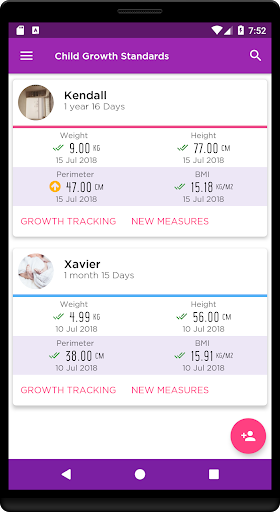





About this app
Developer Description
Track your children's growth by comparing with WHO charts
****** (Not applicable for premature babies) ******
Growth is not only a result of nutrition but inherited factors. Ethnicity can influence a child's growth patterns, so some countries have their own Growth Pattern Curves. However, the World Health Organization (WHO) Growth Pattern Curves are the most frequently used and considered the global standard.
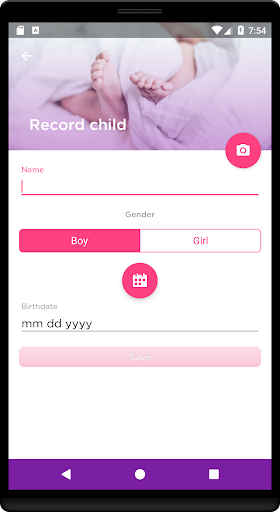
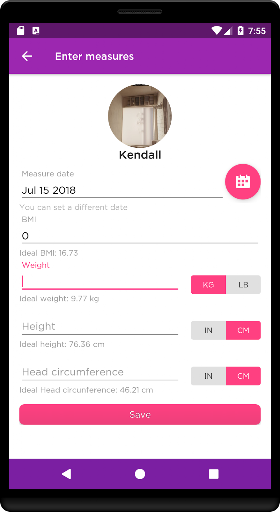
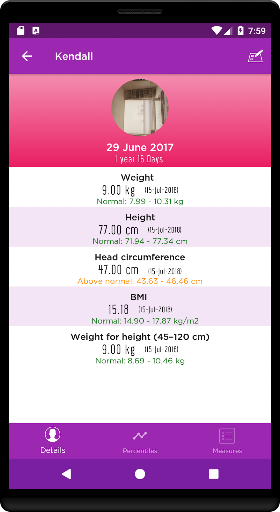
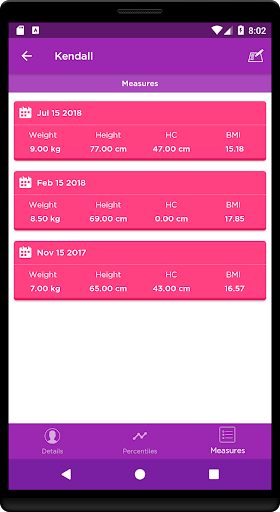
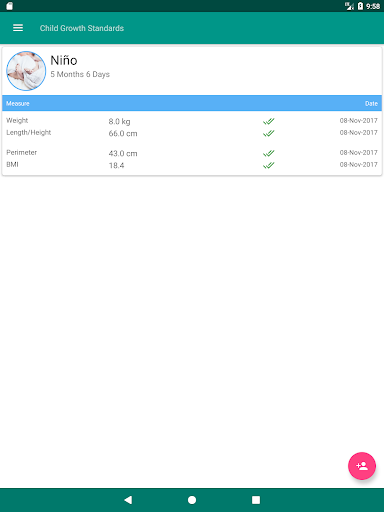
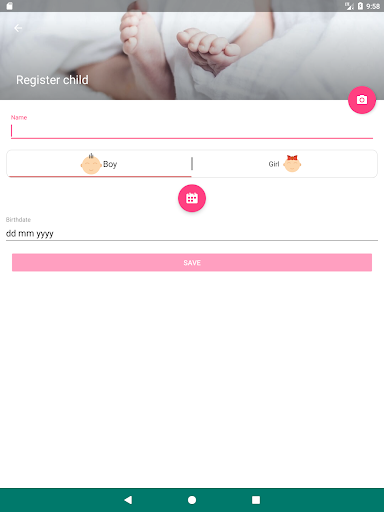
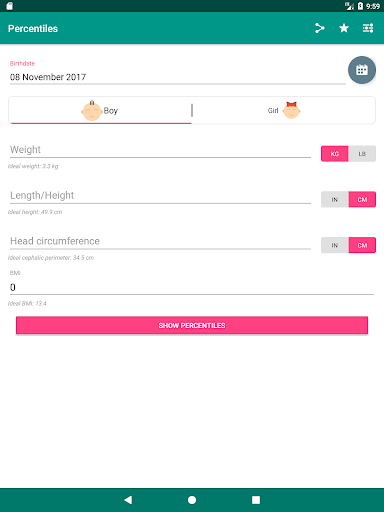
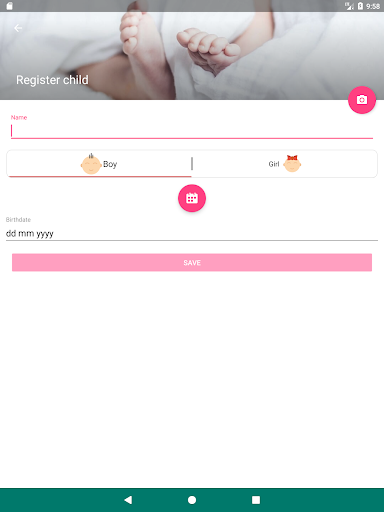
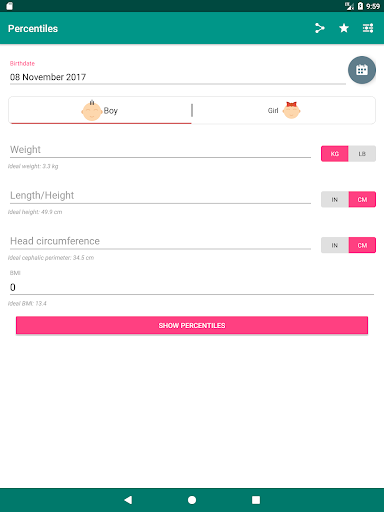
This application will allow you to add one or more children and easily control their height, weight, head circumference, body mass index and weight ratio for height.
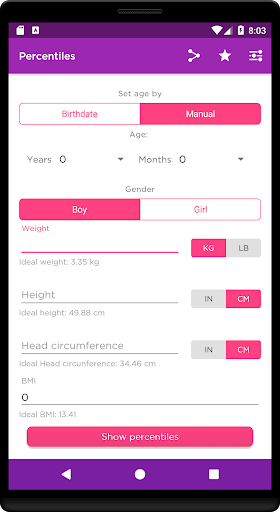
In addition, with graphs of percentile curves you can detect trends in their development to anticipate possible problems in their growth.
The charts used in this application are based on the standards proposed by the WHO (World Health Organization).
What's New
- Updating of libraries
- Bug fixes
- Search option
In-app purchases
$2.49 per item
Version Information
- Version
- 2025.11.2.4.1.cgs
- Downloads
- 100K+
- Updated on
- Nov 15, 2025
- Released
- Nov 8, 2016
- Requires
- Android 7.1
Statistics
Google Play Rating History
Rating Distribution
Downloads Over Time
Child Growth Tracking has been downloaded times. Over the past 30 days, it averaged downloads per day.
Shaded area shows 30-day prediction based on historical trends
Historical data collection started recently. More data points will be available over time.
Child Growth Tracking users say on Google Play
 A Google user
fast and easy .
A Google user
I'd would love it more if can export direct to cloud drive
A Google user
(USA) Seemed good, but too much foreign language and in metric
 zany zinnia
My old phone broke but now I can't restore the backup file I downloaded. A .csv file.
A Google user
The developers of this app don't seem to understand what percentiles mean. Labeling the WHO 50th percentile value as "ideal" is both medically inaccurate and unnecessarily concerning to parents. At best, you could label a range as "typical" (e.g. 5th to 95th percentile). The app also flags any measurements outside of 15/85% as abnormal, which isn't right by itself and isn't even consistent with the WHO recommended cutoffs (2/98%). Also some weird English translations (perimeter vs. circumference) and it's awkward to use with inches/pounds (when you go to edit a measurement the value is in kg/cm even if you entered it in lbs/in).
ApkTrusted Ratings & Reviews
More from EDXR
See more apps





Scan this QR code to download

Forwarding you to the page at Google Play market in seconds...
Open Google Play market now