
Dualism: Space Watch Face vVARY
Executive Design Watch Face
About this app
Developer Description
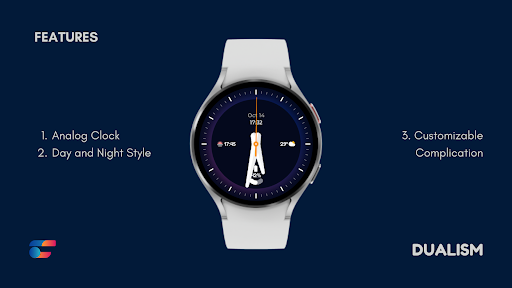
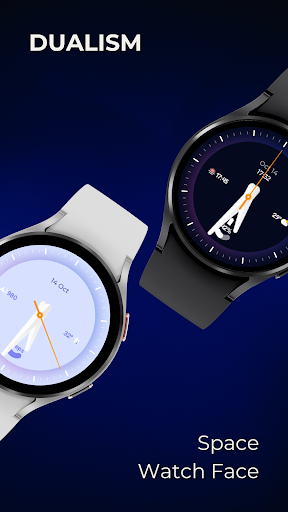
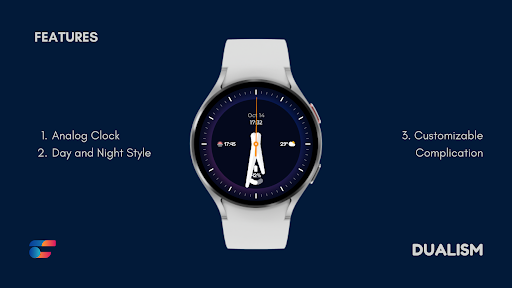
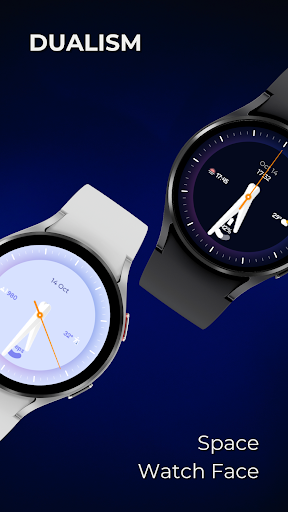
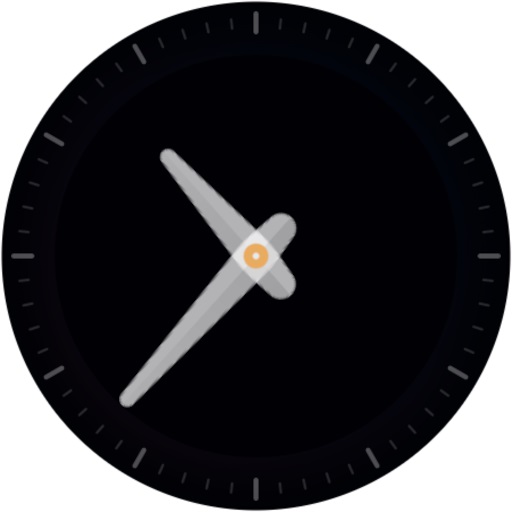
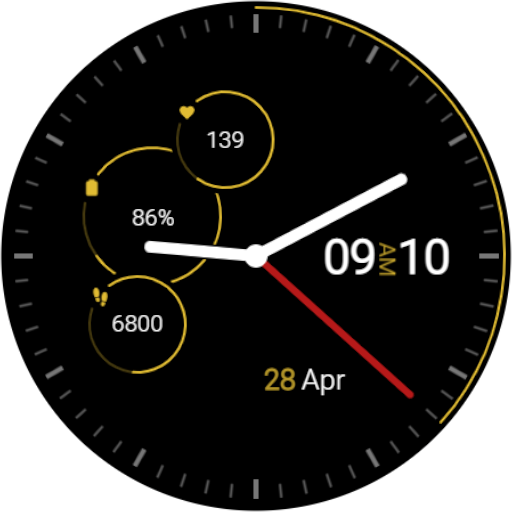
Analog Watch Face for Wear OS with dual space theme and customizable options.
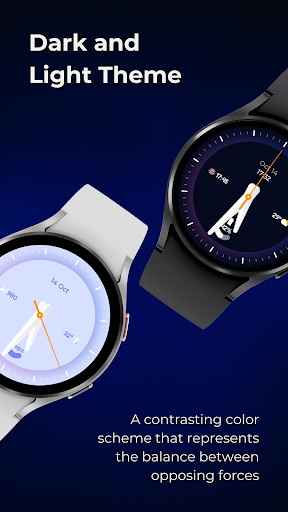
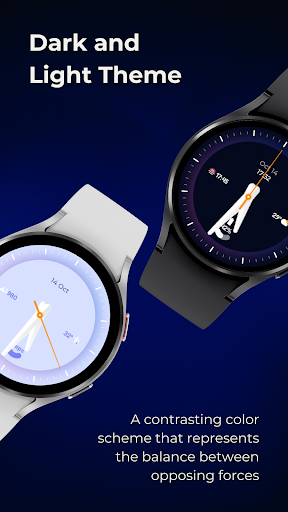
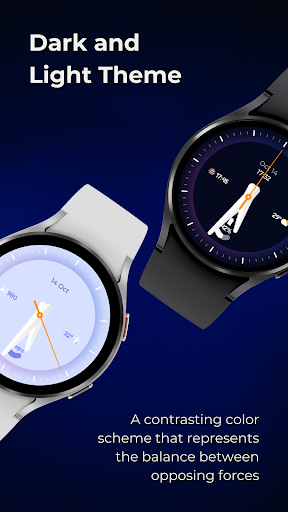
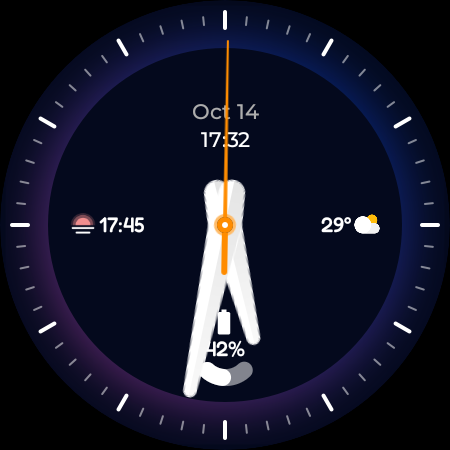
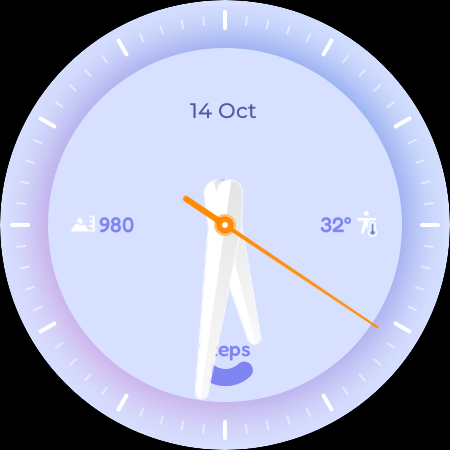
This watch face design is perfect for those who appreciate the beauty of duality. The Dualism Watch Face Design features a unique and eye-catching design, with a contrasting color scheme that represents the balance between opposing forces. That creates a bold and modern look that's sure to turn heads.
Features:
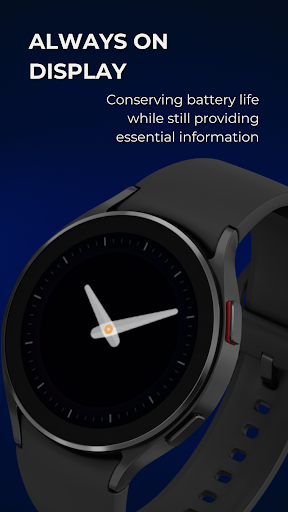
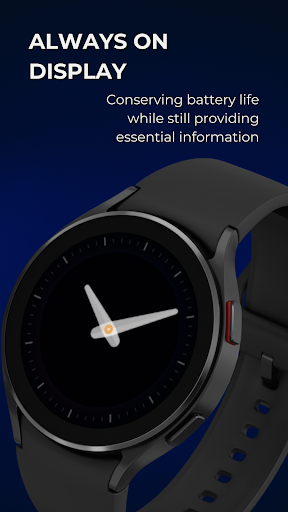
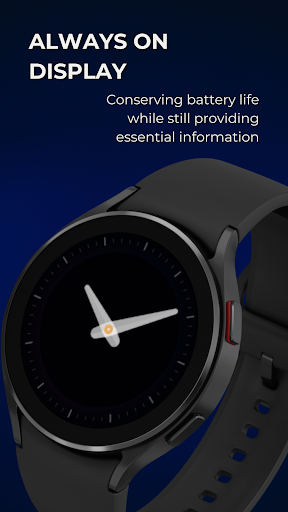
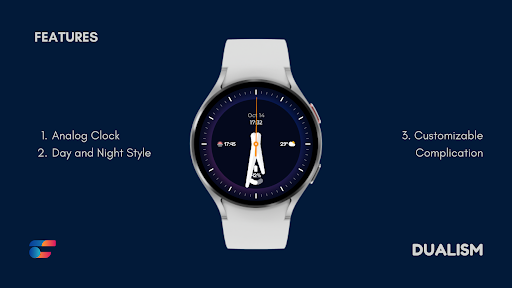
🕶️ Always on Display
🌑🌕 Dark and light theme
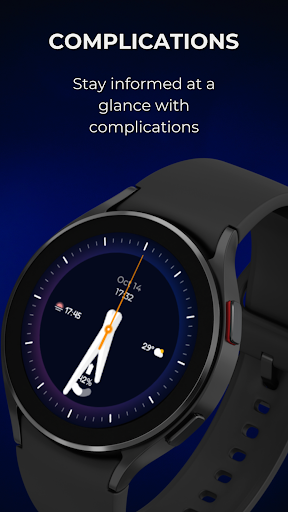
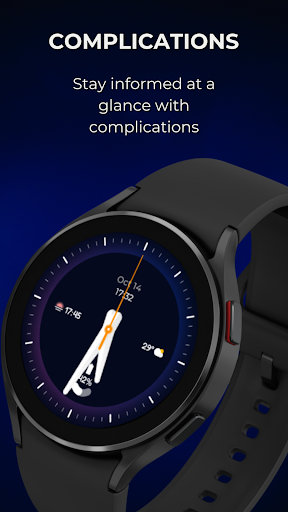
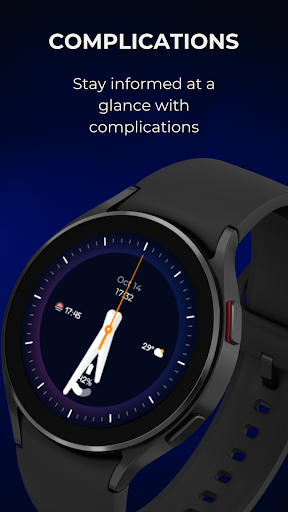
🚀 Customizable Complications
To modify the styles, tap and hold the watch face and select the "customize" menu (or settings icon under the watch face).
Enable the "Always On Display" mode in your watch's settings to show a low-power display while idle. This feature will require more batteries, so please be aware of it.
Support all Wear OS 3+ devices such as:
- Samsung Galaxy Watch 4
- Samsung Galaxy Watch 4 Classic
- Samsung Galaxy Watch 5
- Samsung Galaxy Watch 5 Pro
- Samsung Galaxy Watch 6
- Samsung Galaxy Watch 6 Classic
- Casio WSD-F30 / WSD-F21HR / GSW-H1000
- Fossil Wear / Sport
- Fossil Gen 5e / 5 LTE / 6
- Mobvoi TicWatch Pro / 4G
- Mobvoi TicWatch E3 / E2 / S2
- Mobvoi TicWatch Pro 3 Cellular/LTE / GPS
- Mobvoi TicWatch C2
- Montblanc Summit / 2+ / Lite
- Suunto 7
- TAG Heuer Connected Modular 45 / 2020 / Modular 41
Installing the Watch Face:
1. Download an app to your phone.
2. Launch the Play Store app on your watch
3. Click on Apps on Your Phone
4. Download Watch Face From There.
What's New
Version Information
- Version
- -
- Downloads
- 100+
- Updated on
- Jul 24, 2024
- Released
- Apr 26, 2023
- Requires
- Android Varies with device
Statistics
Google Play Rating History
Rating Distribution
Downloads Over Time
Dualism: Space Watch Face has been downloaded times. Over the past 30 days, it averaged downloads per day.
Shaded area shows 30-day prediction based on historical trends
Historical data collection started recently. More data points will be available over time.
Dualism: Space Watch Face users say on Google Play
 LaMont B.
Beautiful Watchface. Thank you.
ApkTrusted Ratings & Reviews
More from Executive Design Watch Face
See more apps
Embassy 2: Minimal Watch Face
Free
Embassy 4: Sporty Watch Face
Free

Embassy 3: Minimal Watch Face
Free

EXD102: Digital Watch Face
Paid

Neo Commander: Watch Face
Free

Canvas: Modern Art Analog Face
Paid

Europe: Landmarks Watch Face
Paid

EXD071: Sport Stripe Face
Paid

Baron 2: Hybrid Watch Face
Paid

EXD104: Core Watch Face
Paid

EXD033: Sporty Watch Face
Paid

EXD034: Summer Bloom Face
Paid
EXD035: Digital Watch Face
Paid

EXD036: Digital Watch Face
Paid
EXD037: Digital Watch Face
Paid
EXD038: Galaxy Art Watch Face
Paid
Similar Apps
Analog xT: Watch face
Free
Kinda Dark Watch Face
Paid
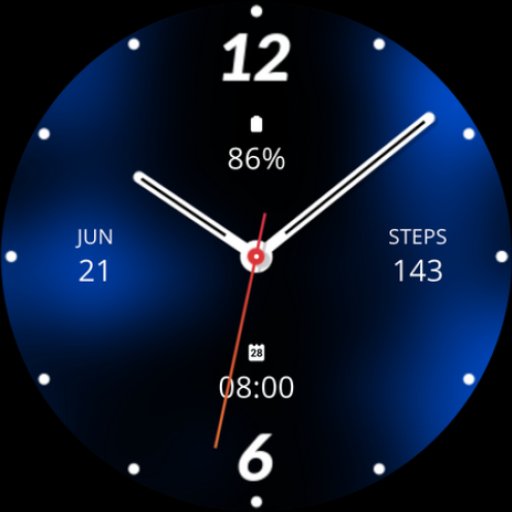
Blue Analogue Watch Face
Paid
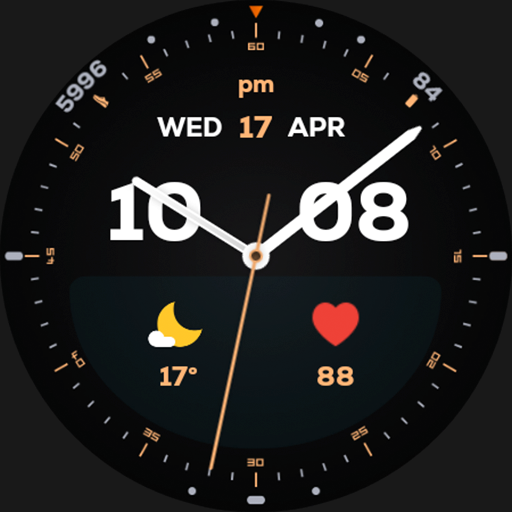
Night ver 04 - watch face
Paid

AWD Simple W
Paid
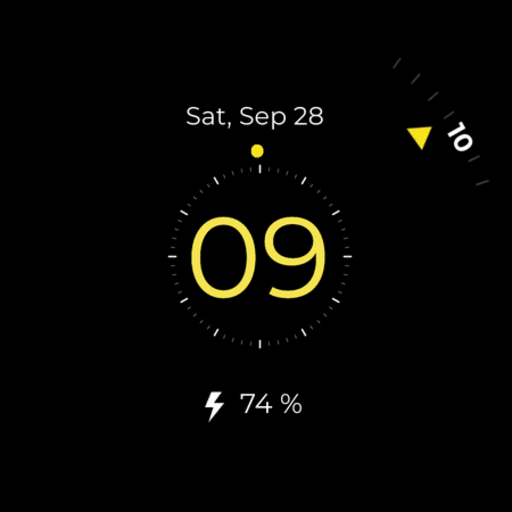
Simple Minimal watch face
Free
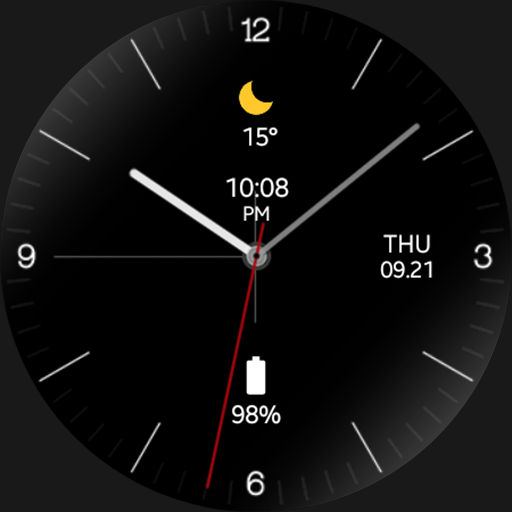
Virtuous Night - watch face
Paid
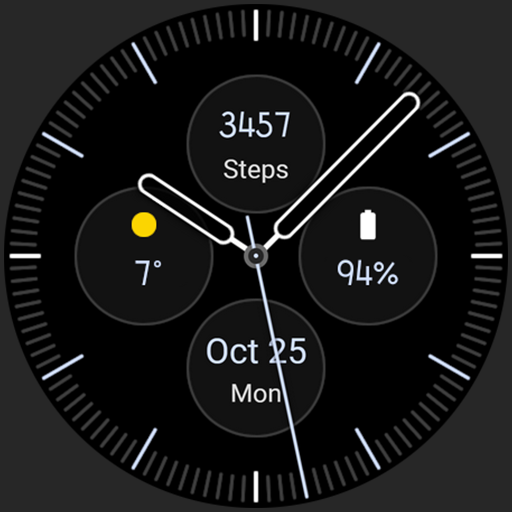
Analog 2: Watch face
Paid
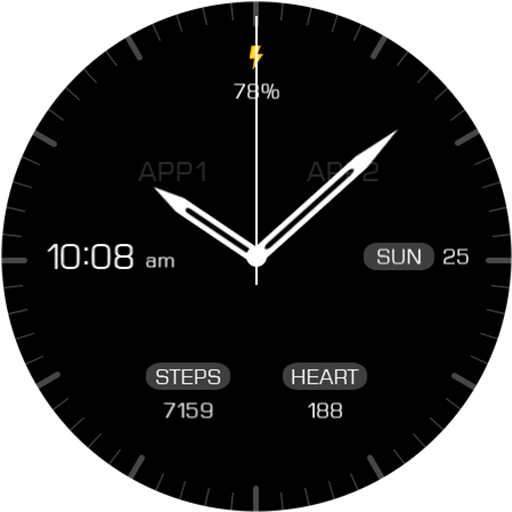
Key068 Analog Watch Face
Paid

Elemental Clock Watch Face
Paid
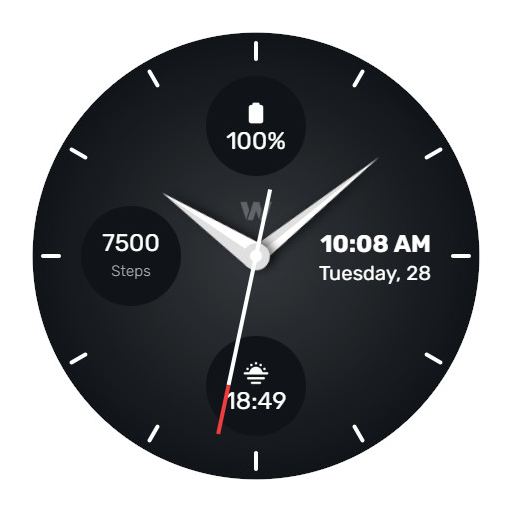
WES14 - Gunmetal Watch Face
Free

Modern Tick
Free
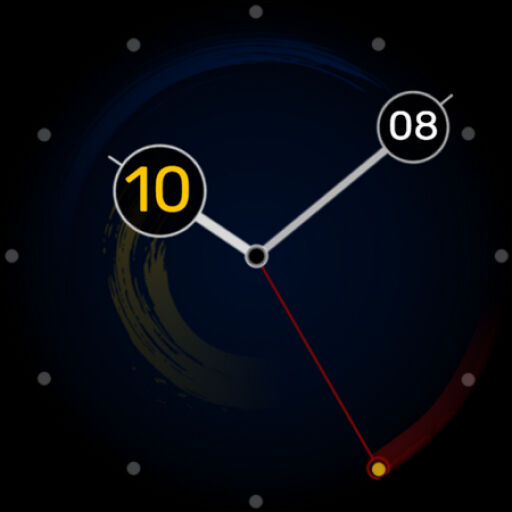
Color Trails Watch Face
Paid

Night ver 42 - watch face
Paid

Thinight - watch face
Paid
DS H001 - Hybrid watch face
Free
Scan this QR code to download

Forwarding you to the page at Google Play market in seconds...
Open Google Play market now