Fluid Blue Watch Face icon

Fluid Blue Watch Face v1.0.5

Fluid Blue Watch Face screenshot 0 Fluid Blue Watch Face screenshot 1 Fluid Blue Watch Face screenshot 2 Fluid Blue Watch Face screenshot 3 Fluid Blue Watch Face screenshot 4 Fluid Blue Watch Face screenshot 5 Fluid Blue Watch Face screenshot 6 Fluid Blue Watch Face screenshot 7 Fluid Blue Watch Face screenshot 8 Fluid Blue Watch Face screenshot 9 Fluid Blue Watch Face screenshot 10 Fluid Blue Watch Face screenshot 11 Fluid Blue Watch Face screenshot 12 Fluid Blue Watch Face screenshot 13 Fluid Blue Watch Face screenshot 14 Fluid Blue Watch Face screenshot 15 Fluid Blue Watch Face screenshot 16 Fluid Blue Watch Face screenshot 17 Fluid Blue Watch Face screenshot 18 Fluid Blue Watch Face screenshot 19 Fluid Blue Watch Face screenshot 20 Fluid Blue Watch Face screenshot 21 Fluid Blue Watch Face screenshot 22 Fluid Blue Watch Face screenshot 23

About this app

The Fluid Blue Watch Face app solves the problem of bland and unanimated watch faces for Wear OS users, offering a simple yet engaging alternative. This app benefits users who value aesthetics and want to personalize their wearable device. Compared to other tools in the category, Fluid Blue Watch Face stands out with its animated design, but falls short in terms of customization options and lack of user rating data. Its unique design makes it a notable choice, but the absence of user feedback and limited download numbers raise concerns about its overall quality and user satisfaction.

Pros

  • The app's animated blue fluid design is a unique and visually appealing feature that sets it apart from other watch faces in the Tools category.
  • With no ads or in-app purchases, the user experience is uninterrupted and free from monetization-driven distractions, making it a great choice for users who value simplicity.
  • The app requires zero permissions, which is a significant advantage in terms of user privacy and security, as it minimizes potential data collection and misuse.
  • The developer's email address is provided, which can be beneficial for users who need to report issues or request support, demonstrating a level of transparency and accountability.

Cons

  • The lack of user rating data and limited download numbers raise concerns about the app's overall quality, user satisfaction, and potential bugs or issues that may not have been addressed.
  • The app's functionality may be too simplistic for some users, who may be looking for more customization options or features beyond a basic watch face design.
  • The developer's reputation and update frequency are unknown, which may impact the app's long-term support and maintenance, potentially leaving users with unresolved issues or outdated software.

Best for: The ideal user for the Fluid Blue Watch Face app is a tech-savvy individual, likely between the ages of 18 and 40, who values aesthetics and personalization on their wearable device, and is looking for a simple yet unique watch face design that enhances their user experience without compromising on privacy or security.

Developer Description

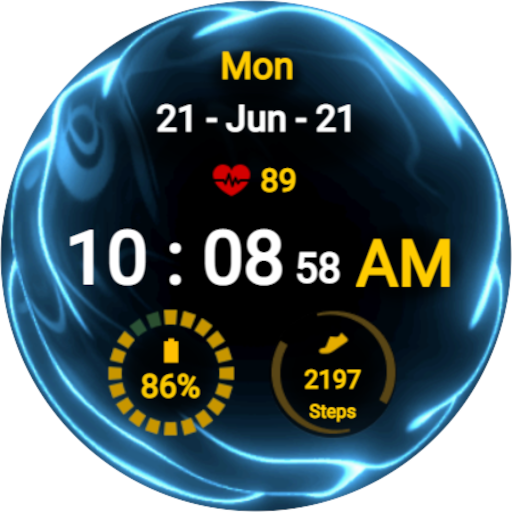
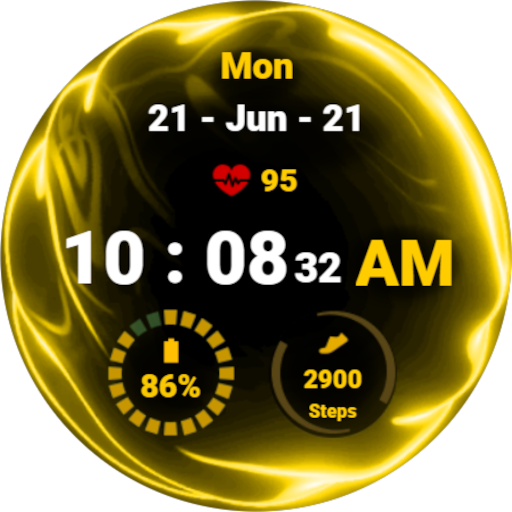
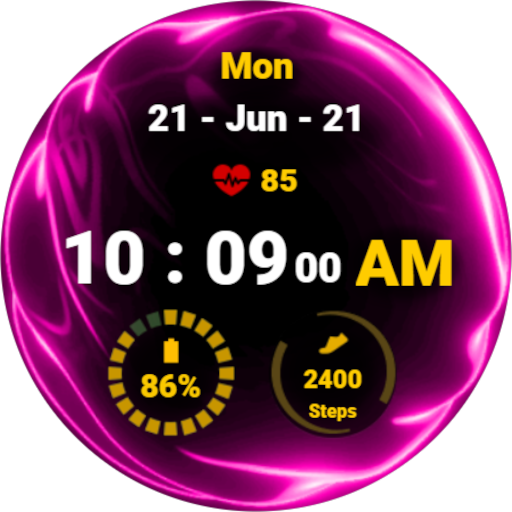
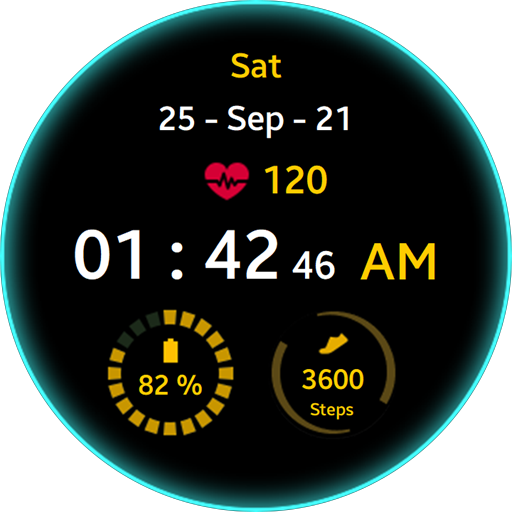
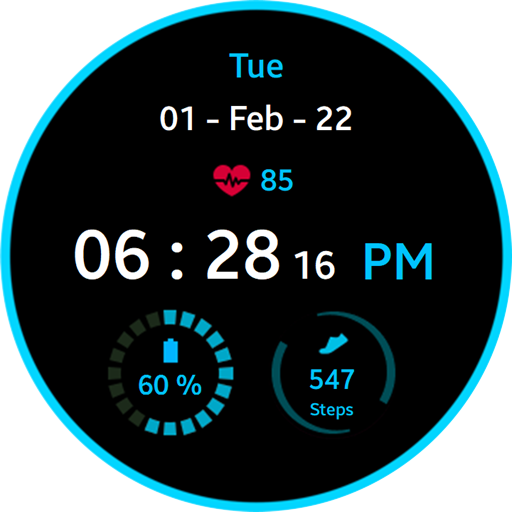
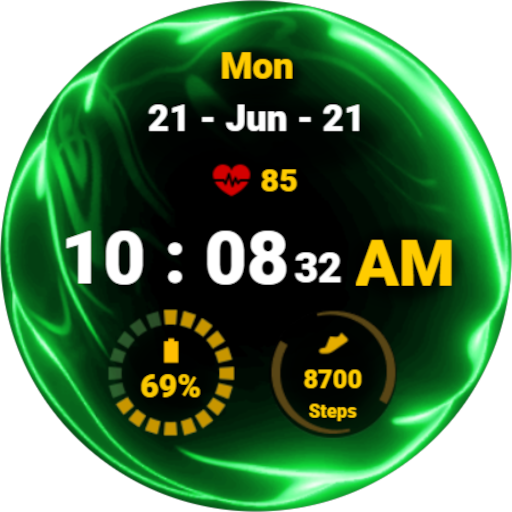
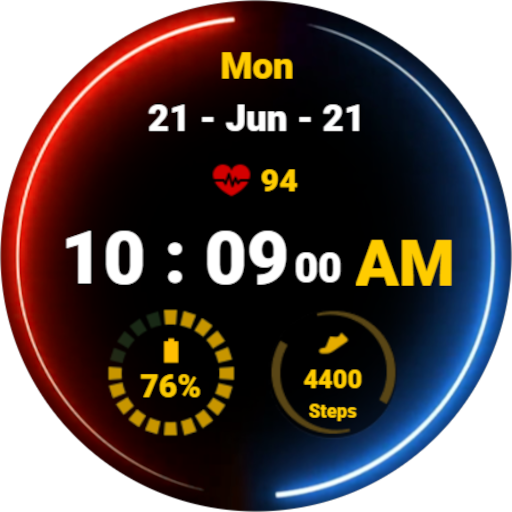
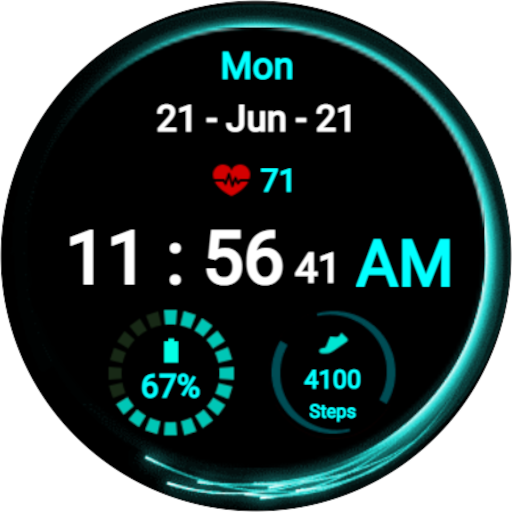
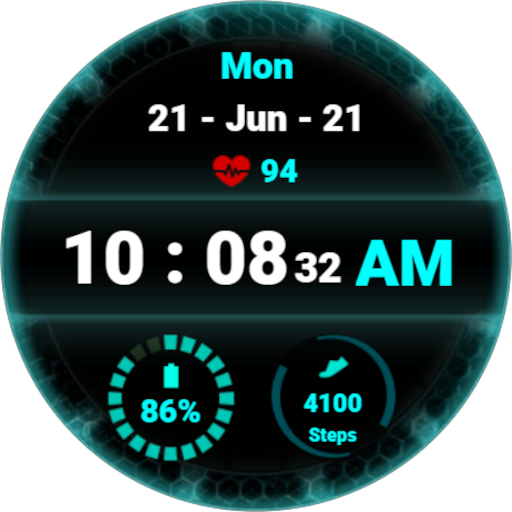
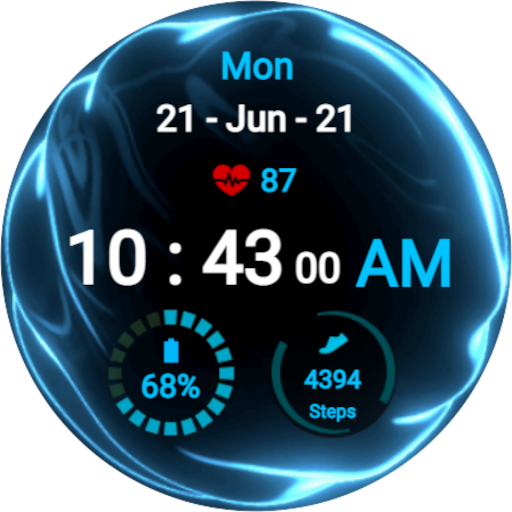
Simple and animated blue fluid watch face for Wear OS

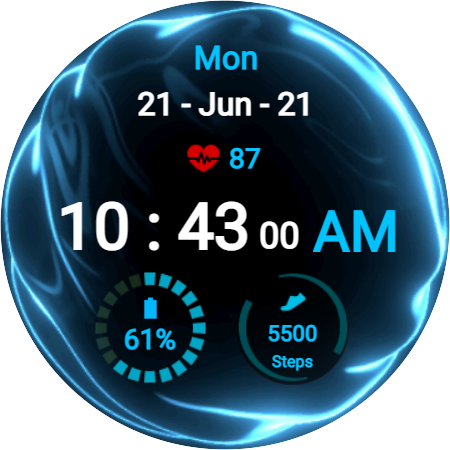
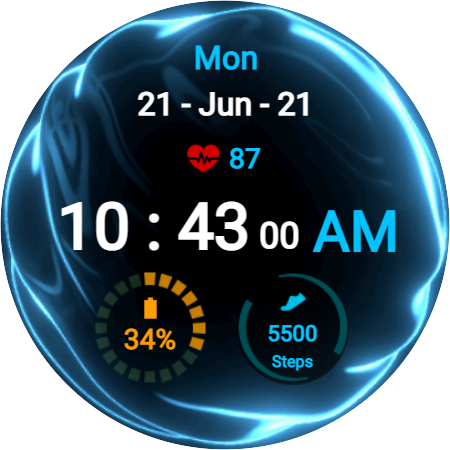
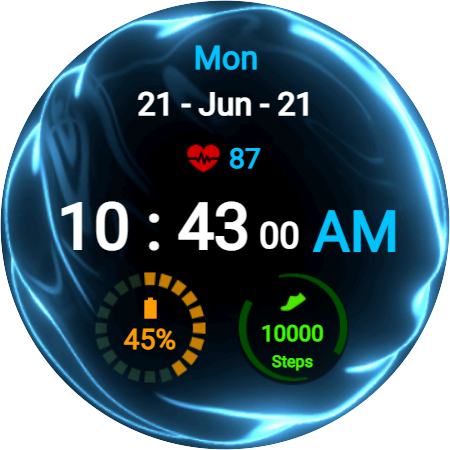
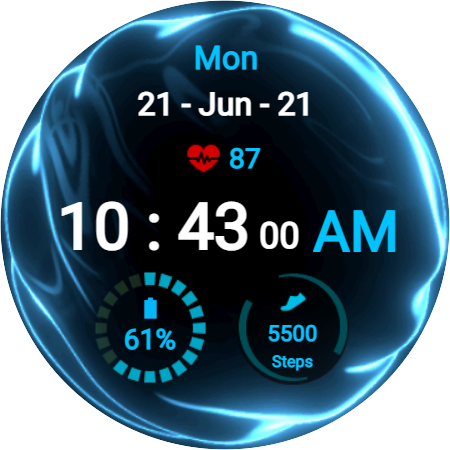
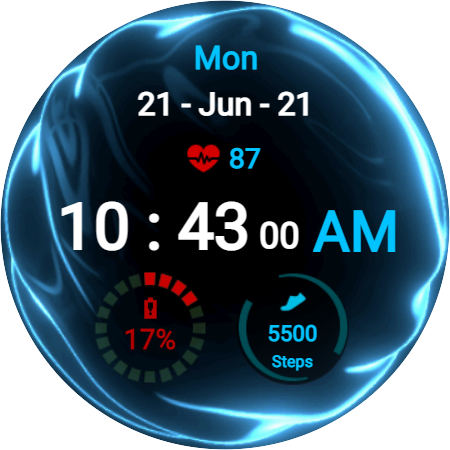
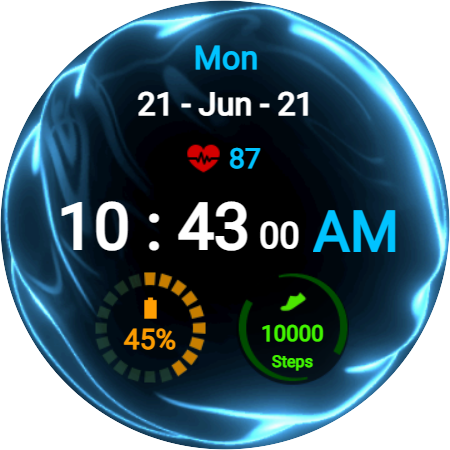
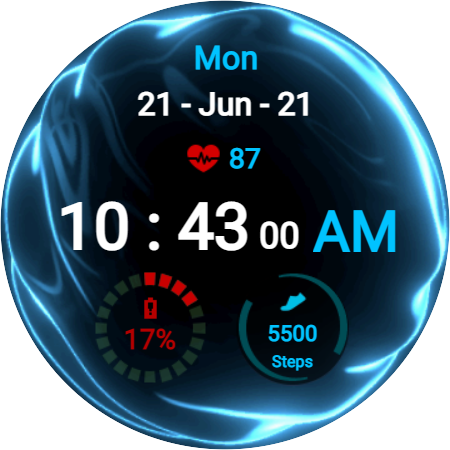
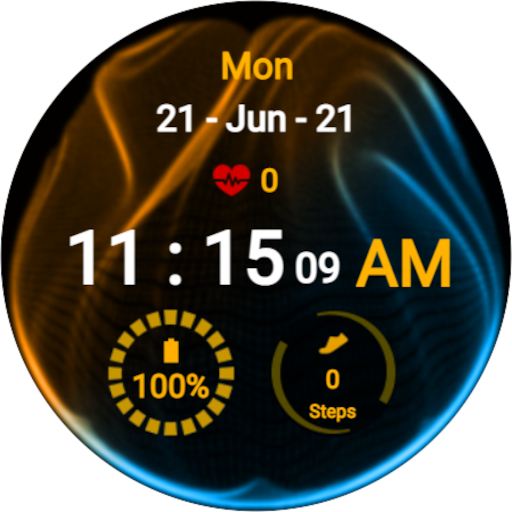
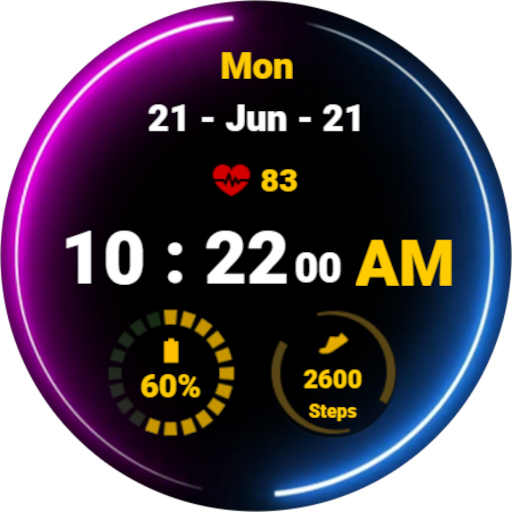
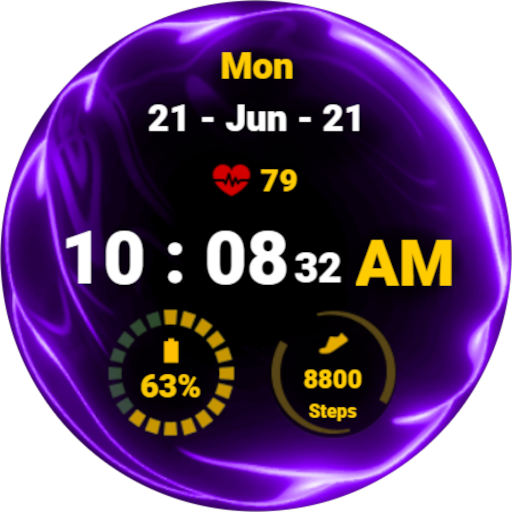
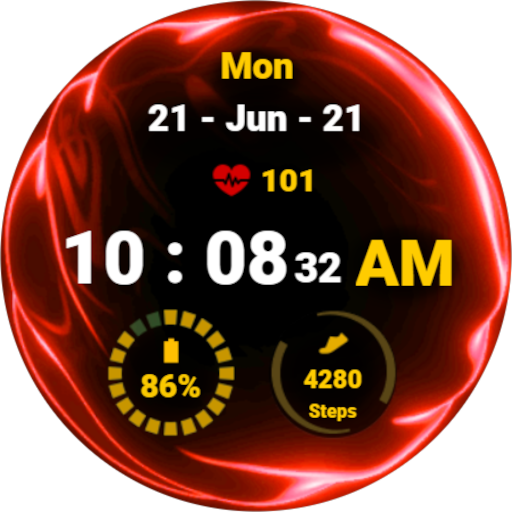
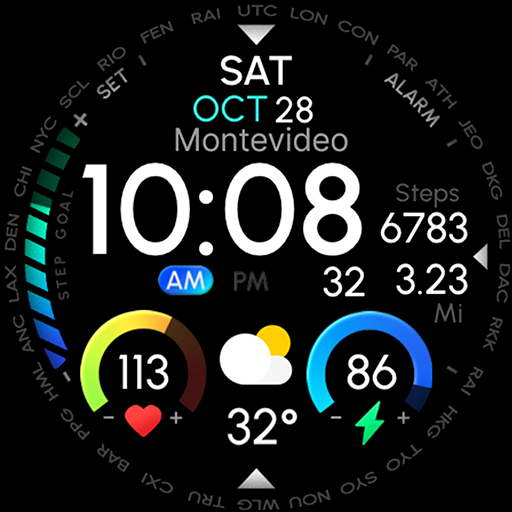
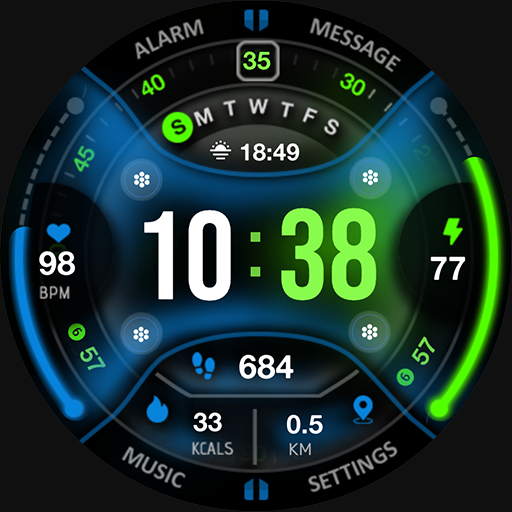
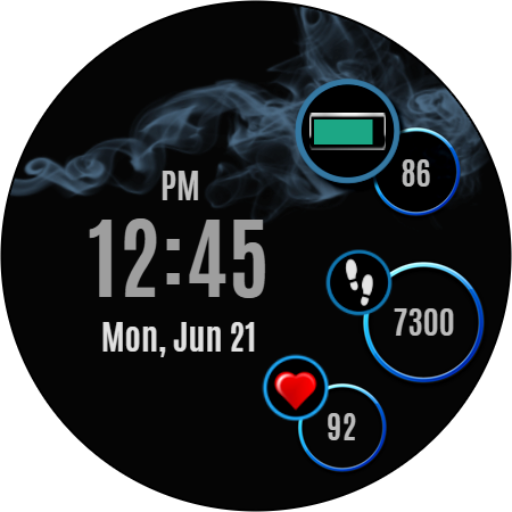
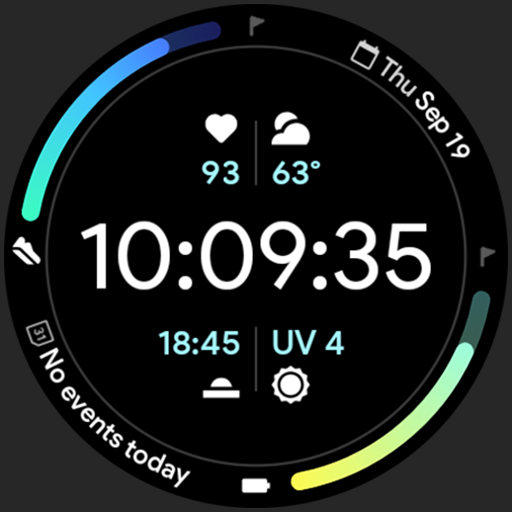
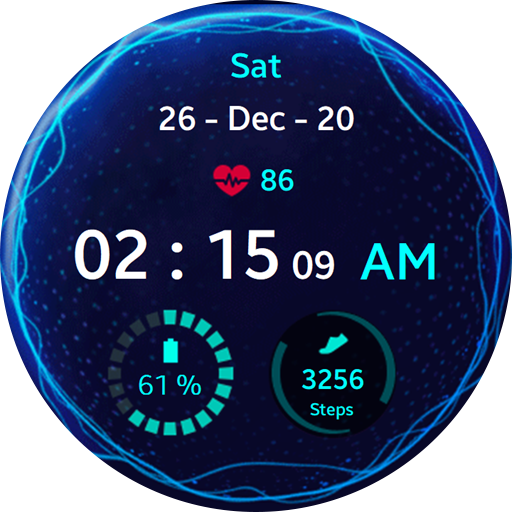
Simple digital watch face for Wear OS with animated fluid theme. With a glance at the watch face, you will be able to see the important information (The date, time, heart beat rate, number of steps, and battery percentage). The animated background creates a cool effect that will make you stand out from the others. Furthermore, the color of the battery indicator changes according to the battery percentage allowing you to immediately know where your battery level at without focusing on the details. Similarly, the number of steps will glow green when you reach your daily target. It is amazing yet not battery friendly. It supports always on display mode with 12- and 24-hour formats.

Privacy

Given that the app requires zero permissions, the risk of data collection and misuse is minimal. However, users should still be cautious when installing any new app and monitor their device's performance and data usage. It is also essential to note that the developer's email address is provided, which can be used to report any concerns or issues, but users should still exercise caution when sharing personal information or feedback.

Tips

To get the most out of the Fluid Blue Watch Face app, users should first ensure their Wear OS device is compatible and up-to-date. Then, they can simply install and apply the watch face to their device, customizing it to their liking. Additionally, users can experiment with different settings and configurations to optimize the app's performance and battery life, such as adjusting the animation speed or brightness.

What's New

Update to support the latest SDK

Version Information

Version
1.0.5
Downloads
5K+
Updated on
Jul 2, 2025
Released
Jun 17, 2022
Requires
Android Varies with device

Statistics

Google Play Rating History

Current
Average
Range

Rating Distribution

Total Ratings:

Downloads Over Time

Fluid Blue Watch Face has been downloaded times.

Total Downloads
Last 30 Days
Avg Daily Est.

Shaded area shows 30-day prediction based on historical trends

Historical data collection started recently. More data points will be available over time.

Fluid Blue Watch Face users say on Google Play

★★★
Max Mangani Max Mangani

I used the Tizen version of this for my Galaxy Watch 3, so happy I can use it on my Watch 6 as well now. Too bad it doesn't have custom complications and now the colour of the battery icon changes depending on the battery level instead of the background like on Tizen, but still happy it's available in some form!

2 Feb 21, 2024

ApkTrusted Ratings & Reviews

0.0
0 ratings
5
0
4
0
3
0
2
0
1
0
✓ Thank you! Your review has been submitted and will be published after admin approval.
Be the first to write a review...

More from ezSoft Developers

See more apps
Similar Apps

Explore Tags

Browse all tags