
FaceTime Live Call Android vVARY
Funsterz

About this app
Developer Description
Makes it easy to talk with friends!
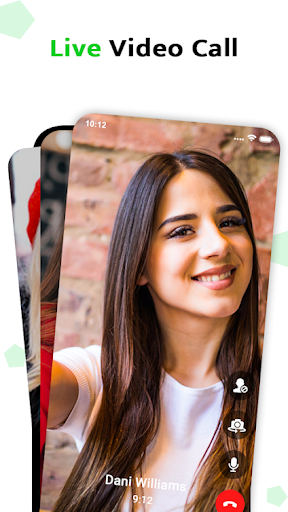
Facetime messenger🗫 offers a convenient way for individuals to communicate from different regions via audio or video calls. You can use the FaceTime calling app on your phone 📲using Wi-Fi or your cellular data plan. To use the app, you'll need to ensure FaceTime is turned on. To do this, go to the settings icon on your home screen, then tap FaceTime, and make sure FaceTime is toggled to the on (green) position.
There are following essential features which make the app worth downloading:
1.Schedule 📅your facetime calls.
2.Have a facetime video call.
3.Share your screen to view apps or browse the web together via facetime share play feature.
4.Send each other various facetime stickers and emojis.
5.Play interactive facetime game🎮.
With facetime video and audio call app talk to your friends, watch videos and listen to music on audio or video. Use a facetime call app to see the person you’re speaking to, even when not physically together. 😉
Note: ❗
This is just an informative guide. All we want is to give useful information. Just be aware of this and leave us a comment.
Version Information
- Version
- -
- Downloads
- 1K+
- Updated on
- -
- Released
- Jan 17, 2026
- Requires
- Android Varies with device
Statistics
Google Play Rating History
Rating Distribution
Downloads Over Time
FaceTime Live Call Android has been downloaded times. Over the past 30 days, it averaged downloads per day.
Shaded area shows 30-day prediction based on historical trends
Historical data collection started recently. More data points will be available over time.
ApkTrusted Ratings & Reviews
More from Funsterz
See more apps


Scan this QR code to download

Forwarding you to the page at Google Play market in seconds...
Open Google Play market now