
fooView - FV Float Viewer v1.6.2
fooView Inc.


About this app
The fooView - FV Float Viewer app solves the problem of cluttered interfaces by providing a simple, magic floating button that offers over 1000 features to manage various tasks, making it an attractive option for users seeking a streamlined productivity experience. This app benefits power users and individuals with multiple tasks to manage, offering a competitive edge in the productivity category due to its extensive feature set. Compared to alternatives, fooView stands out with its simplicity and wide range of features, but may fall short in terms of learning curve due to the vast number of options available. Overall, it's a versatile tool that can enhance productivity for those willing to explore its capabilities.
Pros
- With over 5 million downloads and a 4.4/5 rating, fooView demonstrates strong social proof and a well-received user experience, indicating a high level of satisfaction among its user base.
- The absence of ads and in-app purchases ensures a clean, uninterrupted user experience, allowing users to focus on managing their tasks without distractions.
- The developer's reputation, as indicated by the well-maintained website and provided contact email, suggests a commitment to user support and potential for future updates and improvements.
- The app's minimal permission requirements, with zero permissions listed, is a significant advantage in terms of privacy and security, reducing the risk of data misuse.
- The extensive feature set of over 1000 options caters to a wide range of user needs, making it a versatile tool for managing various aspects of productivity.
Cons
- Despite its extensive feature set, the learning curve for fooView might be steep for some users, potentially overwhelming those who are not tech-savvy or accustomed to feature-rich applications.
- The lack of information on how the app's magic floating button integrates with other apps or services might raise concerns about its compatibility and seamless functionality across different platforms and ecosystems.
- Some users might find the vast number of features, although beneficial, to be too much to navigate efficiently, potentially leading to a cluttered experience if not managed properly.
- The app's performance and battery impact are unknown without further testing, which could be a concern for users with lower-end devices or those sensitive to battery drain.
Best for: The ideal user for fooView - FV Float Viewer is a tech-savvy individual or a power user who manages multiple tasks and applications simultaneously, seeking a centralized, feature-rich tool to streamline their productivity workflow, and values a clutter-free, ad-free experience with a high level of customization and control.
Developer Description
Be Simple: a magic floating button with 1000+ features, manage everything
The following features are all in one app, Just a floating Button.
fooView - Float Viewer is a magic floating button. It's simple because it has only a button, to fulfill 1000+ features. Everything in a floating window, this means you can use it anywhere, when you're using other apps.
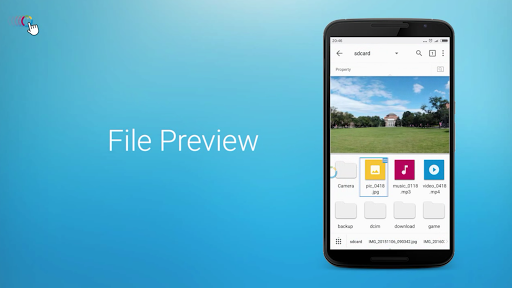
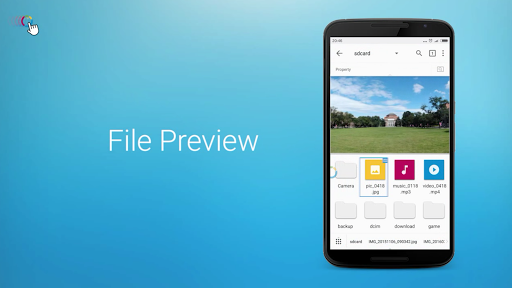
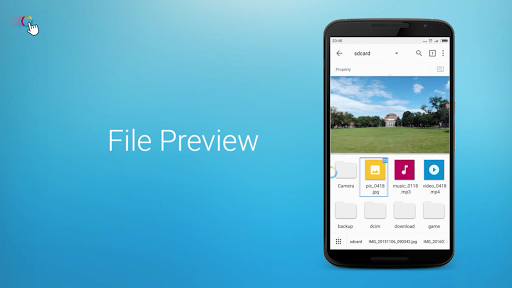
It works as a floating manager, a full featured file manager in a floating window, whether on local phone, local network or a net drive such as Google Drive. It supports many protocols, such as Samba, FTP, Webdav, Google Drive, Baidu Cloud, OneDrive, Yandex,... You can, For Example, play a video from your comptuer on local network.
It works as a full featured app manager in a floating window, a disk analysis, .....
It works as Note viewer and editor, Music player and editor, Image viewer and editor, Video player and editor, all floating, that means, you can open most things, edit and then share them, without leaving your current app.
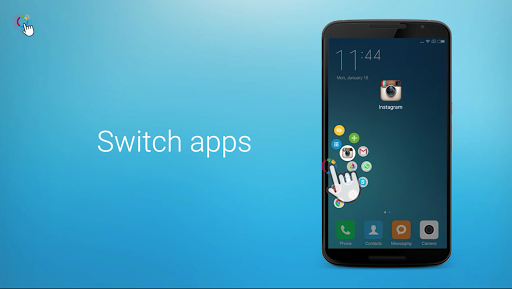
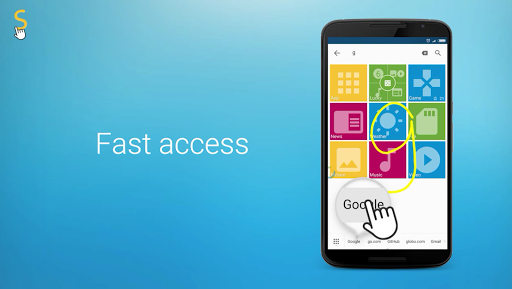
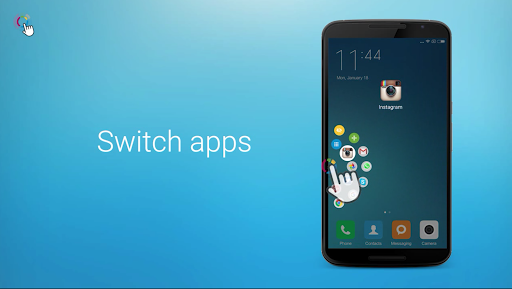
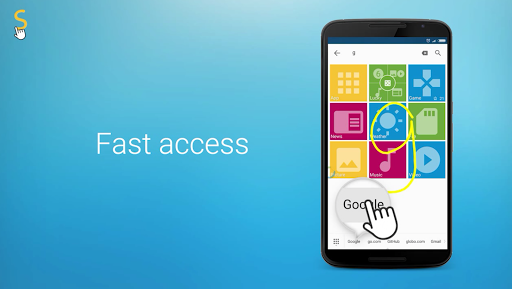
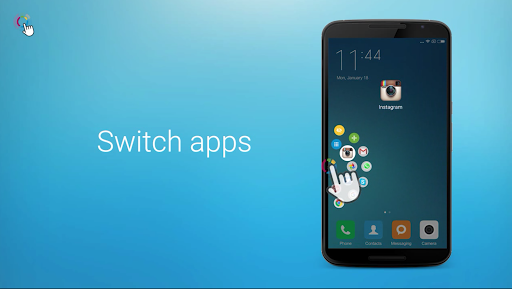
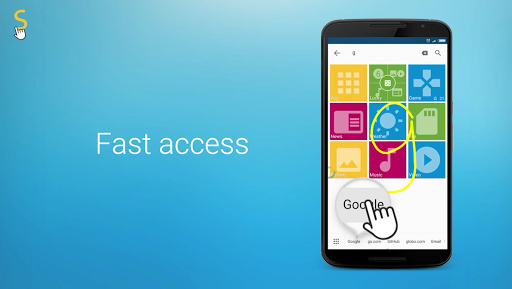
It works as an app launcher that lets you press and start apps everywhere, including handwriting gestures.
It works as a gesture app, allowing you get texts quickly, take regional /multiple screenshots quickly, record the screen quickly, all with a simple gesture. Such as
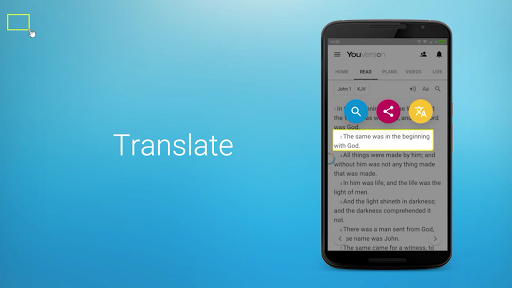
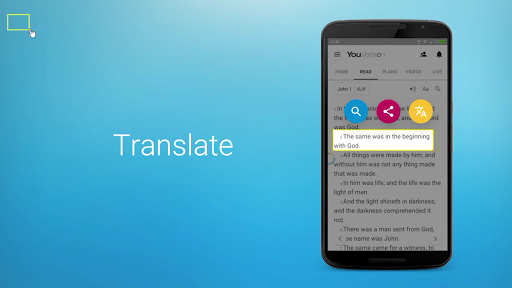
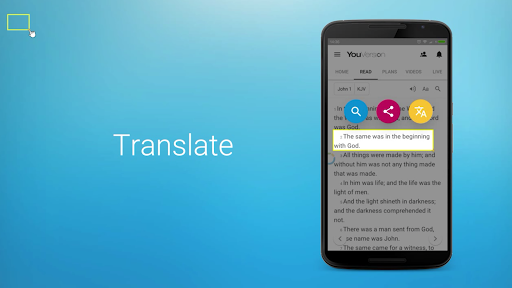
-Crop a word to translate, save, share to your messenger.
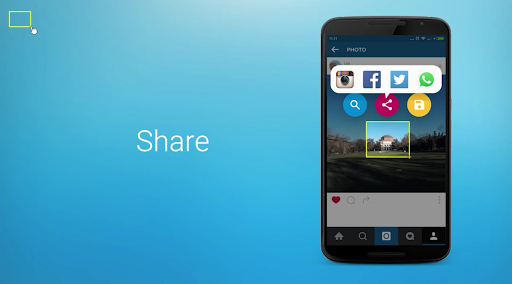
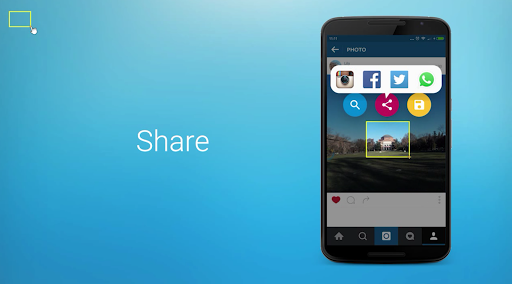
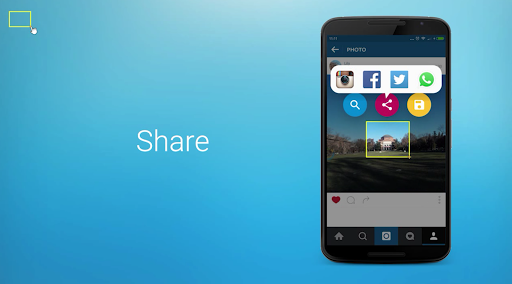
-Crop an image such as in games to screenshot, search, and share to social network or photos community...
-Crop an address to check how to route in maps.
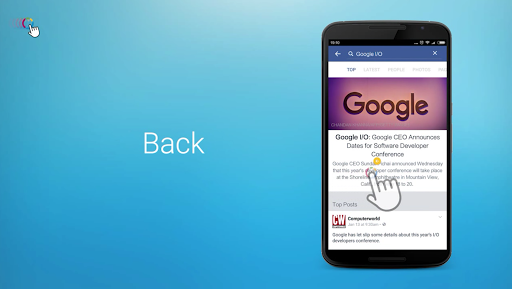
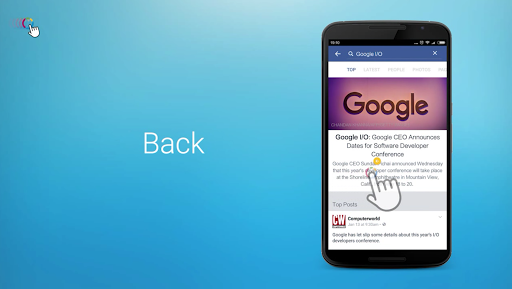
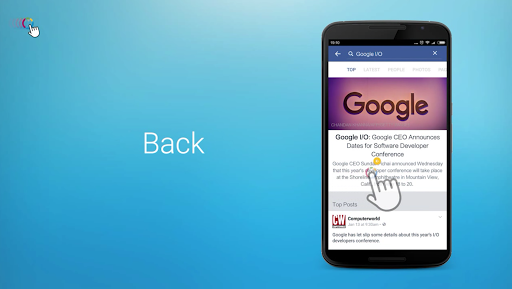
-Swipe for Back, Swipe long for Home, Swipe up to Floating Window, Swipe down to Recent List/Notification.
It works as a shortcut/task automation tool. Task is a quick way to get one or more tasks done with your apps, with putting inbuilt actions together to complete your job automatically. For example, notify you drink every two hours.
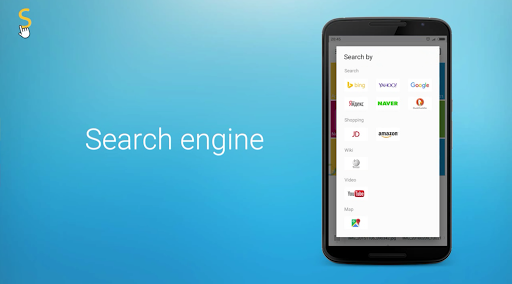
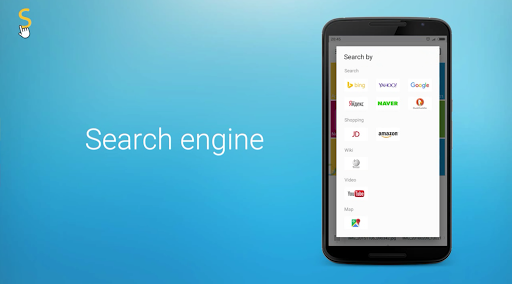
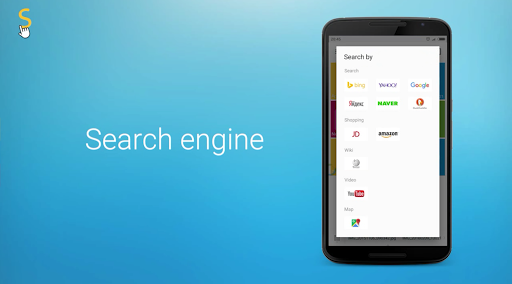
It works as a floating browser and multi-thread downloader, allowing you, for example, to watch a video while searching something on the web at the same time.there's 50+ inbuilt search engines, Such as Google, Bing, Duckduckgo, weChat, Yandex, Baidu, Twitter, Netflix, etc.
It works as a/many floating window(s) with desired size . Such as, you can put 3 windows when you're using other apps. One for playing video, one for searching information, one for editting note.
It works as an automatic helper, you can recognize texts from a picture, you can use voice to get texts or start actions.
Many features are not mentioned, such as Clipboard, Remote Manager, Themes, Barcode..... Find them by yourself.
In all, fooView will utilize the internal power of your smart phones, using AI techniques, save 80% of your operations, let everything be simple.
More features are in the development, mail to us(feedback@fooview.com).
Special Note
When you set gesture for locking screen or grant the device administrator permission from settings manually to avoid this app being killed by the system, this app uses the device administration API, and you need disable the permission before uninstallation. It's required by the system.
Accessibility
How fooView help the disabled users with Accessibility Services?
For normal users, fooView provides a series of useful gestures to improve productivities. For visually impaired users, you can select words or images from the screen using fooView and enlarge it for a better readability. For physical disabilities, fooView provides powerful single hand features, you can use one hand to operate the phone, switch apps easily, replacing the navigation hard keys hard keys that are hard to control with one hand.
Permission
Why fooView ask Read_Phone_State permission?
This permission is usually for reading IMEI code for your device by many apps. But fooView won't read IMEI. It uses this permission to judge the phone in call state, so that when the call is incoming, fooView will stop music play and minimize the floating window to avoid overlapping.
Privacy
Given that fooView requires zero permissions, it presents a low risk in terms of data collection and privacy invasion. However, users should still be cautious about any potential future updates that might introduce new permissions or data collection practices. It's advisable to regularly review the app's permissions and privacy policy to ensure it aligns with your comfort level regarding data privacy.
Tips
To get the most out of fooView, users should start by exploring the various features offered by the magic floating button, customizing it to fit their specific needs and workflow. Regularly reviewing and updating the app can also ensure access to the latest features and improvements. Additionally, considering the app's minimalistic approach, users might find it beneficial to integrate fooView with other productivity tools to create a streamlined workflow.
What's New
1. Compatibility:
Android 15 Support &16KB memory page alignment
2. Networking:
Support SMB2 and partially support SMB3.
URL/IP recognition
3. Clipboard:
Significantly optimized clipboard performance.
Pagination feature
4. Advanced Features:
New Debugging Mode
5. AI:
AI Settings page.
Resolved issues causing AI dialogue failures with specific providers (e.g., OpenAI, Grok).
6. Theming & Design
Dark Mode Improvements
ES Theme Update
7. Many Other Improvements & Bug Fixes.
Version Information
- Version
- 1.6.2
- Downloads
- 5M+
- Updated on
- Sep 22, 2025
- Released
- Apr 28, 2016
- Requires
- Android 5.0
Statistics
Google Play Rating History
Rating Distribution
Downloads Over Time
fooView - FV Float Viewer has been downloaded times. Over the past 30 days, it averaged downloads per day.
Shaded area shows 30-day prediction based on historical trends
Historical data collection started recently. More data points will be available over time.
fooView - FV Float Viewer users say on Google Play
 Sane One
🥹A few times in your life, you'll come across things that you know you'll love for the rest of your life-a favorite flavor, the feel of a certain fabric. I had this app years ago, but when I got my new phone 4yrs ago, it wasnt compatible. I emailed them-asking if they could update the app, but no more updates 😔. For 4 years, I've been disappointed in dozens (maybe hundreds) of apps that tried to do the same. Today, I discovered the new fooView.. I'm in love all over again! How can I donate?
 OGO JUDE
Been using this app for over 6 years. Recently I installed the app on a new phone, it was working but when I restored my backup, the app stopped opening and start crashing. I cleared cache, uninstalled and reinstall the app. Without restoring backup it works. But once I restore a backup, any attempt to open the app will crash. All my tasks and automations lost. Have to rebuild from scratch. Now I can't use the app like before because if I change phone or reset phone, everything will be gone.
 Jon Pham
the gesture icon keeps disappearing and I have to force close or restart foo app
 Faisal Obaidi
I've been using Fooview for a couple of years now, and it was running fine on my previous phone (Pocophone F1), but since I upgraded to the Poco F6 a couple of months ago I've been having a problem where I need to grant the accessibility permission multiple times in the same day despite the fact that I've set the battery saving option to not restrict background activities for the app.
 Al Mamun Islam Rasel
auto hide float icon isn’t working
ApkTrusted Ratings & Reviews
More from fooView Inc.
See more apps




Similar Apps

Alpha Hybrid Launcher 4D theme
Free

Super S9 Launcher for Galaxy S
Free

Fcitx5 for Android
Free

A Launcher : Galaxy A Launcher
Free

realme Community
Free

POCO Launcher 2.0 - Customize,
Free

Newer Launcher 2025 launcher
Free

Storage Analyzer & Disk Usage
Free

Action Launcher: Pixel Edition
Free

Action Blocks
Free

Startpage
Free

GSMArena
Free

TECNO SPOT
Free

HiOS Launcher - Fast
Free

DNA Launcher
Free

Floating Apps (multitasking)
Free
Scan this QR code to download

Forwarding you to the page at Google Play market in seconds...
Open Google Play market now