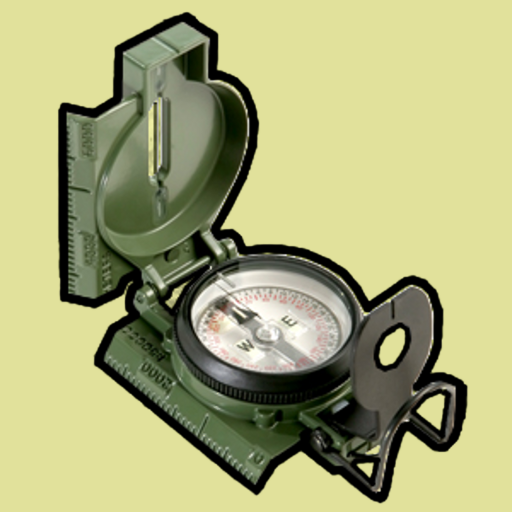
Land Nav Assistant v2024050107
Gammon Applications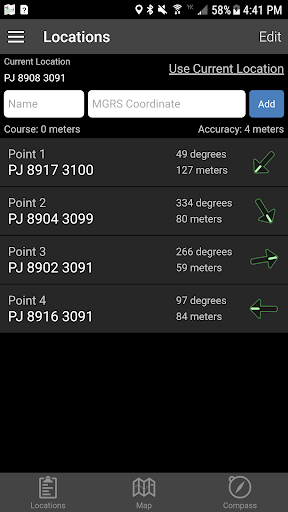
About this app
Developer Description
GPS MGRS & LatLng Navigation for Military and Outdoor enthusiasts
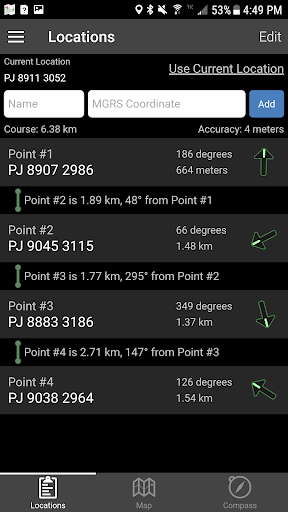
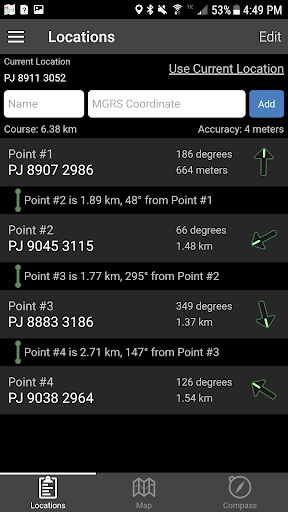
This app was designed with Army, Marine, and other military personnel in mind. Use it to correct your Land Nav technique by analyzing your pace count and tendency to veer left and right.
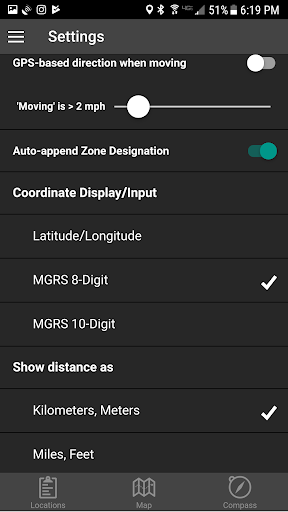
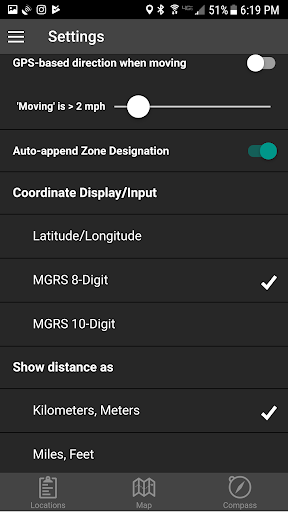
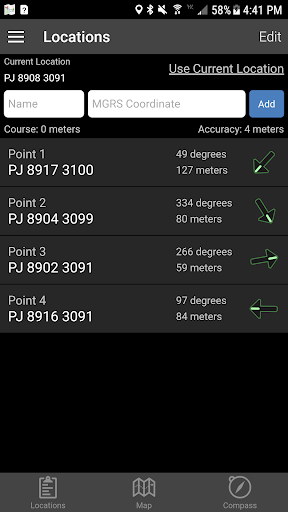
Available Input: 8 digit MGRS, 10 digit MGRS, Lat/Lon decimal, Lat/Lon dms, and map input.
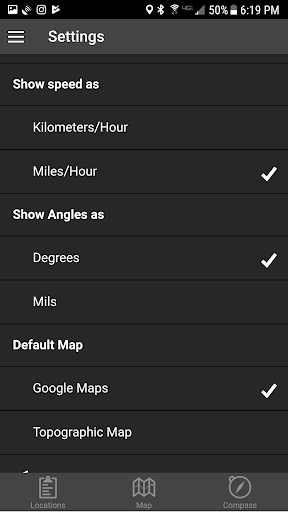
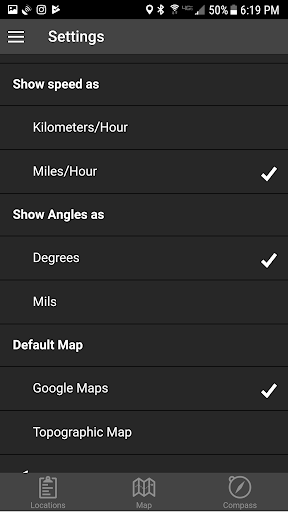
Angles: degrees or mils
Distance: meters/km or feet/miles
Speed: kph or mph
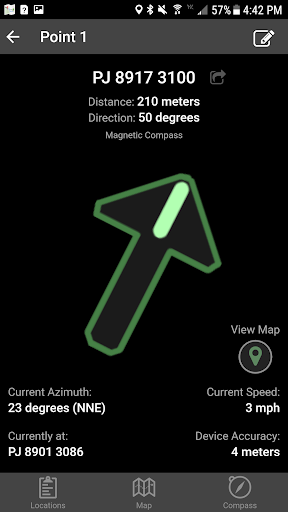
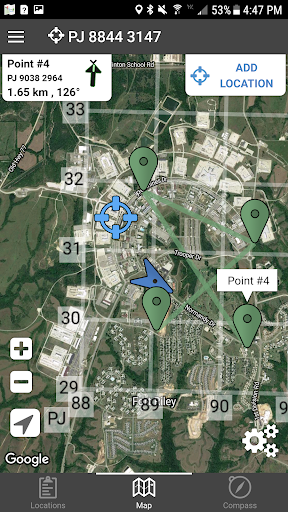
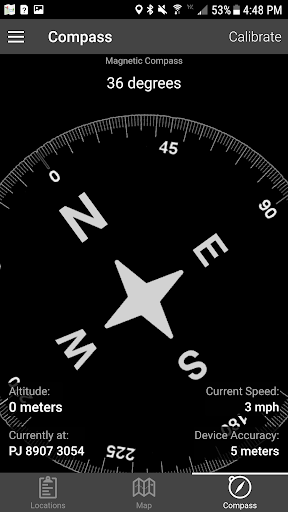
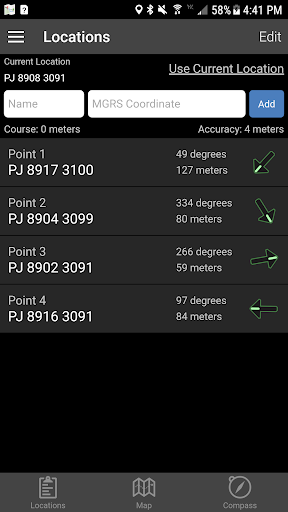
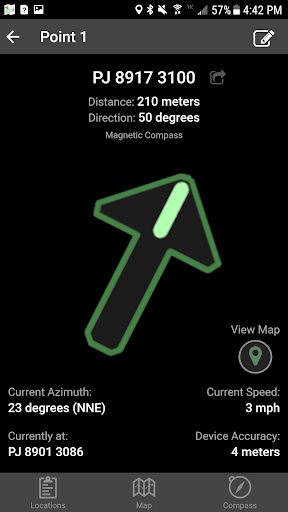
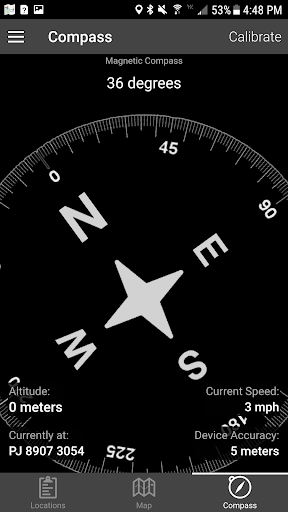
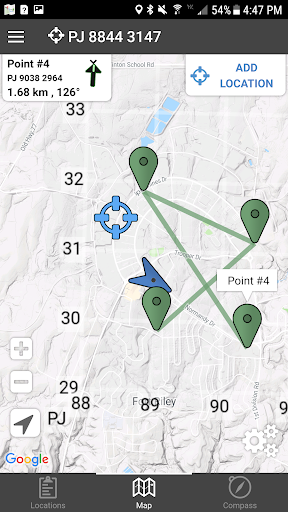
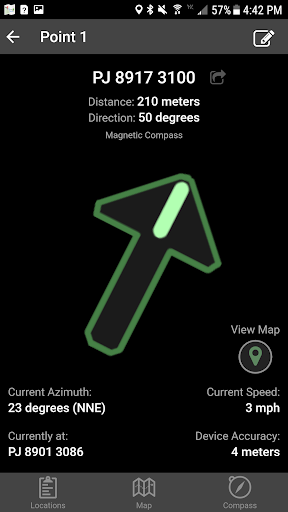
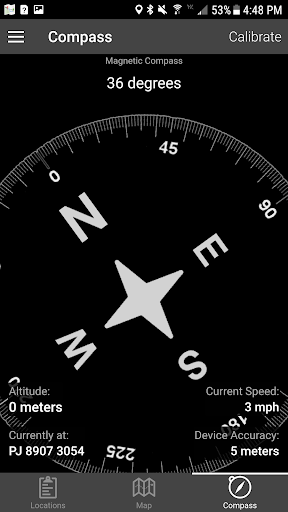
Use the simple arrow interface or map to direct you to your locations. Your distance, direction, speed, and bearing are shown as you navigate.
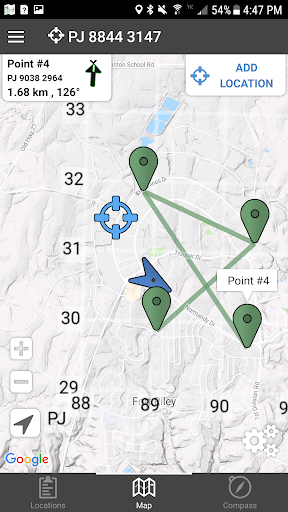
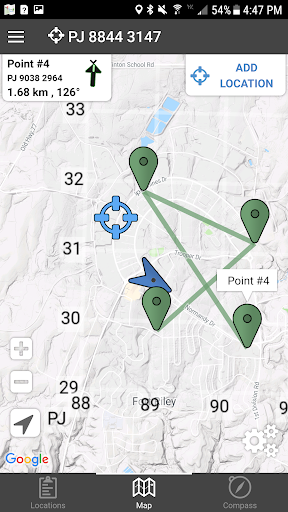
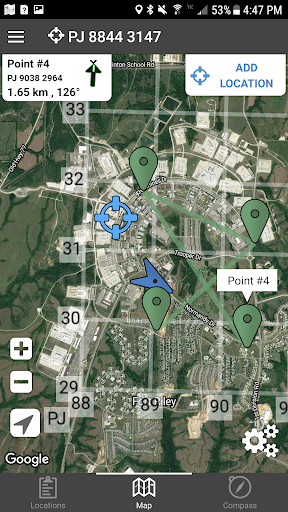
Long-tap anywhere on the map to get the coordinate for that location. Easily add locations via the Map interface.
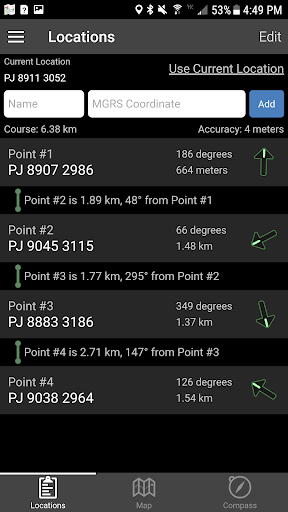
Plan your course by ordering points, or use the course optimization tool which will help you calculate the shortest path possible!
Get distance/direction between two points by tapping the path drawn between them.
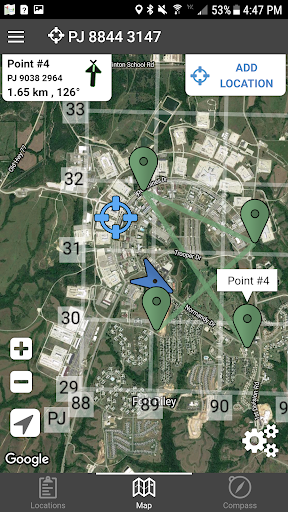
Satellite, Terrain, Road, and basic Topographic maps show you, your locations, and lets you enter in new ones.
Overlay a 1000m or 100m MGRS grid anywhere on the map.
Displays distance/direction from your currentl location to all points, or between any two points.
Download your Locations as a spreadsheet to save anywhere, or to share with anyone you choose.
Import a large set of locations via the web import utility, available at: https://www.gammonapplications.com/land-navigation-services/import
This app uses the Military Grid Reference System (MGRS) and Latitude / Longitude.
Choose to display your locations as MGRS 10-digit, MGRS 8-digit, or LatLon Decimal.
D:M:S can be input in the format DD:MM:SS followed by the appropriate direction (NSWE). Default direction is N, W.
DO NOT use this application while learning Land Navigation. Land Navigation is a valuable skill, and should be mastered before using this application. Do not rely solely on this application for navigation, especially when lost. Always be aware of your surroundings.
What's New
- Fixed a bug that caused example locations to be added multiple times
Version Information
- Version
- 2024050107
- Downloads
- 50K+
- Updated on
- May 1, 2024
- Released
- Jan 23, 2012
- Requires
- Android 5.1
Statistics
Google Play Rating History
Rating Distribution
Downloads Over Time
Land Nav Assistant has been downloaded times. Over the past 30 days, it averaged downloads per day.
Shaded area shows 30-day prediction based on historical trends
Historical data collection started recently. More data points will be available over time.
Land Nav Assistant - Google Play Rankings
Top Rankings
| Rank | Country | Category | List | Change |
|---|---|---|---|---|
| — |
Ranking History in
No ranking data available yet. Rankings are updated daily.
#10 in Top Paid Maps And Navigation in United States


#32 in Top Paid Maps And Navigation in Philippines


#32 in Top Paid Maps And Navigation in Saudi Arabia
#32 in Top Paid Maps And Navigation in Egypt
Land Nav Assistant users say on Google Play
 A Google user
Never any issues with this app. Ive had it for years (in the Army) and never thought to rate it. Im using it now in the middle of the desert on a recon...not bad guys. Thanks a million to the app developers. You want more downloads...keep the military training areas and off road areas coming. Really helps...esp the MGRS inputs!
A Google user
i use this quite a bit for work. For my purposes as a trainer, it's more efficient than burning through AAA batteries on a Fortrex every day and a half, and it's instantly available as soon as I open the app if I forget to fire it up before I need to call of a grid. A Fortrex takes time to boot up, and accquire satellites. I recently got a Samsung smart watch, but I can't move this app over to it. If there was an update that was compatible with smart watches, that would be even better.
A Google user
What this app does, it does well. It has a simple, intuitive system for inputting and naving grids. I have had no issues creating simple routes, and the clear interface makes naving on the go a breeze. / Cons are, it is too basic. It lacks offline map support, and the only topo map it uses is open street, which is not a detailed terrain map. It doesn't support manually dropping way points via the map, you cannot browse the map to find the grid at a particular point, and there is not a grid system overlay
A Google user
This app had so much potential. It worked liked a charm and used it to help teach classes and confirm pace counts and land nav points, etc. However, the compass is now frozen. I conducted all of calibration steps and none of it worked. I downloaded other apps and the compass for them functions on my phone. If th e compass worked, this would be a five-star app.
 Clay Phoenix
Nooooooo! What did you do!!? Last update has made this app so annoying to use. The compass is almost unusable as it goes from north to south constantly giving me no idea of which way im actually facing. Ive had to download a compass app to get the proper direction and it works fine. This app was perfect before now I'm constantly having to close app and re-open to make it work properly. Can you change it back to the original please. If it ain't broke don't fix it my guys.
ApkTrusted Ratings & Reviews
Scan this QR code to download

Forwarding you to the page at Google Play market in seconds...
Open Google Play market now