
Shuffle - Analog Watch Face v1.1
GVStudio


About this app
Developer Description
Shuffle - Analog watch face supports large photo complication for Wear OS
Key Features
1. 8 Nature inspired beautiful background image.
2. 30 Color theme.
3. 6 different complications.
4. Customisable watch hands and second hand.
5. Shuffle mode - shuffle between images by tap action on the watch face.
6. Photo Complication - Support large full screen PHOTO or IMAGE complication.
To use your own custom photos as watch face background use our app 'Shuffle Photos for Wear Watch' as complication provider.
Shuffle mode can be turn ON and OFF by customising the watch face.
Note :- Shuffle mode and default background images changes only when PHOTO complication is EMPTY.
This Watch Face support only on Wear OS watch with API 29 and above.
What's New
Resolved background photos icon visibility when changed.
Version Information
- Version
- 1.1
- Downloads
- 100+
- Updated on
- Sep 2, 2025
- Released
- Aug 13, 2025
- Requires
- Android Varies with device
Statistics
Google Play Rating History
Rating Distribution
Downloads Over Time
Shuffle - Analog Watch Face has been downloaded times. Over the past 30 days, it averaged downloads per day.
Shaded area shows 30-day prediction based on historical trends
Historical data collection started recently. More data points will be available over time.
Shuffle - Analog Watch Face users say on Google Play
 Droid Solution
Great
ApkTrusted Ratings & Reviews
More from GVStudio
See more apps


Similar Apps

CELEST5468 Artistic Watch
Paid

Mountain Landscape 2
Paid

Peace - Watch Face
Free

Sunset Digital Watch Face
Free

Forest at Sunset - Watch Face
Free

Waves Animated
Paid

Sunset - Watch Face
Free
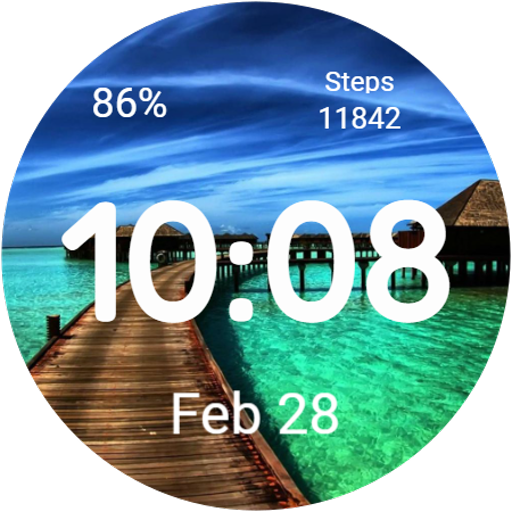
Digital SG04 Watch face
Free

Red Mountains - Watch Face
Free

Lonely Stone - Watch Face
Free

Summer Magic
Paid

Galaxy Universe Space Animated
Paid
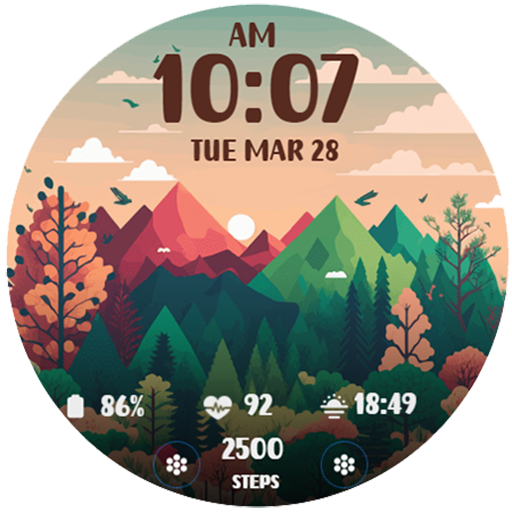
Nature Landscape 2
Paid
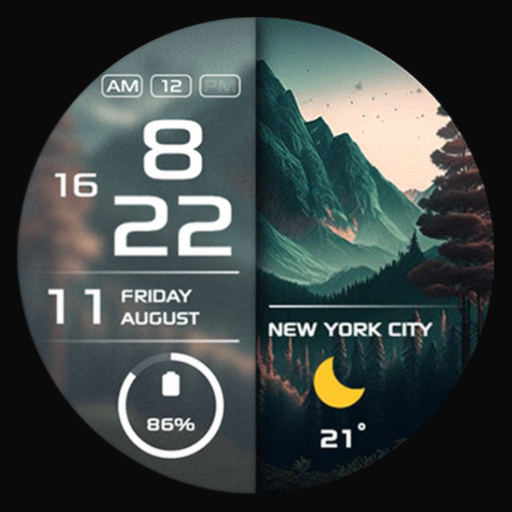
SG-131
Paid

Mountain View WatchFace
Free

Sunset Trees - Watch Face
Free
Scan this QR code to download

Forwarding you to the page at Google Play market in seconds...
Open Google Play market now