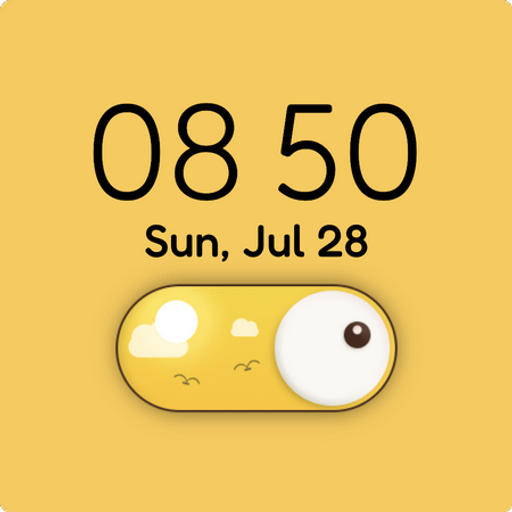
Switch Digital Watch Face vVARY
Watch Face Maker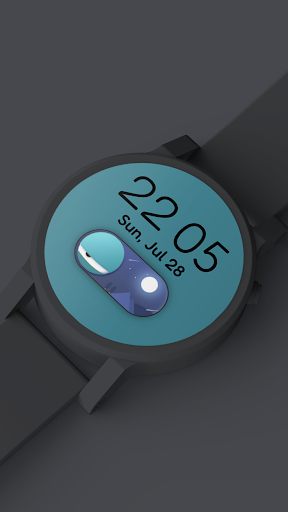


/
About this app
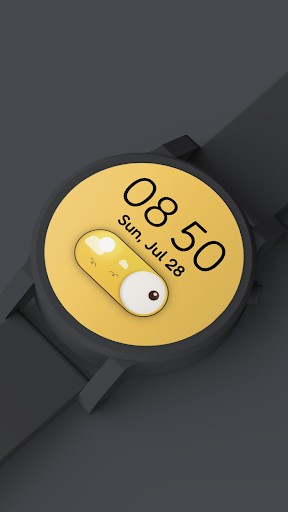
Switch Digital watch face for Wear OS smartwatches
Switch Digital watch face for Wear OS smartwatches: Huawei Watch, Sony SmartWatch, Motorola Moto 360, Tag Heuer, Fossil Q, LG G Watch, Asus ZenWatch etc. Stylish & Elegant. This watchface is compatible with all Wear OS watches.
FEATURES of Switch Digital Watch Face - complete guide:
✔ Watchface compatible with all Wear OS Watches:
* Motorola Moto 360,
* Motorola Moto 360 2nd,
* LG G Watch R,
* LG G Watch,
* LG Urban,
* LG Urban 2nd,
* Sony SmartWatch 3,
* Samsung Gear Live,
* Huawei Watch,
* Asus ZenWatch,
etc.
✔ Day of the week
✔ Day of the month
✔ Ambient mode
✔ Several themes.
The several different background themes will auto switch according to the time, All themes are full HD quality.
How to use Switch Digital Watch Face for Wear OS smartwatches:
1. Once you install the app, the Switch Digital watchface will be automatically transferred to your watch. This may take a few minutes. You may have to wait for a while.
2. From smartwatches: Long press your watchface and select the one that you have installed.
From mobile: Run the "Wear OS" app and tap "More" button in the watchface section.
3. Enjoy your new Switch Digital Watch Face for Wear OS!
More watchfaces:
Visit our exclusive collection on the Play Store : https://play.google.com/store/apps/dev?id=8033310955272052059
FEATURES of Switch Digital Watch Face - complete guide:
✔ Watchface compatible with all Wear OS Watches:
* Motorola Moto 360,
* Motorola Moto 360 2nd,
* LG G Watch R,
* LG G Watch,
* LG Urban,
* LG Urban 2nd,
* Sony SmartWatch 3,
* Samsung Gear Live,
* Huawei Watch,
* Asus ZenWatch,
etc.
✔ Day of the week
✔ Day of the month
✔ Ambient mode
✔ Several themes.
The several different background themes will auto switch according to the time, All themes are full HD quality.
How to use Switch Digital Watch Face for Wear OS smartwatches:
1. Once you install the app, the Switch Digital watchface will be automatically transferred to your watch. This may take a few minutes. You may have to wait for a while.
2. From smartwatches: Long press your watchface and select the one that you have installed.
From mobile: Run the "Wear OS" app and tap "More" button in the watchface section.
3. Enjoy your new Switch Digital Watch Face for Wear OS!
More watchfaces:
Visit our exclusive collection on the Play Store : https://play.google.com/store/apps/dev?id=8033310955272052059
Version Information
- Version
- -
- Downloads
- 5+
- Updated on
- -
- Released
- Sep 25, 2018
- Requires
- Android Varies with device
Ratings & Reviews
Developer Response
More from Watch Face Maker
See more apps
Rabbit flip desktop clock
Free

Cat flip desktop clock
Free

Frog flip desktop clock
Free

Christmas Digital Watch Face
Paid
Balloon Girl Gif Watch Face
Paid

Colorful Watch face
Paid

Bear flip desktop clock
Free

Childhood Watch Face
Free

Bridge Digital Watch Face
Paid
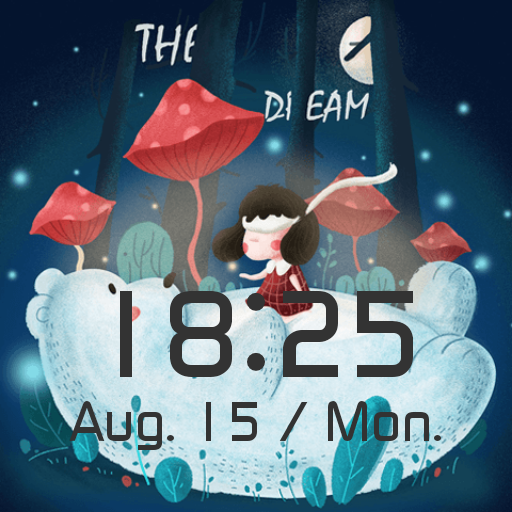
White Bear Watch Face
Free

Dusk Animated Gif Watch Face
Free

Nine Planets Watch Face
Free

Guitar Animated Gif Watch Face
Paid

Lonely Star Gif Watch Face
Paid

Meteor Animated Gif Watch Face
Paid

Moon Animated Gif Watch Face
Paid
Similar Apps

Weather Cupid 3D Gif
Paid

Capsule Watch Face
Free

artifun.duckfam.watchface
Paid
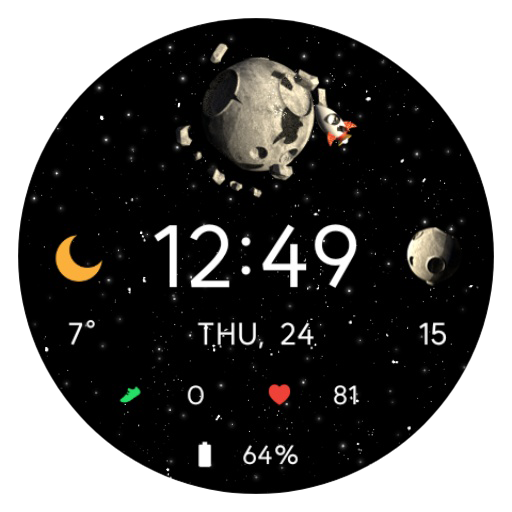
AWD Moon W1
Paid

Cute Bunny digital watch face
Paid
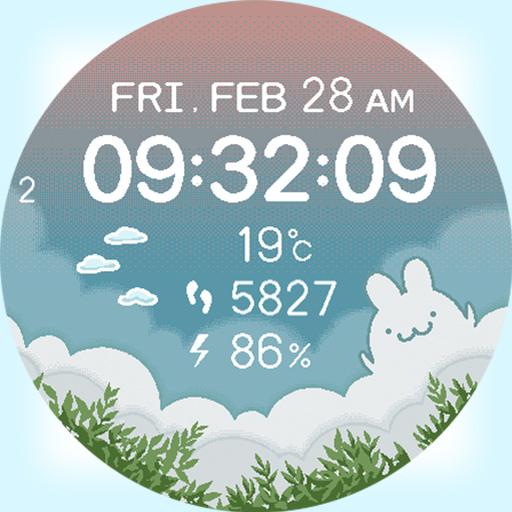
artifun.rbcloud1
Paid

Pixel Watch Face
Paid

AWD Big Weather Gif
Paid

h602 Happy Party Watch Face
Paid

Track Watch Face by KYB
Free

Simple Day/Night Watchface
Free
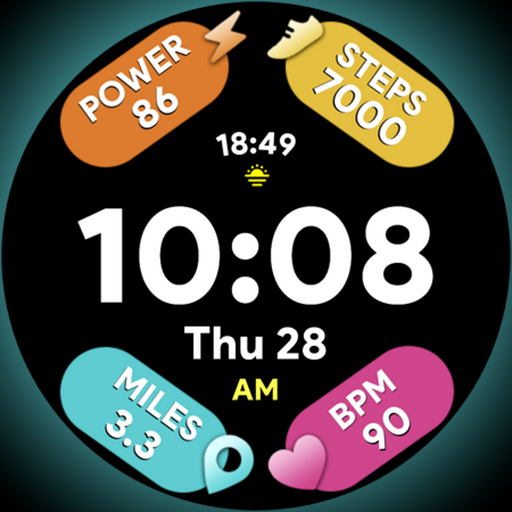
Arc Dial Two - Watch face
Paid

SamWatch T Nori Nori Black
Free
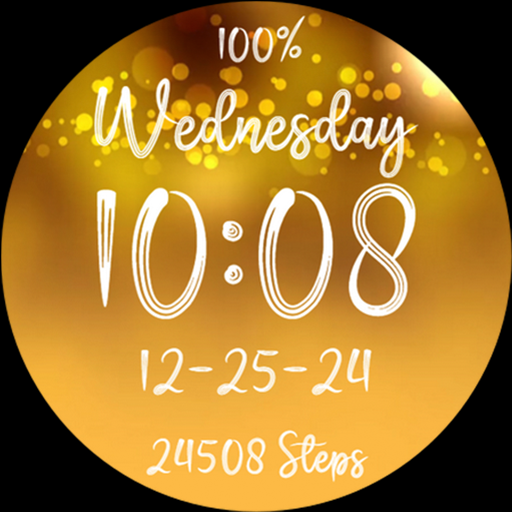
Merry Christmas Gold Glitter
Free

Sporty Pixel Pro - Watch face
Paid

Glitter Watchfaces Wear OS PRO
Paid